
In this guide
Home Assistant is the open, local platform that UK households use to pull meter, inverter and plug data into one place. It is not a meter and not a supplier service: it is software that runs on a computer in the home and displays whatever the devices around it report. The energy dashboard is the part of it that turns those readings into consumption, cost and export views.
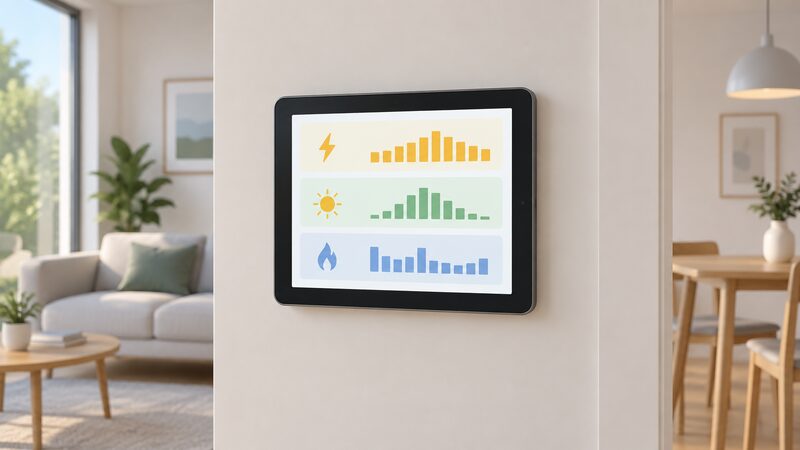
The starting point for most homes is the smart meter. Smart meters come with an in-home display so consumers can see and manage energy use, and the rules allow that data to reach other linked devices or apps1. A home energy monitor, by contrast, is usually bought separately and mainly tracks electricity use in your home2. Home Assistant sits on top of either, and its usefulness depends entirely on what feeds it.
What the Home Assistant energy dashboard does
The dashboard is a view, not a device. It takes the entities that Home Assistant already knows about, such as a whole-house power sensor, a solar inverter feed or a smart plug, and organises them into electricity, gas, solar, battery and export categories. Once a source is assigned to a category, the dashboard builds the consumption history, the cost line and the export line from that data.
That matters for independence because the data stays in the home. A supplier app shows what the supplier holds; a manufacturer app shows what that manufacturer's cloud holds. Home Assistant shows what the household's own devices report, on hardware the household controls. The trade is that nothing is provided for you: there is no installer, no helpline and no automatic tariff feed unless someone sets one up.
The dashboard also inherits the limits of its sources. Smart meter data is near real-time, and the in-home display shows how much energy you are using during the day6. A whole-house monitor gives a similar picture but does not automatically send meter readings to your energy supplier, so it cannot replace a smart meter for billing2. Home Assistant can hold both, and it is worth being clear which figure is which.
What you need to build an energy dashboard: hardware and integrations
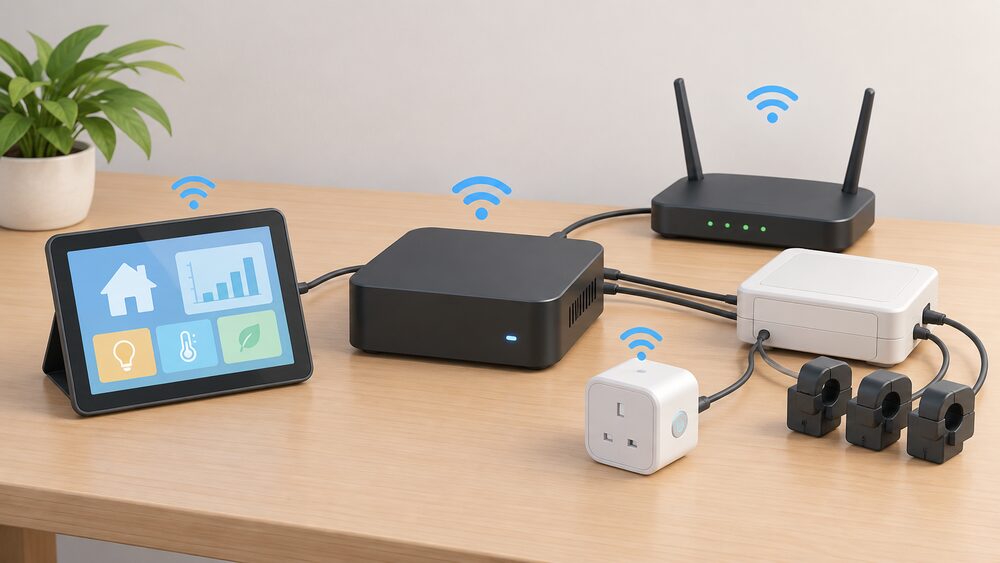
Three things are needed: a host to run Home Assistant on, a way to get data in, and a network for the devices to talk over. The host is typically a small always-on computer or hub in the home. The data sources are the meters, clamps, plugs and gateways described below. The network is usually the home's own Wi-Fi or a low-power mesh.
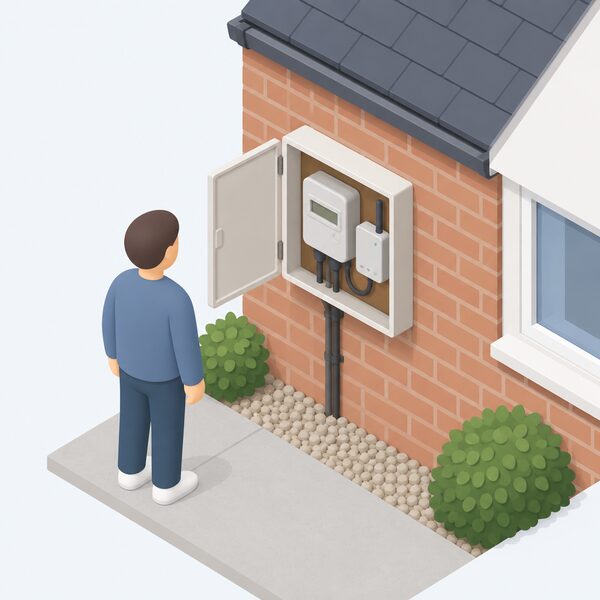
Smart meter data does not arrive by itself. Smart meters are accompanied by an in-home display, a portable touchscreen device that shows near real-time energy usage data4. To get that data into Home Assistant, a household needs a consumer access device or an authorised feed, which is the same route that lets data reach a mobile app or other linked devices1. At the point of installation, households will be offered an in-home display7, but the display is a starting point rather than an integration.
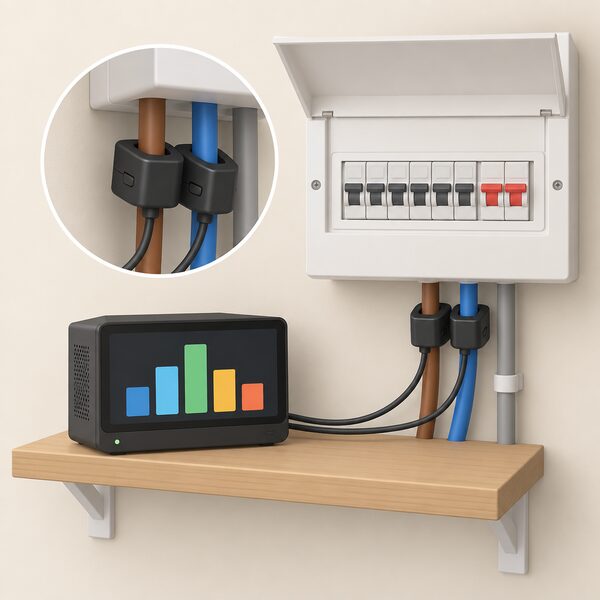
The other sources are more direct. A whole-house monitor with current transformers clamps around the supply tails and reports total consumption. Smart plugs report individual appliance draw. Solar and battery systems report through their own gateways. Some wireless energy monitoring devices may also require subscription apps or additional accessories depending on the manufacturer, so the hardware list is not the whole cost8.
Individual device monitoring versus whole-house monitoring
The two approaches answer different questions. Whole-house monitoring tells a household what the building is drawing at any moment and how that changes across a day. Device-level monitoring tells it which appliance is responsible. Most useful setups run both, because the whole-house figure shows that something is running and the plug data shows what.
A home energy monitor, on the other hand, is usually bought separately and mainly tracks electricity use in your home2. Some third-party home energy monitors may offer more detailed electricity insights, depending on the system2. That is the honest limit of the category: the monitor measures the supply, and the detail comes from what else is connected.
Device-level monitoring has its own constraints. A smart plug measures one socket, so a hard-wired appliance such as a cooker or an immersion heater is not covered without additional sensors. The appliance-level view that suppliers offer works differently again: one supplier tool takes smart meter data and identifies the energy usage in different appliance categories around your home, run by a third-party, UK-based energy analytics company called GEO9. That is an inference from whole-house data rather than a measurement at the appliance.
For a household, the practical split is this: whole-house monitoring supports decisions about the building, such as whether a battery or a heat pump would suit the load profile. Device monitoring supports decisions about behaviour and about which appliance to replace. Home Assistant can hold both, and the dashboard will show them side by side.
Solar, battery and export tracking in the dashboard
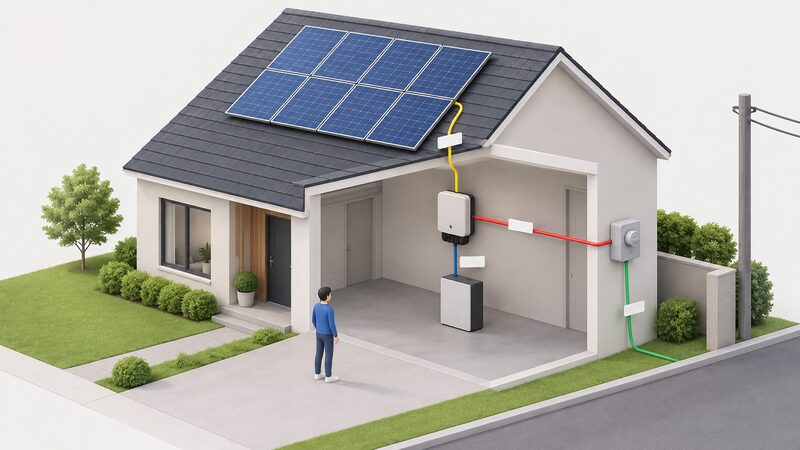
Solar is where the dashboard earns its place. A solar and battery system reports production, consumption, battery activity and grid usage, and those figures can be viewed with daily or hourly breakdowns3. That is the shape of data Home Assistant needs: separate streams for what the panels made, what the house used, what the battery charged or discharged, and what crossed the meter boundary in each direction.
Export tracking follows from the same streams. The dashboard can show when the system was exporting and how much, because the grid usage figure is signed. Turning that into a payment depends on the tariff and on the metering arrangement, not on the dashboard. Feed-in Tariff enquiries run through the licensee contact details published by the regulator10, and export payments under newer arrangements depend on the terms the household has agreed.
The independence point is real but partial. A household with solar, a battery and local monitoring can see its own generation and consumption without asking a supplier or a manufacturer. It still depends on the grid for import and on a supplier for export payment, and it depends on the inverter maker's gateway for the data itself. Where that gateway is cloud-based, the local dashboard is only as local as the feed behind it.
Gas and heat monitoring alongside electricity
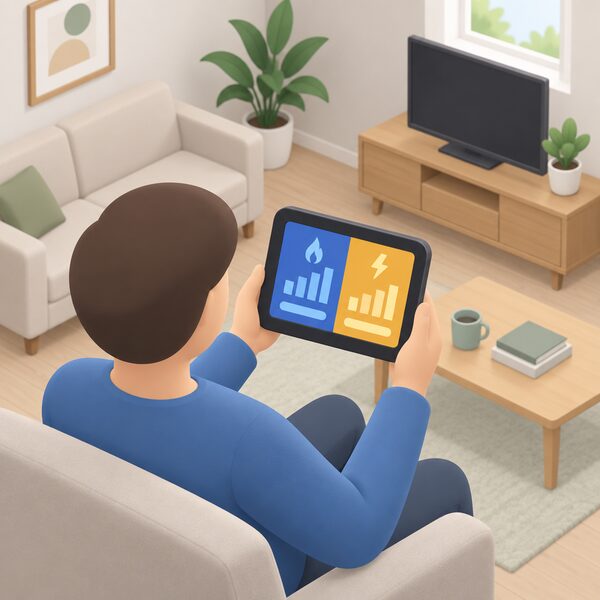
Electricity is the easy half. Gas is harder, because a gas meter does not report power in the way an electricity meter does, and the data usually arrives through the same smart meter route as the electricity figures. Where a household has a smart meter with a gas supply, the consumption appears in the same near real-time picture as electricity, and the in-home display shows how much gas and electricity you are using and what it is costing you7.
Heat pumps add a different measurement problem. A heat pump's electricity use is measurable at the supply, but its heat output is not, so a dashboard can show running cost without showing efficiency. The official guidance on heat pumps notes that a household can save around £100 per year with smart tariffs11, which is a tariff effect rather than a monitoring one, but it is the kind of figure a dashboard helps a household check against its own data.
For homes without a smart meter, gas monitoring is largely manual. The dashboard can hold a manually entered reading, but that is a record rather than a measurement. The same applies to oil and solid fuel, which have no metering route into Home Assistant at all. Where a household wants gas and heat alongside electricity, the smart meter is the practical foundation, and the smart meter data rules govern what can be shared and with whom.
The energy dashboard's cost and tariff features
Cost tracking in Home Assistant is a calculation laid over consumption data. The dashboard multiplies usage by a price the household enters, and where a time-of-use tariff applies, it applies different prices to different periods. That is enough to see what a day, a week or a month cost at the rates in force, and it is enough to compare one period with another.
The reference point for what those costs should be is the in-home display. It is a separate wireless touchscreen device that provides users with historical and current energy use in near real-time, including energy costs, tariff details and prepayment information12. Where the display and the dashboard disagree, the difference is usually the tariff entered rather than the consumption measured.
Running costs are modest but not zero. The software is open source, and the costs sit in the hardware and in any subscription services attached to the devices. Generally, these additional tools and systems come at an additional cost and are operated via an app on your mobile or tablet8. For a household weighing the outlay, the honest position is that the dashboard saves money only where the data it shows changes a decision, and the cost of monitoring is a separate question from the cost of energy.
Where the dashboard falls short
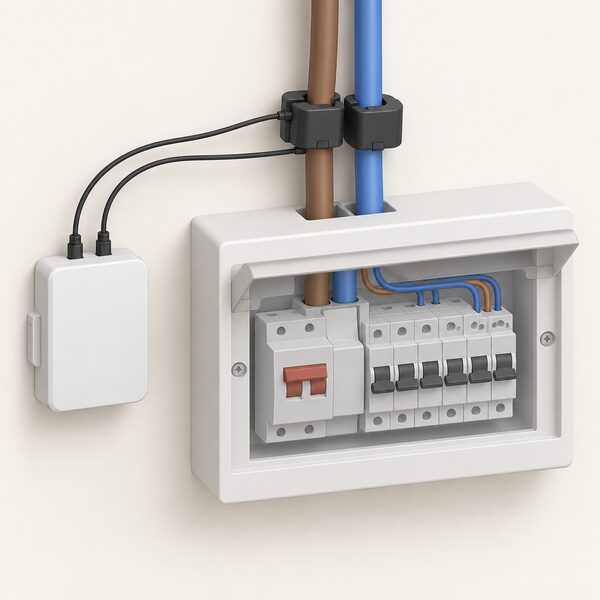
The dashboard is only as good as its inputs, and several gaps are structural rather than fixable.
- No direct meter read. Home Assistant cannot read a smart meter itself; it depends on a consumer access device or an authorised feed1.
- No billing authority. A home energy monitor cannot automatically send readings to a supplier, so the dashboard figure and the bill can diverge2.
- Partial fuel coverage. A home energy monitor mainly tracks electricity use, so gas, oil and solid fuel are outside its reach2.
- Subscription and accessory risk. Some wireless monitoring devices require subscription apps or additional accessories depending on the manufacturer8.
- No confidence intervals. The official domestic electricity consumption indicator notes that confidence intervals are not available for this indicator14, so local data has no published benchmark band to sit against.
There is also a human gap. One householder in an official case study felt that the information on the energy advice websites was quite repetitive and general, and none of them offered her the specific information she needed about making changes to an older home15. A dashboard does not solve that by itself; it supplies the numbers, and the interpretation still has to come from somewhere. The home energy monitors page sets out what the hardware categories can and cannot measure.
Roadmap: features announced for upcoming app updates
Home Assistant's own release cycle is continuous, and no dated roadmap for the platform itself is published. A dated roadmap does exist for a connected device ecosystem that feeds dashboards of this kind, which is a useful illustration of how these features arrive.
A connected home platform has announced five camera features for a Q4/2026 app update, including custom alarm zones, doorbell group integration, door opening from live view, room view access and adjustable outdoor camera light brightness16. Three further features are announced for Q2/2027: central private mode control, central alarm notification management and a multi-view of up to four live feeds16. Separately, an update to the cloud security certificate on or after 20 September 2026 will require a firmware update for that platform's video doorbell and rechargeable outdoor camera17.
The pattern is worth noting for energy monitoring. Features arrive through app updates, and app updates can depend on cloud certificates and firmware. A local platform such as Home Assistant is insulated from the certificate side of that, but not from the device side: if a sensor's maker changes its cloud service, the integration that feeds the dashboard is what breaks.
Independence, and what remains dependent
Home Assistant gives a household something no supplier app does: a single local record of what the building, the solar array, the battery and the appliances actually did, held on hardware the household owns. That is a genuine step toward energy independence, because the data does not sit behind a supplier's or a manufacturer's login.
The dependencies that remain are worth stating plainly. The household still depends on the grid for import and on a supplier for export payment. It depends on the smart meter and on a consumer access device or authorised feed for meter data1. It depends on each device maker's gateway for solar, battery and plug data, and on the home network for all of it. In a power cut, gas boilers and heating, electrical appliances and your home's internet and landline connections will stop working18, so the dashboard goes dark with everything else unless the host and network are on a battery.
There is a longer-term dependency too. The 2G and 3G networks are due to close, and additional home visits to replace communications hubs will be needed ahead of the network closures5. Any monitoring device that reports over a mobile network will need checking against that timetable. The smart meter communications page covers how those links work, and the local data access page covers the routes that keep data in the home.
Sources18 cited
- Getting a smart meter, Ofgem, 2026
- Smart meters vs home energy monitors, Smart Energy GB, 2026-08-17
- Enphase support, Enphase, 2026
- How do smart meters help the environment?, Smart DCC, 2026
- Update on the rollout of smart meters, National Audit Office, 2023
- Get help with your smart meter, Ofgem, 2026
- Smart meters and WiFi, Smart Energy GB, 2026-03-16
- How do you know if you have a smart meter?, Smart DCC, 2026
- Appliance Tracker FAQs, Uswitch, 2026-09-20
- Feed-in Tariffs: contacts, guidance and resources, Ofgem, 2026-09-17
- Heat pumps, UK Government, 2026-09-10
- How do smart meters reduce my bills?, Smart DCC, 2026
- Get help with your energy bills, Ofgem, 2026-09-17
- Domestic electricity consumption, Office for National Statistics, 2026-09-20
- Home energy information, advice and guidance: case studies, UK Government, 2026-03-11
- Cameras, Homematic IP, 2026
- Switching actuator and meter, flush mounted, Homematic IP, 2026-09-20
- Storms and bad weather, Energy Networks Association, 2026-09-17
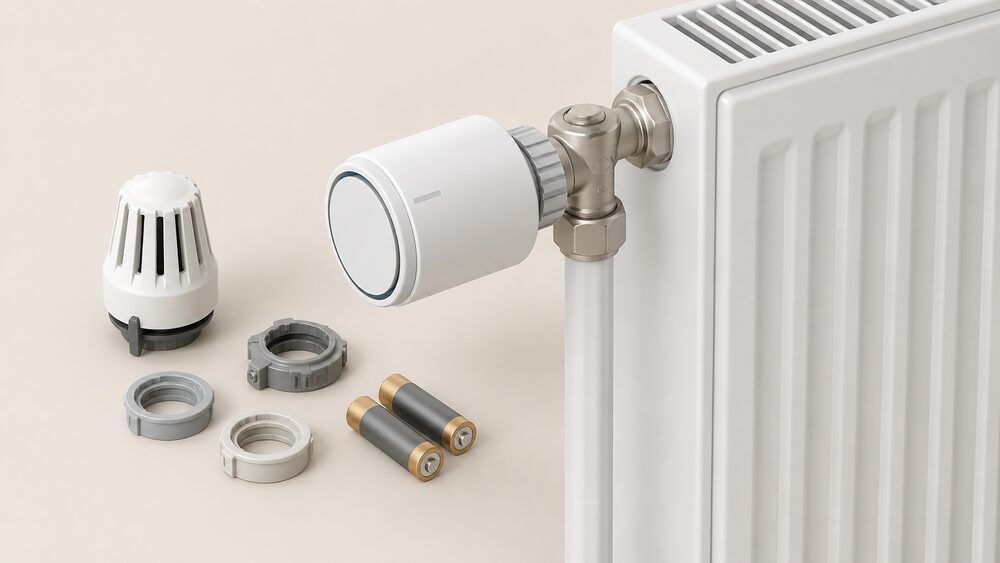 Homematic IP Heating ControlsHomematic IP thermostats and radiator valves for UK homes: what the range covers, what runs without the internet, and where the cloud dependence sits.
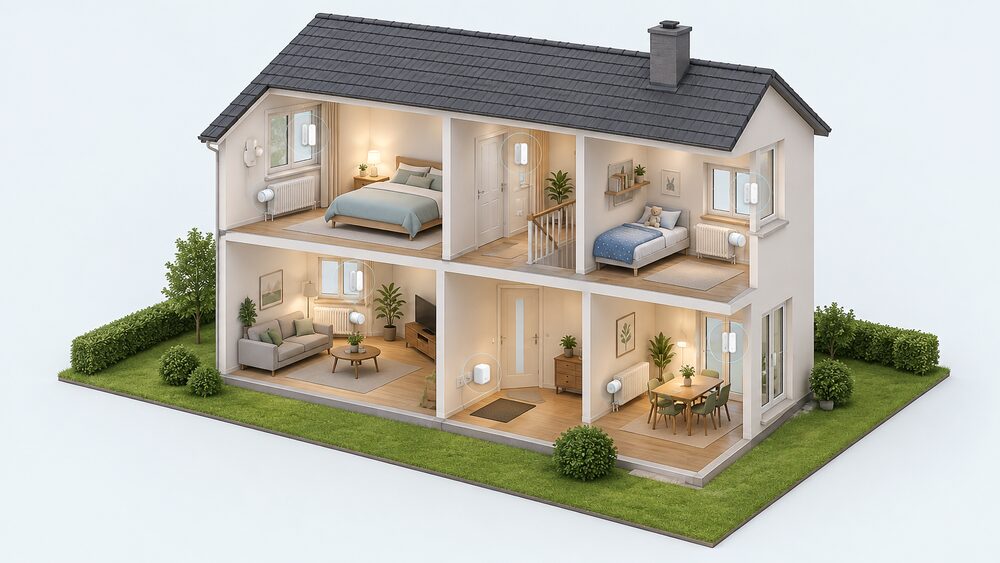 Homematic IPConsumer smart-home system with cameras, doorbells and central control units householders buy and own.
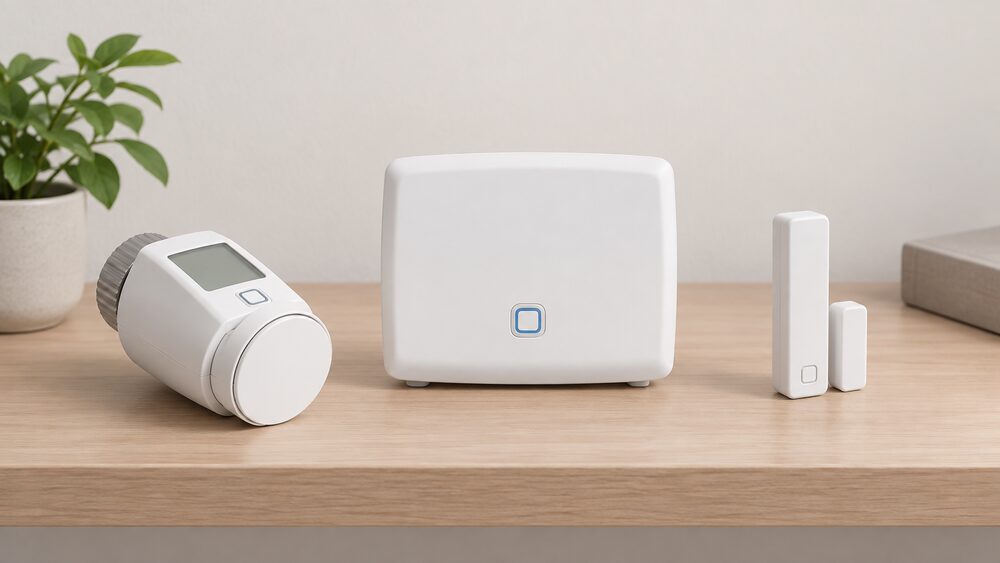 Homematic IP CCU3 Central Control UnitDoes your Homematic IP setup keep working when the internet goes down?