In this guide
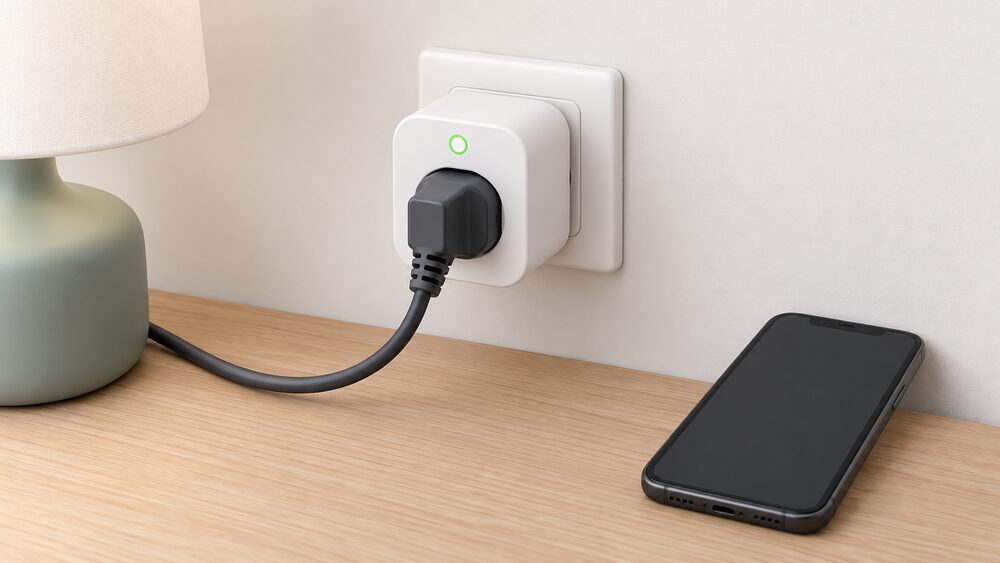
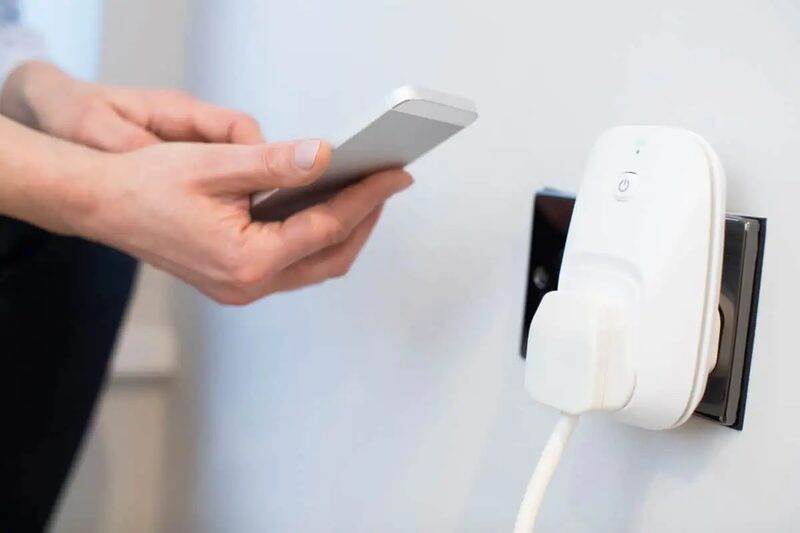
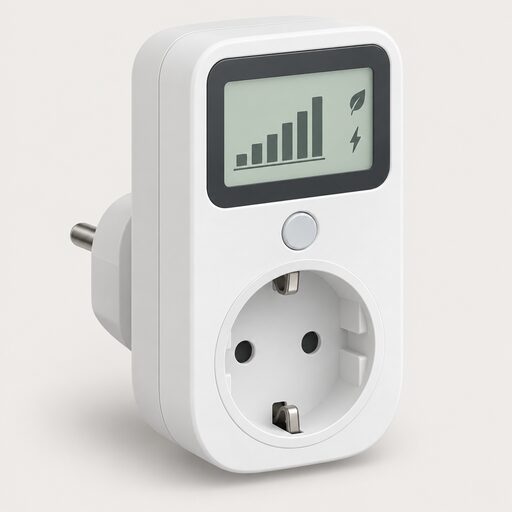
A metering smart plug is a small adapter that plugs into a wall socket, with the appliance plugged into the plug itself. It monitors that device's current, voltage and energy consumption and reports it in real time through a phone app, and it can switch the appliance on or off remotely, on a schedule or by voice1. That is the whole of its job: one socket, one appliance, one stream of data.
The distinction that matters for a household is between this and the meter on the wall. Smart meters support whole-home energy monitoring, and they only measure household energy use: they do not know when individual appliances are turned on or off2. A smart plug fills exactly that gap. It cannot bill you, it cannot see your gas, and it has no relationship with your supplier's systems. Smart plugs and smart meters are both about energy, but they do different jobs, and neither one depends on the other2.
The practical value is in finding loads you cannot otherwise see: standby draw, a fridge cycling, a tumble drier's real cycle cost. The practical limits are just as firm. A smart plug stays in standby mode so it can respond to commands, which means it always uses a small amount of electricity even when the connected device is switched off, and it only saves you electricity if it stops you using more power than the plug itself uses2. Everything below sets out what the devices do, what the numbers mean, and where the safety rules bite.
What a smart plug does: monitoring, control and scheduling
The core function is measurement. Smart plugs monitor a device's current, voltage and energy consumption, providing real-time reports on energy consumption via a phone app1. The same description appears in separate guidance: smart plugs monitor a device's current, voltage, and energy consumption, providing real-time reports via a phone app2. That triple of current, voltage and power is what allows a plug to show not just how much energy an appliance has used but how hard it is working at any moment.
Around that measurement sit the control features. Common smart plug features include remote control, scheduling, timers, voice control and energy monitoring2. In practice that means monitoring the energy consumption of individual appliances, turning appliances on or off remotely, setting times for appliances to be turned on or off, and activating appliances through voice recognition1. Voice control uses compatible assistants such as Alexa, Google Assistant or Siri, depending on the product2.
Scheduling deserves a caveat that is easy to miss. Appliances such as tumble driers, washing machines and dishwashers often do not start their cycles just when power is delivered, so the smart plug would only be able to monitor power consumption1. A washing machine with a mechanical start button will not begin a cycle because the socket came on at midnight. The plug can cut power and restore it, but it cannot press the button.
The standby case is where plugs earn their place. Many smart plugs enable you to automatically cut power to appliances that are in standby mode3. The condition is arithmetic: a smart plug can help reduce standby power if it fully cuts power to an appliance that would otherwise use more standby electricity than the smart plug itself uses2. Where the appliance's standby draw is smaller than the plug's own, the plug adds consumption rather than removing it.
Smart plug or whole-home monitor: which level of detail do you need
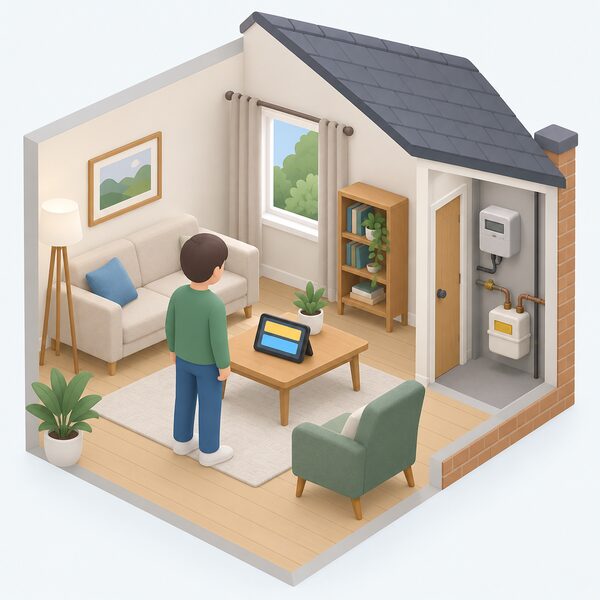
These are different instruments at different scales, and the choice follows from the question being asked.
A smart meter tracks how much power an entire home uses per day, week, month, or year, shows it on the in-home display, and sends readings automatically to the energy supplier4. It measures how much gas and electricity you are using and sends those readings automatically to your supplier5. It uses a secure data network to send meter readings to your supplier, with an in-home display showing gas and electricity use and spend in real time6. Your energy supplier should provide an energy monitor, also called an in-home display, if you have a smart meter7.
A home energy monitor, by contrast, is usually bought separately and mainly tracks electricity use in your home, while smart meters can support both gas and electricity tracking8. Some third-party home energy monitors may offer more detailed electricity insights, depending on the system8. Plug-in energy monitors are not included in the smart meter programme, and you will usually have to purchase one separately; a few suppliers may give one free with specific tariffs, but it is not the norm4.
| Instrument | Scope | Fuels | Provided by |
|---|---|---|---|
| Smart meter | Whole home, half-hourly records | Gas and electricity | Energy supplier, at no extra cost9 |
| In-home display | Whole home, near real time | Gas and electricity | Supplier, with a smart meter7 |
| Home energy monitor | Whole home, electricity focus | Mainly electricity | Bought separately8 |
| Smart plug | One socket, one appliance | Electricity only | Bought separately1 |
The level of detail question resolves cleanly. If the aim is to understand the household total, the smart meter and its display already do that, and the supplier installs the meter at no extra cost9. If the aim is to attribute consumption to a specific appliance, no whole-home device can do it, because smart meters only measure household energy use and do not know when individual appliances are turned on or off3. A plug is the only instrument in this group that answers the appliance-level question, and it answers it for one socket at a time.
For households wanting to go further, home energy monitors cover clamp, circuit and whole-house approaches, and consumer access devices explain how to get your own smart meter data directly.
Accuracy and data: what the numbers actually tell you
A smart plug's reading is a measurement of one socket, and it should be read as a close guide rather than a billing figure. The billing-grade measurement in a home is the smart meter. Energy suppliers get accurate and reliable readings automatically over the DCC network, enabling billing only for energy used10. Smart meters automatically send accurate meter readings to energy suppliers, enabling them to bill you for exactly how much energy you have used11. Your smart meter records your electricity use in near-real time, and every half hour for gas12.
The in-home display is a related but distinct thing. It is designed to provide a close real-time estimate of energy usage and costs based on the information received from your smart meter8. The word estimate matters: the display is a guide to what is happening, while the meter's half-hourly records are what the supplier bills on. Smart meters enable accurate billing by automatically recording energy use in half-hour periods13.
What the plug adds is attribution. A whole-home figure tells you the house used a certain amount of electricity; it cannot tell you which appliance did it. A plug's real-time report on current, voltage and energy consumption gives that attribution for one device1. The pattern that emerges over a week, a fridge cycling on and off, a tumble drier's heating element switching, a television's standby draw overnight, is the useful output, not any single instantaneous reading.
Two limits apply to the data itself. First, a plug measures electricity only; gas is outside its scope entirely, and smart meters are the devices that cover both fuels8. Second, the plug's own consumption is part of the picture. Because a smart plug stays in standby mode so it can respond to commands, it always uses a small amount of electricity, even when the connected device is switched off2. For a device with a very small standby draw, that overhead can exceed what the plug saves.
Eve Energy: Thread, Matter and local control
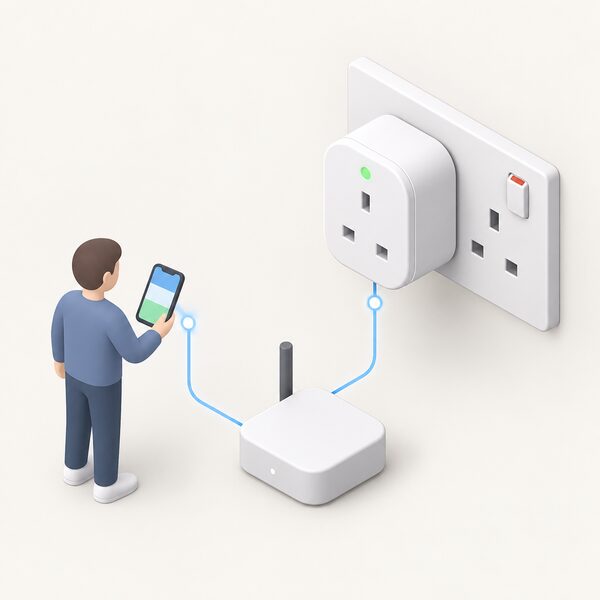
Eve Energy is a metering smart plug in the Eve range, and the maker material for it is thin: two attributes are recorded, and both are unresolved conflicts rather than settled specifications. On socket compatibility, one maker product page gives Type G (BS 1363) sockets and appliances while another gives Type I sockets (AS 3112), and the two figures disagree. On dimensions, one page gives 77 x 77 x 60 mm and another gives 56 x 56 x 79 mm, again unresolved. Neither figure can be presented as the specification, and the socket type is something to confirm against the specific listing rather than assume. What is settled is the protocol: the current version of Eve Energy supports Thread1, and the plug's previous, proprietary methodology is being replaced by the reporting functions specified in Matter2. It connects directly to Home Assistant via Thread and is comprehensively mapped, without a cloud2.
What can be said with confidence is the category position. Eve Energy belongs to the group of plugs that use a mesh protocol rather than wi-fi, which is why Thread and Matter appear in its description. That matters for the household's independence in a specific way: a Thread and Matter plug can be controlled locally through a border router rather than depending on a manufacturer's cloud service to relay every command. The general guidance on protocols and cloud dependence is set out in Zigbee, Matter, Thread and KNX in home energy devices and in App subscriptions and cloud dependence in energy devices.
The wider Eve range, including its sensors and energy monitoring devices, is described on the Eve smart plugs, sensors and energy monitoring page. Because the maker's own figures for the plug conflict, this page does not state a socket type, a dimension or a load rating for Eve Energy. Where a household needs a firm load limit before purchase, the maker's own current documentation for the specific model is the only reliable place to find it.
Wiser Plug: control, scheduling and signal boosting in one
The Wiser Smart Plug is described by its maker as making any mains appliance smart, with a unique schedule and ON/OFF control at home or away15. That is the standard control proposition, and the maker's own wording is the source for it.
The distinctive feature is the mesh role. The Wiser Plug also acts as a range extender, boosting signal to all Wiser devices in the system15. In a Wiser installation, a plug is therefore doing two jobs at once: switching and measuring one appliance, and strengthening the wireless path to other devices such as radiator valves or thermostats. For a household with a Wiser heating system, that can matter more than the metering function, because a weak link to a distant radiator valve is a heating control problem rather than an energy monitoring one.
The maker has also promoted a 25% discount on the Wiser Plug15. That is a promotional price position rather than a published list price, and it is dated to the maker's own announcement. Prices for smart plugs generally are retail and vary by channel and by promotion, so no price range is given here.
The independence question for a Wiser Plug is the same as for any hub-based system. Control runs through the Wiser ecosystem and its app, so the plug's usefulness is tied to that system remaining supported. The general pattern of hub and controller dependence is covered in Smart home hubs and controllers for energy use.
Bosch Smart Home Smart plug compact: limits and safety rules
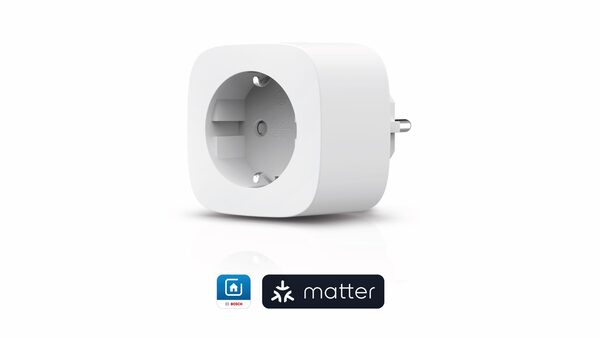
Bosch publishes unusually specific rules for its Smart plug compact, and they are worth setting out because they define the boundary of what a smart plug can safely do in a UK home.
The device uses the ZigBee 3.0 wireless protocol and has protection class IP 204. It features a power metering function and saves the energy consumption every 30 minutes4. Its power consumption in standby mode is under 1 watt4. It has a switch for manual operation, and it is secured against children and pets with the help of a nipple4. The scope of delivery is the quick start guide and the device itself4. It does not have a USB port and does not offer surge protection4.
| Bosch Smart plug compact | Specification |
|---|---|
| Protocol | ZigBee 3.04 |
| Protection class | IP 204 |
| Maximum switching capacity | 16A4 |
| Maximum switching power | 3680W, must not be exceeded4 |
| Standby consumption | Under 1 watt4 |
| Data interval | Every 30 minutes4 |
| USB port | None4 |
| Surge protection | None4 |
The load rules are the important part. The maximum switching power of 3680W must not be exceeded, and a Room thermostat II is additionally required for electric heating devices4. Integration of electric heaters is not possible4. Once the intended use "Heating" has been selected in the device management, the following heating device types can be controlled: towel warmer, electric heater, radiant heater and infrared heater4. The distinction between those two statements is narrow and specific, and it turns on the intended-use setting and the presence of a room thermostat.
The device extends the range between the Smart Home Controller and smart lights (LEDVANCE), the water leak detector and additional Smart plug compact units4. It also extends the range of the Radiator Thermostat II, Light/Shutter Control I, Smoke Detector II and Door/Window Contact II (Plus)4. It is compatible with a long list of ZigBee 3.0 devices including the Radiator Thermostat II [+M], Door/Window Contact II [+M], Room Thermostat II, Universal Switch II, Light/Shutter Control II, Dimmer, Relay, Outdoor Siren, Twinguard, Motion Detector, Twist and Water Detector4. Voice control runs through Alexa, Google Assistant and Apple HomeKit, but partner integration requires the Bosch Smart Home Controller and app4. It is sold wherever Bosch Smart Home devices are sold and in the Bosch Smart Home Shop4.
Other options: Meross, Emporia, GivEnergy, Lightwave and SONOFF
The UK market carries a wide range of plugs and monitors beyond the two makers above, and the general guidance describes the category rather than ranking it. Energy monitors, including brands such as Smappee and Owl, allow you to see your electricity use in near real-time16. That is the whole-home end of the market, distinct from the single-socket plugs.
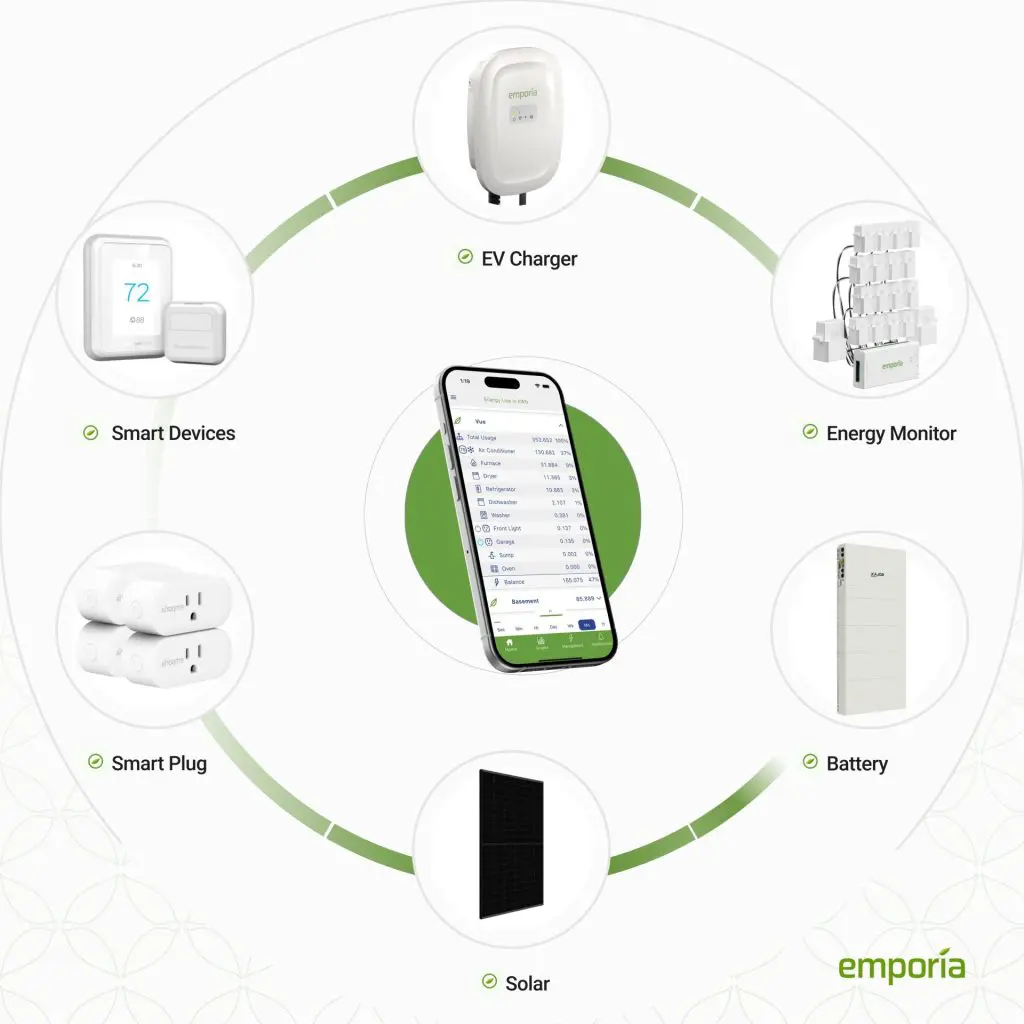
For households weighing specific systems, several comparison pages cover the field: Emporia Energy for home energy monitors and smart plugs, Meross smart plugs, sensors and home monitoring, SONOFF smart home devices for hubs, plugs and power monitoring, and Shelly smart relays and energy monitoring devices. Direct comparisons are set out in Emporia Vue vs Shelly energy monitoring and Zigbee vs WiFi energy monitors.
The protocol choice is the decision that shapes everything else. A wi-fi plug needs no extra hardware but depends on the home network and usually on the maker's cloud service. A ZigBee or Thread plug needs a controller or border router but can often be controlled locally. The trade-offs are set out in Zigbee, Matter, Thread and KNX in home energy devices and in Local data access: Modbus, APIs and keeping energy data in the home.
For solar households, the relevant distinction is between appliance monitoring and system monitoring. A plug measures one socket; a solar and battery system needs its own monitoring, covered in Monitoring a solar and battery system at home. Where the aim is to use appliance data to size a system, Using energy data to size solar, battery or heat pump sets out the approach.
Safety and installation limits: loads, daisy-chaining and outdoor use
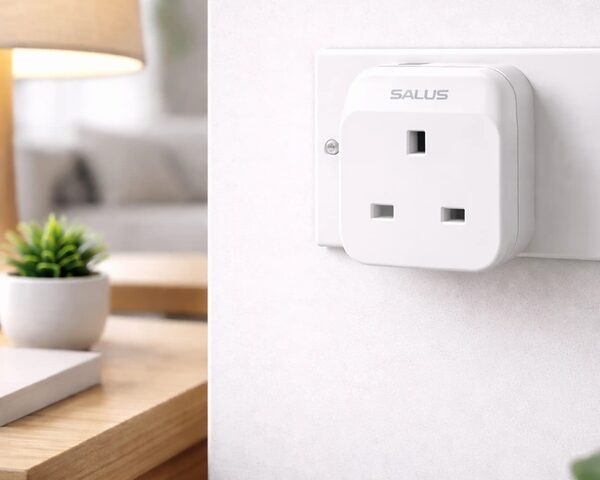
The safety rules for smart plugs are short and firm, and they are the part of this subject where the evidence is least ambiguous.
The first rule is the load rating. Always check the smart plug's maximum load rating and the appliance manufacturer's guidance before use2. Bosch's figures give the shape of a UK limit: a maximum switching capacity of 16A and a maximum switching power of 3680W, which must not be exceeded4. A plug rated below the appliance's demand is not a monitoring problem, it is a fire risk.
The second rule is what should not be plugged in at all. Smart plugs are less suitable for high-powered appliances, safety-critical devices, or appliances that should not restart automatically2. That last category is the one households most often overlook: a freezer, a sump pump or any device that must not be interrupted should not sit behind a switch that a schedule or a voice command can operate.
The third rule is daisy-chaining. Bosch states that the Smart plug compact must not be plugged into a power strip, and that smart plugs of any type must not be plugged in series4. The safe pattern is one plug directly into a wall socket. Where multiple devices need measuring together, the documented method belongs to plug-in monitors rather than smart plugs: plug each of the devices you want to measure into a multiple socket and plug the lead into the monitor4.
The fourth rule is location. The Bosch Smart plug compact has protection class IP 20 and is not approved for use in outdoor areas; if used outdoors, all claims for replacement of the defective device will be void4. IP 20 offers no water protection, so a plug in a garden socket, a shed or an unheated outbuilding is outside its approved use.
Regulation is moving around these devices. There are powers to make regulations requiring energy smart appliances to meet requirements regarding cyber security, data privacy, interoperability, and grid stability17. Building automation and control systems are defined by their capability for continuously monitoring, logging, analysing and allowing for adjusting energy use18. The security regime for connected devices is set out in Connected device security rules: the UK PSTI regime, and the wider category in Energy smart appliances and automated load control.
Where smart plugs fit a household's energy independence
A smart plug does one thing for independence and leaves several dependencies untouched, and it is worth being exact about which is which.
What it gives a household is knowledge of its own loads, held locally in the sense that the measurement happens in the home. That knowledge is the precondition for any decision about standby, scheduling or appliance replacement. The wider argument that data puts a household in control of its energy usage, so it can take energy-saving steps to reduce its CO2 emissions, is made for smart meter data and applies equally to plug data19. The system-level benefit is also documented: smart meter data helps make the energy system more efficient by recording demand more accurately20.
What remains dependent is the list. The plug depends on a wall socket and therefore on the grid. It depends on the maker's app and, for most models, on a cloud service to relay commands and store history. It depends on the home wi-fi network or on a hub that itself depends on power and on the maker's continued support. And it depends on the appliance behaving as expected: a plug can cut power, but it cannot start a cycle on a machine that needs a button pressed1.
The comparison with the meter is the clearest way to state the boundary. Smart meters do not need home wi-fi to work, and the in-home display is not connected to the internet either14. A smart plug, by contrast, generally does need a network to be useful remotely. The meter is the resilient, supplier-maintained, billing-grade instrument; the plug is the flexible, household-owned, appliance-level one. Households wanting the fullest picture of their own data, independent of any single app, should look at Consumer access devices and Smart meter data: what is collected and who can see it.
For the wider context of how monitoring relates to household energy independence, see Smart meters, monitoring and energy independence, and for the full picture of home energy management, the pillar guide.
Sources20 cited
- Smart plugs, Centre for Sustainable Energy, 2025
- What are smart plugs and do energy saving plugs work, Smart Energy GB, 2026
- Standby power: the hidden costs of vampire devices, NICEIC, 2026
- Smart plug compact help, Bosch Smart Home, 2026
- Are energy monitors the best way to measure your power usage, Which?, 2026
- How much electricity am I using, Centre for Sustainable Energy, 2026
- Smart meters vs home energy monitors, Smart Energy GB, 2026
- What is a smart meter, Smart Energy GB, 2026
- Smart meters cost, Smart Energy GB, 2026
- How accurate are smart meters, Smart DCC, 2026
- Getting smarter with energy, Centre for Sustainable Energy, 2026
- Automatic meter readings, Smart Energy GB, 2026
- Smart meters: your rights and expectations, GOV.UK, 2025
- Smart meters and carers, Smart Energy GB, 2026
- Big Energy Saving Week 2026: 7 tips to cut heating costs and carbon, Drayton Wiser, 2026
- Do I already have one, Smart Energy GB, 2026
- Part 8 energy smart appliances and load control, House of Commons Library, 2026
- Building automation and control systems, legislation.gov.uk, 2026
- Smart meters and decarbonisation, Smart DCC, 2026
- Get help with your smart meter, Ofgem, 2026
 In-Home DisplaysWhat does the little screen that came with a smart meter actually tell you, and what can you do when it stops working?
 Meters and Energy IndependenceDo smart meters really save you money, and can you still get one fitted for free?
 HEMS and Monitoring CostsWhat does a home energy monitor cost to buy and run?
 Home Energy MonitorsWhich home energy monitor suits your house, and what will it actually show you?
 The Full Smart Meters GuideDo smart meters really save you money, and how do you use one to cut your bills?
 Smart Thermostats ExplainedWhat does a smart thermostat actually do, and is it worth it?