
In this guide
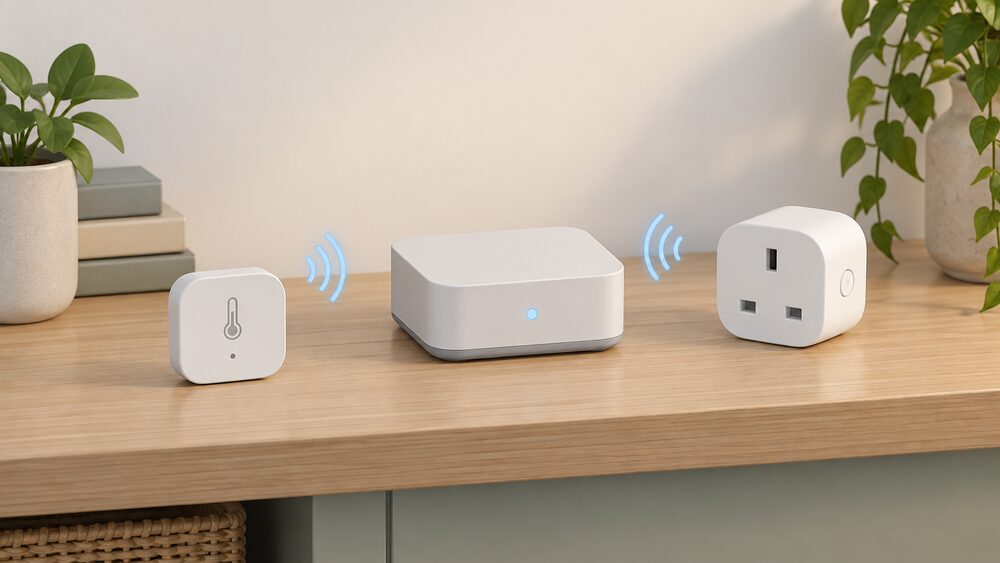
The SONOFF iHost is a local smart home hub: a small always-on box that holds Zigbee devices, runs their automations on the premises and keeps working when the internet does not. It appears in SONOFF's own compatibility lists as a Zigbee 3.0 hub alongside the NSPanel Pro, ZBBridge-P, ZBBridge-U and the ZBDongle-E and ZBDongle-P sticks, which is the clearest statement of what it is for: it is the coordinator that sensors and switches join, rather than a display or a plug1.
For a household thinking about energy independence, the distinction that matters is where the logic lives. A hub that runs schedules and rules locally keeps controlling heating, lighting and appliance loads when broadband drops or a manufacturer's cloud service changes. SONOFF states that even without internet access its smart devices can be used with local control, and that basic relay control, touch switches and power-on behaviour can still operate over the local network2. That is a real reduction in dependence, but a partial one: the devices still need mains power, the Zigbee radio still needs the hub, and remote access from outside the home still needs the maker's app and servers.
This page sets out what the iHost is, what local control actually covers, which devices and ecosystems it works with, the hardware figures published for the wider SONOFF hub and panel range, the security advisory that affects the NSPanel Pro, and what owning one means for managing energy at home.
What the iHost is and where it fits in a smart home
The iHost sits at the centre of a Zigbee network. Devices pair to it, and it holds the rules that decide what happens when a sensor reports a temperature, a door opens or a plug draws power. SONOFF's own product pages list it first among the Zigbee 3.0 hubs that its sensors are compatible with, ahead of the NSPanel Pro, the ZBBridge-P and ZBBridge-U bridges and the two USB dongles1. That list is the practical answer to the question of what the iHost is for: it is the coordinator, and the sensors are the things that report to it.
It is not a meter and it is not an in-home display. A smart meter's in-home display is a small portable screen that shows how much energy is being used in pounds and pence in near real time, and it is supplied as part of the metering arrangement7. The iHost does none of that on its own. What it can do is take readings from Zigbee sensors and plugs and turn them into automation: a temperature sensor triggering a heater, a plug switching a load at a set time, a humidity reading starting an extractor fan.
That places it in the same family as other local controllers. The wider question of how hubs and controllers compare for energy work is covered in smart home hubs and controllers, and the radio standards they use are set out in Zigbee, Matter, Thread and KNX. The iHost's position in that landscape is a Zigbee coordinator with a local automation engine, extended into other ecosystems through a Matter Bridge rather than by native support in each one.
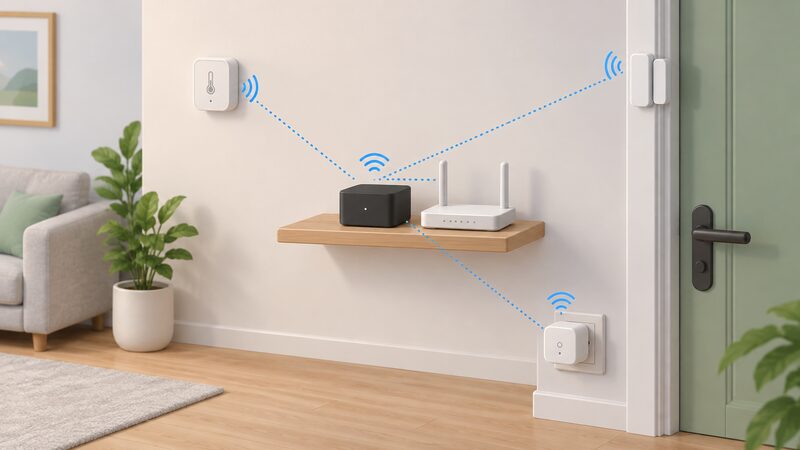
Local control: what running automations on the hub means
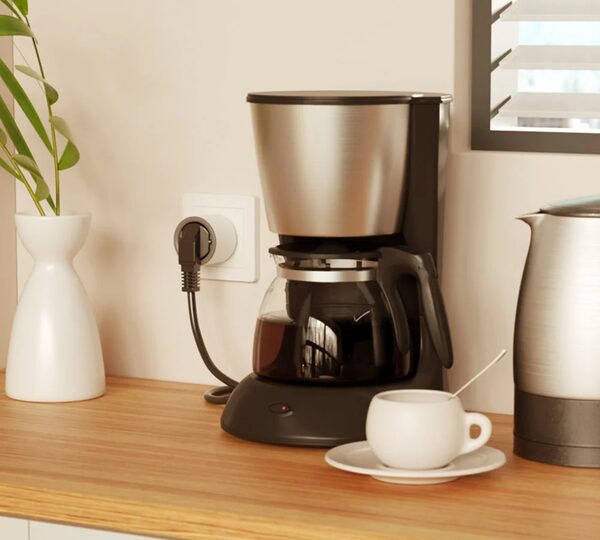
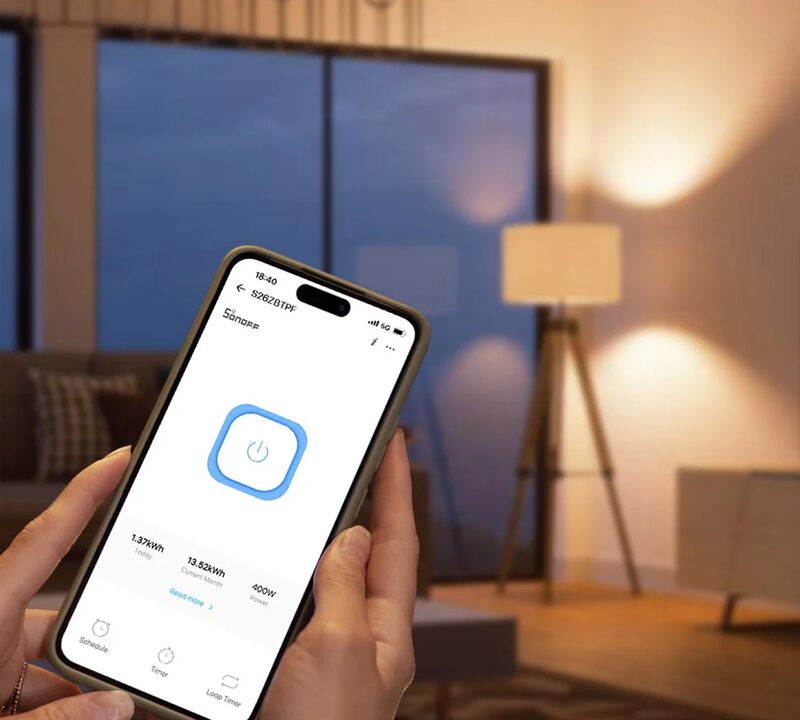
Local control is the feature that separates a hub like this from a cloud-only smart plug. SONOFF states plainly that even without internet access its smart wall socket can be used with local control, and that the device does not depend on the server2. On the NSPanel, the same maker draws the line precisely: basic relay control, touch switches and power-on behaviour can still operate via the local network, while thermostat and screen widgets require cloud services3. That split is the honest picture of what local means in this product family.
For energy management, the consequence is that a schedule which switches a load at a fixed time, or a rule that responds to a local sensor, keeps running through a broadband outage. The household is not waiting on a server to decide whether the immersion heater or a charger comes on. Official guidance on self-build sustainability points in the same direction, recommending smart systems that control lighting, heating and cooling based on occupancy and time of day10. A hub that holds those rules locally is the mechanism; the guidance is the reason.
What remains dependent is worth stating as firmly as the benefit. The hub needs mains power, so a power cut stops it. Zigbee devices need to be in radio range of the hub or of a mains-powered repeater. Remote access, firmware updates, app-based configuration from outside the home and any cloud dashboards all depend on broadband, the manufacturer's servers and the manufacturer's app. The independent case for treating home energy measures as a route to energy independence is made in the wider literature: insulating homes and running electric heat pumps and cars on an ever-greener grid would boost energy independence11. A local hub supports that by keeping control in the house, but it does not remove the grid, the supplier or the maker's software from the chain.
Compatibility: devices, ecosystems and bridges
SONOFF's compatibility story runs through a Matter Bridge rather than through native integrations. The maker states that its Zigbee devices are integrated into the Apple ecosystem via a Matter Bridge, enabling interconnection across platforms1. The Orb Socket page names the same set from the other direction: Apple Home, Amazon Alexa, Google Home, SmartThings and Home Assistant2. The NSPanel page describes a CUBE OS built-in Matter Bridge that connects SONOFF WiFi devices to Matter, free and local, supporting Apple Home, Google Home, Alexa, SmartThings and Home Assistant3.
Two details are worth separating. First, the bridge is what carries SONOFF devices into Apple Home and the other ecosystems; the iHost is the Zigbee coordinator those devices join. Second, Home Assistant support on the panel range is app-based: the NSPanel Pro Gen2 runs the official Home Assistant app downloaded via F-Droid with no root required, on 2GB RAM and 32GB storage4. That is a different route from a native integration, and it depends on the panel's own hardware rather than on the hub.
Voice control follows the same pattern. The Orb Socket page states full support for Siri, iPhone, iPad and Apple Watch2. For a household already using a voice assistant, the practical effect is that Zigbee sensors and plugs can be spoken to through the bridge, while the automation logic stays on the hub.
| Device | Route into other ecosystems | Source |
|---|---|---|
| SONOFF Zigbee sensors | Apple Home via Matter Bridge | 1 |
| SONOFF Orb Socket (Type F) | Apple Home, Google Home, Alexa, SmartThings, Home Assistant via Matter | 2 |
| SONOFF NSPanel | CUBE OS Matter Bridge, supporting Apple Home, Google Home, Alexa, SmartThings, Home Assistant | 3 |
| SONOFF NSPanel Pro Gen2 | Home Assistant app via F-Droid, no root required | 4 |
Specifications and hardware at a glance

SONOFF publishes detailed hardware figures for the panel range rather than for the iHost itself, and those figures are the best guide to what the family of controllers can carry. The NSPanel Pro Gen2 lists Wi-Fi IEEE 802.11 b/g/n/ac/ax on both 2.4GHz and 5GHz, plus Zigbee 3.0, and supports connection to either 2.4GHz or 5GHz networks4. It runs two Zigbee modes that can be switched freely, Zigbee Hub mode and Zigbee Router mode, which matters in a larger home: a router-mode device extends the mesh rather than coordinating it4.
The standard NSPanel is a lighter specification, with IEEE 802.11 b/g/n 2.4GHz Wi-Fi and Bluetooth 4.2 BLE, and it runs on Android and iOS through the app3. The sensors that join these hubs carry their own ratings. The SNZB-02WD temperature and humidity sensor is IP65 rated, and the maker is explicit about what that means: the rating suits standard splash-proof scenarios, and the device should not be submerged or exposed to high-pressure water jets or outdoor rain12. The SNZB-02LD thermometer with probe is listed as compatible with the iHost and the other Zigbee 3.0 hubs1.
| Device | Key published figures | Source |
|---|---|---|
| SONOFF iHost | Listed as a Zigbee 3.0 hub for SONOFF sensors | 1 |
| NSPanel Pro Gen2 | Wi-Fi 802.11 b/g/n/ac/ax, 2.4GHz and 5GHz, Zigbee 3.0, 2GB RAM, 32GB storage | 4 |
| NSPanel | Wi-Fi 802.11 b/g/n 2.4GHz, Bluetooth 4.2 BLE, Android and iOS | 3 |
| SNZB-02WD sensor | IP65, splash-proof only, not for submersion or high-pressure jets | 12 |
For a household planning a system, the figures that matter are radio range and the number of devices the hub will carry, and SONOFF does not publish a device limit in these pages. What is published is the mode switching on the panel range, which is the mechanism for extending coverage in a larger property4.
Security updates and the KNOB advisory for NSPanel Pro
SONOFF published a security advisory, SONOFFCVE-2026-001, on 2 October 2026 covering the KNOB attack vulnerability, CVE-2019-9506, affecting NSPanel Pro firmware v4.2.3 and before. The stated resolution is to upgrade to firmware v4.4.0 and above5. The advisory concerns the NSPanel Pro rather than the iHost, and it is the clearest example in this product family of why firmware version matters as much as hardware specification.
The practical reading is straightforward. A connected hub or panel is a small computer on the home network, and its security posture is set by the firmware it runs. Where a maker publishes an advisory with a version number and a fixed release, the action is to check the installed version and update through the official app. The wider UK regime for connected device security is set out in connected device security rules, which covers the obligations that apply to products sold in the UK.
The same discipline applies to the sensors. The SNZB-02WD carries an IP65 rating, but the maker's own limitation is that it suits splash-proof scenarios only and should not be submerged or hit with high-pressure water jets12. Ratings are conditions, not guarantees, and reading them as conditions is what keeps a system working.
Buying in the UK: pricing, sales events and where to find them
SONOFF sells through its own store and through third-party retailers, and the pattern of discounting is published in advance. The 2025 Christmas sale ran from 19 December to 31 December with up to 35% off selected products and quantity-based extra discounts6. A Valentine's promotion with code VADA12 ran from 2 to 15 February 2026 across the official store13. A Summer Ready 2026 campaign page, published on 25 June 2026, showcased the newest smart home solutions including energy monitoring, water and heating control, sensors and gateway products14.
Those dates are the evidence for when discounts appear, and they are the only dates available. There is no published list price for the iHost in the material here, so prices should be treated as retailer-quoted at the time of purchase, and the discount percentages apply to selected products rather than to the whole range. The NSPanel page carries a Save 33% figure, which is a product-page discount rather than a store-wide one3.
For households comparing the cost of monitoring and control more broadly, what home energy monitoring and management costs sets out the categories. The iHost sits in the hub category: a one-off purchase rather than a subscription, though the app and cloud features that accompany it are the maker's to change.
What owning an iHost means for household energy management
The iHost's contribution to energy management is indirect. It does not measure the whole house the way a smart meter does, and it does not display pounds and pence the way an in-home display does. What it does is give Zigbee sensors and plugs a local brain, so that rules about when a load runs are held in the home rather than in a data centre.
The measurement layer is separate. A smart meter's in-home display monitors and displays energy use in near real time, showing consumption in pounds and pence7. Independent guidance describes the in-home display as a small portable screen showing how much energy is being used, and notes that it lets a household see current use and current cost9. The National Energy Action view on smart meters and the consumer guidance on fixing display problems both sit alongside that16. None of it runs through the iHost.
Where the hub adds value is in acting on what is measured. A plug that switches a load, a sensor that reports a temperature, and a rule held locally together make a system that responds without a round trip to a server. The limits are the ones already set out: mains power, radio range, broadband for remote access, and the maker's app for configuration and updates. For a household weighing independence, that is the balance: more of the logic in the house, but not the whole chain.
Sources17 cited
- SONOFF SNZB-02LD IP65 Zigbee LCD Smart Thermometer (Probe Version), SONOFF, 2026-09-20
- SONOFF Orb Socket (Type F) Matter over WiFi Smart Wall Socket, SONOFF, 2026-09-20
- SONOFF NSPanel Smart Scene Wall Switch, SONOFF, 2026-09-20
- SONOFF NSPanel Pro Gen2 Dual Channel Relay Smart Home Control Panel, SONOFF, 2026-09-20
- Security advisory: KNOB attack vulnerability, SONOFF, 2026-10-02
- 2025 Christmas sale, SONOFF, 2025-12-19
- Ultimate energy saving tips guide, Smart Energy GB, 2026-04-24
- Smart facts: data access and privacy, Smart Energy GB, 2026-03-16
- Understanding your home energy usage, ivie, 2026-09-20
- Self-build homes: sustainability, Planning Portal, 2026
- Household energy buying in Britain, Energy and Climate Intelligence Unit, 2024-04-15
- SONOFF SNZB-02WD IP65 Zigbee LCD Smart Temperature Humidity Sensor, SONOFF, 2026-09-20
- Valentine's Day 2026, SONOFF, 2026-02-02
- Summer Ready 2026, SONOFF, 2026-06-25
- How to use your smart meter data, Which?, 2026-07-14
- Fixing problems with your smart meter's in-home display, Citizens Advice, 2026-09-17
- Our view on smart meters, National Energy Action, 2026-06-12
 SONOFF Thermostats, TRVs and Heating SwitchesSONOFF's heating range in the UK: the Thermo Series TRV Gen2, Zigbee and Matter connectivity, local control, sensors, scenes and how the devices fit a British home.
 SONOFF Smart Home DevicesSONOFF plugs and sockets show what each appliance in your home actually uses, and when.