
In this answer
Short answer
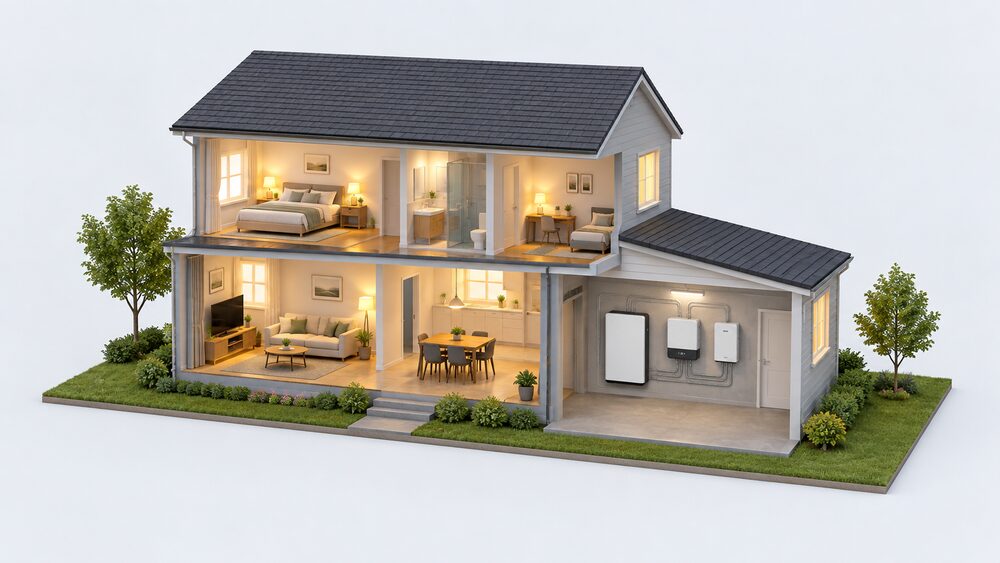
A home battery does not automatically keep the lights on when the grid fails. Whether it can supply the house during a power cut depends on the system, and in many cases on a separate piece of equipment called a backup interface. Not all batteries can deliver electricity during a power cut, and not all systems are suitable for power cuts1. Where backup is offered, it is usually an option rather than a default.
The pattern is clearest with SolarEdge. The SolarEdge Home Batteries provide reliable backup power during outages when installed with the Backup Interface, and the interface itself enables full or partial home backup when the grid is down3. Backup applications are subject to local regulations and require connection with the SolarEdge Home Batteries and the SolarEdge Home Backup Interface5. Without that pairing, the battery still stores and shifts energy, but it does not run the house in an outage.
The wider rule is that a standard home battery installation needs a specific backup interface or a system capable of starting without grid power6. Some storage devices can provide back-up supplies in a power cut, but this is not always possible, and the more expensive battery systems can also provide electricity during a power cut2. The sections below set out what each arrangement does, what it costs, and what remains dependent on the grid either way.
Whether your battery needs one: it depends on the system
There is no single answer, because backup is a property of the whole installation rather than of the battery alone. Backup design depends on the inverter, transfer equipment, battery capacity, household loads, and how the system is configured10. A battery that is perfectly capable of storing energy may still be unable to energise a circuit when the grid is absent, because the inverter has nothing to synchronise against and no changeover equipment to isolate the house.
The same logic applies when adding storage to an existing array. The right approach depends on the inverter, electrical design, available equipment, local requirements, and what the homeowner wants the battery to do10. That is why two households with similar batteries can have completely different outage behaviour: one has a changeover device and a defined set of backed-up circuits, the other does not.
Sizing decisions feed into this too. The amount of storage needed depends on current energy use and the size of any energy generation technologies installed11. A battery sized purely for evening load shifting may be too small to carry a meaningful set of circuits through an outage, and a battery sized for backup may be larger than the tariff savings alone would justify.
For a household, the practical question to put to an installer is narrow: will this specific battery and inverter combination supply the house during a power cut, and for how long. Independent guidance is explicit that not all systems are suitable and that the installer should be asked1. The answer determines whether a backup interface is required at all, or whether the money is better spent on capacity.
SolarEdge Home Batteries: backup only with the Backup Interface
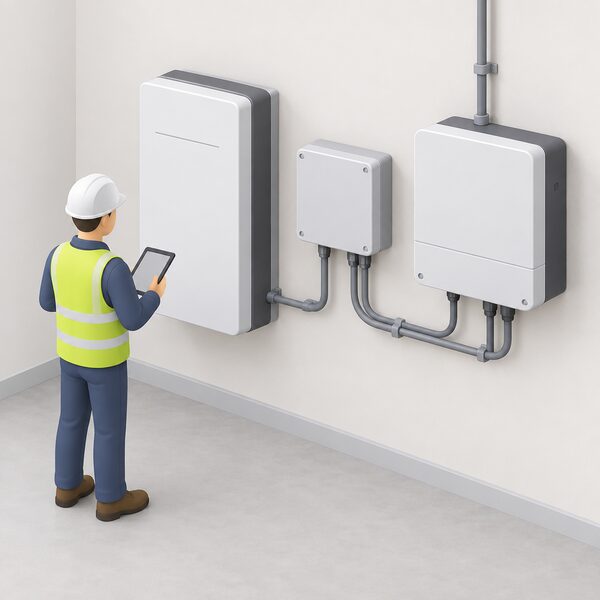
SolarEdge draws the line clearly. The SolarEdge Home Batteries provide reliable backup power during outages when installed with the Backup Interface3. The Backup Interface enables full or partial home backup when the grid is down4. Both statements are conditional on the interface being present.
The pairing rules differ by battery model, which matters when specifying a system:
| Battery | Inverter required for backup | Interface required |
|---|---|---|
| SolarEdge Home Battery (three phase pairing) | SolarEdge Home Hub Inverter, Three Phase | SolarEdge Home Backup Interface12 |
| SolarEdge Home Battery (single phase pairing) | SolarEdge Home Hub Inverter, Single Phase | SolarEdge Home Backup Interface13 |
Backup applications are subject to local regulations in both cases, so the permitted arrangement is not purely a manufacturer's choice12. On partial home backup installations, the Backup Interface Commissioning procedure must be followed14. That is a commissioning step rather than a setting, and it is part of what an installer is signing off.
The interface is not only about a single inverter. It supports multi-inverter backup for up to 3 SolarEdge Home Hub Inverters, and to produce during backup all inverters must be SolarEdge Home Hub Inverters, Three Phase4. Larger properties with more than one inverter therefore have a defined ceiling and a defined model requirement.
"Enables full or partial home backup when the grid is down."
The distinction between full and partial backup is the one households notice most. Full home backup aims to carry the whole consumer unit; partial backup carries selected circuits. Which is available depends on the inverter, the battery and the loads, and it is confirmed at design stage rather than after installation.
Backup with a SolarEdge Home Hub Inverter: full or partial home loads
The inverter is the other half of the arrangement. When pairing SolarEdge inverters with the SolarEdge Home Battery and Backup Interface, in the event of grid interruption the system provides backup power for either full or partial home loads5. The inverter, battery and interface are specified together.
Power output during backup is stated by the maker. Multi-inverter backup with up to 3 SolarEdge Home Hub Inverters supports up to 30kW backup power during the day and 15kW at night4. A single-phase arrangement, pairing the Backup Interface Single Phase with SolarEdge Nexis 1ph, gives up to 14.5kW of backup power4. These are maker figures for specific configurations, not a general expectation for any home battery.
The day and night difference reflects the source of energy. During daylight the array can contribute; at night the battery alone carries the load, so the ceiling is lower. That is the same physical constraint that applies to any battery system, whatever the brand.
For a household, the meaning is straightforward. A SolarEdge system with the interface can keep defined circuits running through an outage, with the size of that load set by the inverter and battery combination rather than by the battery capacity alone. The dependence that remains is on the manufacturer's own hardware chain: battery, inverter and interface from one maker, commissioned to that maker's procedure.
Which inverters work with a backup interface?
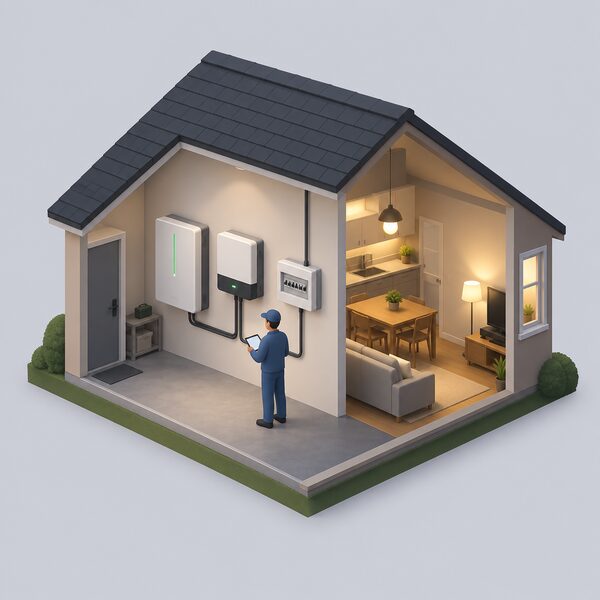
Backup capability is not exclusive to one brand, but the mechanism differs. A hybrid inverter will automatically disconnect from the grid during a blackout and keep the home powered using solar and stored energy when paired with a battery, and hybrid inverters are listed as offering seamless backup with battery16. That is a different architecture from an AC-coupled battery plus a separate interface: the changeover function is built into the inverter.
Some systems make backup an explicit option at the point of sale. The myenergi libbi lists optional blackout backup on its datasheet17. Others approach it from the other direction: the Growatt MOD 3000-10000TL3-XH has a battery interface that makes it easily extendable into a storage system in the future without extra device or retrofit cost, which is about adding storage later rather than about outage supply18.
There are also arrangements that provide backup without a home battery at all. The Enphase IQ Bidirectional EV Charger can provide backup and export functions, without a home battery, when used with the IQ Grid Switch, and the same charger can provide backup and export functions without a home battery when used with the IQ Meter Collar19. That is a vehicle-to-home route rather than a battery route, and it depends on the car as well as the equipment.
The common thread is that backup is a designed function, not a by-product. Where it exists it is because a changeover device, an inverter mode or an interface has been specified to provide it. Where it does not, no amount of battery capacity will substitute.
Without a backup interface: what the battery still does for you
A battery without backup is not a wasted battery. Its core job is unchanged: combining solar panels with a home battery lets you store free, renewable electricity to power your heat pump, making you less reliant on grid electricity20. The same stored energy can be charged during off-peak hours, at the lowest rate, and used during the peak-rate period to minimise the electricity bill21.
What is lost is the outage function specifically. Not all batteries can deliver electricity during a power cut2. In some cases storage devices can provide back-up supplies for use in a power cut, but this is not always possible22. The more expensive battery systems can also provide electricity during a power cut, which places backup in the upper part of the market rather than the entry7.
There is a separate resilience point that has nothing to do with the battery. If a landline will not work during a power cut, the landline provider might offer a free solution such as a back-up battery unit, for a minimum of one hour, that would enable a call to the emergency services6. That is a communications backup, not a household supply, and it is worth knowing about independently of any battery decision.
The dependence that remains without backup is total during an outage: the household waits for the network to restore supply. Energy networks publish storm and bad weather guidance for exactly these periods6. For a household weighing independence, the honest position is that a battery without backup reduces dependence on imported energy and on peak prices, but not dependence on the grid being present.
Backup Only mode: keeping the battery charged for an outage
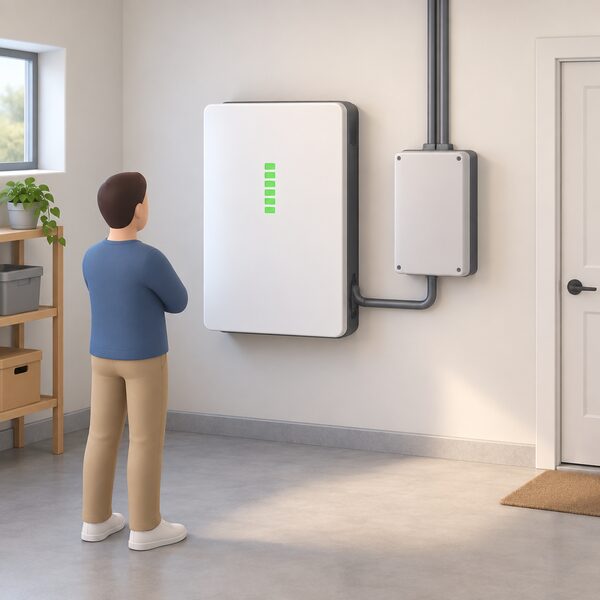
Where a backup interface is fitted, the battery can be told to hold energy back. For homes with battery and a backup interface, homeowners can choose to keep their battery charged in the event of a grid outage21. In this mode the battery power is reserved solely to provide backup power during outages, and the battery is 100% reserved for outage protection23. It is available for households with SolarEdge Home Batteries and a Backup Interface, and only for homeowners with a SolarEdge Battery and Backup interface23.
The choice is explicit in the maker's guidance: choose this mode if you want to use your battery exclusively for power outages23. That is a genuine trade-off. A battery held at full charge for an outage is not cycling to cut peak-rate import, so the bill-saving function is set aside for as long as the mode is active.
Whether that trade is worth making depends on what the household wants from the system. Home solar batteries are most worthwhile if you want backup power, do not have full-retail export rates, or can access cheap overnight charging tariffs6. Backup Only mode keeps the first of those and gives up the other two, which is a reasonable choice in an area with frequent outages and a poor deal on export, and a poor one where the grid is reliable and the tariff spread is wide.
"In this mode the battery is 100% reserved for outage protection."
The mode is a setting, not a hardware change, so it can be revisited as circumstances change. What it cannot do is create backup capability where no interface is installed. It reserves energy within a system that is already able to use it during an outage.
Cost, commissioning and what to check before buying
Backup adds hardware and labour. Battery storage costs can be up to £10,000 depending on size, with a typical 5kWh system around £4,6008. Separately, the up-front cost of installing battery can be up to £2,544 more than the comparison case24. These are broad figures for storage rather than for an interface, and the interface itself is installer-quoted; no published UK price for the unit appears in the material available here.
Commissioning matters as much as purchase. On partial home backup installations the Backup Interface Commissioning procedure must be followed14. Electrical work of this kind sits within the competent-person regime, and NICEIC publishes householder guidance on solar installation, maintenance and repair24. The safety context is not theoretical: lithium-ion batteries are common in laptops, mobile phones, e-scooters, e-cigarettes and mobility vehicles, and fire services publish guidance on them6.
For a household, the checklist before committing is short and factual. Confirm whether the proposed inverter and battery combination supports backup at all. Confirm whether backup would be full or partial, and which circuits would be covered. Confirm the inverter model required, since the two SolarEdge Home Battery variants call for different Home Hub Inverter phases, one three phase and one single phase12. Confirm the commissioning procedure that applies. And confirm the price of the interface as a separate line, because it is additional equipment rather than a software feature.
The independence this buys is real but bounded. A backed-up home can ride through an outage on stored energy, and with Backup Only mode it can hold that energy deliberately23. It remains dependent on the manufacturer's hardware chain, on an installer to commission it correctly, and on the battery holding charge. It does not remove the grid from the system; it adds a period during which the grid's absence is survivable.
Sources24 cited
- Solar Panel Battery Storage, Which?, 2026-05-14
- Battery Storage, Centre for Sustainable Energy, 2025-10
- Storage and Backup, SolarEdge, 2026-09-17
- SolarEdge Home Backup Interface, SolarEdge, 2026-09-17
- SolarEdge Home Hub Inverters, SolarEdge, 2026-09-17
- Is a Solar Battery Worth It in 2026, LONGi, 2026-09-20
- Making the Most of Your Solar PV Panels, Centre for Sustainable Energy, 2026-08
- POST Note 0771: Domestic Battery Storage, Parliamentary Office of Science and Technology, 2026-06-25
- SolarEdge One, SolarEdge, 2026-09-17
- Add Battery to Existing Solar System, Tigo Energy, 2026-09-02
- Storing Energy, Energy Saving Trust, 2026-07-15
- SolarEdge Home Battery 48V, SolarEdge, 2026-09-17
- SolarEdge Home Battery 400V, SolarEdge, 2026-09-17
- Residential Inverters Firmware, SolarEdge, 2026-09-17
- SolarEdge Home Hub Inverters (UK), SolarEdge, 2026-09-17
- Microinverter vs Hybrid Inverter, SolaX Power, 2026-08-25
- libbi Datasheet, myenergi, 2026-09-17
- MOD 3000-10000TL3-XH, Growatt, 2026-09-17
- Bidirectional EV Chargers, Enphase, 2026-09-17
- How to Ensure a Heat Pump Runs Efficiently, Energy Saving Trust, 2026-05-19
- Battery for Home, SolarEdge, 2023-12-05
- Storage, Electricity North West, 2026-09-19
- Battery Management, SolarEdge, 2026-09-17
- Solar Panel Installation, Maintenance and Repair, NICEIC, 2026-09-17
 Backup Power and EPSWill your lights stay on when the power goes out?
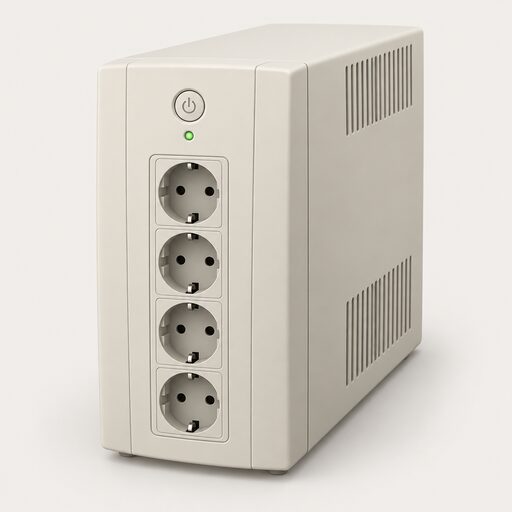 Maintaining Backup PowerWill your generator actually start when the power goes off?
 Backup Power and IndependenceA power cut leaves most homes completely dark, so how much backup do you actually need to keep the lights on?
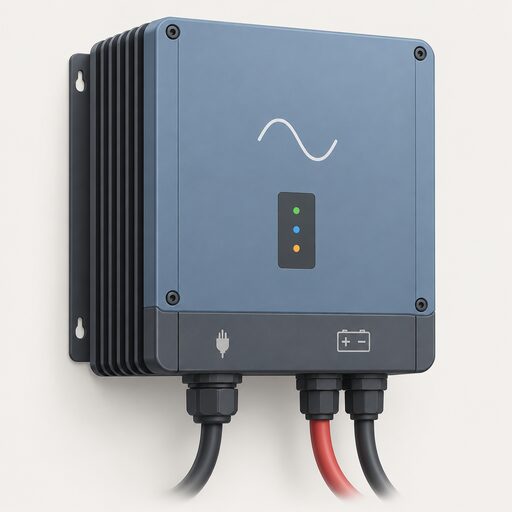 Inverters and Inverter-ChargersIf the power goes off, what actually keeps your fridge and boiler running?
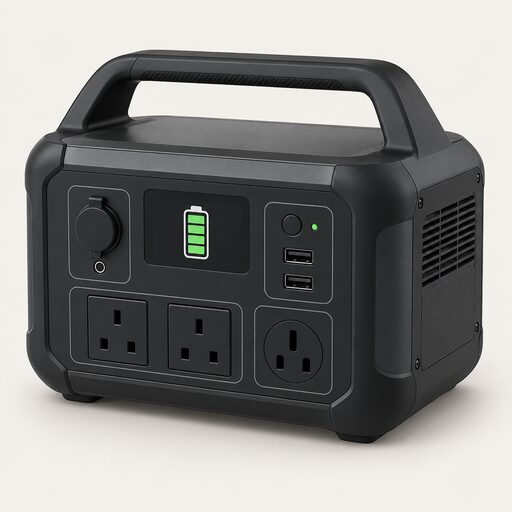 Backup Power by Home TypeWhat backup power is practical in a flat without outdoor space, in a terraced or suburban house, and in a rural or off-grid property with long restoration times, covering portable power stations, indoor safety, recharging and the limits of whole-home backup.
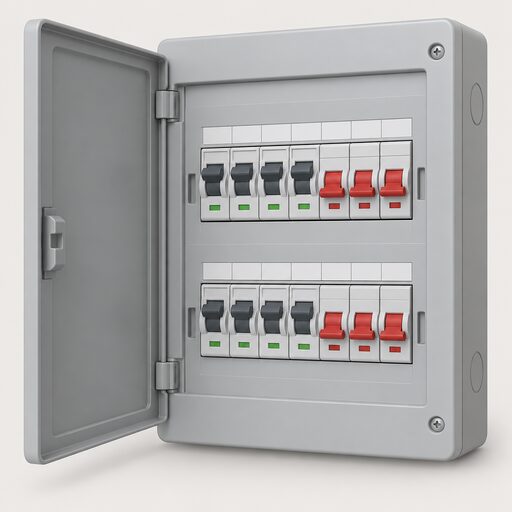 Essential Loads and CircuitsWhich plugs and lights should stay on when the power goes off, and which can safely go without?