In this guide
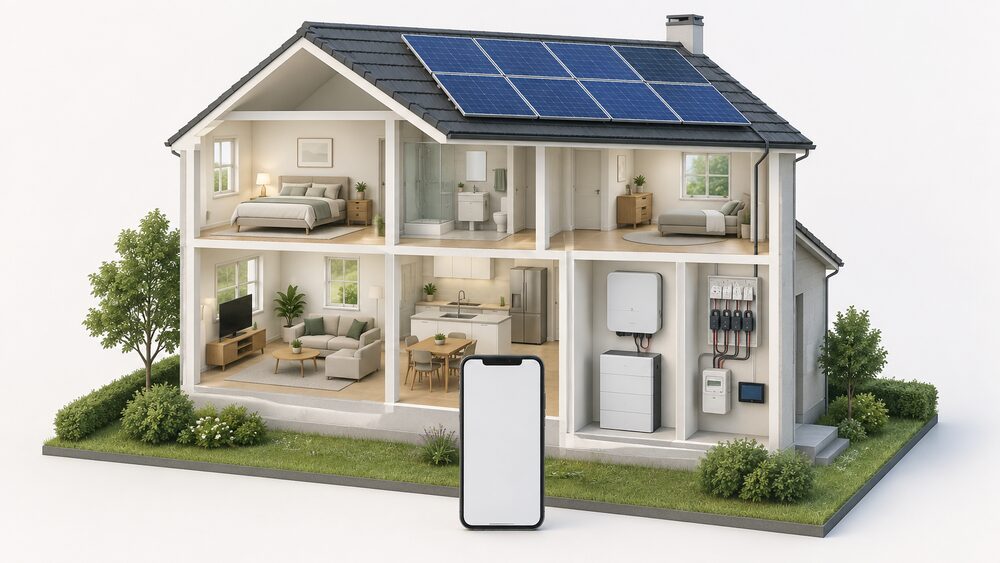
A solar panel monitoring app is the window onto a home generating system, and what it shows depends entirely on what it is connected to. A typical inverter app reports live solar production, battery state, grid flow and backup power in one place, and some add daily, monthly or yearly performance comparison1. A battery maker's app goes further into self-consumption, showing how much solar is being produced, stored and used, and how independent the home is from the grid2.
The monitoring itself rests on hardware: an inverter with a communications route, a battery with a portal, or a separate energy monitor clamped to the supply. The data a household sees is only as good as that chain, and the chain has a weak point that has nothing to do with the equipment. Cloud platforms close. Panasonic scheduled its EVERVOLT monitoring app and web portal to become unavailable after 13 August 2025, and Eaton shut down the xStorage Home cloud backend on 1 September 2025, leaving local mode as the alternative3.
For energy independence, monitoring is the feedback loop. It tells a household whether the panels are producing what was promised, whether the battery is charging and discharging as intended, and how much is still being drawn from the grid. It does not remove dependence on the grid, on a supplier, or on the maker's servers, and the last of those is the one most easily overlooked at the point of purchase.
What a solar monitoring app shows you
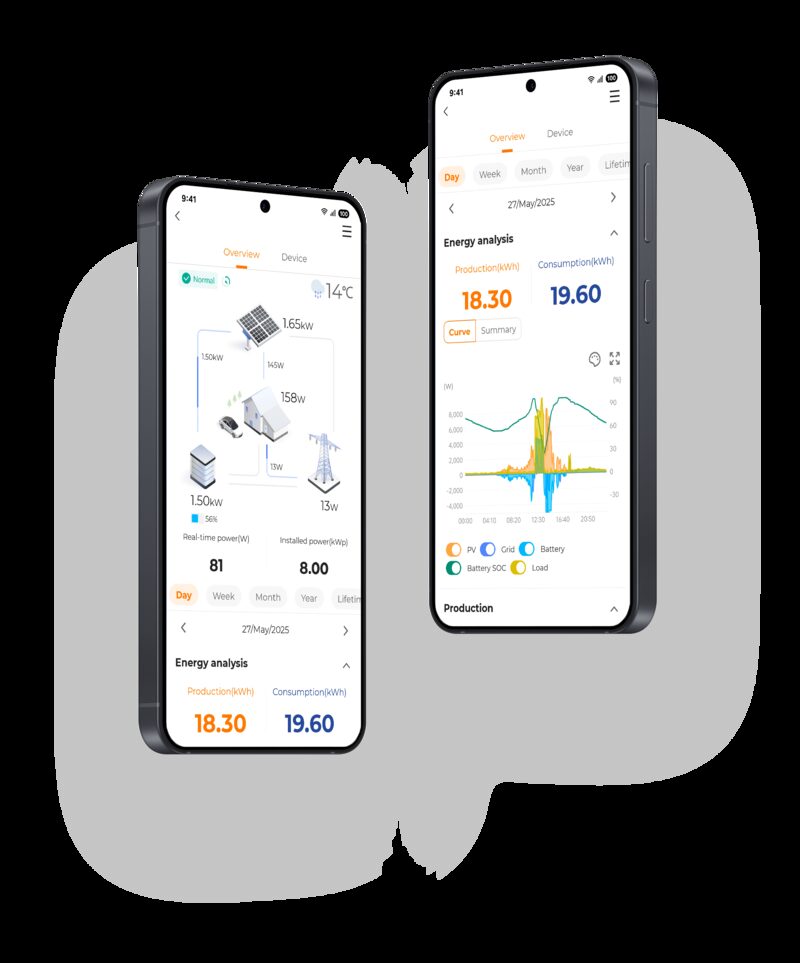
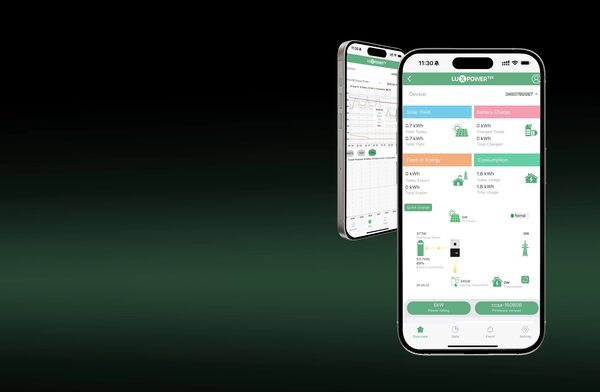
The core display is live generation. Enphase's app, for example, is built around monitoring live solar production, alongside 24/7 remote monitoring and management7. LUXPOWER's monitoring app takes a wider view, showing information about solar panels, batteries, grid connection and backup power all in one place, and tracking system performance in real time1. That combination matters because a solar-only view cannot tell a household whether the battery is doing its job.
Battery makers frame the same data around independence. The sonnen app is presented as a way to monitor self-consumption and independence from the grid, and to track in real time how much solar power is being produced, stored and used2. Growatt's ShinePhone app tracks the amount of energy produced, the efficiency of the system and the current operating status of the solar panels9. SolarEdge's app tracks energy production, usage and waste, with daily, monthly or yearly comparison1.
What householders actually see varies in presentation but not in substance. One MCS-published account of a solar and battery installation describes performance as easy to monitor, with a simple dashboard on the phone app10. That is the practical test: whether the dashboard answers, at a glance, whether the system is generating, whether the battery is full, and whether the home is importing.
The limits are worth stating. An inverter app reports the system, not the house. It cannot tell a household which appliance is drawing power, or whether a particular circuit is wasteful. It also depends on the inverter's own sensors, so a fault in the inverter's measurement shows up as a fault in the app. For circuit-level and appliance-level detail, a separate monitor is needed, and that is a different class of device with a different installation.
Production and consumption: why tracking both matters
Generation alone is a poor measure of a solar system's value. A system can produce a large amount of electricity and still leave the household importing heavily at peak times, because production and consumption do not coincide. Tracking both is what turns monitoring into something useful.
The apps that do this well show the relationship rather than the totals. SolarEdge's app tracks production, usage and waste together, which is the comparison that reveals self-consumption1. The sonnen app shows how much solar power is being produced, stored and used, which is the same relationship expressed as a flow2. Growatt's app reports energy produced and system efficiency, which flags when output is falling short of expectation9.
The independent evidence points the same way. The National Energy Action review of monitors and solar immersion controllers groups solar PV monitors, solar immersion controllers and smart plugs as the tools for increasing self-consumption of solar PV11. The purpose of monitoring, in that framing, is not record-keeping but shifting when energy is used, so that generation is consumed in the home rather than exported.
For a household, the practical questions a combined view answers are these:
- Is the system generating what the installer predicted, on a comparable day?
- Is the battery filling during the day and discharging in the evening?
- How much electricity is still being imported, and at what times?
- How much is being exported, and does that match what the export payments suggest?
The last of those connects monitoring to money. Export without a meter reading is an estimate, and a household with a monitoring portal has its own record to compare against. Where the two disagree, the portal is the household's evidence, though it is the metered figure that settles a payment.
Monitoring methods: inverter app, energy monitor or smart plugs
There are three broad routes to monitoring a solar and battery system, and they are not mutually exclusive.
The inverter or battery app. This comes with the system. It reports generation, battery state and, on some platforms, grid flow. It requires the maker's cloud service to be running and the inverter to have a communications route, usually a gateway on the home network.
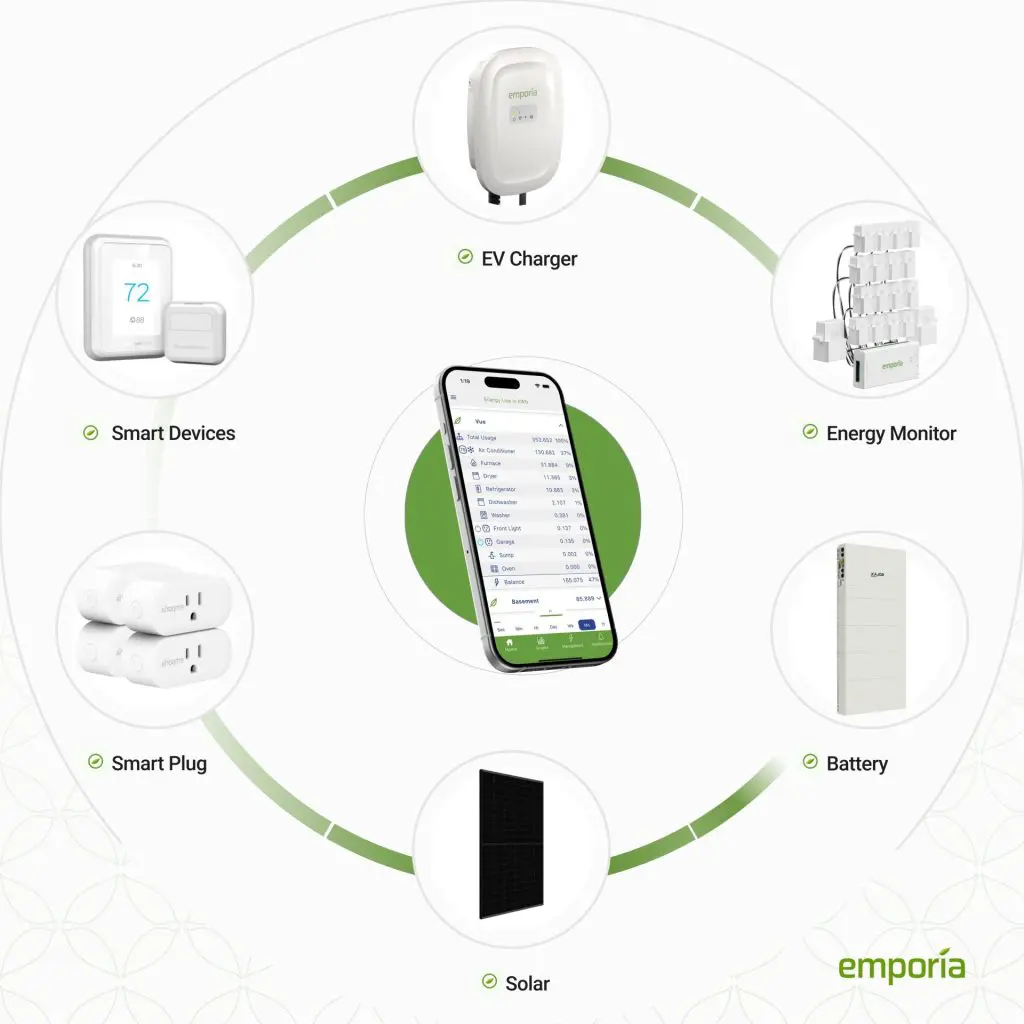
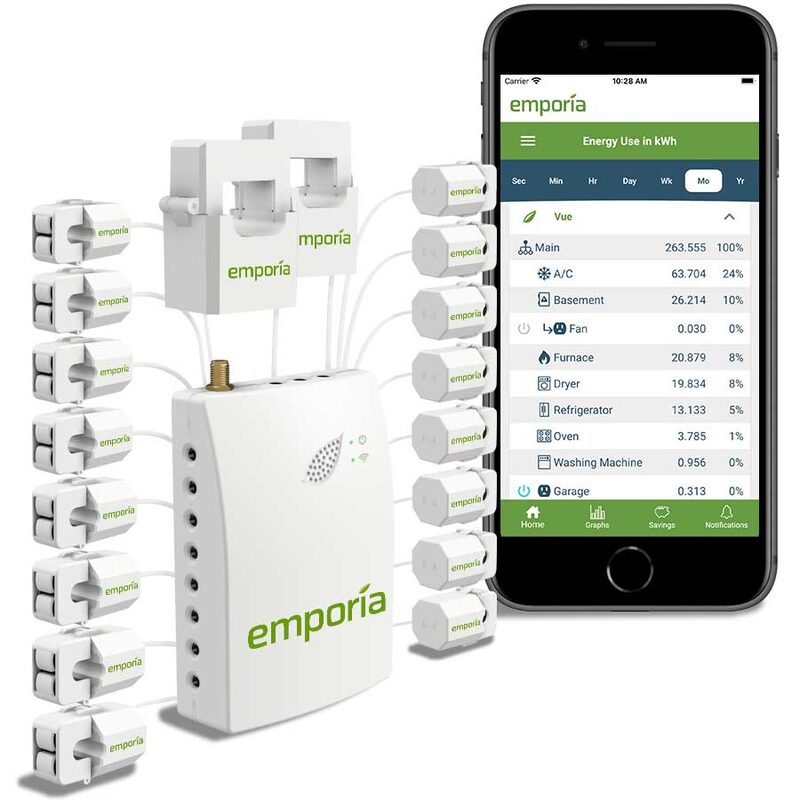
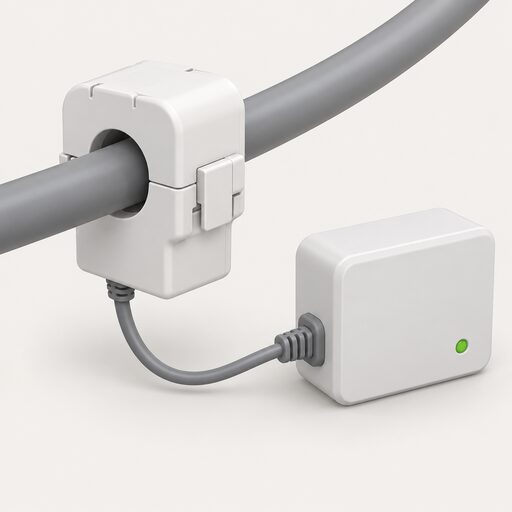
A whole-home energy monitor. These devices typically connect to the home's electrical panel or plug directly into sockets5. The Emporia Vue Home Energy Monitor tracks both solar production and home energy consumption in real time from the electrical panel, and because it measures at the panel rather than through the inverter, inverter type does not matter as long as the sensors are positioned correctly12. Makers state that home energy monitoring systems are generally accurate when installed correctly, providing real-time data on energy usage and allowing tracking by circuit or appliance5.
Smart plugs. These monitor a single device's current, voltage and energy consumption, providing real-time reports through a phone app13. They are the narrowest option and the cheapest to add, and they answer appliance-level questions that neither of the other two can.
| Method | What it measures | Where it sits | Depends on |
|---|---|---|---|
| Inverter or battery app | Generation, battery state, sometimes grid flow | Maker's cloud platform | Internet and a live service |
| Whole-home monitor | Solar production and total consumption, by circuit | Electrical panel or sockets | Correct sensor placement |
| Smart plug | One device's current, voltage and consumption | The socket | Phone app and local network |
The smart meter sits alongside all three. Smart meters can present data through an In-Home Display, an Accessible In-Home Display, a mobile app, other linked devices, or a combination of those methods15. That is the household's official consumption record, and it is the one that feeds billing.
Cloud dependence: what happens when a monitoring service shuts down
Every app-based monitoring system carries a dependency that has nothing to do with the solar panels: the maker's servers. When those are switched off, the app stops working, and the household is left with whatever local access the hardware still offers.
The pattern is now well established. Panasonic scheduled the EVERVOLT monitoring app and web portal to become unavailable after 13 August 2025, with the app and web portal no longer available for download, use or support, and monitoring and configuration shifting to on-site methods3. For the Gen 1.5 EVERVOLT energy storage system, app and web access was discontinued after 15 August 20253. Eaton stated that the xStorage Home cloud platform no longer met its technological standards and would be shut down on 1 September 2025, with local mode monitoring as the alternative4. ABB stated that ABB Ability Energy Manager would be discontinued on 3 June 2026 and replaced with Sensorfact Smart Monitoring16.
The lesson is not that cloud monitoring is worthless. It is that the useful life of the app and the useful life of the hardware are different things, and the app's life is controlled by someone else. A household buying a battery on the strength of its app is buying a service as well as a product, and the service has no guaranteed term.
There is a second, quieter form of dependence. Some monitoring is provided as a service by a third party rather than the maker. Good Energy's Solar Care service proactively monitors SolarEdge and Enphase systems through their respective monitoring platforms, and states that systems using other inverter platforms will not receive daily monitoring17. Customers can opt out of remote monitoring by emailing the company, and the service requires system details, name, address, email address and phone number17. That is a useful service, but it is a subscription relationship with a named provider, not a property of the equipment.
Keeping access when a platform is discontinued: the EVERVOLT and Eaton cases
The two clearest cases are worth setting out in full, because they show what a household actually loses and what remains.
Panasonic's EVERVOLT position was that after 13 August 2025 the app and web portal would no longer be available for download, use or support, and that monitoring and configuration must shift to on-site methods3. For Gen 1.5 systems, app and web access ended after 15 August 20253. The hardware continued to store and deliver energy; what ended was the remote view and the ability to change settings from a phone.
Eaton's position on xStorage Home was that the cloud platform no longer met its technological standards, and it was shut down on 1 September 2025, with local mode monitoring as the alternative4. Again, the battery remains; the remote portal does not.
What survives a shutdown depends on the hardware. The Victron Sun Inverter can be read over Bluetooth using the VictronConnect app, and also has a VE.Direct port for connection to a GX device or GlobalLink 520, so configuration, history and stored trends remain accessible locally6. The EmonEVSE offers energy monitoring, a web-app interface, Emoncms data logging and an open HTTP and MQTT developer API, which means the data can be captured and kept by the household rather than only viewed in a maker's portal18. Powervault offers a web portal for monitoring energy production, battery status and consumption patterns, and for adjusting settings and schedules, and the Powervault PV Compact comes with a web portal and smartstor software for the same purposes4.
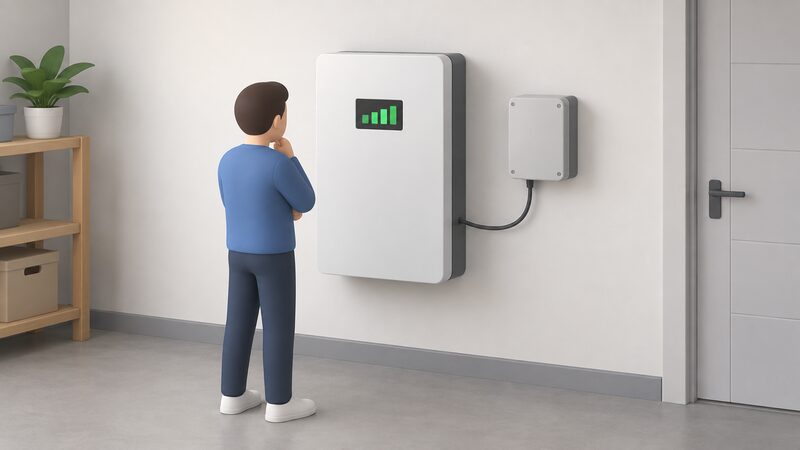
The distinction that matters is between a portal that is the only route to the data and a device that exposes the data locally. Where a system offers Bluetooth, a local web interface, Modbus or an open API, the household keeps a route to its own information after the cloud closes. Where it does not, the data goes with the service.
Offline and local options for householders
Local monitoring is not a niche. Several routes exist, and they differ in how much of the system they cover.
The Victron Sun Inverter reads out inverter and solar charger parameters over Bluetooth through the VictronConnect app, and offers a VE.Direct port for a GX device or GlobalLink 520, which allows configuration, history checking and analysis of stored trends without a cloud account6. The EmonEVSE provides energy monitoring, an RGB LCD display, WiFi connectivity, a web-app interface, real-time solar PV diversion, a variable charge rate, Emoncms data logging, advanced safety features, open hardware and firmware, and an HTTP and MQTT developer API18. That combination is the fullest local option in this set: the data can be logged and used by the household's own systems.
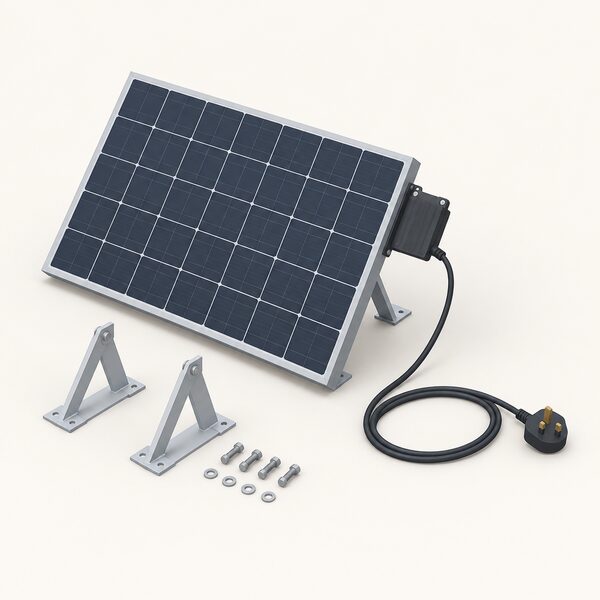
Plug-in solar kits take a simpler approach. Kits typically include one or two solar panels, a microinverter and a lead fitted with a standard three-pin plug, along with mounting brackets and an app for monitoring19. These can be run into the home network without the need for a qualified electrician18. The monitoring is app-based, but the installation does not depend on a contractor.
There is also a limit that applies to all grid-connected solar, local or not. Solar panels automatically switch off during a power cut, a safety feature that prevents export to the network, and they usually restart on their own once power returns20. Most restart automatically after power is restored, and the advice is to check the user guide if they do not21. A household with a battery and backup circuits may keep some supply, but the panels themselves stop generating to the grid.
Monitoring as part of energy independence at home
Monitoring does not make a home independent. It makes independence visible, and that is a real function. A household that can see generation, storage and import in one place can tell whether the system is behaving as designed, and can adjust when energy is used.
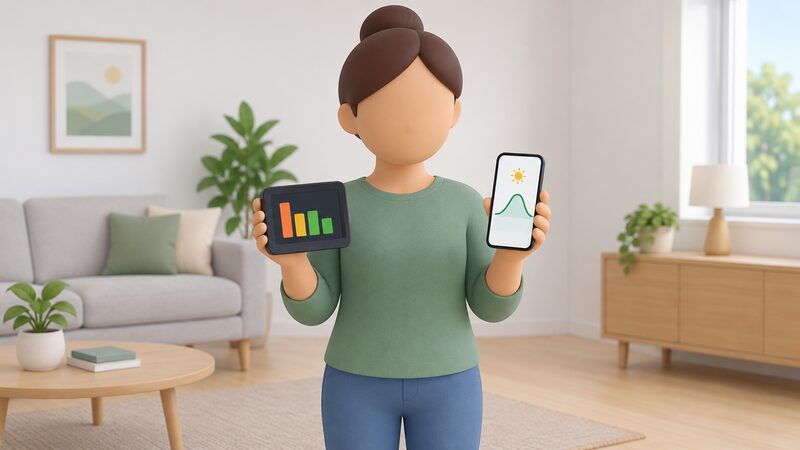
The makers frame it in exactly those terms. The sonnen app is presented as a way to monitor self-consumption and independence from the grid, and to stay in control of freedom from the grid2. LUXPOWER's app is presented as a way to monitor a solar system from a smartphone8. The myenergi app provides insights into household energy consumption and generation, tracking how much solar energy is generated, how much is consumed, and where it is being used within the home5. The harvi sensor pairs with the myenergi app to give real-time insights into electricity use5.
What remains dependent is worth naming plainly. The grid is still there, and the system is still connected to it. A supplier still bills the import and, where applicable, pays for export. The inverter or battery maker still controls the app, and the app still needs the internet. Where the monitoring is provided as a service, a third party holds the relationship. None of that is removed by better data.
The independence that monitoring supports is narrower and more practical: knowing what the system produces, knowing what the home consumes, and being able to act on the difference. The National Energy Action review places monitors alongside solar immersion controllers and smart plugs as the tools for increasing self-consumption, which is the mechanism by which a household reduces what it draws from the grid11.
There is also a data question. Smart meter data can be presented through an in-home display, an accessible in-home display, a mobile app, other linked devices, or a combination15. The in-home display shows how much energy is being used in near real time22. Energy monitors, including brands such as Smappee and Owl, allow electricity use to be seen in near real time23. Loop analyses smart meter data with information about the home and lifestyle to give tailored tips, and its solar simulator shows the impact of different solar panel systems on bills24. These are consumption-side tools that complement, rather than replace, the generation-side view from an inverter.
Guides and support for home energy monitoring
Support for householders is patchy but real, and it comes from three directions: manufacturers, independent advice bodies, and community projects.
Manufacturers supply their own documentation. LUXPOWER provides a user manual for its monitoring app8. Sungrow's iSolarCloud is available on the App Store and Google Play, and is presented as a way to keep track of and manage all aspects of a PV and energy storage system from a phone25. Growatt's ShinePhone app is described as a smartphone application designed to let users monitor and manage photovoltaic installations9. Powervault's portal is an online platform for monitoring and managing a Powervault solar battery system remotely4.
Independent guidance covers the wider picture. MCS, with Energy Saving Trust, offers a guide to solar panels covering how the technology works, potential costs and savings, and steps on how to find a trusted installer26. Community Energy Scotland published a guide to energy monitoring in the home in May 2026 as part of the Rural Energy Hubs project27. These are the sources that help a household interpret what an app is showing, rather than simply reading it.
There is a caution about service life that applies to monitoring as much as to hardware. A Welsh Government case study of an active building centre describes a home monitoring system that was only going to operate for 12 months, with anything beyond that unknown28. Monitoring provision can be time-limited even where the equipment is not.
For households wanting to go further into the data, the routes are local access and open protocols. The EmonEVSE's open hardware and firmware and its HTTP and MQTT developer API are the clearest example in this set18. The Victron Sun Inverter's VE.Direct port serves the same purpose for that maker's equipment6. Where a system exposes its data locally, the household's access does not depend on a company's continued interest in running a server.
Sources28 cited
- Best solar monitoring apps, LUXPOWER, 2026-02-25
- sonnen App, sonnen, 2026
- Battery storage app updates, Panasonic, 2025-08-13
- xStorage Home cloud shutdown, Eaton, 2025-09-01
- Monitoring your energy, myenergi, 2026-09-17
- Sun Inverter, Victron Energy, 2026-09-19
- Enphase App, Enphase, 2026
- LUXPOWER Monitoring, LUXPOWER, 2026-09-04
- ShinePhone app, Growatt, 2024-01-29
- A homeowner's experience of solar panels and battery storage, MCS, 2024-04-10
- Increasing self-consumption of solar PV: monitors and solar immersion controllers, National Energy Action, 2023-06-09
- Excess Solar Management, Emporia Energy, 2026-09-17
- Smart plugs, Centre for Sustainable Energy, 2025-10
- Getting smarter with energy, Centre for Sustainable Energy, 2026-07
- Smart meters: your rights and expectations, GOV.UK, 2025-08-08
- ABB Ability Energy Manager, ABB, 2026-06-03
- Solar Care maintenance service guide, Good Energy, 2026-06-19
- EmonEVSE overview, OpenEnergyMonitor, 2026-09-17
- Plug-in solar panels, Which?, 2026-09-15
- Planned power cuts, SSEN, 2026-09-19
- Advice and support FAQs, Electricity North West, 2026-09-20
- Smart meter bills, Smart Energy GB, 2026-03-16
- Do I already have one?, Smart Energy GB, 2026-03-16
- How to use your smart meter data, Which?, 2026-07-14
- iSolarCloud, Sungrow, 2026-09-17
- A guide to solar panels with Energy Saving Trust, MCS, 2023-08-18
- Your guide to energy monitoring in the home, Community Energy Scotland, 2026-05-11
- Active Building Centre resident engagement case study, Welsh Government, 2024-03
 Monitoring and AppsIf the internet goes down, does the app still show what the battery is doing?
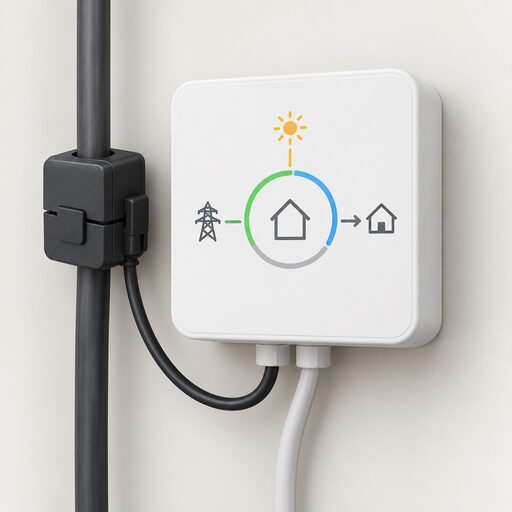 Monitoring a Solar PV SystemHow do you keep an eye on what your solar panels are actually generating?
 Supplier Apps and AccountsWhat can you actually do in your supplier's app?
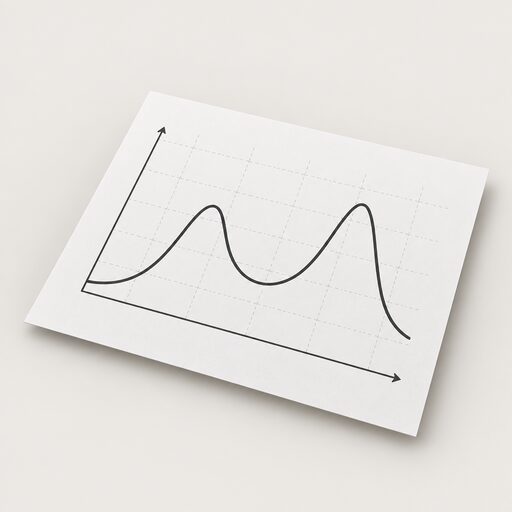 Sizing a System With DataWhat does your smart meter data actually show about how your home uses power?
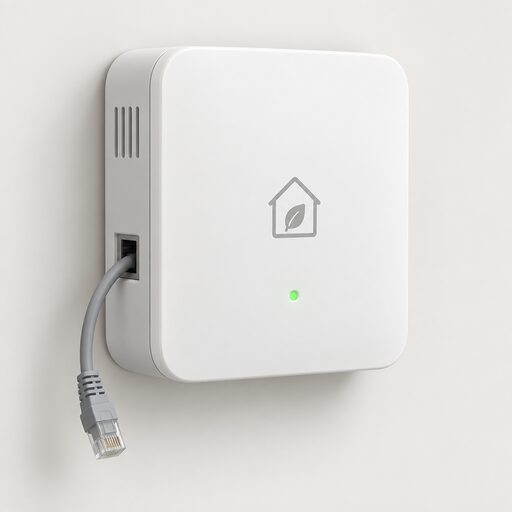 Local Control vs the CloudCan your solar, battery or charger still work if the maker's app or servers disappear?
 Smart Meter Data and Who Sees ItWhat does your smart meter actually record, and who gets to see it?