
In this answer
Short answer
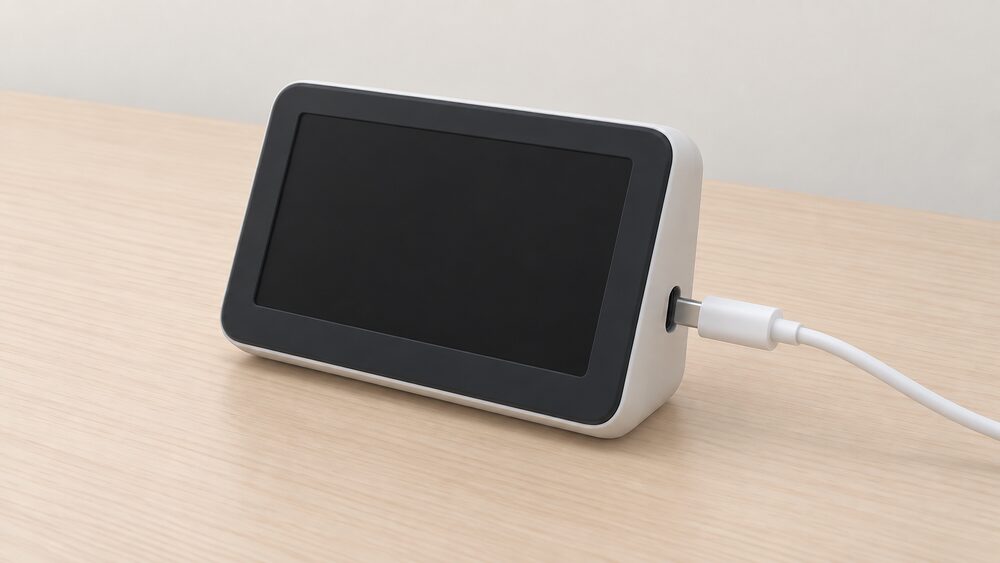
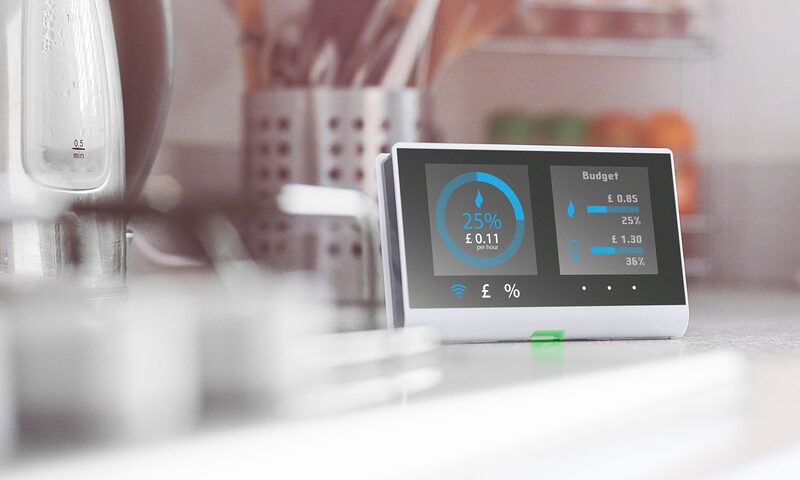
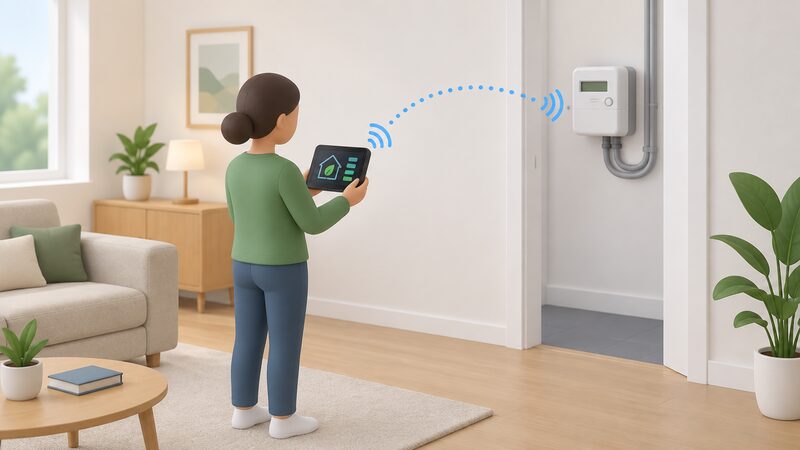
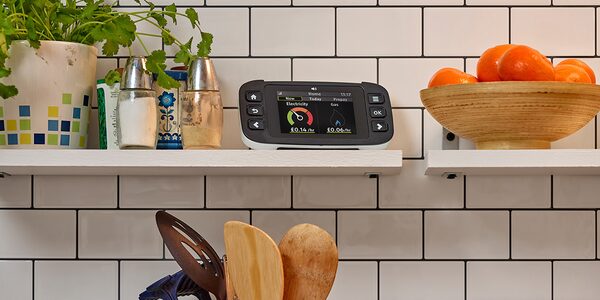
An in-home display (IHD) is a small portable screen that connects wirelessly to your gas and electricity smart meters and shows what you are using, in pounds and pence, on a daily, weekly or monthly basis1. When it goes blank, stops updating or loses one fuel, the meter behind it is almost always still working. The display is a monitor, not the meter: your smart meter continues to send readings to your supplier automatically, so billing carries on as normal3.
The most common causes are mundane. A blank screen is often a flat battery, fixed by plugging the display in and letting it charge before switching it back on1. A display that has drifted out of range of the electricity meter can usually be restored by turning it off, moving it closer to the meter and turning it back on, with data returning within 24 hours1. Where electricity is showing but gas is not, there is a documented reset sequence for reconnecting to both meters1.
If those steps fail, the fault sits with your supplier, who owns the display and the metering system. If a fault is reported within 12 months of installation and is not due to the household failing to keep the display in good working order, the supplier must repair or replace it free of charge3. After that period, some suppliers have agreed to help resolve display issues under voluntary principles5.
What an in-home display does, and why it matters
The display is offered at the point of installation, and with every smart meter installation the customer is provided with one8. It shows how much gas and electricity you are using in near real time and what it is costing you, with settings to view usage by day, week or month10. For prepay customers it does more: it shows remaining balance, emergency credit, any outstanding debt, current energy costs and historical consumption data12.
That is the case for the display as a tool. It puts the cost of a shower, a tumble dryer cycle or an hour of heating in front of the household while there is still time to change behaviour, and many models allow alerts when you are close to a spending limit or when consumption rises suddenly13. For a household working towards energy independence, it is the cheapest feedback loop available: it turns an invisible utility into a visible daily number without any new wiring or hardware beyond what the supplier already installed.
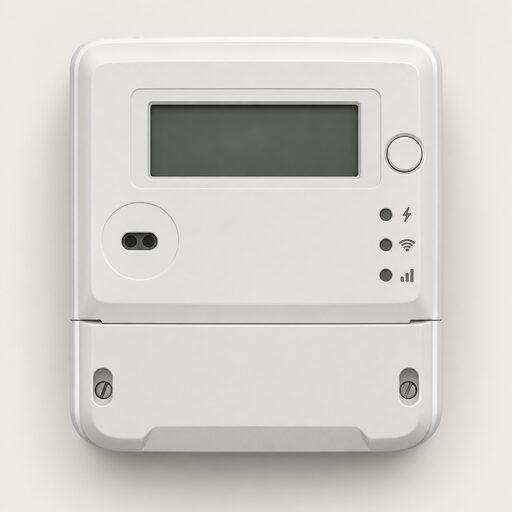
The dependence it creates is worth naming. The display is the supplier's equipment, paired to the supplier's communications hub, and its data flows through the national smart metering network rather than your own broadband14. It is not a home energy monitor you own and configure, and it does not replace one10. If the display fails, the household loses the feedback, not the metering. The meter keeps recording, the supplier keeps receiving readings, and the account keeps running on measured consumption rather than estimates4.
Why an IHD stops working: the common causes
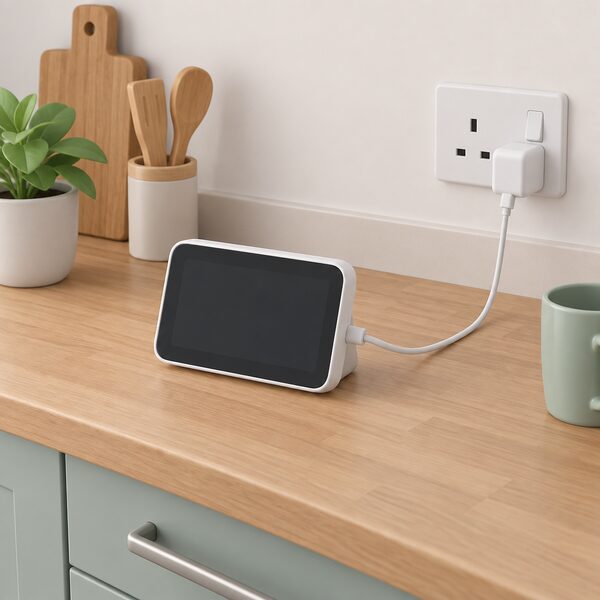
Faults cluster into a few recognisable patterns, and the fix differs for each. A completely blank screen is most often a power problem: the display has run out of battery, and plugging it in to charge for a few moments before switching it back on is the documented first step1. A display that is powered but frozen or showing stale figures has usually lost its wireless link to the electricity meter, which is a range and signal issue rather than a hardware failure1.
A display showing electricity but no gas is a partial connection loss, and it has its own reset sequence: press the on and off switch and unplug the charger, then hold the on and off switch down for a few seconds while plugging the charger back in. The display should reconnect to both meters after a few minutes1. Where data has stopped arriving altogether, the fault may sit at the communications hub rather than the display, and suppliers can often fix it remotely by turning the hub off and on again1.
There is also a design limitation that is not a fault at all. A display gives a helpful guide to energy use but may not always update in real time, and it may not show discounts or ad hoc charges15. A figure that looks slightly out of step with the bill is not evidence of a broken display or a broken meter. Smart meters themselves are accurate, and bills are based on accurate meter readings rather than estimates4.
First checks: power, pairing and range
Work through the checks in order before reporting anything, because most faults clear at the first or second step.
- Power. If the screen is blank, plug the display in and let it charge for a few moments, then turn it back on1.
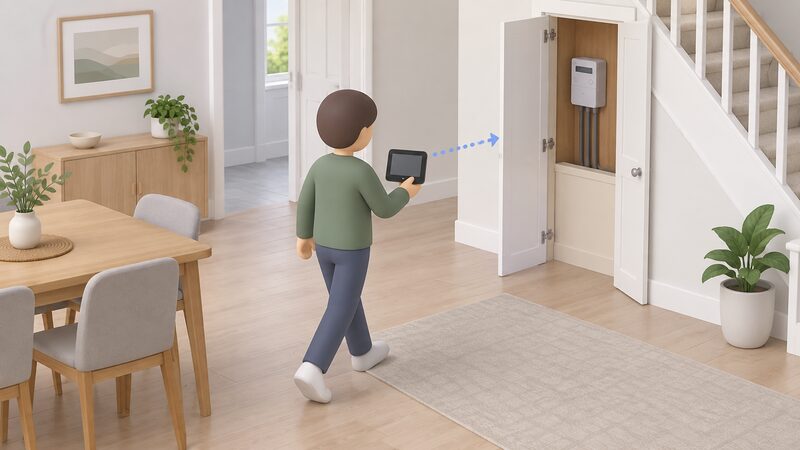
- Range. Turn the display off, move it closer to where your electricity meter is located, and turn it back on. Connectivity should be restored and data should begin displaying again within 24 hours1.
- Gas reconnect. If electricity is showing but gas is not, press the on and off switch and unplug the charger, then hold the switch down for a few seconds while plugging the charger back in. The display should reconnect to both meters after a few minutes1.
- Hub reset. If data is still missing after 24 hours, contact your supplier. In many cases they can fix it by turning your communications hub off and on again1.
Two points about the technology help set expectations. The display talks to the meters over a low-power wireless link, not over your home broadband, so router problems and Wi-Fi dead spots are not the cause of a display fault14. And the link is short range by design, which is why moving the unit closer to the electricity meter is the standard remedy rather than a workaround1.
What still works when the display doesn't: readings, billing and prepay top-ups
Almost everything that matters continues without the display. A smart meter automatically sends your electricity and gas meter readings to your supplier, so bills are based on accurate meter readings and not estimates4. The consumption record lives in the meter and the supplier's systems, not in the portable screen, so a failed display does not put the account into estimated billing and does not make the bill wrong4.
For prepay households the position is slightly different, because the display carries useful payment information: how much credit is left, how much emergency credit is available and when it has been activated, any debt balance, and a warning when credit is running low8. Losing that view makes it harder to see a balance falling, but it does not remove the ways to pay. Smart prepay meters can be topped up online, by telephone or text message, or through a smartphone app, with no gas card or electricity key needed17. Some displays also allow a top-up code to be entered directly and the electricity supply to be reconnected after a cut-off, so a household relying on that route should ask the supplier for the alternative top-up method that applies to their meter12.
One consequence is worth flagging for prepay users. If you do not top up your meter, the daily standing charge builds as a debt, and later top-ups may be used to pay off previous weeks' unpaid daily standing charges19. Without a display showing the balance, that drift is easier to miss. Households on a non-smart prepayment meter top up at a local Paypoint store or Post Office using the meter's key or card20.
Faults and the 12-month warranty: when to ask for a replacement
The display is covered by a defined warranty period, and the terms are specific. If you report a fault with the in-home display within 12 months of the date of installation, and your supplier is satisfied the fault is not due to your failure to keep the display in good working order, the supplier must repair or replace it free of charge3. Put plainly, if the display is less than a year old, the supplier has to fix or replace it5.
After 12 months the obligation changes shape. The supplier may apply a charge, but some energy suppliers have agreed to help resolve in-home display issues after the 12-month period under voluntary in-home display replacement principles5. That is a voluntary arrangement rather than a statutory right, so the response varies by supplier. Independent guidance also records that a free replacement can be requested, with the free request window running within 12 months of installation and charges potentially applying after the initial period11.
The replacement process itself is straightforward and does not touch the metering. Contact your energy supplier for a replacement display; this should not involve replacing the meters, and the new display will be paired with the existing smart meter18. Where a display is needed for accessibility reasons, some suppliers offer accessible versions with larger buttons, audio functions and easier-to-read screens, and eligibility varies between suppliers10.
"If you report a fault with the in-home display within 12 months of the date of installation, and your supplier is satisfied that the fault is not due to your failure to keep the in-home display in good working order, your supplier must repair or replace it free of charge."
IHD or no IHD: how much you actually lose
The honest answer is that a household loses feedback and convenience, not control of its energy supply. The meter keeps measuring, the readings keep flowing to the supplier, and the bill keeps reflecting actual consumption4. Tariff access is unaffected: smart meter customers can access more flexible tariffs, including dual-rate tariffs, whether or not the display is working4. Switching supplier is also unaffected, and the display that came with your smart meter should still connect to it after a change of supplier or tariff, though each supplier sets its own policy and could limit some display functionality23.
What is lost is the near-real-time view: the pounds and pence figure that makes a household act on what it is spending, and the alerts that warn of a sudden increase or an approaching limit10. For a prepay household, the loss is sharper, because the balance, emergency credit and debt position are all normally read from the screen8. The running cost of the display itself is trivial, at less than 1 watt, or about 2p a week7.
The dependence that remains is structural rather than financial. The display is supplied equipment tied to the supplier's communications hub and the national network, so the household cannot simply buy a like-for-like replacement and pair it itself14. Improving the experience of in-home displays for consumers has been an active area of policy consultation, which reflects how common these frustrations are24. Where a display cannot be restored, the practical fallback is the meter itself and the supplier's app or website, with the display treated as a convenience rather than a control.
Sources24 cited
- Fixing problems with your smart meter's in-home display, Citizens Advice, 2026-09-17
- Find the user guide for your smart meter's in-home display, Citizens Advice, 2026-09-17
- Smart meters, Energy Ombudsman, 2026-09-20
- Get help with your smart meter, Ofgem, 2026-09-17
- Understanding smart meters, National Energy Action, 2026-04-21
- Frequently asked questions about smart meters, National Energy Action, 2024-05-03
- In-home display help, E.ON Next, 2026-09-17
- What is a smart meter, Smart Energy GB, 2026-08-10
- Does a smart meter need Wi-Fi, Smart DCC, 2026
- Myth-busting smart meter problems, Smart Energy GB, 2026-09-17
- Smart Energy GB FAQs, Smart Energy GB, 2025-08-08
- Using a smart meter in-home display: instructional videos, Smart Energy GB, 2026-03-16
- How do smart meters save energy, Smart DCC, 2026
- Smart meters and Wi-Fi: does a smart meter need Wi-Fi, Smart Energy GB, 2026-03-16
- Should you get a smart meter, So Energy, 2026-04
- Are smart meters accurate, Smart Energy GB, 2026-03-16
- Smart meters and carers, Smart Energy GB, 2026-08-19
- Do I already have one, Smart Energy GB, 2026-03-16
- Energy debt on prepayment meters, Centre for Sustainable Energy, 2026-08
- Prepayment meters consumer guidance, Ofgem, 2026
- Our view on smart meters, National Energy Action, 2026-06-12
- Understanding smart meters, National Energy Action, 2026-06-12
- Switching supplier with a smart meter, Smart Energy GB, 2026-03-16
- Citizens Advice response to DESNZ's smart metering framework post-2025, Citizens Advice, 2025-10-03
 Smart Meter Faults and FixesYour smart meter has stopped working.
 In-Home DisplaysWhat does the little screen that came with a smart meter actually tell you, and what can you do when it stops working?
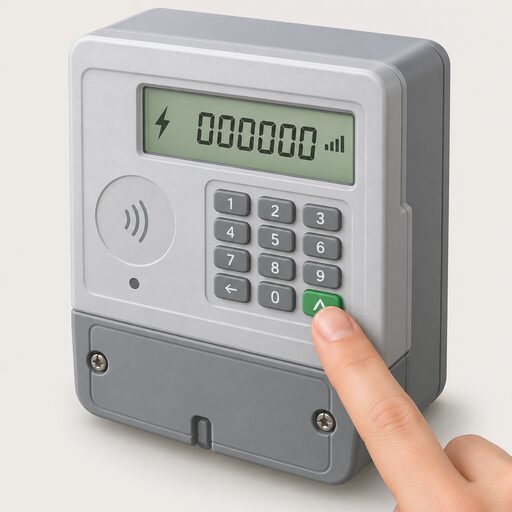 Get a Reading From a Smart MeterHow to bring up a meter reading on a smart electricity or gas meter when a manual reading is still needed, and the difference between the meter itself and the in-home display.
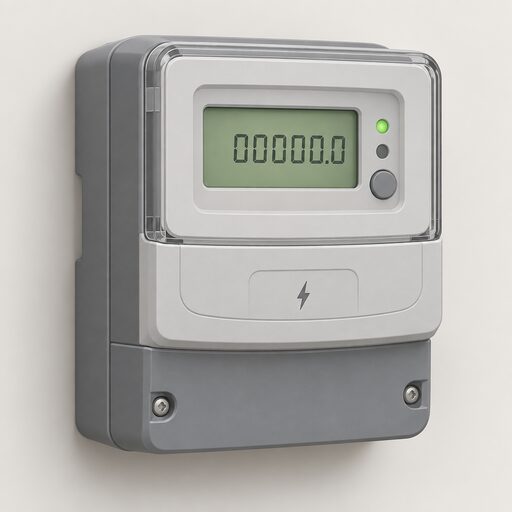 Take Control of Your EnergyHow do you read your own energy use and keep hold of your meter readings?
 Why You Cannot Get a Smart MeterWhy can some homes not have a smart meter fitted, and what counts as a good enough reason?
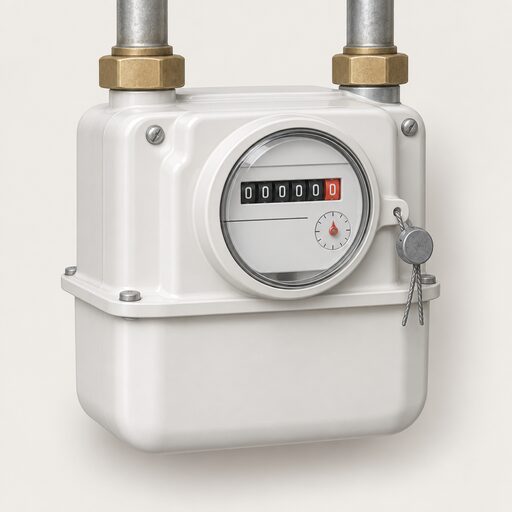 Meter Standards and AccuracyHow UK smart meters are certified for accuracy, how their readings become a bill, what happens when a meter stops communicating, and how a metering or billing dispute is escalated to a supplier and then to the Energy Ombudsman.