In this guide
A supplier app is a second front door to the account you already have. It is free to download, and it does the jobs that used to mean a phone call: sending a meter reading, checking a balance, seeing what you have used, topping up a smart prepay meter and reading your bills without paper1. Which? reports plainly that "These apps are free to download."1
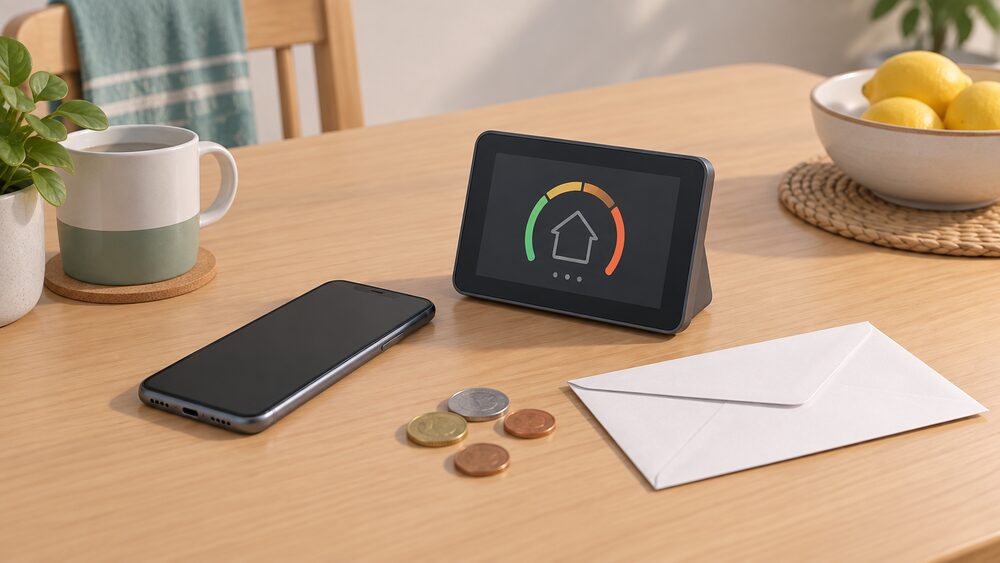
What you can actually do in it depends on your meter. Some features, such as graphs showing your daily energy use, need a smart meter that sends your supplier the data1. Smart meters send readings automatically so you do not have to do it yourself, and they are installed by your supplier at no extra cost2. A home energy monitor is not a substitute: it can help you track electricity use, but it cannot automatically send meter readings to your supplier4.
The app is a window, not a source of supply. It does not change who owns the meter, who holds your data or who can switch you to a new supplier if the company fails. Ofgem's position is that if your supplier goes out of business you do not need to do anything: you are moved automatically to a new supplier and your supply is not interrupted5. What follows is what each app covers, how to get signed in, and what remains outside your control.
What a supplier app does for your account
The core jobs are the same across suppliers. You can submit a meter reading online rather than reading it down a phone line, see the balance on the account, look back at what you have used, download or view bills, and manage paperless billing so that statements arrive in the app instead of the post. For prepayment households the app can become the main way the meter is fed.
The app also becomes the place where support is arranged. Ofgem's guidance for households struggling to pay says a supplier can agree a payment plan, a payment break or a reduction, review payments and debt repayments, and give access to hardship funds10. Supplier schemes and grants exist for paying off energy debt11, and the practical route into them is to contact your supplier directly to ask about its latest offers12. Some of that can be started in an app; the decision itself sits with the supplier.
Two limits are worth stating firmly. First, an app is not a supplier. Ofgem is clear that an energy supplier is responsible for providing energy to homes and businesses13, and no app changes that relationship or the fact that the gas and electricity still arrive through networks you do not control. Second, an app is not a substitute for the statutory complaints route. If something goes wrong with billing or service, the formal process runs through the supplier and then the Energy Ombudsman, not through the app's message centre13.
For a household thinking about independence, the app is best understood as visibility rather than control. It tells you what you are using and what you owe, which is the precondition for using less. It does not give you a say in the price, the fuel mix or the network.
E.ON Next Home app: battery control, billing and sign-in
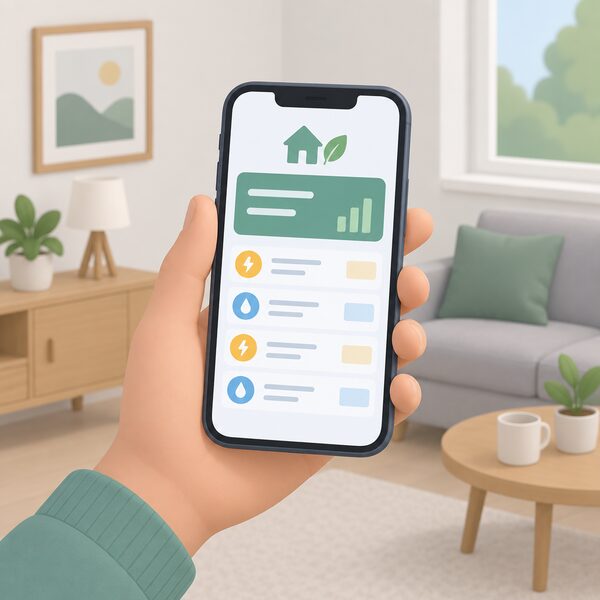
E.ON Next appears in the Demand Flexibility Service, the scheme that pays households for shifting electricity use away from peak times, and it is listed as a domestic participant14. That matters for the app because battery control and time-shifted usage are the kind of feature that only makes sense when a supplier is running a flexibility scheme and the household has something to shift, such as a battery or a smart appliance.
The billing side is the ordinary one: balance, bills, readings and paperless statements. E.ON Next has also published its own complaints performance, showing 59,276 complaints opened and 59,138 resolved in the second quarter of 2026, with customer service the top complaint reason at 32.28%15. That figure is the company's own and is worth reading alongside the independent customer service ratings before judging how well the app and the contact channels behind it perform.
Sign-in problems on any supplier app usually come down to the account rather than the software: a password that has been changed on the website, an email address that no longer matches the one on the account, or a joint account where only one name is registered. The app cannot grant access the account does not already have.
EDF app and Energy Hub: what each covers, and who can use them
EDF runs two things that households often confuse. The app is the account tool: readings, bills, balance, paperless billing and contact. Energy Hub is the usage side, where half-hourly or daily consumption from a smart meter is turned into graphs and comparisons. The app is the door; Energy Hub is the room behind it.
EDF supplies over 3.7 million buildings, covering homes and UK businesses, and offers 24/7 support16. For Feed-in Tariff enquiries the company publishes a dedicated contact route and the email address hello@edfenergy.com17. The EDF Customer Support Fund is separate from both: it helps EDF customers who are experiencing financial difficulties and struggling with their energy bills18, and an application needs the electricity and/or gas account number plus supporting evidence relating to the application18. Scope's guidance adds the practical detail: know your EDF Energy account number, take a meter reading the day you send the application, tell EDF why you are applying, and have proof of any benefits19.
Registration for the app uses the account details EDF already holds. The app and the online account are two routes into the same record, so the credentials are the same. Where a household has more than one property, each supply point normally carries its own account number and is managed through that account rather than through one combined view.
Energy Hub: up to £41 a year from seeing your usage
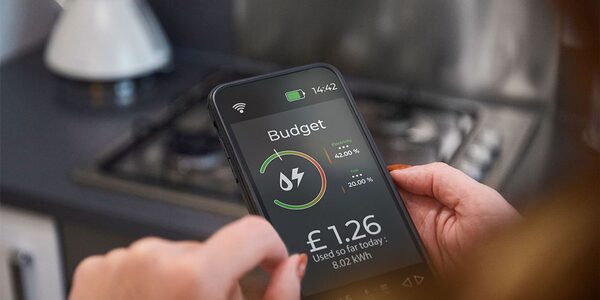
The claim that usage visibility is worth money rests on a simple mechanism: households that can see what they are using tend to use less. The figure commonly attached to that effect is up to £41 a year, and it is a modelled saving rather than a payment. It is small next to the size of a bill, which is the honest way to read it.
For scale, Ofgem's price cap levels for 1 July to 30 September 2025 put a Southern region single-rate electricity household at £888.57 a year for 3,100 kWh, and a multi-register household at £1,136.72 for 4,200 kWh21. The same document gives the Northern region £913.63 for 3,100 kWh single-rate and £1,153.34 for 4,200 kWh multi-register, the Eastern region £927.66 for 3,100 kWh single-rate, and the South East £1,163.56 for 4,200 kWh multi-register21.
The cap levels for 1 October to 31 December 2025 give a further set: Southern at £155.12 for nil consumption and £912.80 for 3,100 kWh single-rate, and £155.67 for nil consumption and £1,138.05 for 4,200 kWh multi-register, with prepayment as the payment method22. Against bills of that size, £41 a year is roughly the difference a few changed habits make, not a transformation.
What Energy Hub genuinely offers a household is the evidence base for its own decisions: which appliances drive the peaks, whether the heating is running when nobody is home, and whether a tariff with a different shape would suit. That is the independence argument, and it is about information rather than supply.
Keypad+ and Power NI: pay-as-you-go in Northern Ireland
Northern Ireland runs a separate market with its own suppliers, its own regulator and its own support structures. The Consumer Council offers an energy price comparison tool to compare electricity and gas tariffs for all suppliers in Northern Ireland23, and nidirect carries the advice route for households struggling to pay energy bills24. A one-stop shop energy advice service has been proposed for Northern Ireland, built to provide accessible information through a free, inclusive, multi-channel service and to follow data insights to develop its functionality and accelerate the energy transition25.
Keypad meters are the Northern Ireland prepayment equivalent, and they have had a specific technical problem. NIE Networks states that a keypad meter overload issue is temporary, and that NIE Networks and the relevant electricity suppliers are continuing to work to resolve it as soon as possible23. The planned route to a fix is direct contact: your energy supplier will be in contact with you regarding a system update that should resolve the issue23. For households relying on electricity for healthcare needs, if a reset is unsuccessful you can contact NIE Networks via WhatsApp, Facebook Live Chat or the customer helpline23.
That is the practical answer to a Keypad+ app that will not download or will not show a balance: the fault is upstream of the phone, and the remedy arrives through the supplier rather than through reinstalling the app.
Smart meter or not: which features you can actually get
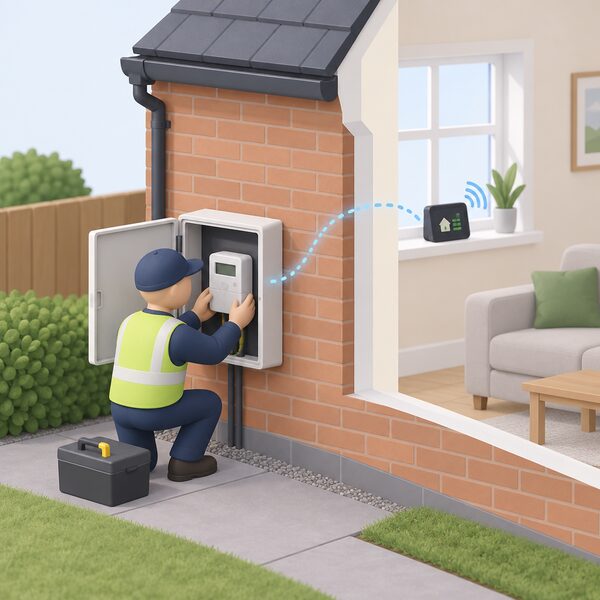
The dividing line for every supplier app is the meter. Smart meters send meter readings automatically to your energy supplier, so you do not have to do it yourself, and they offer real-time monitoring through an in-home display2. They are installed by your energy supplier at no extra cost2. That combination is what makes daily usage graphs, live balance and remote top-up possible.
Data access is narrower than households often assume. Only your supplier, or third parties when given explicit permission from the consumer, can see how much energy you are using and when26. The app is a view of data the supplier already holds; it does not widen who holds it.
Without a smart meter, the app still works for the account jobs: readings you type in yourself, bills, balance and paperless billing. What it cannot do is show you consumption it has never received. A home energy monitor does not close that gap, because it cannot automatically send meter readings to your supplier4.
The rollout itself has been slow and regulated. Energy suppliers were required to meet binding annual targets for installing smart and advanced meters under the 2022 to 2025 rollout framework27, and Ofgem's stated service expectation is ensuring customers who want a smart meter can receive one quickly28. Where a smart meter develops an operational issue, the guaranteed standards require the supplier to complete an initial assessment, take appropriate action and offer to update the consumer within 5 working days6. The post-2025 policy framework sets a deadline of no later than 90 days from the date energy suppliers are first aware for recovering meters running in traditional mode29.
| Meter type | Readings sent automatically | Usage graphs in app | Remote top-up |
|---|---|---|---|
| Smart credit meter | Yes2 | Yes, where the supplier provides it1 | Not applicable |
| Smart prepayment meter | Yes2 | Yes, where the supplier provides it1 | Often, by app or online7 |
| Non-smart prepayment meter | No | No | No, key or card needed9 |
| Non-smart credit meter | No | No | Not applicable |
Downloading, registering and signing in
The download is the easy part: the apps are free1. Registration is where most households hit trouble, and the causes are usually administrative rather than technical.
- Find the account number on a recent bill or statement, or in the welcome pack from the supplier.
- Register with the email address the supplier holds for the account, not a newer personal one.
- Set a password you have not used on the website, then sign in and check the account details are correct.
- Add a meter reading if the app asks for one, particularly if the account has just changed hands.
- Turn on paperless billing if you want statements to stop arriving by post.
Joint accounts are a common sticking point. Where two names are on an account, the app registration normally attaches to the account rather than to a person, so both holders can use it, but only if the email and password are shared or the supplier supports separate logins. Where a household has moved, the old account and the new one are separate records, and the app will show whichever the login is attached to.
If a login fails and a reset does not fix it, the route is the supplier's own complaints process, and then the Energy Ombudsman if the complaint is not resolved13. The Ombudsman's service is active and takes disputes that suppliers have not settled30.
What an app means for household energy independence
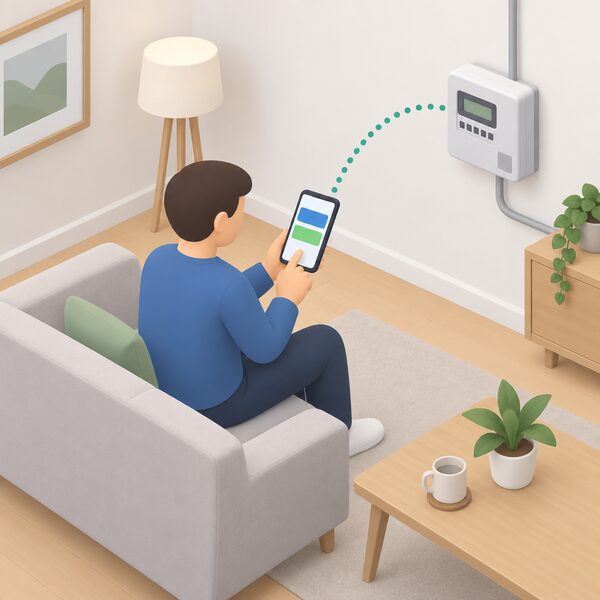
An app gives a household three things it did not have before: sight of its own consumption, a faster route to its own account, and a way to act on a prepay meter without leaving the house. Those are real, and they are the reason Which? recommends using them1.
What it does not give is independence from the system. The supplier remains responsible for providing energy to the home13, the meter remains the supplier's equipment, and the data remains visible to the supplier and to third parties only with explicit permission26. If the supplier fails, the app stops mattering: Ofgem's process moves the household automatically to a new supplier and keeps the supply running5. The account, the readings and the balance travel with the supply, but the app itself does not.
There is a wider layer of support that apps sit on top of rather than replace. The Energy Company Obligation is an energy supplier led energy efficiency scheme in England, Scotland and Wales designed to tackle fuel poverty and help reduce carbon emissions, focused on supporting low-income households30. In Northern Ireland, NISEP is an energy efficiency programme for domestic and non-domestic customers31. Both are delivered through suppliers, which is why the app is often where a household first hears about them.
Independent tools exist alongside supplier apps. The Energy Saver App, for example, does not look at your individual usage or sell on your data, and it does not matter whether you own or rent your home or which energy supplier you use32. That is a different model: no account, no supplier relationship, no dependence on a company that might change hands.
The honest summary is that a supplier app improves your position within the market without changing the market. It makes you a better-informed customer of a system you still do not control, and for most households that is worth having, provided the limits are understood.
Sources32 cited
- Why you should use your energy supplier's app, Which?, 2024-04-18
- How to get a smart meter, Smart DCC, 2026
- How accurate are smart meters?, Smart DCC, 2026
- Smart meters vs home energy monitors, Smart Energy GB, 2026-08-17
- Switch your home energy supplier, Ofgem, 2026
- Final decision: smart meter guaranteed standards of performance, Ofgem, 2026-01-30
- How to use a smart meter in prepay mode to save money, Smart Energy GB, 2026-08-17
- Prepayment meters: consumer guidance, Ofgem, 2026
- Change prepayment meter to credit meter, Confused.com, 2026-04-20
- Getting help if you can't afford your energy bills, Ofgem, 2026-09-17
- Get help with your energy bills, Ofgem, 2026-09-17
- Help from your energy supplier, Energy Advice Scotland, 2026-09-20
- Complain about your energy supplier, Ofgem, 2026
- How does the Demand Flexibility Service work?, Uswitch, 2025-09-04
- E.ON Next performance, E.ON Next, 2026-Q2
- EDF Energy, Energy Helpline, 2026-09-20
- Feed-in Tariff licensee contact details, Ofgem, 2026-09-17
- EDF Customer Support Fund, Charis Grants, 2026-09-17
- Energy bills help, Scope, 2026-07-24
- EDF Refer a Friend offer, EDF Energy, 2026-10-06
- Energy price cap levels 1 July to 30 September 2025, Ofgem, 2025-07-01
- Energy price cap levels 1 October to 31 December 2025, Ofgem, 2025
- Temporary power outages: keypad customers, NIE Networks, 2026-09-19
- Advice if you're struggling to pay your energy bills, nidirect, 2026-09-17
- Decarbonisation in Northern Ireland: the potential of a one-stop shop, Energy Saving Trust, 2025-10-01
- Protecting data on the smart meter network, Smart DCC, 2026
- Supplier smart metering installation targets, Ofgem, 2026-09-17
- Debt strategy update: supporting reduction of energy debt, Ofgem, 2025-11-06
- Smart metering policy framework post 2025, GOV.UK, 2025-08-08
- Energy Company Obligation research briefing, House of Commons Library, 2026-09-17
- NISEP 2024/2025 list of schemes, Utility Regulator, 2024-04-03
- Save money on energy bills with the free Energy Saver App, Low Carbon Hub, 2025-01-23
 Consumer Access DevicesHow do you get your smart meter readings into your own app instead of the supplier's display?
 Solar and Battery MonitoringWhat does your solar and battery app actually show you, and can you trust it?
 Smart Meter InstallationCan your supplier make you have a smart meter, and how long should you wait for an appointment?
 Local Data Access and ModbusCan you read your own energy data at home without relying on a supplier's app?
 Who Owns Your Home Energy DataYour smart meter records how much gas and electricity you use, and that information belongs to you, not your supplier.
 Submit Meter ReadingsThe routes for sending readings, by app, online account, phone and automated line, and the timing that gets them onto the right bill.