
In this guide
- Gateway Not Second Meter
- In-Home Display Basics
- What the Display Shows
- Credit or Prepay Mode
- Budgets and Alerts
- Home Area Network and Zigbee
- Cost to Install and Run
- Warranty and Replacement
- Fixing a Blank Display
- Where the Display Falls Short
- Moving or Switching Supplier
- Sharing Data Beyond Display
- Security Rules for Your Device
- What Your Data Access Is Worth
A consumer access device is a cloud-connected secure smart meter gateway device that accesses real-time energy data from smart meters and sends that data to a designated cloud service1. In plain terms, it joins the same wireless network inside the home that the meters and the in-home display use, reads the consumption data as it is produced, and passes it on to an app, a dashboard or a home automation system chosen by the householder rather than by the energy supplier.
The reason this is possible at all is that smart meter data is classified as personal data, owned by the consumer, and the consumer is the source of consent for any onward data-sharing2. Government guidance is equally direct: the household controls who can access the energy use data from its smart meter, including how often and for what purposes, except where the data is required for regulated purposes such as billing3. Meter readings themselves travel to the supplier over a secure data network managed by the Data Communications Company, the DCC4, which is a separate route from anything a consumer access device does in the home.
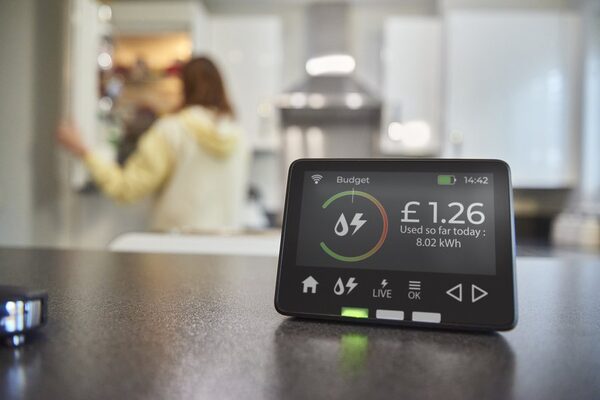
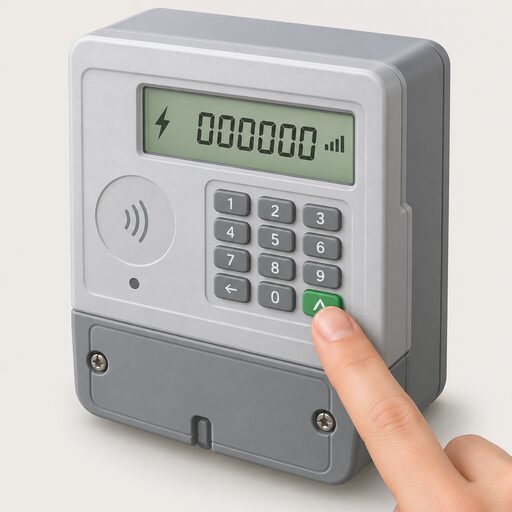
Every smart meter installation comes with an in-home display, the best known device on that home network5. The display is the default, free, supplier-provided window on the same data. A consumer access device is the route for households that want the numbers somewhere else: in an app, on a home server, or feeding a home energy management system. This page covers both, and what each does and does not give a household in terms of control over its own information.
A consumer access device is a gateway, not a second meter
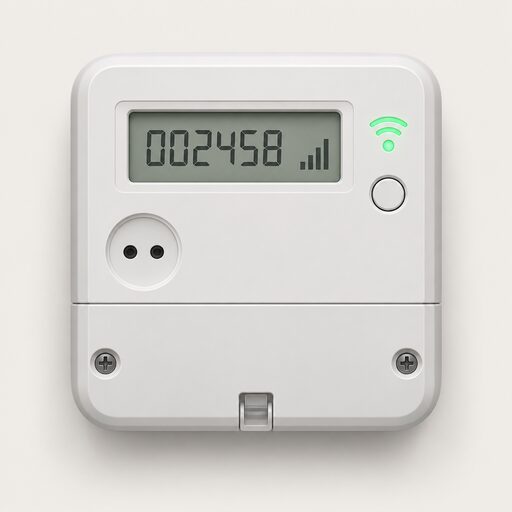
The device does not measure anything. It listens. It connects wirelessly to the home's smart meter10 and relays what the meter is already reporting. That distinction matters for accuracy questions: the billing figures still come from the meter itself, over the DCC network, and nothing a household adds on the home network changes them.
What the device adds is destination and format. Data lands in a service the household chooses, which can then present it as charts, budget tools or automation triggers. One supplier of consumer-facing smart meter software describes budget control as setting spending limits and receiving alerts to stay on track11, the kind of layer that sits on top of raw consumption data rather than replacing it.
The independence gain is real but partial. A household with a consumer access device is no longer dependent on a single supplier-issued screen to see its own consumption, and can retain and analyse its own history. The dependencies that remain are worth stating plainly: the device is cloud-connected by design1, so it depends on a broadband connection, on the vendor's cloud service continuing to exist, and often on an app account. It also depends on the meter and communications hub remaining in working order, which is a supplier and DCC responsibility, not the household's. Where keeping data inside the home matters, local data access routes are a different proposition from a cloud gateway.
The in-home display: what comes with every installation
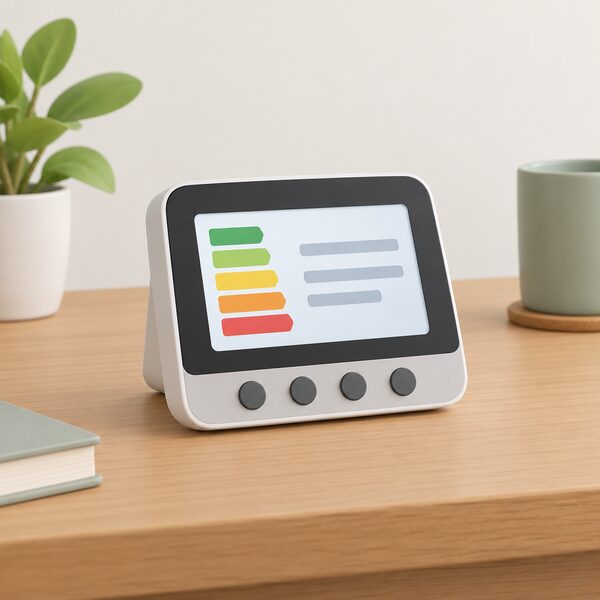
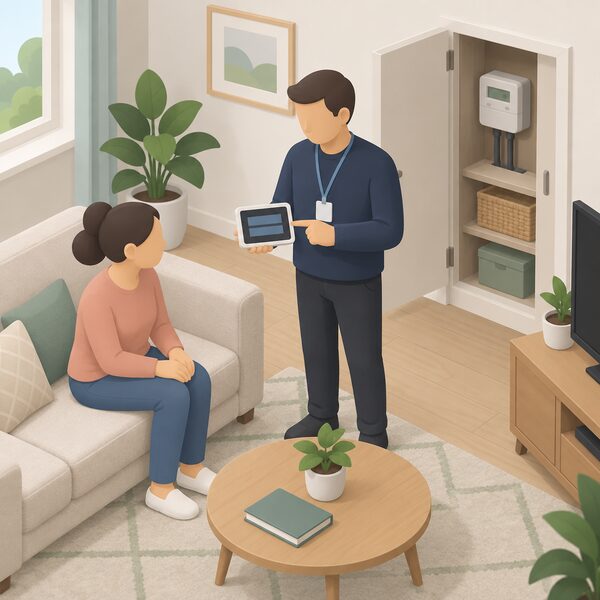
Everyone who gets a smart meter installed is provided with an in-home display5. Government guidance describes it as a device consumers get so they can see and manage energy use3, and lists it among what should happen on the day: installation with minimal disruption, key safety checks during the appointment, and an in-home display offered and demonstrated3. Citizens Advice puts the same point simply: when you get a smart meter, you will also be given an in-home display12.
All displays provide the same essential information, but they do not all look the same, because each energy supplier may provide different models8. Guides are indexed by manufacturer or by the number of buttons on the unit13, which is the practical way to identify an unfamiliar one.
Accessible versions exist. They have been designed to help people who might benefit from a larger display, easier to use buttons and audio options, and are available from some suppliers14. Smart Energy GB describes the accessible display as offered at no extra cost to selected customers, though not yet available to everyone15. The in-home display page covers the range in more detail.
What it shows: kWh, pounds and pence, in near real time
The display shows how much gas and electricity is being used in kilowatt hours and its cost in as near to real time as possible4. Smart Energy GB describes the same thing in pounds and pence, with settings to view usage by day, week or month16, and lists the information shown as energy usage in pounds, pence, and kilowatt-hours16.
The two fuels do not behave the same way. Electricity updates in near real time; gas updates every half hour8. That half-hourly gas cadence is a property of how the gas meter reports, not a fault, and it is the single most common source of confusion when a household watches the screen after turning on a boiler.
| What is shown | Detail |
|---|---|
| Units | Pounds, pence and kilowatt hours16 |
| Electricity refresh | Near real time8 |
| Gas refresh | Every half hour8 |
| Periods | Last hour, week and month, and what it cost8 |
| Prepay extras | Credit balance, emergency credit, any debt, low credit warning14 |
Crucially, it is an information device. Smart Energy GB states that the display is for information only and that regular energy bills continue in the same way17, and that it does not affect the readings supplied to the energy company about energy use18.
Credit mode or prepay mode: the screen changes with how you pay
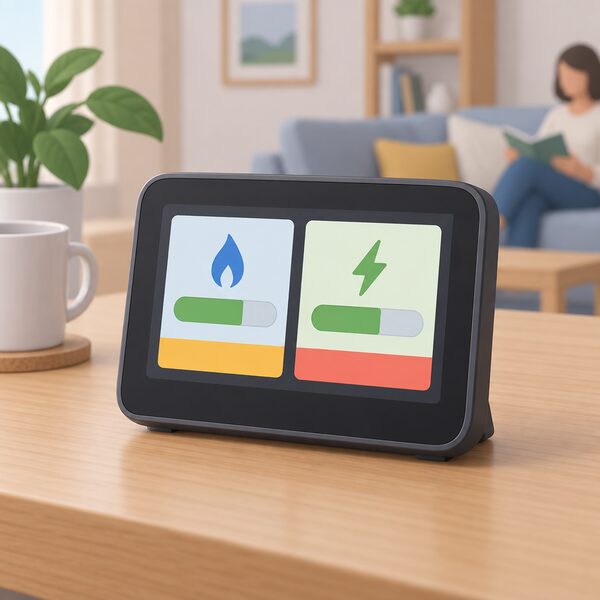
The display has two modes, depending on how the household pays for energy19. In credit mode, where the bill is paid at the end of each month or quarterly, it shows daily use and cost. In prepay mode, it shows the available balance for each fuel and how close the household is to its next top-up19.
National Energy Action describes the prepay screen as showing the price of the tariff, the credit balance and any debt on the account, with alerts when credit is low14. Smart Energy GB states that the in-home display will show when credit is nearly out20. For households on pay as you go this is the most consequential function on the device, because the alternative is discovering the balance at the meter.
Smart prepay also allows switching between credit and prepay payment modes without physically changing the meter17. That flexibility sits with the supplier, not the household: the mode is a supplier-side setting, and the display simply reflects it. The smart prepayment meters page covers the wider rules.
Budgets and alerts
Beyond raw consumption, many models allow alerts that warn when a household is getting close to its limits, or when there are sudden increases in consumption and spending19. This is where a display starts to behave like a management tool rather than a gauge, and it is also where third party software adds most: budget control with spending limits and alerts is a standard feature of consumer smart meter apps11.
The limits are worth being clear about. Alerts are set against cost or consumption thresholds the household chooses, so they are only as useful as the tariff information behind them and the household's own judgement about what a normal week looks like. Nothing in an alert changes what the meter records or what the supplier bills.
How the connection works: the home area network and Zigbee
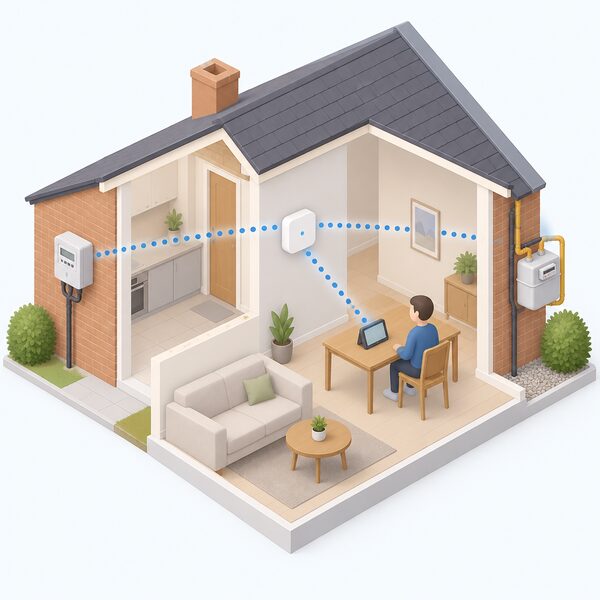
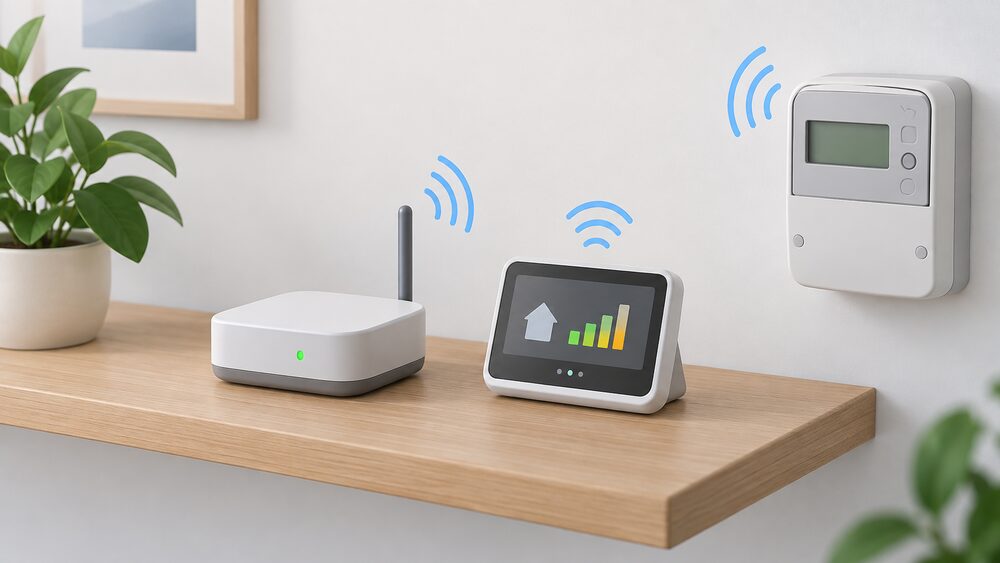
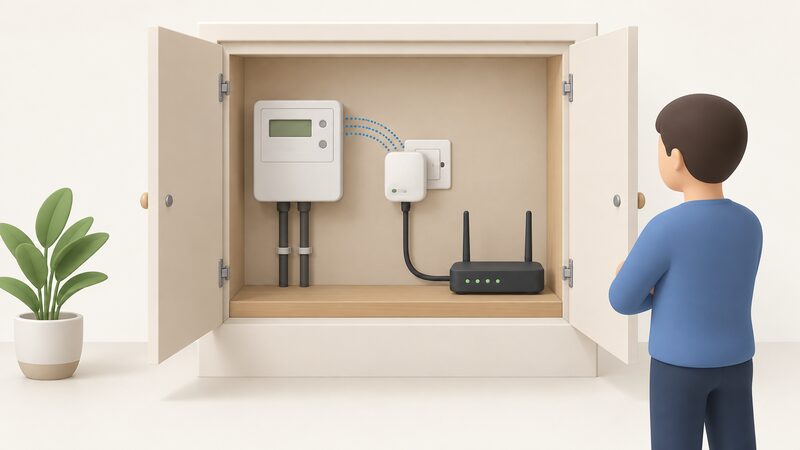
The communications hub allows the smart electricity and gas meters and the in-home display to connect to each other and to the DCC's smart meter home area network, the HAN4. The display connects wirelessly to the gas and electricity smart meters13. A consumer access device joins that same home area network, which is why it needs no wiring and no involvement from a meter operator: it connects wirelessly to the home's smart meter10.
The underlying radio standard is Zigbee, a low-power mesh technology maintained by the Connectivity Standards Alliance. Recent work on the standard includes security enhancement features, the coexistence of Zigbee and Zigbee Smart Energy devices, SubGHz support, and device onboarding and control via Bluetooth Low Energy21. Zigbee Direct brings together Zigbee and Bluetooth Low Energy to simplify the user experience, allowing interaction with Zigbee networks using a smart phone, tablet or other Bluetooth-enabled device22.
It is important not to confuse the metering home area network with the general-purpose Zigbee used by smart bulbs and sensors. Smart Energy profile devices on the metering HAN are security-controlled and paired deliberately, and the smart meter system as a whole is designed to meet national technical and security standards, using controlled access and secure data processes23. The broader picture of home radio standards is set out on the protocols page.
Cost: nothing at installation, less than £2 a year to run
A smart meter installation is at no extra cost to the household24, and the in-home display offered at the point of installation carries no additional cost15. Running it costs less than £2 per year6. National Energy Action gives the same figure and adds that displays have been designed to be as efficient as possible14.
Replacement is where money can enter. Which? reports an expected cost in the region of £30 to £50 for a new in-home display where the free route does not apply7.
| Item | Cost | Source |
|---|---|---|
| Smart meter installation | No extra cost to the household | 24 |
| In-home display at installation | No additional cost | 15 |
| Running the display | Less than £2 per year | 6 |
| Replacement display outside the free window | £30 to £50 | 7 |
Consumer access devices are a separate purchase from a third party. Prices are set by the vendor or retailer and are not published in the official material here, so no range is given. Broader figures sit on the home energy management cost page.
Warranty and replacement: 12 months, then it depends on the supplier
The Energy Ombudsman states the rule directly:
"If you report a fault with the in-home display within 12 months of the date of installation, and your supplier is satisfied..."
Citizens Advice puts the practical version of the same obligation: if the supplier gave the display less than a year ago, they have to help with any problems and can repair or replace it for free25. Smart Energy GB adds that a supplier may apply a charge for a display installed more than 12 months ago16, and that where installation was within the last 12 months the supplier may replace the display free of charge, though accidental damage charges may sometimes apply18.
After the 12-month window, a voluntary arrangement matters. Some energy suppliers have agreed to help resolve in-home display issues after the 12-month period14, and consumers whose suppliers have signed up can access a replacement display once the 12-month obligation period has passed26. Whether that applies depends on the individual supplier.
Replacement does not mean losing the meters. Smart Energy GB states that a replacement should not involve replacing the meters, and that the new display is paired with the existing smart meter27. Citizens Advice notes the free replacement right in the same terms25. Further detail sits on the broken display page.
Fixing a display that has gone blank or lost gas
Two failure modes account for most complaints, and both have documented fixes.
- Blank screen. It could be that the display has run out of battery. Plug it in, let it charge for a few moments, then turn it back on26.
- Screen works, no data. Turn the display off and move it closer to where the electricity meter is located. Turn it back on; this should restore connectivity and begin to display data again within 24 hours26.
- Electricity but no gas. Press the on/off switch and unplug the charger. Then hold the on/off switch down for a few seconds while plugging the charger back in. The display should reconnect to both meters after a few minutes26.
Where data is still missing after 24 hours, the supplier can in many cases fix it by turning the communications hub off and on again remotely26. If a display has started behaving differently after a supplier switch, Citizens Advice advises waiting until it has been over 48 hours before contacting the new supplier25.
Where the display falls short: solar, history and everything else in the house
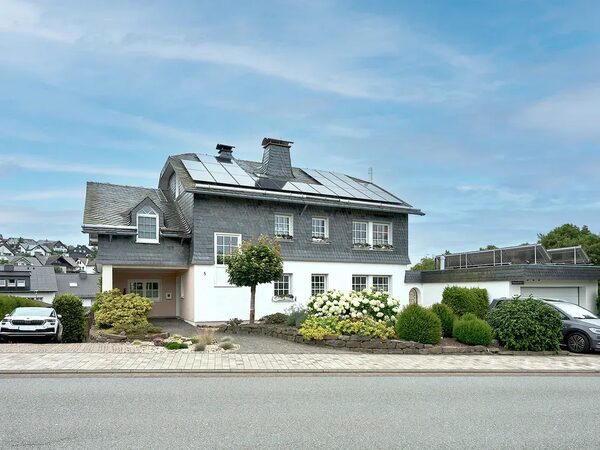
The most significant gap is generation. An in-home display will usually show the energy being bought from the supplier rather than everything the household generates23. Smart Energy GB is blunter still: with a smart meter and solar panels, the display will currently only show the energy being used, not how much power the panels are generating16. The same guidance notes that displays may in future be able to reflect self-generated energy such as from solar18.
For a household with solar, that is a material limit. The display tells you what you imported, not what you produced or exported, so the picture it gives of self-sufficiency is incomplete by construction. Generation and battery data come from separate monitoring: platforms built around inverters and batteries present solar generation, household consumption, battery charging and discharging, grid imports and exports, and historical operating trends in one place28. The solar and battery monitoring page covers those routes.
The second gap is depth. A display reports usage over the last hour, week and month and what it cost8, which is useful for spotting change but not for the sort of analysis that sizes a battery or evaluates a time-of-use tariff. It also gives whole-house totals only: it cannot attribute consumption to individual appliances. That is the job of appliance-level monitoring or circuit-level sensors. A standalone home energy monitor, by contrast, can help track electricity use but cannot automatically send readings to a supplier29, so it is a complement rather than a substitute. Consumer access devices exist largely to close the depth gap, by getting the meter's own data into software that keeps and analyses it.
Moving house or switching supplier
Displays stay with the property. Citizens Advice guidance is that the in-home display should be left behind for the next people who live in the home30. Smart Energy GB gives the technical reason: the device is paired with the meter in that property and will not normally work in a different property18.
Switching supplier is a different matter, and the outcome depends on the meter generation. First generation SMETS1 meters could temporarily go 'dumb' and lose their ability to send automatic meter readings after a supplier switch31. That is a meter and network issue rather than a display issue, though a household will often notice it first on the screen. The SMETS1 and SMETS2 page sets out the difference, and Citizens Advice suggests allowing over 48 hours after a display starts behaving differently before contacting the new supplier25.
For a consumer access device the picture is more stable, because the device is bound to the home area network in that property rather than to a supplier account. It still stays behind if the meter does, and a new occupier or a new supplier arrangement may require re-pairing.
Sharing your data beyond the display: the Consumer Consent Solution
The route for getting smart meter data to a third party service without a physical gateway is being built at industry level. Ofgem describes the Consumer Consent Solution as intended to enable consumers to share their energy data with trusted third parties to receive tailored services to manage their energy bills32. Its design principles, as published, are:
- Simple and low friction
- Interoperable
- Agile, flexible and scalable
- Transparent and informative
- Inclusive by design
- Secure by design33
RECCo, the Retail Energy Code Company, has been appointed to deliver it, establishing a delivery model for the future development and operation of the service34. RECCo states the solution must empower consumers to easily provide, manage and revoke consent for third parties to access their energy data at any time, and to view and modify consent on demand, and recommends a token-based design approach of the kind successfully implemented in other sectors such as open banking35. It also anticipates that other datasets, such as tariff data, could be available in the future35, and recommends partnering with trusted organisations like Citizens Advice to reach digitally excluded consumers35.
Not everyone is satisfied with where the design has landed. Citizens Advice has input to the ongoing development and has concerns regarding the current design meeting consumer needs for control over their data36, and has warned that the introduction of GDPR principles to access consumer smart data will open the door to many types of data-user using those principles to bypass the current stringent privacy protections36. It has also advocated for a portal to allow consumers to see who is accessing their smart meter data and make choices about it37. Ofgem's own consultation record notes that 10 respondents requested more detail as to the benefits of the solution, and an idea of the indicative costs33. The dedicated Consumer Consent Solution page tracks the detail.
Security rules that apply to the device in your home
A consumer access device is a connected consumer product, and UK product security requirements bear on it. The regime bans universal default and easily guessable passwords, and requires publishing information on how to report security issues and on minimum security update periods38. The last of these is the one a household can act on before buying: a device with a short or unstated support window is a device that will stop receiving security updates while still sitting on the metering home area network.
That sits alongside the metering system's own protections, which use controlled access and secure data processes and are designed to meet national technical and security standards23. The connected device security page and the smart meter security page go further.
What access to your own data is worth
Access to consumption data is the foundation under almost everything else in home energy management. Without it, a household cannot verify a tariff's effect, size a battery from its own load profile, or know whether a change made any difference. Citizens Advice has argued that it is essential that people have control over how and why their data is being used, as well as who can see it39, and the Data Access and Privacy Framework is clear that consumers can choose which personal data they share with their suppliers36.
The honest accounting of independence runs like this. A consumer access device removes dependence on one supplier's screen and gives a household its own record. It does not remove dependence on the meter, on the communications hub, on the DCC network for billing, or on the vendor's cloud service, and a cloud gateway introduces a new dependence on an internet connection and a company that must remain in business. A display removes none of these but costs nothing and needs no internet. Neither device generates a unit of electricity. What they do is make the household's own consumption legible, which is the precondition for deciding anything else. Where suppliers use that same data, they can do so for support as well as billing: some use smart meter data to provide proactive support to vulnerable consumers, such as those at risk of self-disconnection34.
Sources39 cited
- Home Electrical Infrastructure of the Future, BEAMA, October 2021
- Data protection and smart meter data, Open Energy, 2026
- Smart meters: your rights and expectations, GOV.UK, 8 August 2025
- Does a smart meter need Wi-Fi?, Smart DCC, 2026
- How accurate are smart meters?, Smart DCC, 2026
- Do smart meters cost more?, Smart Energy GB, 16 March 2026
- Smart meter problems and solutions, Which?, 24 August 2026
- What is a smart meter?, Smart Energy GB, 10 August 2026
- Smart meters, Energy Ombudsman, 20 September 2026
- Gateway Connect and ivie Bud compared, ivie, 20 September 2026
- Consumer solutions, Hildebrand, 20 September 2026
- Getting a smart meter installed, Citizens Advice, 17 September 2026
- Find the user guide for your in-home display, Citizens Advice, 17 September 2026
- Understanding smart meters, National Energy Action, 21 April 2026
- How can I read a smart meter?, Smart Energy GB, 17 August 2026
- Myth busting smart meter problems, Smart Energy GB, 17 September 2026
- Switching supplier, tariffs and bills, Smart Energy GB, 16 March 2026
- Smart meter FAQs, Smart Energy GB, 8 August 2025
- How do smart meters save energy?, Smart DCC, 2026
- Benefits for you, Smart Energy GB, 18 August 2026
- Zigbee FAQ, Connectivity Standards Alliance, 2026
- Zigbee, Connectivity Standards Alliance, 2026
- How do smart meters work?, Smart Energy GB, 27 August 2026
- How to get a smart meter, Smart Energy GB, 3 August 2026
- Fixing problems with your in-home display, Citizens Advice, 17 September 2026
- Troubleshooting smart meter issues, Smart Energy GB, 1 April 2026
- Do I already have a smart meter?, Smart Energy GB, 16 March 2026
- Modular battery storage and scalable home energy systems, Fox ESS, 17 September 2026
- Smart meters vs home energy monitors, Smart Energy GB, 17 August 2026
- Moving home: dealing with your energy supply, Citizens Advice, 20 September 2026
- How do you know if you have a smart meter?, Smart DCC, 2026
- Consumer Consent Solution consultation, Ofgem, 9 August 2024
- Consumer Consent decision, Ofgem, 29 April 2025
- Consumer Vulnerability Strategy progress report, Ofgem, 21 July 2026
- RECCo's role in shaping the future of energy data sharing, Retail Energy Code Company, 3 February 2026
- Response to Smart Energy Code refinement consultation, Citizens Advice, 7 January 2026
- Response to RECCo's Consumer Consent Solution design consultation, Citizens Advice, 5 May 2026
- Regulations for consumer connectable product security, GOV.UK, 8 January 2024
- Innovation in the tariff market, Citizens Advice, 8 March 2021
 Smart Meter Data and Who Sees ItWhat does your smart meter actually record, and who gets to see it?
 Who Owns Your Home Energy DataYour smart meter records how much gas and electricity you use, and that information belongs to you, not your supplier.
 Supplier Apps and AccountsWhat can you actually do in your supplier's app?
 Get a Reading From a Smart MeterHow to bring up a meter reading on a smart electricity or gas meter when a manual reading is still needed, and the difference between the meter itself and the in-home display.
 The Full Smart Meters GuideDo smart meters really save you money, and how do you use one to cut your bills?
 Local Data Access and ModbusCan you read your own energy data at home without relying on a supplier's app?