In this guide
Local data access means reading your own energy data at home, on your own equipment, rather than waiting for a supplier's app to show it. The routes are physical and software: a serial port on a meter, a Modbus register on an inverter, a VE.Direct socket on a Victron device, or a local API on a hub. The point is not novelty. It is that the data keeps working when a cloud service changes, a subscription ends or a manufacturer withdraws a product.
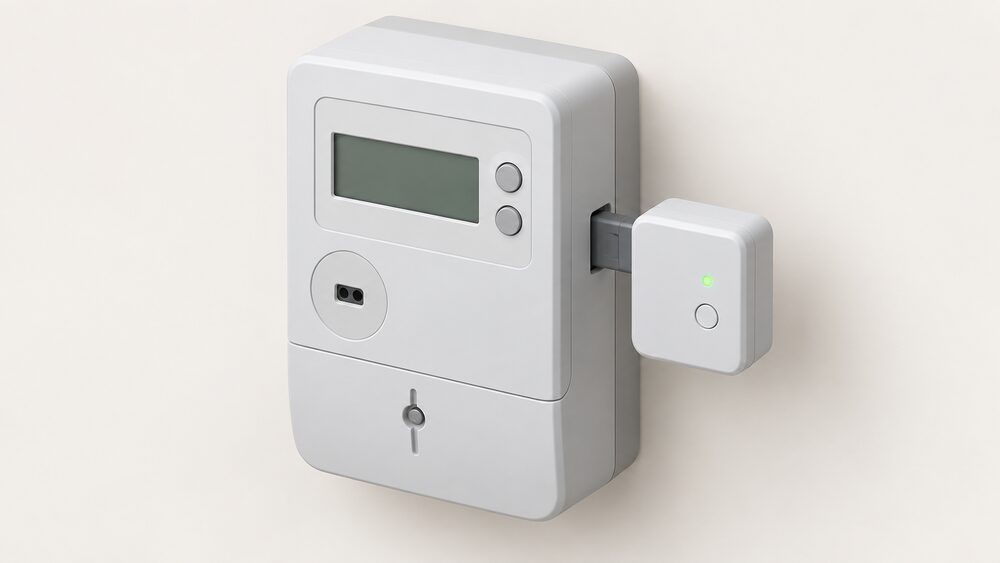
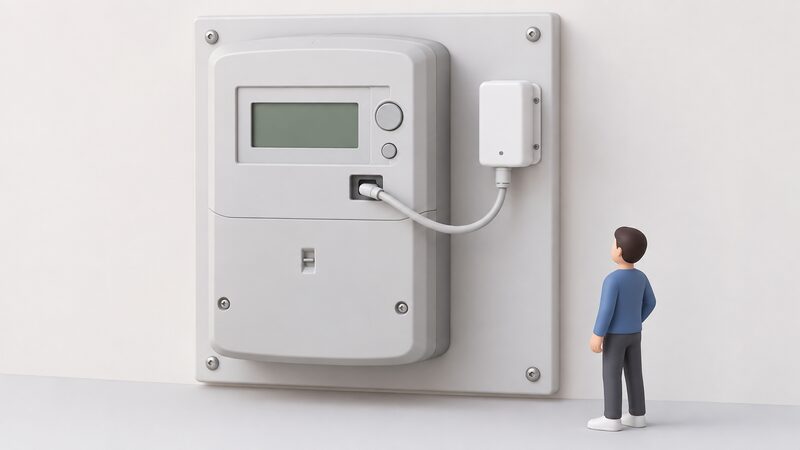
The distinction that matters most is between a meter that reports to your supplier and a device that reports to you. A smart meter automatically sends your electricity and gas meter readings to your supplier1. A home energy monitor can help you track electricity use, but it does not replace a smart meter because it cannot automatically send meter readings to your supplier2. Local access sits in the second category: it is for the household, not the billing system.
Home energy management can be delivered through a central hub device in the home, software in the cloud, or via smart devices coordinating directly with each other3. Only the first and third of those keep working when the internet or a vendor's servers do not. That is the independence question this page addresses, alongside the practical detail of what each interface actually reads.
What local data access means for a household's energy independence
A household that reads its own meter, inverter and monitor locally holds the raw record of its consumption. That record is what sizes a solar array, a battery or a heat pump, and it is what shows whether a tariff is actually saving money. The alternative is dependence on a supplier's portal, a manufacturer's app and whatever data retention policy applies at the time.
The dependence that remains is real and worth stating plainly. A smart meter still reports to the supplier, and the local device reads a port on that meter rather than replacing it. A Modbus inverter still needs the manufacturer's firmware. A hub with a local API may still phone home for time, updates or remote support. Local access reduces dependence on the cloud; it does not remove the grid, the supplier or the gas network.
There is a public-interest dimension too. Energy network operators can access some anonymised energy use data to help them run the networks more efficiently7. That is aggregate data that cannot be linked back to an individual, and it is separate from the household's own copy. Keeping a local record is how a household holds its own version of the same picture.
The practical test is simple: if the broadband fails, or the maker's servers go down, does the household still see its consumption? For a device with a local port and a local API, yes. For a device that only reports to a cloud dashboard, no. That single question separates the two designs more reliably than any specification sheet.
Modbus, VE.Direct and APIs: the main routes to your energy data
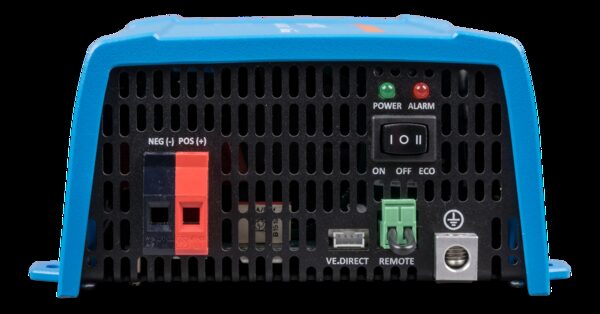
Three families of interface cover most home energy equipment. Modbus is the industrial register protocol, used over serial (RTU) or Ethernet (TCP), and it is what most inverters and meters expose for third-party reading. VE.Direct is Victron Energy's own serial link, found on its smaller inverters and charge controllers. Local APIs are the software route: a hub or gateway publishes an HTTP interface on the home network.
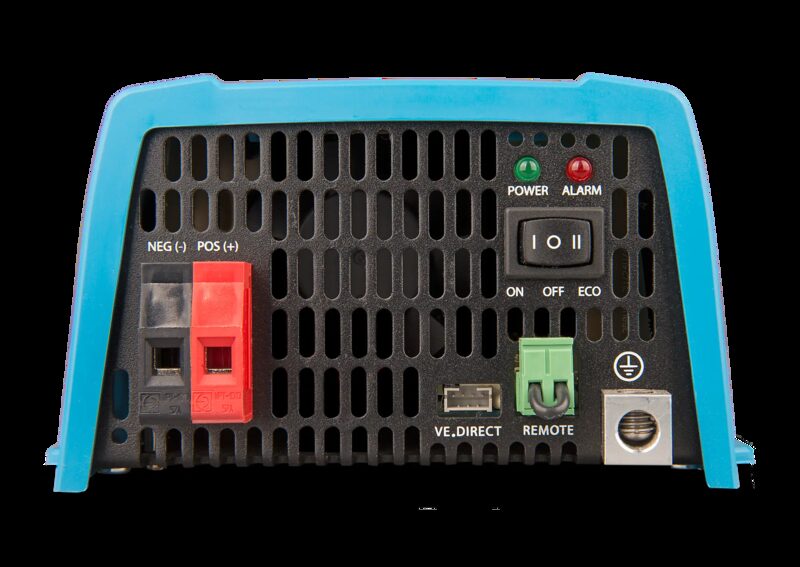
The Victron datasheet for its VE.Direct inverters in the 250 VA to 1600 VA range sets out what the port carries: in- and output voltage, percentage load and alarms6. The same range offers a remote on/off switch connection, screw-terminal battery connections, an output voltage range of 210 to 245 V, and a protection category of IP 216. Those are the readings a household gets without a cloud account.
Modbus is less standardised in home equipment than its reputation suggests. Register maps differ between manufacturers, and a register that reports power on one inverter may report something else on another. The protocol is open; the map is not. That is why local integration work is usually a matter of matching a specific device to a specific integration rather than plugging in a universal reader.
The third route, a local API, is the one most exposed to commercial change. A maker can publish an API, then restrict it, then withdraw it. Where a device offers both a documented local API and a physical port, the port is the more durable of the two. Where it offers only an API, the household's access lasts as long as the maker's policy does.
What the Smappee TIC module reads from a digital meter
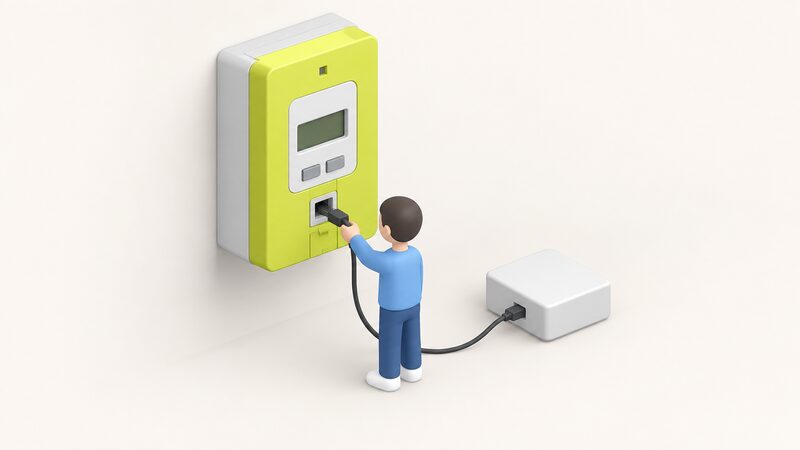
The Smappee TIC module reads the TIC port of the digital meter5. It connects directly to the digital utility meter, providing users with real-time energy data for electricity, gas, and water5. That is a different approach from a clamp-based monitor: the module takes the meter's own digital output rather than inferring consumption from current in a cable.
The maker states that the module monitors real-time and historical data for electricity, gas and water, with a qualification attached to the gas and water element5. The qualification is important and appears in both the current datasheet and the January 2026 version: gas and water monitoring is only available when these digital meters are connected to the digital electricity meter4. In other words, the module reads one port, and gas and water data reaches it only if those meters are wired through the electricity meter.
The module also monitors always-on usage, which is the standing load a household carries whether or not anything is obviously running5. That figure is often the most actionable one a household can obtain, because it is the part of consumption that no behaviour change touches.
The TIC port itself is a French meter interface, listed by the maker as one Linky port, described as prise TIC, with a connector for Linky5. Its presence therefore depends on the meter fitted, and a household outside that meter population will not have the port to read. The module is one part of a wider system the maker describes as modular by design, built to scale from simple monitoring to full energy orchestration8.
Smappee TIC module specifications
The maker's technical documentation gives a compact set of physical and environmental figures. The module measures 66 mm × 32 mm × 50 mm and weighs 41 g4. It communicates over Wi-Fi 2.4 GHz, Bluetooth, and one Linky port, and it connects via Wi-Fi5. A QR code for setup is included4.
| Specification | Figure | Source |
|---|---|---|
| Dimensions | 66 mm × 32 mm × 50 mm | 4 |
| Mass | 41 g | 4 |
| Communications | Wi-Fi 2.4 GHz; Bluetooth; 1 x Linky port (prise TIC) | 5 |
| Connector | Connector for Linky | 5 |
| Operating temperature | -10 °C to 60 °C | 4 |
| Storage temperature | -20 °C to 90 °C | 4 |
| Relative humidity | 0 % to 95 %, non-condensing | 4 |
| Operating altitude | 0 to 2,000 m | 4 |
| Controls | Reset button; status LED | 5 |
| Included accessory | QR code for setup | 4 |
| Safety standard | EN IEC 61010-1 | 5 |
| EMC standards | EN IEC 61326, EN ETSI 301 489-1, EN ETSI 301 489-17 | 5 |
| Spectrum standard | EN 300 328 | 5 |
The 2.4 GHz figure is the one that most often catches households out. A network that broadcasts only on 5 GHz will not connect the module. The separate Smappee EV Wall Home Black uses Ethernet 100BASE-T for its communications, so the two products in the same range do not share a network route9.
The environmental envelope is wide enough for an indoor meter cupboard in a UK home. The operating range of -10 °C to 60 °C and the storage range of -20 °C to 90 °C both sit well outside normal domestic conditions4. The humidity limit is the one to note: 0 % to 95 %, non-condensing, which means a damp or condensation-prone cupboard is outside the stated range4.
Environmental limits and where the module can be fitted
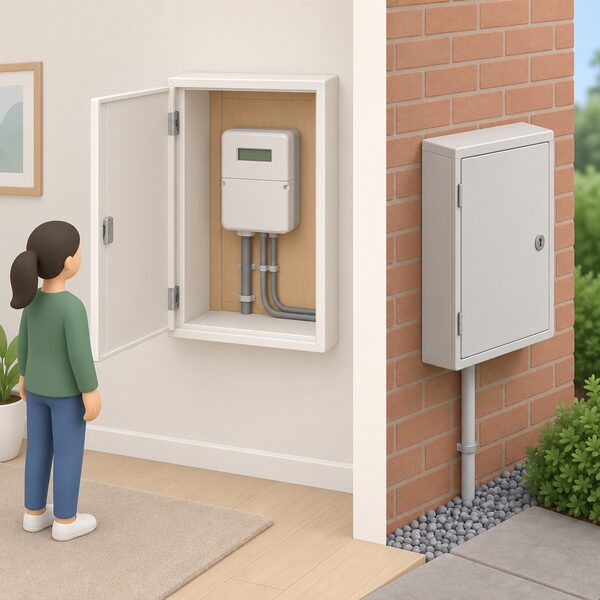
The stated limits are -10 °C to 60 °C operating, -20 °C to 90 °C storage, 0 % to 95 % relative humidity non-condensing, and 0 to 2,000 m operating altitude4. For a UK installation, altitude is not a constraint: the highest domestic sites sit far below 2,000 m. Temperature is rarely a constraint either, since meter cupboards sit within the operating band for most of the year.
Humidity is the limit that deserves attention. The non-condensing condition rules out a position where water forms on the casing, which can happen in a cold external meter box or a poorly ventilated cupboard. The module is not rated for outdoor mounting, and no IP rating is given for it in the documentation.
For comparison, the Victron VE.Direct inverter range carries a protection category of IP 21 and a maximum humidity of 95 % non-condensing6. IP 21 is protection against vertically falling water drops, not against immersion or hose spray. A separate hybrid inverter product page lists permissible ambient humidity of 0 to 100 % and safety and EMC standards of IEC/EN 61000-6-1/2/3/4, IEC/EN 62109-1 and IEC/EN 62109-210. Those are different products with different ratings, and the figures should not be transferred between them.
The practical reading is that all three device families expect a sheltered indoor position. A household planning a meter-cupboard installation should treat the environmental figures as the boundary of the warranty and the specification, not as a target to approach.
Safety and EMC standards: what the certifications cover
The TIC module is listed against EN IEC 61010-1 for safety, and against EN IEC 61326, EN ETSI 301 489-1 and EN ETSI 301 489-17 for electromagnetic compatibility, with EN 300 328 for spectrum5. EN IEC 61010-1 is the safety standard for electrical measuring and control equipment, which is the category a meter-reading module falls into.
The EMC standards cover two different things. EN IEC 61326 is the generic EMC standard for measurement and control equipment, while the EN ETSI 301 489 series covers radio equipment, split between the general requirement and the specific requirement for wideband transmission. EN 300 328 is the harmonised standard for 2.4 GHz wideband transmission, which matches the module's stated Wi-Fi band5.
For a household, the certifications mean the device has been assessed against published standards for its class rather than being an unassessed import. They do not certify the accuracy of the readings, and they do not certify that the data stays in the home. Those are separate questions, answered by the meter's own accuracy regime and by the device's data handling.
The Victron VE.Direct inverter range carries ECE R10-4, the automotive electromagnetic compatibility regulation, alongside its IP 21 rating6. That is a different regulatory route from the domestic EMC standards, reflecting the range's use in vehicle and marine installations as well as fixed ones.
Victron VE.Direct: connecting inverters, charge controllers and monitoring devices
VE.Direct is Victron Energy's serial communication port, and the maker's datasheet covers its use on the VE.Direct inverter range from 250 VA to 1600 VA6. The port carries in- and output voltage, percentage load and alarms, and it can be connected to a computer, Apple and Android smartphones, tablets and MacBooks6. That list matters because it means the data can be read without a proprietary display.
The same range provides a remote on/off switch connection, screw terminals for the battery connection, and an automatic transfer switch listed as Filax6. The output voltage range is 210 to 245 V, and the protection category is IP 216. The remote on/off function is listed as present, and the humidity limit is a maximum of 95 % non-condensing6.
For a household, VE.Direct is the clearest example of a manufacturer publishing a local interface as a product feature rather than an afterthought. The port is on the device, the readings are documented, and the connection options include ordinary computers and phones. What it does not do is remove the manufacturer from the picture: firmware, configuration software and support still come from Victron.
Using the data: app, dashboard and API access

The TIC module's data is accessible via the Smappee App, Dashboard, and API5. That three-way access is the pattern worth understanding: the app is the everyday view, the dashboard is the browser view, and the API is the route into a household's own system. Only the API allows the data to be pulled into something the household controls.
The wider Smappee system is described by the maker as able to monitor electricity, gas and water in one scalable system, and to connect third-party systems and expand how your installation responds8. The metering range includes a P1 module that connects directly to a smart meter and gives a real-time view of consumption through the app, and a Smart Kit that measures energy at circuit level, revealing how systems, appliances and loads consume power11.
The EV charging features sit alongside the metering. The TIC module adds dynamic overload protection to a Smappee EV charger, and supports charging using only solar surplus when combined with one5. The EV Wall Home Black lists grid and solar measurements as integrated9. An independent case study describes a householder using a smartphone app that came with the chargepoint to monitor the amount of energy generated and used12.
The independence question here is about where the data lives. An app and a dashboard are views onto a system the maker operates. An API is a route out. A household that wants its energy record to survive a change of product, supplier or manufacturer needs the API route, and needs to be pulling the data somewhere it controls.
Where gas and water monitoring falls short
Gas and water are the weak points of home monitoring, and the sources are consistent about it. A home energy monitor is usually bought separately and mainly tracks electricity use2. Plug-in monitors are narrower still: you can only get energy monitors for electricity, not for gas13. Some third-party monitors may offer more detailed electricity insights depending on the system, but the fuel coverage does not extend2.
The TIC module's gas and water capability is conditional rather than general. Gas and water monitoring is only available when these digital meters are connected to the digital electricity meter4. A household whose gas meter is not wired through the electricity meter gets electricity data only, whatever the module is capable of in principle.
Smart meters themselves cover both fuels. Smart meters can support both gas and electricity tracking, while many home energy monitors focus on electricity only2. A smart prepayment meter measures the gas and electricity used and can send readings automatically to the supplier14. The gap is not in the meter; it is in the local reading of the gas and water side.
Water metering is a separate decision again. One source suggests considering a water meter where a home has more rooms than people15. That is a tariff and metering question rather than a monitoring one, and it sits outside what a local energy interface can deliver.
What the data is for, and what it cannot do

The value of a local record is that it answers questions a supplier's app does not. It shows the standing load, the shape of the day, and how a solar array or battery actually performs against its rating. It also gives a household an independent check on the figures it is billed against.
The limits are equally clear. Local access does not change the tariff, the standing charge or the network's role. It does not remove the gas connection or the import from the grid. It does not guarantee that a manufacturer keeps supporting the device, and it does not make an unassessed product safe. What it does is keep the household's own copy of its consumption in the household's own hands, which is the part of energy independence that a monitoring device can actually deliver.
Sources17 cited
- Get help with your smart meter, Ofgem, 2026-09-17
- Smart meters vs home energy monitors, Smart Energy GB, 2026-08-17
- Making home energy management work for consumers, Energy Systems Catapult, 2026-02-12
- Smappee Infinity TIC module technical specifications, Smappee, 2026-01-20
- TIC module technical specifications, Smappee, 2026-09-17
- Victron Energy VE.Direct inverter datasheet, 250 VA to 1600 VA, Victron Energy, 2026-09-17
- Smart meters are safe, Smart Energy GB, 2026-03-16
- Smappee energy management, Smappee, 2026-09-17
- Smappee EV Wall Home Black v3 technical specifications, Smappee, 2026-09-17
- SUN-3/3.6/5/6K-SG04LP1-EU hybrid inverter, Deye, 2026-09-17
- Smappee metering products, Smappee, 2026-09-17
- Powered by sunshine: why electric vehicles and solar panels are a perfect match, Energy Saving Trust, 2025-09-24
- Are energy monitors the best way to measure your power usage?, Which?, 2026-03-31
- Benefits for prepay customers, Smart Energy GB, 2026-08-19
- What are the best energy saving tips for households in the UK?, British Gas Energy Trust, 2026-04-21
- Getting a smart meter installed, Citizens Advice, 2026-09-17
- How to manage your energy supply: get help with your smart meter, Ofgem, 2026
 Consumer Access DevicesHow do you get your smart meter readings into your own app instead of the supplier's display?
 Who Owns Your Home Energy DataYour smart meter records how much gas and electricity you use, and that information belongs to you, not your supplier.
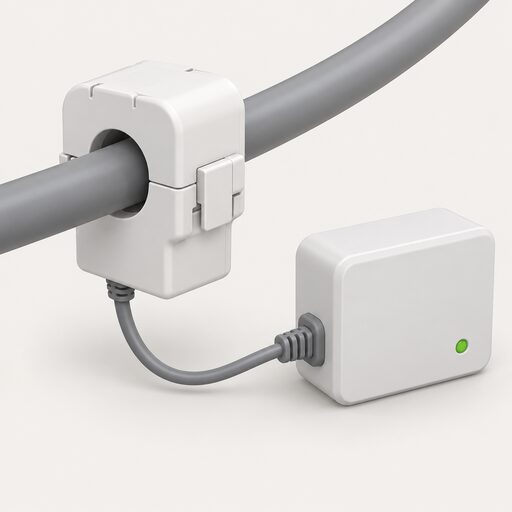 Monitoring and AppsIf the internet goes down, does the app still show what the battery is doing?
 Supplier Apps and AccountsWhat can you actually do in your supplier's app?
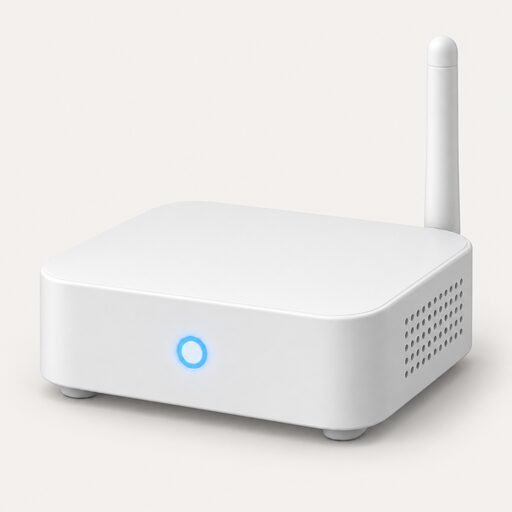 App Subscriptions and CloudWill you have to pay a monthly fee for the app that comes with your heat pump, boiler or solar setup?
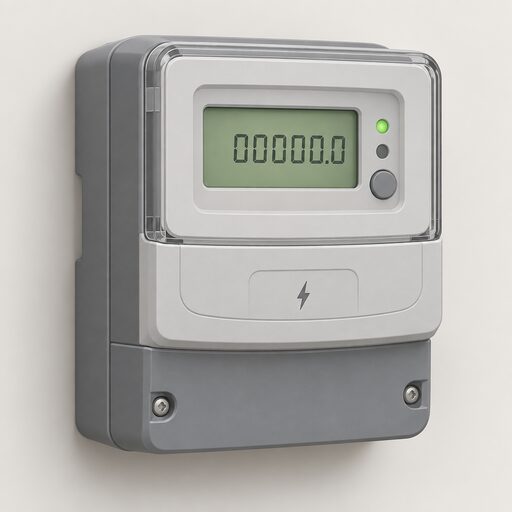 Take Control of Your EnergyHow do you read your own energy use and keep hold of your meter readings?