
In this comparison
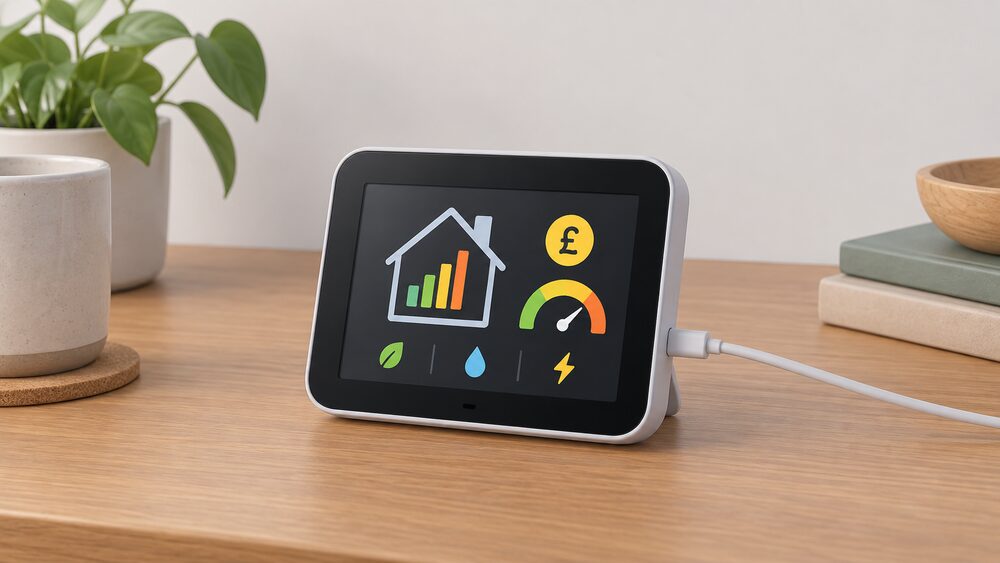
A smart meter comes with an in-home display: a small portable screen that shows how much gas and electricity is being used, in pounds and pence, in near real time1. The same meter data can also reach a mobile app, an accessible in-home display, other linked devices, or a combination of those routes2. The choice between the display and the app is therefore not a choice about what the meter can do. It is a choice about which screen a household actually looks at, and what happens when that screen fails.
The display is included at installation at no additional cost, and it works without home wi-fi because it is not connected to the internet3. It shows electricity in near real time and gas every half hour, with daily, weekly and monthly views of use and cost1. The app adds history, account context and remote access, but depends on a supplier's platform and a working connection to it.
The practical difference shows up in three places: what each screen displays, how each behaves when it breaks, and who can use it comfortably. On replacement, the rules are firmer than many households expect for the first year and softer afterwards. A fault reported within 12 months of installation, not caused by the customer failing to keep the display in good working order, must be repaired or replaced free of charge5. After that, help depends on whether the supplier has signed up to voluntary replacement principles6.
What the in-home display shows that the app does not
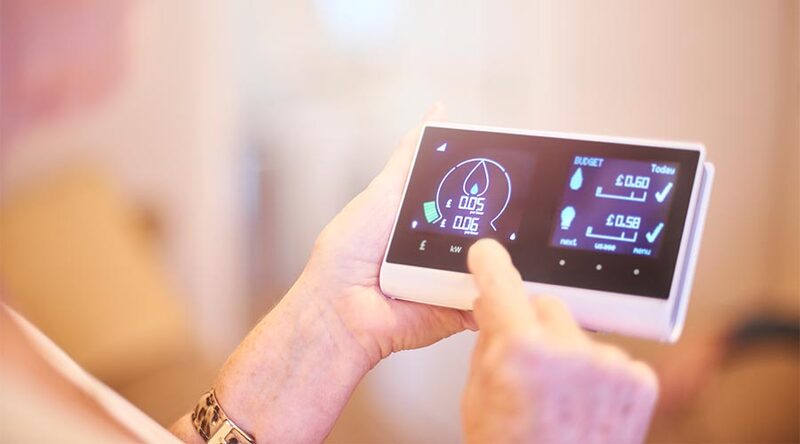
The display's core strength is immediacy without infrastructure. It connects wirelessly to the gas and electricity smart meters and shows how much energy is being used and what it costs8. Electricity updates in near real time; gas updates every half hour1. The screen carries daily, weekly and monthly views of use and cost, so a household can see a day's pattern without opening anything6. In prepayment mode it also shows the tariff price, credit balance, any debt on the account and low credit alerts9.
That last point matters more than it first appears. A prepay household checking credit on a display is reading the same figure the meter holds, without needing a phone, a login or a signal. The display also shows the standing charge, depending on tariff and supplier10.
Two limits are worth stating plainly. The display shows energy bought from the supplier, not everything generated; in future it may also reflect self-generated energy such as from solar panels11. And it may not show discounts or ad hoc charges, so the total on the screen and the total on the bill can differ10.
"The in-home display lets you know how much energy you're using in near-real-time and how much it's costing you in pounds"
What the app adds beyond the display
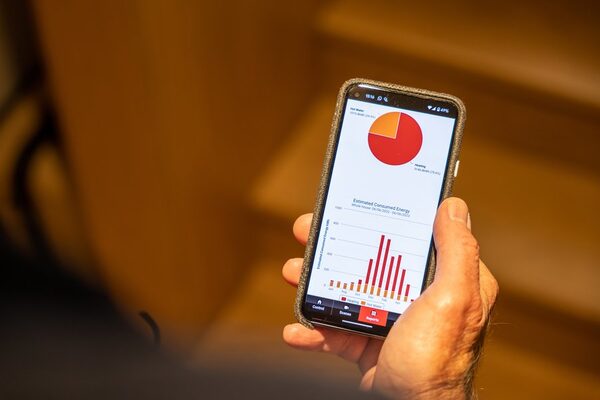
An app is one of the recognised monitoring methods for a smart meter, alongside the in-home display, an accessible in-home display and other linked devices2. Where a supplier provides one, it draws on the same meter data but presents it differently: typically with longer history, account and tariff context, and access from anywhere rather than from one room.
The app route also suits households that already run other connected energy devices. Among plug-in vehicle owners who charge at home, 26% use a charger with a programmed app or timer, according to a 2021 government consumer survey12. That figure describes charging equipment rather than smart meter apps, but it shows how routine app-based control has become in home energy.
The dependence is the trade-off. An app needs a working connection to the supplier's platform, a device that supports it, and an account that stays current. The display needs none of those things. For a household weighing energy independence, the display is the more self-contained instrument: it reads the meter directly over the meter's own secure system, not over the internet13.
Where the display falls short: range, loss and replacement
The most common failure is not electronic. It is distance. If the display stops showing data, turning it off and moving it closer to where the electricity meter is located, then turning it back on, should restore connectivity and show data again within 24 hours14. A blank screen may simply mean the battery has run out: plug it in, let it charge for a few moments, then turn it back on14. Where data still is not showing after 24 hours, suppliers can often fix it by turning the communications hub off and on again14.
Range problems in flats and awkward layouts have been recognised at industry level. A solution for meter-to-display signal distance issues was developed and deployed from July 20235. Interoperability on switching supplier has also been flagged: problems may arise on change of supplier with the interoperability of displays provided by a new supplier15.
Two further limits are structural. The display is paired specifically with the smart meter installed in that property, so it will not normally work in a different home; it should be left behind for the next resident16. And the guarantee of monitoring benefits through a display is time-limited: consumers are only guaranteed the benefits of monitoring energy usage via an in-home display for a year, after which the supplier has no obligation to replace it17.
Replacing a lost or faulty display: the 12-month rule and what follows
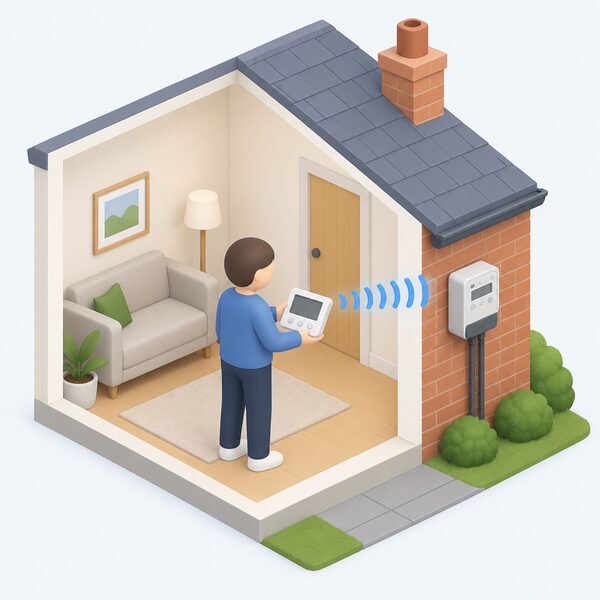
The replacement framework has two layers. The first is a firm obligation. If a fault is reported within 12 months of the date of installation, and the supplier is satisfied it is not due to the customer failing to keep the display in good working order, the supplier must repair or replace it free of charge5. Citizens Advice states the same rule from the consumer side: if the supplier gave you the display less than a year ago, they have to help with any problems and can repair or replace it free of charge18. Accidental damage charges may sometimes apply11.
The second layer is voluntary. Some energy suppliers have agreed to help resolve issues with the display after the 12-month period, under the voluntary in-home display replacement principles9. Consumers whose suppliers have signed up can access a replacement display after the 12-month obligation period has passed14. The published supplier list has been updated over time, with British Gas and EDF added in May 20245.
A replacement should not involve replacing the meters; the new display is paired with the existing smart meter11. Before requesting one, the user guide is worth checking, since it covers how the display works and how to fix common problems, and guides can be found by manufacturer or by the number of buttons on the display8.
Accessibility: which suits which household
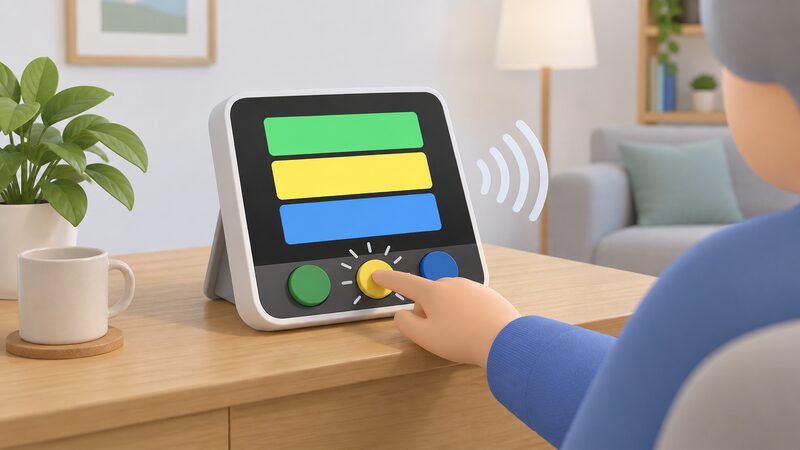
Standard displays are not equally usable by everyone, and this is where the two routes diverge most sharply. Accessible in-home displays are available from some suppliers, with larger buttons and the ability to read information out loud1. They may include larger buttons, audio functions and easier-to-read screens, and eligibility may vary19. Features can include audio functions, larger text, high-contrast screens and spoken energy information11.
The accessible display was developed in partnership with the Royal National Institute of the Blind, and its specification includes a TFT screen with a high contrast colour scheme optimised for visual impairment and colour blindness, a large typeface, tactile buttons with feedback of button press, a text-to-speech function for screen navigation and adjustable volume7. It is offered at no extra cost to selected customers, but is not yet available with every supplier7. Smart Energy GB confirms that accessible in-home displays are not yet available from every supplier20.
Availability is patchy in another way too. One ombudsman case study records a supplier trialling talking in-home display units in a few parts of the country21. For blind and partially sighted customers, the display route can therefore be the more usable one where an accessible unit is offered, while the app route depends on the accessibility of a phone or tablet and its software. A separate finding on the Nest energy efficiency scheme in Wales noted that the application process was not consistently accessible for certain groups, including those with sight and hearing difficulties, disabilities or mental health problems22, which is a reminder that digital application routes carry their own barriers.
Using both together: how households actually combine them
The framework does not force a choice. Monitoring can run through an in-home display, an accessible in-home display, a mobile app, other linked devices, or a combination of those methods2. In practice the two routes cover different needs: the display for the glance in the kitchen, the app for history and for checking while away from home.
Both routes support budgeting. The display and the app both allow setting budgets for energy spending13. The data path behind them is the same: the communications hub transmits data to an in-home display showing how much energy is being used or sold back to the grid23.
What remains dependent is worth naming. The display depends on the meter, the communications hub and the pairing between them, and on a supplier honouring replacement beyond 12 months. The app depends on a supplier platform, a device and a connection. Neither removes the grid connection, the supplier relationship or the standing charge. What both do is make consumption visible at a granularity that estimated billing never provided, which is the foundation any household needs before sizing solar, a battery or a tariff change. For households weighing those next steps, how smart meters work sets out the data path, and consumer access devices covers getting your own meter data independently of either screen.
Sources23 cited
- What is a smart meter, Smart Energy GB, 2026-08-10
- Smart meters: your rights and expectations, GOV.UK, 2025-08-08
- How can I read a smart meter, Smart Energy GB, 2026-08-17
- Smart meters and wifi: does a smart meter need wifi, Smart Energy GB, 2026-03-16
- Smart meters, Energy Ombudsman, 2026-09-20
- Frequently asked questions about smart meters, National Energy Action, 2024-05-03
- The accessible in-home display, Smart Energy GB, 2026-03-16
- Find the user guide for your smart meter's in-home display, Citizens Advice, 2026-09-17
- Understanding smart meters, National Energy Action, 2026-04-21
- Are smart meters accurate, Smart Energy GB, 2026-03-16
- Smart Energy GB FAQs, Smart Energy GB, 2025-08-08
- Consumer Survey 2021: decarbonisation and home energy use, Ofgem, 2021
- How do smart meters save energy, Smart DCC, 2026
- Troubleshooting smart meter issues, Smart Energy GB, 2026-04-01
- Our response to the DECC home area network installation consultation, Ofgem, 2014-05-22
- The in-home display FAQ, Smart Energy GB, 2026-08-19
- Public Accounts Committee report on the smart meter rollout, UK Parliament, 2023-10-20
- Fixing problems with your smart meter's in-home display, Citizens Advice, 2026-09-17
- Smart meters and carers, Smart Energy GB, 2026-08-19
- Smart energy explained, Smart Energy GB, 2026-04-24
- I'm blind and my energy supplier didn't cater for my needs, Energy Ombudsman, 2026-09-20
- Evaluation of the Nest energy efficiency scheme: summary, Welsh Government, 2015-03-10
- How do smart meters send readings, Smart DCC, 2026
 Solar and Battery MonitoringWhat does your solar and battery app actually show you, and can you trust it?
 In-Home DisplaysWhat does the little screen that came with a smart meter actually tell you, and what can you do when it stops working?
 Supplier Apps and AccountsWhat can you actually do in your supplier's app?
 Consumer Access DevicesHow do you get your smart meter readings into your own app instead of the supplier's display?
 Get a Reading From a Smart MeterHow to bring up a meter reading on a smart electricity or gas meter when a manual reading is still needed, and the difference between the meter itself and the in-home display.
 Monitoring and AppsIf the internet goes down, does the app still show what the battery is doing?