
In this answer
Short answer
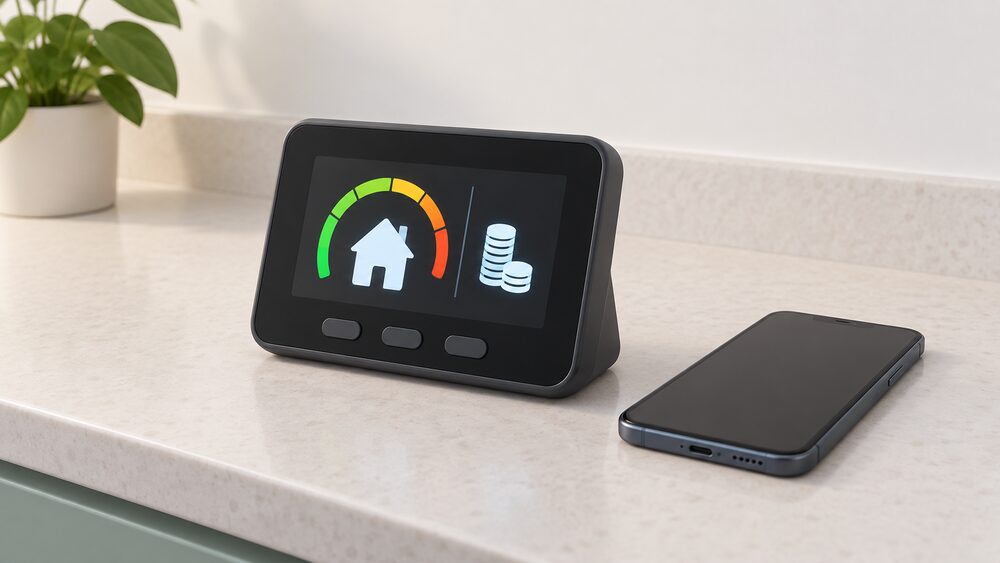
A smart prepayment meter shows your remaining credit as a balance in pounds and pence, usually on the in-home display, and often in your supplier's app or online account as well. The display updates in near real time, so the figure you see is the credit left after standing charges and any debt repayment have been taken1.
Checking credit is therefore a matter of reading the balance screen rather than working out units. The same display shows what you are spending in pounds and pence, which is the practical difference between a smart prepay meter and an older card or key meter that only told you what was left in units3.
What a smart prepayment meter shows on its display
A smart meter in-home display shows, in near real time, how much gas and electricity a household is using, what it cost, and, in prepay mode, how much credit is left3. That last figure is the one a prepay household checks most often, and it is presented as money rather than as a number of units.
The meter itself usually has a button that cycles through screens, including credit remaining and the kWh unit and standing charge costs5. On a smart prepayment meter those screens sit alongside the same functionality a standard smart meter offers, so usage information is available at any time from the in-home display6. The meter also sends readings to the supplier automatically, which is why a prepay household no longer has to read the meter or carry a card to a shop8.
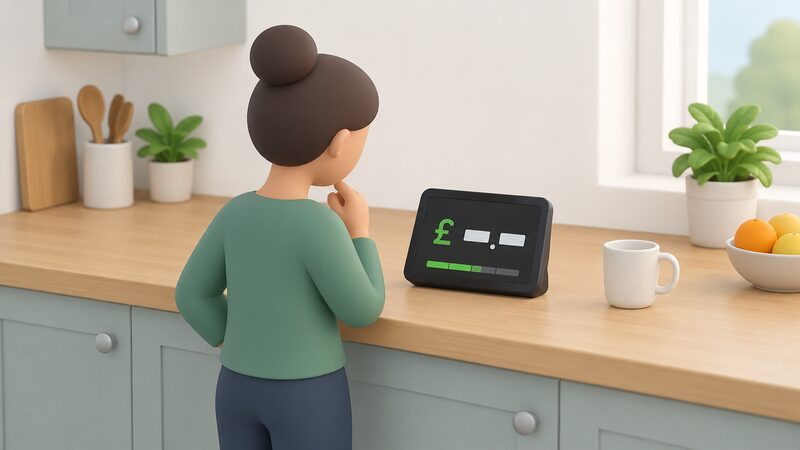
For a household's energy independence, the display is a genuine gain: it puts the cost of what is being used, and the credit left to pay for it, in front of the occupant without a supplier, an app or a phone call. What it does not remove is dependence on the grid and on a supplier account. The meter measures and reports; it does not generate or store energy, and the credit balance is only as useful as the next top-up.
Where to see your credit: pounds and pence, not just units
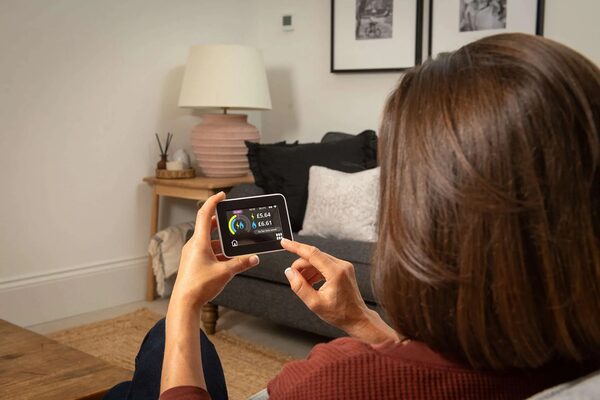
In prepay mode the credit is visible in pounds and pence as well as the energy consumption figure on the in-home display3. The same money-based display applies whether the household pays by credit or prepay, so the reading habit carries over if the meter mode changes9.
The balance is usually shown on the in-home display and may also be available in the supplier's app or online account1. That second route matters for anyone checking credit away from home, or for a carer checking on someone else's supply: the in-home display shows energy use in pounds and pence, which makes it usable by someone who is not confident with meter registers4.
"it's usually shown on your in-home display as a balance (often in pounds and pence) and may also be available in your supplier's app or online account"
Where the display is not to hand, the supplier app or online account is the fallback. Where neither is available, the meter button remains the last resort, cycling through the screens to the credit figure5. The practical point is that a prepay household has at least two ways to see the same number, and neither requires a shop visit.
Low-credit alerts and emergency credit
The in-home display shows when credit is nearly exhausted10. Some systems go further: alerts can be sent for low credit or high consumption, so a household can act before the balance reaches zero11. The ivie Bud, a third-party display, works with prepayment smart meters and shows balance, low credit alerts and emergency credit alerts12.
Most pay as you go smart meter systems include emergency credit when the balance reaches zero, usually activated directly through the meter or on the in-home display5. There is also an emergency credit button to press if extra time is needed before topping up10. Emergency credit is a loan against future top-ups, not free energy, and the amount and repayment terms are set by the supplier.
For a household managing a tight budget, the alert and emergency credit combination is the main protection against an unintended loss of supply. It does not remove dependence on the supplier's terms: the size of the emergency credit allowance, and how it is repaid, sit with the supplier, not the household.
Topping up online: adding credit without visiting a shop
A prepay customer with a smart meter should be able to top up credit online13. Official guidance confirms that a smart prepayment meter can be topped up online or through the supplier's mobile app, with credit added automatically and without a shop visit7. Independent guidance puts it the same way: a smart meter top-up is usually completed online or via an app, and the credit is added remotely6.
The methods available include the supplier's app, website or phone14, and for some households online, telephone, text message or a smartphone app, with no gas card or electricity key needed4. That is the clearest break from traditional prepayment, where a card or key had to be charged at a shop with PayPoint or PayZone or at a Post Office14.
Once a top-up is made, the credit should appear on the meter within 1 hour15. In practice that means a household can top up from home and watch the balance update on the in-home display rather than waiting for a shop trip to register.
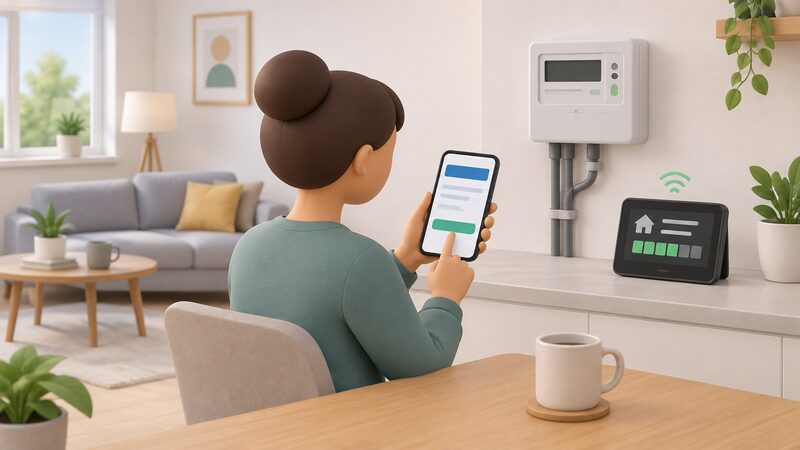
The independence here is partial. The household no longer depends on a shop, a card or a key, but it still depends on the supplier's app or website, a working communications link to the meter, and the supplier's systems being available. A top-up that does not arrive within the expected hour is a supplier matter, not something the household can fix at the meter.
Debt on the account: how it appears alongside your balance
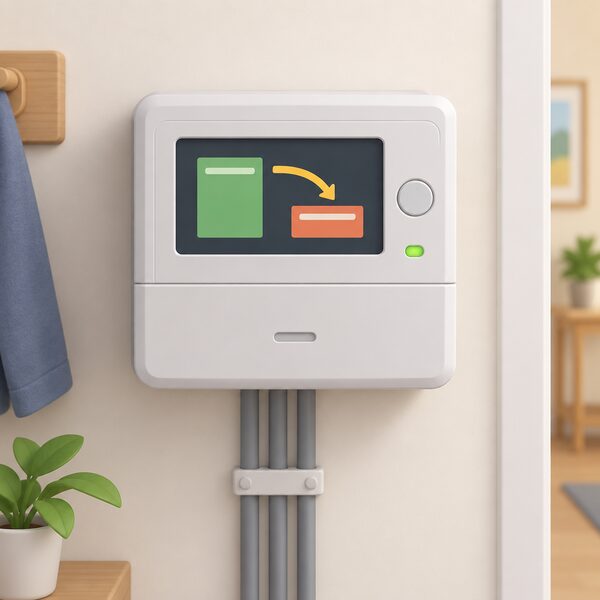
A prepayment meter can carry debt as well as credit, and the display shows both. Debt can arise from using emergency credit, missing a standing charge payment, or being on a repayment plan6. Where debt has been transferred from an older credit meter account, the energy company may have moved it onto the prepayment meter, with automatic repayments taken each time the household tops up9.
The mechanics are straightforward. Any debt is added to the meter and a set amount is deducted each week16. If the weekly repayment is set at £6 and the household tops up £10 a week, £6 goes towards the debt and £4 is added as credit; missed payments are added up and deducted from the next top-up9.
| Item | What it means in practice |
|---|---|
| Credit balance | Money available for energy, shown in pounds and pence1 |
| Debt balance | Money owed, recovered at a set weekly amount16 |
| Weekly deduction example | £6 of a £10 top-up to debt, £4 to credit9 |
| Causes of debt | Emergency credit used, standing charge missed, repayment plan6 |
Debt recovery on a prepayment meter is a regulated area rather than a matter of supplier discretion alone. Where a supplier installs a prepayment meter without permission, or remotely switches an existing meter to prepay, it must give £30 credit per meter as a short-term credit to remove the risk of the supply running out immediately17. The Debt Assignment Protocol allows a prepay customer with debt to switch supplier in defined circumstances, one of which is having a prepayment meter18.
For a household's independence, meter debt is the clearest remaining tie to the supplier. The balance screen shows the deduction being made, but the amount and the recovery period are set by the supplier and the rules that govern it, not by the household.
Prepay or credit mode: all smart meters can switch
All smart meters can be switched between prepay and credit mode, so anyone eligible for a smart meter is eligible for a prepay meter19. Official guidance states that smart meters can operate in credit or prepayment mode20, and the same flexibility is described across the guidance: smart meters work in both prepayment and credit mode8, and all smart meters can operate in either7.
The practical consequence is that the mode is a setting, not a different meter. If a household would prefer to change between credit and prepay, the supplier can make the change without a whole new meter being installed21. Switching from an existing gas or electricity prepay meter to a smart credit meter is described as straightforward for customers who qualify22.
"If you have a smart meter, you can switch from prepayment to credit without needing a new meter installed."
The reverse direction matters too. With smart meters, suppliers can switch consumers from credit to prepayment mode without the cost of a new meter being added to their existing debt7. That is a change in the household's payment terms rather than a change of equipment, and it is governed by the rules on involuntary prepayment installation, including the £30 credit requirement17.
Prepayment is not being phased out as a payment method. Consumer Council guidance for Northern Ireland states that prepayment will continue to be available23, and prepayment meters suit households on a tight budget, those wanting more control, or those working through debt10. In Northern Ireland, the rules on overdue utility bills sit with nidirect rather than with Ofgem, which is a reminder that prepayment and debt practice is not identical across the four nations24.
For energy independence, mode switching is the most useful feature on this page. A household can move to credit mode when cash flow allows and back to prepay when budgeting is tighter, using the same meter and the same in-home display. What remains outside the household's control is the supplier's decision-making on involuntary switches and the terms attached to any debt carried on the meter.
Sources24 cited
- An introduction to smart meters and prepay, Smart Energy GB, 2026-03-16
- How to use a smart meter in prepay mode to save money, Smart Energy GB, 2026-08-17
- Smart energy explained, Smart Energy GB, 2026-04-24
- Smart meters and carers, Smart Energy GB, 2026-08-26
- Reading your gas or electricity meter, Centre for Sustainable Energy, 2026-08-17
- Prepayment meters guide, Uswitch, 2026-08-26
- Get help with your smart meter, Ofgem, 2026
- Smart prepayment meters, Smart Energy GB, 2026-08-19
- Energy debt on prepayment meters, Centre for Sustainable Energy, 2026-08
- Get help with your prepayment meter, Ofgem, 2026-08-18
- Action plan to deliver affordable warmth in rural Scotland, Scottish Government, 2016-10
- ivie Bud IHD set-up, ivie, 2024-09-30
- Do I already have one?, Smart Energy GB, 2026-03-16
- How to read your gas meter, National Energy Action, 2026-07-13
- Prepayment meters, Centre for Sustainable Energy, 2025-08
- What if you can't pay your energy bill, Centre for Sustainable Energy, 2026-06
- Installing a prepayment meter without your permission, Ofgem, 2026
- Letter to switch energy supplier if you have a prepayment meter, Citizens Advice, 2026-09-20
- Myth-busting smart meter problems, Smart Energy GB, 2026-09-17
- Smart meters: your rights and expectations, GOV.UK, 2025-08-08
- The accessible in-home display, Smart Energy GB, 2026-03-16
- How to get a smart meter, Smart DCC, 2026
- Smart Electricity Meters fact sheet, Consumer Council for Northern Ireland, 2026-04
- Overdue utility bills, nidirect, 2026
 Smart Prepayment MetersHow prepayment mode works on a smart meter, remote switching between credit and prepay, topping up, emergency and friendly credit, the prepayment price cap, the £500 debt limit for switching, and the free help available when a household cannot top up.
 Prepayment MetersHow do you top up a prepayment meter for gas or electricity, and what happens when the credit runs out?
 Prepayment Meter DebtHow debt repayment is set on a prepayment meter, the limits on the share of a top-up that can be taken, and how to have a rate reviewed.
 Prepayment and Pay As You GoHow prepayment and pay as you go energy tariffs work in the UK: meter types, top-ups, emergency credit, debt repayment through the meter, price cap treatment and how households move to a credit meter.
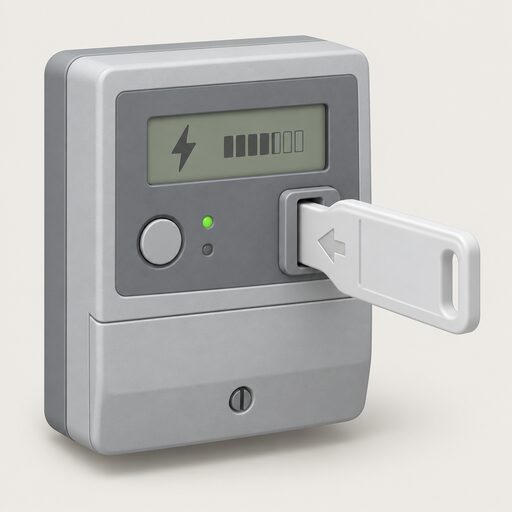 Top Up a Prepayment MeterHow to top up by card, key, app and code, how to enter a vend code by hand and how emergency credit and friendly-hours protection work.
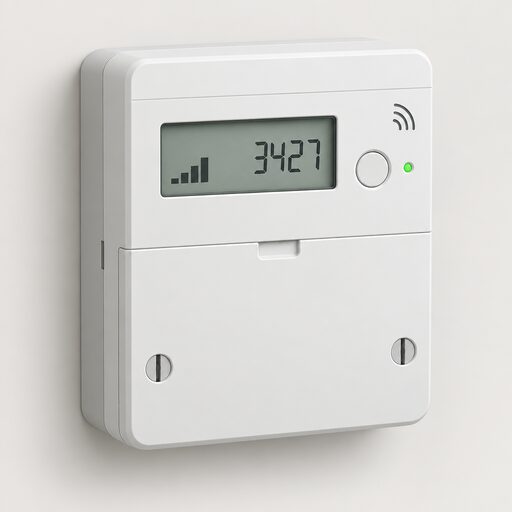 How a Smart Meter WorksHow a British smart meter measures gas and electricity, how the in-home display and the DCC's secure network fit together, what data leaves the house, what it costs, and where smart mode goes wrong.