
In this answer
Short answer
Most electricity meters need no reset at all after a power cut. The meter takes its power from the supply it is measuring, so when the supply goes, the display goes with it, and when the supply returns the meter powers back up and shows its readings again. A blank screen during an outage is normal behaviour, not a fault.
What does need attention is everything downstream of the meter. Timers and programmers can revert to factory defaults, boilers and heating stop because they need electricity for pumps, fans and electronic controls, and an in-home display can lose its link to the meter and sit on "connecting" long after the lights are back1. Prepayment meters are the main exception: a keypad meter that has been interrupted by an overload comes back on by itself, and the credit on it is not affected4.
What a power cut does to your electric meter
An electricity meter is a passive device in one important sense: it does not generate its own power, and it does not decide whether your home has electricity. A smart meter cannot cut off power by itself8. The supply comes from the network, and the meter measures what passes through it.
That is why the sequence after an outage is usually so undramatic. The supply returns, the meter's display comes back, and the readings carry on. On a smart meter, the display may stop showing information during the power cut, but the supplier retains the previous readings, so nothing is lost from the billing record10. Where a smart meter has been left in a state where it is not operating in smart mode, the rules require it to be returned to smart mode as soon as possible and no later than 90 days7.
The disruption is more visible in the rest of the home. Electrical appliances stop working in a power cut, and so do gas boilers and heating, home internet and landline connections, because all of them depend on mains electricity11. A programmer or timer may have reset itself to its factory default settings, which is why heating controls often need attention after an outage even though the meter does not1. Gas supplies and gas meters, by contrast, usually continue to work normally during a power cut, since the gas network is separate2.
For a household's energy independence, this is a useful reminder of where the dependence actually sits. The meter is not the point of failure and not the point of control. The grid connection is. A home with its own generation and storage can ride through some outages, but the meter itself will simply resume measuring when the network returns.
Which meters need a reset and which restart on their own
The honest answer is that almost none of them need a reset. The distinction that matters is between meters that restart with the supply and meters that need a deliberate action to restore a function.
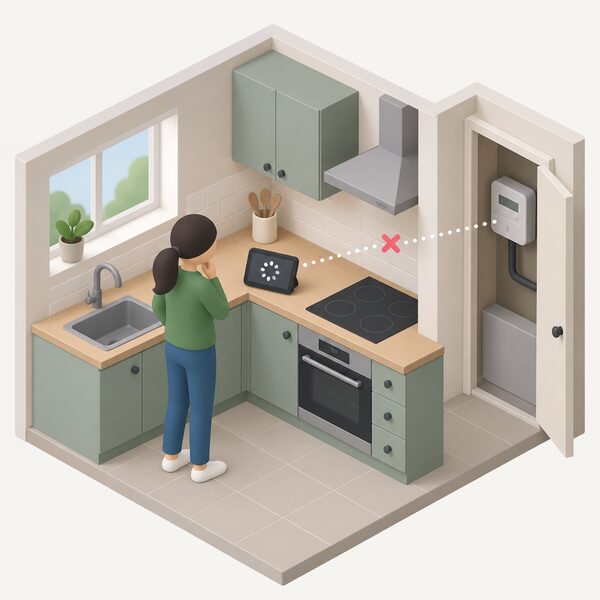
Traditional credit meters and most smart meters fall into the first group. They power up, display readings and continue. Smart meters add a second layer: the communications link to the supplier and to the in-home display. That link can take longer to re-establish than the meter takes to power up, which is why a meter can look fine while the display in the kitchen still says it is connecting.
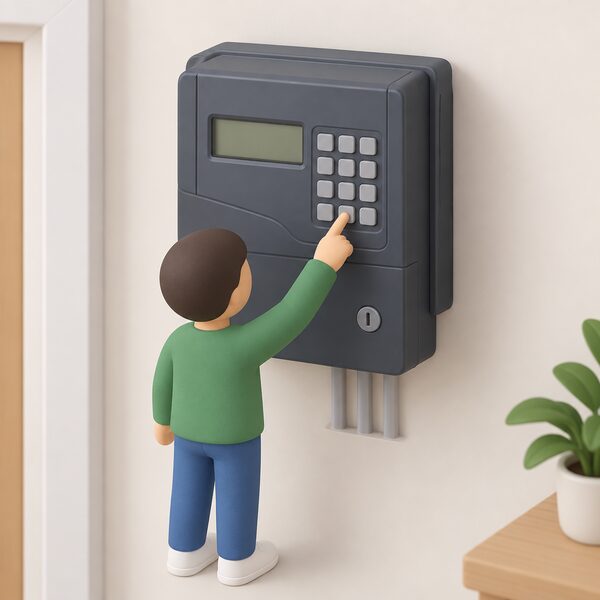
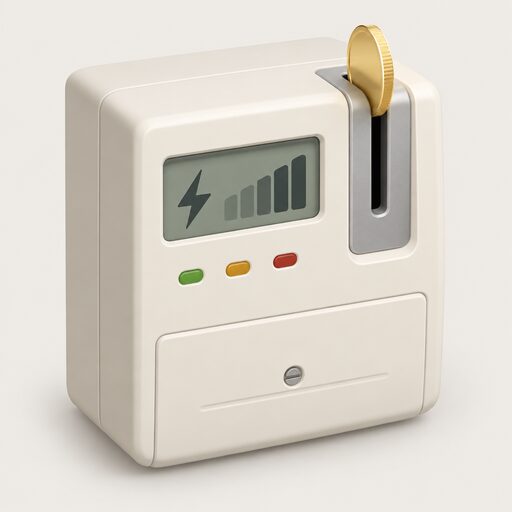
Prepayment keypad meters are the group where a deliberate action sometimes helps. On a dark grey Liberty keypad meter, holding the 0 key resets the meter4. That is a meter-specific instruction, not a universal one, and it applies to that keypad model rather than to electricity meters in general.
| Meter type | Behaviour after a power cut | Action needed |
|---|---|---|
| Credit meter | Powers up with the supply, readings continue | None |
| Smart meter (SMETS2) | Powers up; communications re-establish separately | None, unless it stays out of smart mode7 |
| Smart prepayment meter | Powers up; credit and balance retained | None |
| Keypad prepayment meter | Comes back on after an overload interruption | Hold the 0 key on the Liberty keypad model4 |
| In-home display | May lose its link to the meter | Off, move closer, on again6 |
Where a meter is being replaced rather than restarted, the picture is different. The meter installer asks the householder to turn off all electrical appliances before switching off power to the home for approximately 20 minutes12. That is a planned interruption with a known duration, not an outage, and the meter is new at the end of it.
How to reset a prepayment meter after a power cut
A prepayment meter is one you pay in advance rather than after use, using a smart card, key or token, and sometimes coins13. That payment model is why prepayment households tend to notice an outage more sharply: the meter is both the supply point and the payment point.
The first check after an outage is not a reset at all. It is credit. If you have a prepayment energy meter, check that you are still in credit, then check the fuse box for a tripped fuse, check neighbours' homes, and check the local electricity distributor's website15. Those four steps separate a genuine power cut from a tripped circuit or an empty meter.
If the meter itself has been interrupted by an overload rather than by a network outage, it comes back on by itself, even where friendly or emergency credit has been activated, and the credit on the meter is not affected4. That is the reassuring case, and it covers most post-outage keypad behaviour.
The harder case is a meter that will not accept a key or card at all. Where a supplier has failed and the account has moved, the new supplier gives information on how to get new key cards and tokens14. Where the meter is simply not reading the key, the supplier is the route, because it issues the credentials the meter recognises. Once any debt on the account is settled, the supplier may be able to change a prepayment meter to a credit meter, which removes the key and card from the picture entirely16.
How to reset a smart meter and get the display back online
Smart meters measure gas and electricity usage and send the data directly to the energy supplier, which is why the communications side matters as much as the metering side17. After a power cut, the meter usually returns before the communications do.
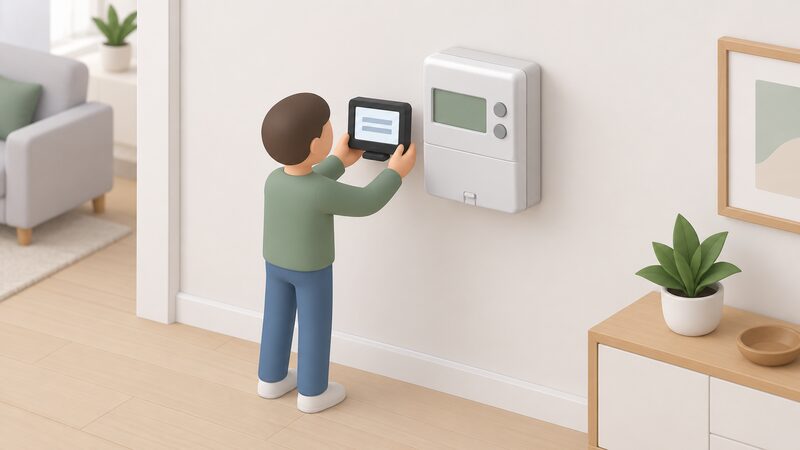
The in-home display is the part most likely to need intervention. Turning the display off, moving it closer to where the electricity meter is located, and turning it back on should restore connectivity and begin displaying data again within 24 hours6. That is a physical fix, not a software reset, and it works because the display's link to the meter is a short-range radio connection that weakens with distance and with obstructions such as walls and cupboards.
If the display stays on "connecting" beyond that, the next steps are to check the bank card or in-home display details, check the postcode registered against the meter, and try reconnecting in an hour18. Postcode mismatches are a common cause of a meter that works but will not communicate, because the communications hub is registered against an address.
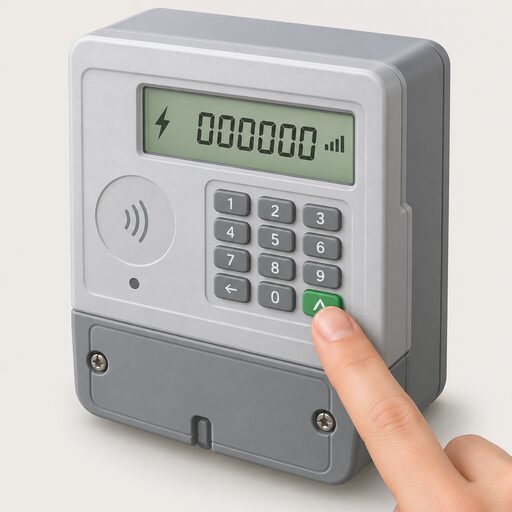
Reading the meter directly is always available as a fallback. On a smart meter with two buttons to the right of the screen, one marked reconnect, pressing the display or display select button repeatedly cycles until numbers followed by KWH appear10. On a meter with three buttons to the right of the screen, pressing the middle button shows the import reading, written down from left to right10. Those readings can be given to the supplier if the automatic route is not working.
Smart meters also do something useful during an outage: they can send automatic alerts to the network operator when there is a power cut or a problem with the voltage, which helps the operator respond more quickly19. That is a network benefit rather than a household one, but it shortens outages.
When a reset does not work: error codes and next steps
Error codes are meter-specific. There is no single UK-wide code list that applies across makes and models, so a code shown on one meter means nothing on another. What is consistent is the division of responsibility.
If your supply is cut off because of a faulty energy meter, contact your energy supplier9. The supplier owns the metering relationship, and it is the supplier that arranges a meter replacement or repair. The network operator owns the cables and the supply, and it is the network operator you reach on 105, the free power cut line, for an outage or for damage to network equipment8.
A meter that has lost smart mode is a specific case with a specific deadline. Suppliers must ensure meters are back working in smart mode as soon as possible and no later than 90 days7. Where a supplier has failed to meet the guaranteed standard, the six-month period for repeat payment starts from the date the supplier failed the original standard, not from day one20. That is a supplier obligation, not something a household has to enforce by resetting anything.
Where a supplier has gone out of business, the practical step is to take a meter reading as soon as you can and keep a record of it, so that billing by the new supplier is correct14. That reading is also the evidence base if a dispute follows.
Safety first: what to check before you touch the meter
The safety rules around meters are short and firm. Never touch damaged electricity equipment5. Check on vulnerable family and friends5. Keep the freezer door closed5. Report the power cut5. Turn off cookers, heaters and sensitive equipment5. Leave a light on so that you know when the power is back on21.
That last item is the one that saves the most confusion. A light left on gives a clear signal that the supply has returned, which is more reliable than watching a meter display that may be cycling through readings or waiting for a communications link.
Before any planned work on the meter, the preparation is physical. The area around the meter needs to be clear with good access, and all electrical appliances should be turned off before power is switched off12. Where a meter board needs replacing, the householder organises their own electrician to remove and re-attach electrical equipment and fit the new board22. Where a connection is being made or restored by the network operator, safety checks follow to make sure everything is working correctly and safe before the engineer leaves23.
Once the supply is back, reset the timer and thermostat as soon as the electricity comes back on24. That is the step that restores heating and hot water, and it is the one most often forgotten because attention is on the meter.
For a household's independence, the pattern is consistent across all of this. The meter is a measuring and payment device, not a control point. The dependence that remains after an outage is on the network to restore supply, on the supplier to fix or replace a faulty meter, and on the communications network for a smart meter to report. A home with its own generation and storage reduces the first of those dependencies, but not the other two.
Sources24 cited
- Troubleshooting tips, OFTEC, 2026-09-20
- Gas supply updates, SGN, 2026
- Smart meters, National Grid, 2026-09-17
- Temporary power outages for keypad customers, NIE Networks, 2026-09-19
- Power cut advice, NIE Networks, 2026-09-19
- Troubleshooting smart meter issues, Smart Energy GB, 2026-04-01
- Clean Flexibility Roadmap, July 2026 update, GOV.UK, 2026-09-17
- Can a smart meter cut off power, Smart Energy GB, 2026-04-24
- Plan for a power cut, Ofgem, 2026
- How can I read a smart meter, Smart Energy GB, 2026-08-17
- Storms and bad weather, Energy Networks Association, 2026-09-17
- Meter replacements, NIE Networks, 2026-09-19
- Get help with your prepayment meter, Ofgem, 2026
- What happens if your energy supplier goes out of business, Ofgem, 2026
- What to do in a power cut, Which?, 2026-06-04
- Energy tariffs explained, Uswitch, 2026-02-17
- Smart meters, Welsh Government, 2026
- Smart meter connection, Uswitch, 2026-09-19
- Smart meters, SSEN, 2026-09-19
- Smart Meter Guaranteed Standard statutory consultation, Ofgem, 2025-08-08
- Power cuts help, NIE Networks, 2026-09-20
- Meter services FAQs, NIE Networks, 2026-09-19
- What's involved, UK Power Networks, 2026-09-17
- Tips to help you during a power cut, Electricity North West, 2026-09-19
 Prepayment Meter DebtHow debt repayment is set on a prepayment meter, the limits on the share of a top-up that can be taken, and how to have a rate reviewed.
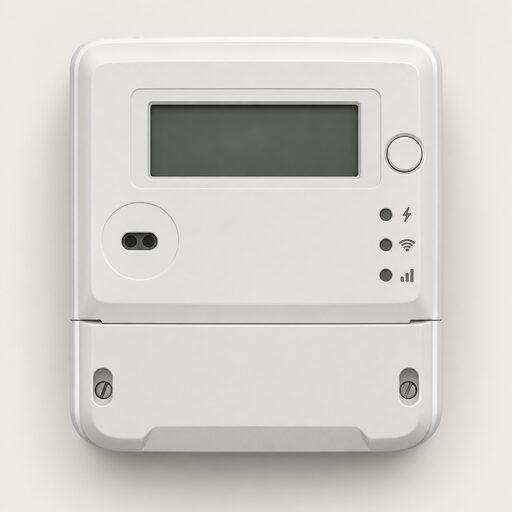 Smart Meter Faults and FixesYour smart meter has stopped working.
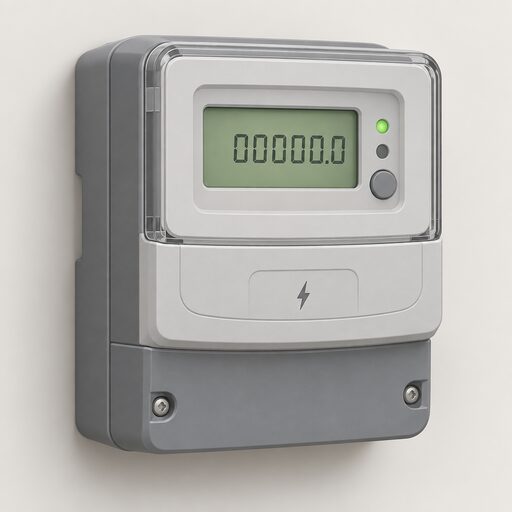 Take Control of Your EnergyHow do you read your own energy use and keep hold of your meter readings?
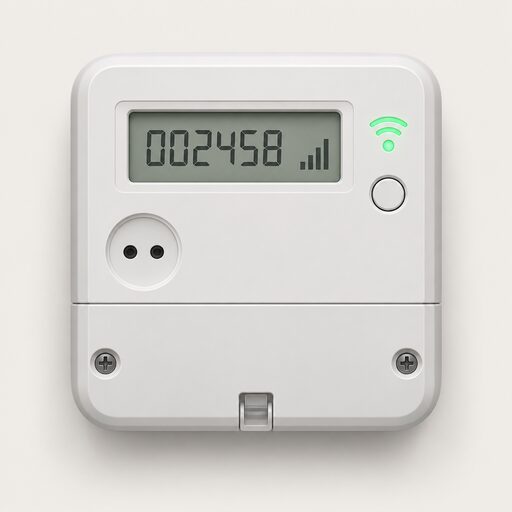 The Full Smart Meters GuideDo smart meters really save you money, and how do you use one to cut your bills?
 Prepayment MetersHow do you top up a prepayment meter for gas or electricity, and what happens when the credit runs out?
 Get a Reading From a Smart MeterHow to bring up a meter reading on a smart electricity or gas meter when a manual reading is still needed, and the difference between the meter itself and the in-home display.