
In this guide
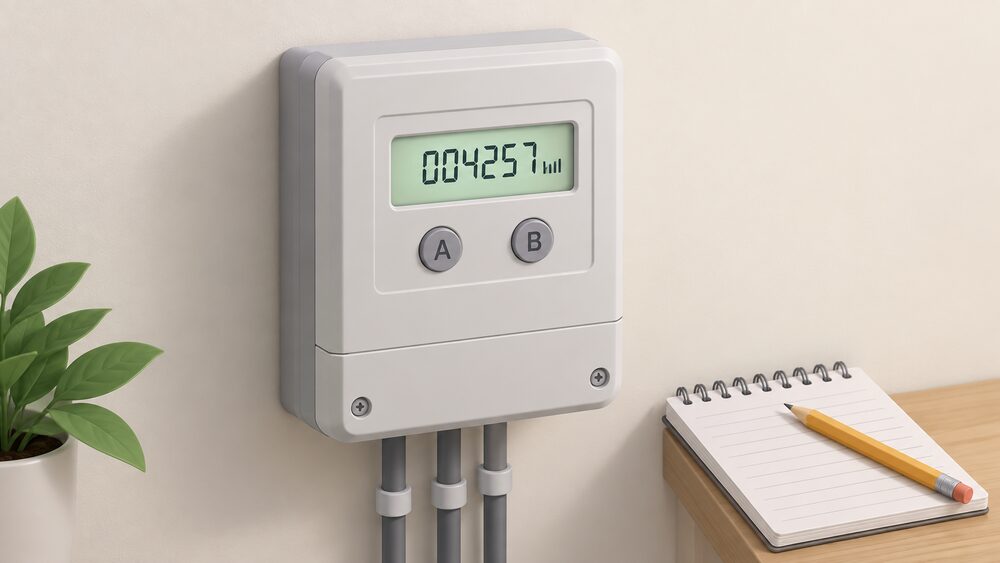
A smart meter still carries a physical reading on its own screen, and that reading is the one a supplier will ask for when the automatic link is not working. On most electricity smart meters, pressing the A button, or 9 on a keypad, cycles through screens until one shows IMP, IMPORT or TOTAL ACT IMPORT with a number followed by kWh: those digits, read left to right, ignoring leading zeros and anything after the decimal point, are the reading1. On most gas smart meters in Great Britain, pressing A, or 9 on a keypad, brings up VOLUME or METER INDEX and a number followed by m3, and again only the digits before the decimal point are recorded2.
In normal operation none of that is needed. A smart meter automatically sends electricity and gas readings to the supplier3, at least once a month and in many cases half-hourly, daily or weekly4. The in-home display that comes with every installation is a separate device: it shows usage and cost in near real time, but it is not the meter, and a reading taken for a supplier comes from the meter itself6.
Manual readings still matter because the automatic link can fail. First-generation SMETS1 meters can temporarily go dumb and lose the ability to send readings after a supplier switch7, and a supplier may ask for a temporary manual reading so bills stay accurate until the problem is resolved8. Knowing which button to press is what keeps a household in control of its own billing rather than dependent on a communications network it cannot see.
What a smart meter is, and what it sends to your supplier
A smart meter replaces the traditional gas or electricity meter and measures consumption in the same way, but adds a communications module. Readings are sent automatically and wirelessly to the supplier over a secure smart data network4. Suppliers may receive monthly, weekly, daily or even half-hourly readings, depending on what has been agreed11. Smart Energy GB states the meter records electricity use in near real time and gas every half hour5.
The smart meter system has two parts: the meters themselves, which replace the old gas and electricity meters, and the in-home display5. Both are standard: an in-home display is offered and demonstrated at installation under the government's statement of consumer rights12, and the network operator confirms one is provided with every installation6.
What is sent is narrow. Only the energy supplier can receive meter readings, and only at intervals arranged between householder and supplier9. There is no access to appliance-level detail: the data is the register readings and consumption totals.
For independence, the honest position is mixed. A smart meter removes the chore of manual readings and the inaccuracy of estimates, and gives a household near real-time visibility of its own consumption, which is the raw material for changing behaviour or shifting load. It does not reduce reliance on the grid or on a supplier. It adds a dependence: on the smart data network, on the supplier's systems, and on the meter staying in smart mode. When any of those fail, the fallback is the manual reading described below.
The in-home display: the screen where you see your usage
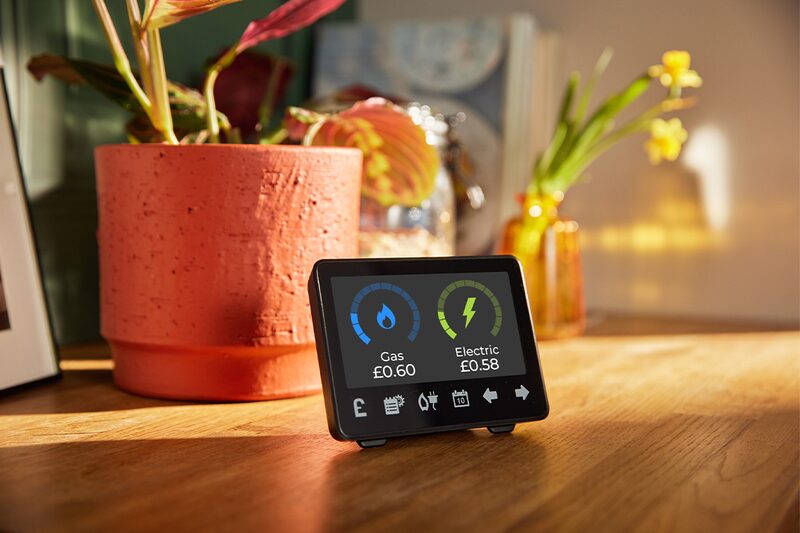
The in-home display is a portable touchscreen device showing near real-time energy use13. It reports how much gas and electricity is being used in kilowatt hours and its cost in as near to real time as possible6, and can be set to show either kWh or pounds and pence14. It also shows use and cost over the day, week or month15, and should show the standing charge, depending on tariff and supplier16.
The display talks to the meter over the Home Area Network, a secure network inside the property, not over the internet9. That matters when the display goes blank: the fault is usually in that local link or in the display's power, not in the meter's recording of energy.
Update rates differ by fuel. Electricity usage is updated every ten seconds; gas usage every half an hour9. The Energy Saving Trust gives the same half-hourly figure for gas4. Gas is slower because the gas meter reports at that interval, so the number on the display will not move the moment a boiler fires.
How to take a reading from an electricity smart meter
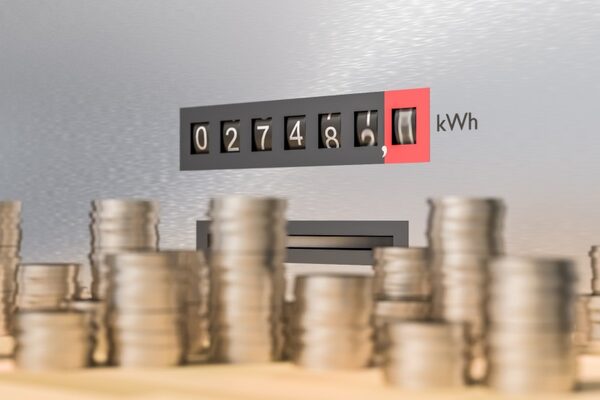
Electricity smart meters differ by manufacturer, so the button sequence depends on the layout of the unit. The screen to look for is the same in every case: one showing IMP, IMPORT or TOTAL ACT IMPORT with a number followed by kWh17.
| Meter layout | What to press | What appears |
|---|---|---|
| Keypad | Press 9 | IMP KWH, then the numbers followed by KWH1 |
| A and B buttons under the screen | Press A, then A again | TOTAL ACT IMPORT with numbers followed by KWH1 |
| Green A button right of screen, white B below | Press B to light the screen, wait for "meter boost", press A to select "no" | Reading followed by KWH1 |
| Three buttons to the right of the screen | Press the middle button | Number below IMP1 |
| Two buttons right of screen, one marked "reconnect" | Press "display" or "display select" repeatedly | Numbers followed by KWH1 |
| Two white buttons right of screen | Nothing: the meter cycles screens itself | Wait for the screen showing numbers followed by KWH1 |
Write the digits down left to right18. Where a meter cycles automatically and never reaches a kWh screen, that is a reason to contact the supplier1.
A reading taken this way is the cumulative total the meter has recorded since installation, which is why it can be compared against a bill or against a previous reading to work out consumption over a period. That is the practical check on an estimated bill, and the same discipline described on how to read an electricity meter applies here.
How to take a reading from a gas smart meter
Most gas smart meters show the reading as numbers followed by m32. The Centre for Sustainable Energy describes the same behaviour: the screen will flash or show the word VOLUME or METER INDEX, and a number followed by M317.
- Keypad meter: press 9, VOLUME appears, wait until it changes to numbers followed by M32.
- A and B buttons: press A until METER INDEX appears; the numbers next to m3 are the reading2.
- Button to the left and right of the screen: press either and wait until 01 appears with numbers followed by M32.
- Orange and blue arrow buttons: press the orange button2.
- Circle button with two arrows: press the middle circle button2.
- Two white buttons to the right: press the right button, which may be labelled OK or carry an arrow2.
Record only the numbers before the decimal point, ignoring leading zeros, to avoid an incorrect submission2. A gas reading in cubic metres is not a bill: the supplier converts volume to kilowatt hours, which is covered in converting gas meter units to kWh.
Gas smart meters are battery powered and report less often than electricity meters, which is why the in-home display lags and why some suppliers take a gas reading monthly19. Neither affects the register itself: the number on the meter is always current when the screen is woken.
Reading rules: which digits count and which to ignore
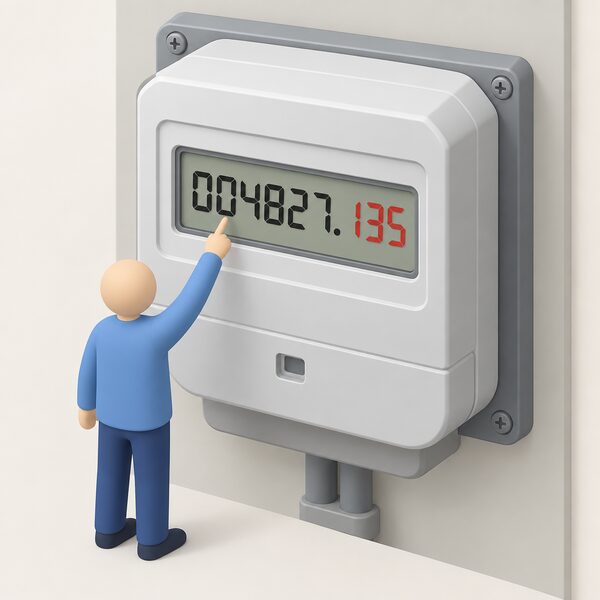
The rules are consistent across meter types, and they exist because the last digits are fractions of a unit that suppliers do not bill on.
- Read left to right1.
- Ignore zeros at the beginning of the number1.
- Ignore anything after the decimal point1.
- On electricity meters, ignore red numbers after the decimal point or comma; CSE advises reading the first five numbers17.
- On a digital metric gas meter, write down the numbers before the decimal point and ignore everything else20.
- On a two-rate digital meter, note the numbers before the red number and ignore the red number20.
Older non-smart meters in the same home follow parallel rules. On a digital meter, Age UK describes noting the first five figures and ignoring the last figure if it begins with 0.121. On a dial meter, Citizens Advice sets out reading the first five dials left to right, ignoring red dials or dials marked 1/10, taking the lower number where a pointer sits between two, writing 9 where it sits between 9 and 0, and underlining a number the pointer is directly over then reducing it by one if the next dial is between 9 and 018. Dials without numbers or hands are disregarded22. On a digital imperial meter, the first four numbers are recorded and red numbers ignored20. These matter when a smart meter is exchanged, or when a household compares an old reading with a new one.
Getting the digit count wrong is the commonest cause of a wildly wrong bill, because a single extra digit multiplies the apparent consumption tenfold. Where a reading has already produced a disputed bill, reporting a faulty or inaccurate meter sets out the route.
Day, night and Economy 7: why some meters show more than one reading
Some electricity smart meters show separate readings for day and night tariffs, Economy 7 pricing, and peak and off-peak usage1. All smart meters can support tariffs that charge different prices at different times of day and night, including Economy 7, and Economy 10 meters are also available23.
An Economy 7 meter carries two registers. One is for on-peak hours, which may be marked "normal" or "day", and one for off-peak hours, marked "low" or "night"; they may instead be shown as Rate 1 and Rate 2, or R1 and R217. Confused.com describes the night or off-peak reading as the bottom one, marked "low" or "night"22. On digital and prepayment meters each reading is usually reached by pressing a button on the meter22. Some meters carry a number marked "day rate" alongside a red button pressed to bring up the night rate24. On some smart meters, pressing 6 on the keypad until IMP R01 appears with eight digits gives what is usually the night or off-peak reading25.
Both readings must be recorded, written left to right for each18. Submitting only one leaves the other register estimated, which defeats the point of a time-of-use tariff.
Time-of-use pricing is where a smart meter connects to independence in a practical way: it lets a household shift storage heating, hot water, an EV charge or a battery into cheaper hours. Ofgem's position is that smart meters give access to more flexible tariffs, including dual-rate tariffs3. Whether the arithmetic works for a given household is covered in is Economy 7 worth it.
When a manual reading is still needed
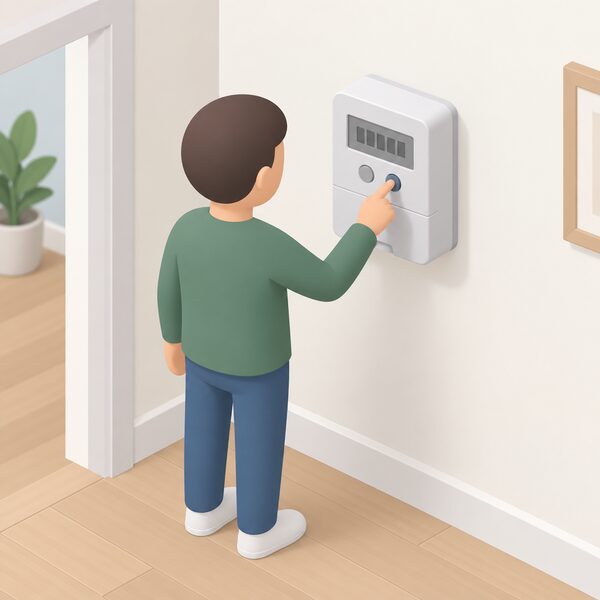
Once installed and working in smart mode, regular manual readings should not be needed26. Ofgem states plainly that a household with a working smart meter does not need to submit meter readings itself3. But the exceptions are real, and Smart Energy GB lists them: switching supplier; the meter temporarily losing its connection; monitoring energy use more closely; changed meter settings; switching with a SMETS1 meter; and a supplier confirming recent usage1.
Even with a smart meter installed, readings can still be provided manually if the supplier requests them1. Where a meter cannot communicate over the designated wireless network, the supplier may ask for a temporary manual reading so bills remain accurate until the problem is resolved8. Ofgem's performance guidance confirms that manual readings remain possible on smart meters not operating in smart mode27.
The practical upshot is that the buttons on the meter are the household's backstop. Smart meters can go dumb, particularly in older models22, and a household able to read its own meter is never at the mercy of an estimate. Submitting the figure is covered in submitting meter readings, and readings taken on the day of a move in do I need to take meter readings when moving home.
What the in-home display shows in credit mode and prepay mode
The display has two modes, depending on how energy is paid for28. Smart meters themselves can operate in credit or prepayment mode12.
| Credit mode | Prepay mode | |
|---|---|---|
| Main figure | Daily use and cost28 | Available balance for each fuel28 |
| Also shown | Energy consumption in pounds and pence, meter readings29 | How close you are to the next top-up28; tariff price, credit balance, any debt on the account30 |
| Alerts | None specific | Warning when credit is running low29 |
| Budgeting | Setting budgets supported28 | Setting budgets supported28 |
In prepay mode the credit balance is visible in pounds and pence alongside consumption32, and the display gives warning before credit runs out31. In credit mode the value is different: the display turns an abstract quarterly bill into a running daily cost, which is what makes the effect of an immersion heater or a tumble dryer visible.
Topping up a smart prepayment meter no longer requires a shop in every case. Ofgem states that a smart prepayment meter may be topped up online or through a supplier's app33, and the network operator describes credit added over the air across the smart network34. NEA notes topping up by app, website or phone35, and Smart Energy GB lists online, telephone, text message or smartphone app, with no gas card or electricity key needed36. Cash top-ups remain available: a supplier should provide a barcode, card or reference number to give to a shop, credit should be added immediately, and keeping the receipt gives proof if there is a problem37. Traditional prepayment meters are topped up at a Paypoint store or Post Office using a key, card or barcode38. More detail sits in topping up a prepayment meter.
If the display stops updating or the screen goes blank
A blank or frozen in-home display does not mean energy has stopped being recorded, and it does not mean readings have stopped reaching the supplier: the display sits on the Home Area Network, a separate link from the one carrying readings to the supplier9. The meter's own screen is the test. If the meter still wakes and shows a kWh or m3 register, the recording function is intact.
Where a meter should cycle between screens automatically and does not reach the kWh screen, the supplier should be contacted1. The Welsh Government's guidance is direct on responsibility:
"If your smart meter stops working, contact your supplier. They are responsible for maintenance and will fix or replace your meter as needed"
Ofgem describes the two distinct fault modes: a smart meter may stop recording the energy used, or may no longer send readings to the supplier3. Those need different responses. A meter that has stopped recording is a metering fault. A meter that records but no longer communicates leaves the register correct, and manual readings keep billing accurate in the meantime.
A display that has failed on its own can be replaced. The supplier should be contacted for a replacement in-home display, which should not involve replacing the meters: the new display is paired with the existing smart meter40. Where a fault is not resolved, the complaints route is set out in how to complain about an energy supplier.
What happens to your readings if you switch supplier
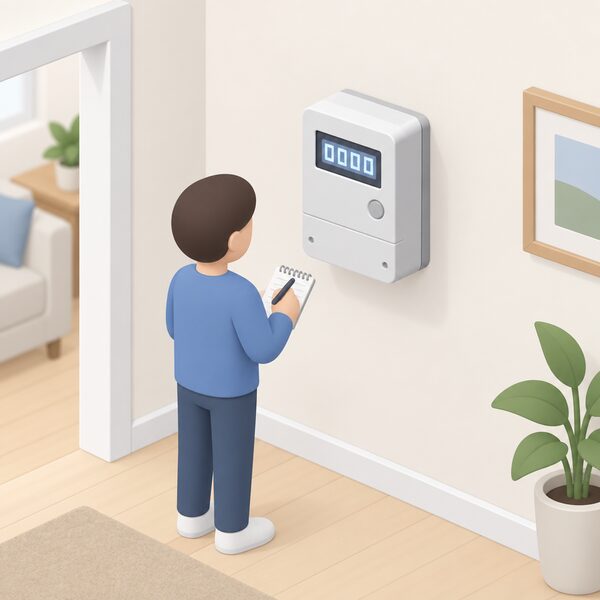
Switching is possible with a smart meter, but what survives the switch depends on the generation of the meter. With a second-generation meter you can switch and keep all smart functions without interruption; a first-generation meter may lose some smart functionality16.
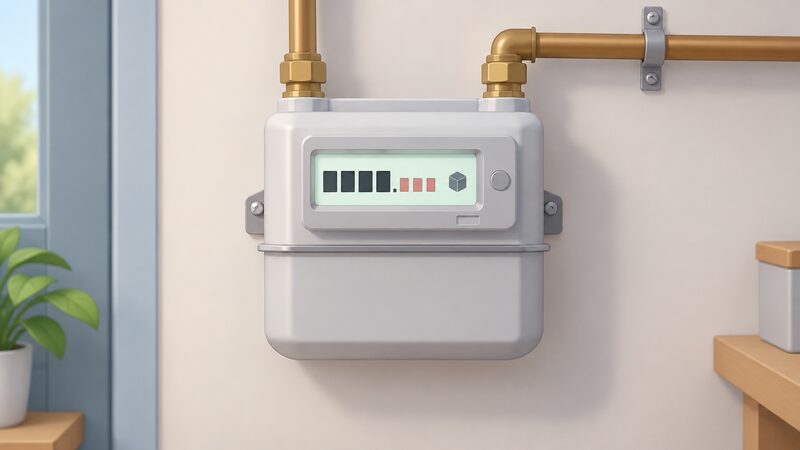
SMETS1 meters could temporarily go dumb and lose the ability to send automatic readings after a supplier switch7. Where that happens, readings may need to be sent to both the old and the new supplier around the switch41, and switching may mean temporarily estimated bills, with manual readings needed until the meter is upgraded over the air16. Trading standards guidance makes the same point: a new supplier might not offer all smart meter services, such as remote meter readings, and the meter may need replacing42. Ofgem's guidance on a supplier going out of business notes the meter may not work in smart mode with the new supplier, with manual readings submitted instead43.
None of this affects the register. The digits on the meter are the record of energy used, and an opening reading taken on the switch date is the evidence that closes the old account and opens the new one at the right point. The process is set out in how to switch energy supplier.
Checking whether the meter is in smart mode
A meter in smart mode is sending regular readings to the supplier44. The simplest household test is that a display shows current energy use: if it does, the meter should be in smart mode44. A second sign is administrative: where a supplier has said readings are no longer needed because it is receiving them automatically, the meter is working as a smart meter40.
For a definitive answer, Smart DCC points to the smart meter checking tool on the Citizens Advice website, which uses the MPAN from an electricity bill and the MPRN from a gas bill, along with the postcode, to check meter status45. Finding those numbers is covered in how to find your MPAN and MPRN.
Where a household has no smart meter, one can be requested from the supplier46, and manual readings remain necessary to avoid estimated bills47. Private renters can choose a smart meter where the energy bills are in their name or they prepay for energy, after checking the tenancy agreement and letting the landlord know23.
Smart meters do not need home Wi-Fi, broadband, a router or an internet package26. They use a secure smart data network that exists solely for smart meters and does not touch the public internet or the home network6. For a household thinking about resilience, that is a meaningful distinction: a broadband outage does not stop readings, though it may stop an app-based top-up. The wider picture of reducing reliance on external systems is set out in taking more control of your home's energy, and the full set of household energy tasks in the home energy how-to guide.
Sources47 cited
- How can I read a smart meter, Smart Energy GB, 17 August 2026
- How can I read a smart gas meter, Smart Energy GB, 17 August 2026
- Get help with your smart meter, Ofgem, 17 September 2026
- Guide to smart meters, Energy Saving Trust, 15 July 2026
- What is a smart meter, Smart Energy GB, 10 August 2026
- Does a smart meter need Wi-Fi, Smart DCC, 2026
- How do you know if you have a smart meter, Smart DCC, 2026
- Smart meter FAQs, Smart Energy GB, 8 August 2025
- Data access and privacy, Smart Energy GB, 16 March 2026
- Time of use tariffs, Energy Saving Trust, 20 May 2026
- How to get a smart meter, Smart DCC, 2026
- Smart meters: your rights and expectations, GOV.UK, 8 August 2025
- Smart meters and decarbonisation, Smart DCC, 2026
- What appliances use more electricity, Smart Energy GB, 16 March 2026
- Supporting energy security, Smart Energy GB, 8 April 2026
- Myth busting smart meter problems, Smart Energy GB, 17 September 2026
- Reading your gas or electricity meter, Centre for Sustainable Energy, August 2026
- How to read your energy meter, Citizens Advice, 17 September 2026
- Getting a smart meter installed, Citizens Advice, 17 September 2026
- Gas and electricity meter reading guide, Uswitch, 23 April 2026
- Energy meters advice, Age UK, 10 September 2026
- How to read your gas and electricity meter, Confused.com, 15 December 2025
- Smart meters guidance, Energy Ombudsman, 20 September 2026
- What is Economy 7, Energyhelpline, 20 September 2026
- Energy meters, Energyhelpline, 20 September 2026
- How do smart meters work, Smart Energy GB, 27 August 2026
- Smart meter performance, Ofgem, 2026
- How do smart meters save energy, Smart DCC, 2026
- Our view on smart meters, National Energy Action, 12 June 2026
- Understanding smart meters, National Energy Action, 21 April 2026
- Benefits for you, Smart Energy GB, 18 August 2026
- Smart energy explained, Smart Energy GB, 24 April 2026
- Prepayment meters consumer guidance, Ofgem, 2026
- How do smart meters send readings, Smart DCC, 2026
- How to read your gas meter, National Energy Action, 13 July 2026
- Smart meters and carers, Smart Energy GB, 19 August 2026
- Problems topping up your prepayment meter, Citizens Advice, 17 September 2026
- Get help with your prepayment meter, Ofgem, 2026
- Smart meters, Welsh Government, 2026
- Do I already have a smart meter, Smart Energy GB, 16 March 2026
- What is a smart meter, easy read, Smart Energy GB, 16 March 2026
- Problems with services: energy, Isle of Anglesey County Council trading standards, October 2025
- What happens if your energy supplier goes out of business, Ofgem, 2026
- Moving house energy checklist, Energy Saving Trust, 1 May 2026
- What happens to my smart meter when I change supplier, Smart DCC, 2023
- How accurate are smart meters, Smart DCC, 2026
- Smart meters vs home energy monitors, Smart Energy GB, 17 August 2026
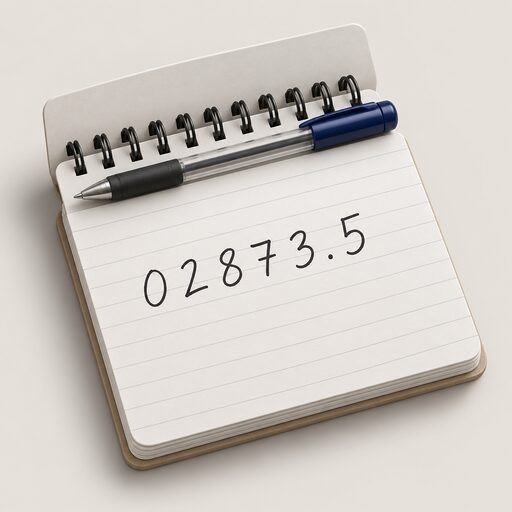 Take a Meter ReadingWhich numbers do you actually read on a gas or electricity meter, and which ones do you ignore?
 Take Control of Your EnergyHow do you read your own energy use and keep hold of your meter readings?
 Meter Readings and EstimatesWhy is my energy bill estimated, and how often should my meter be read?
 Who Owns Your Home Energy DataYour smart meter records how much gas and electricity you use, and that information belongs to you, not your supplier.
 Smart Meter Data and Who Sees ItWhat does your smart meter actually record, and who gets to see it?
 Smart Meter Faults and FixesYour smart meter has stopped working.