
In this guide
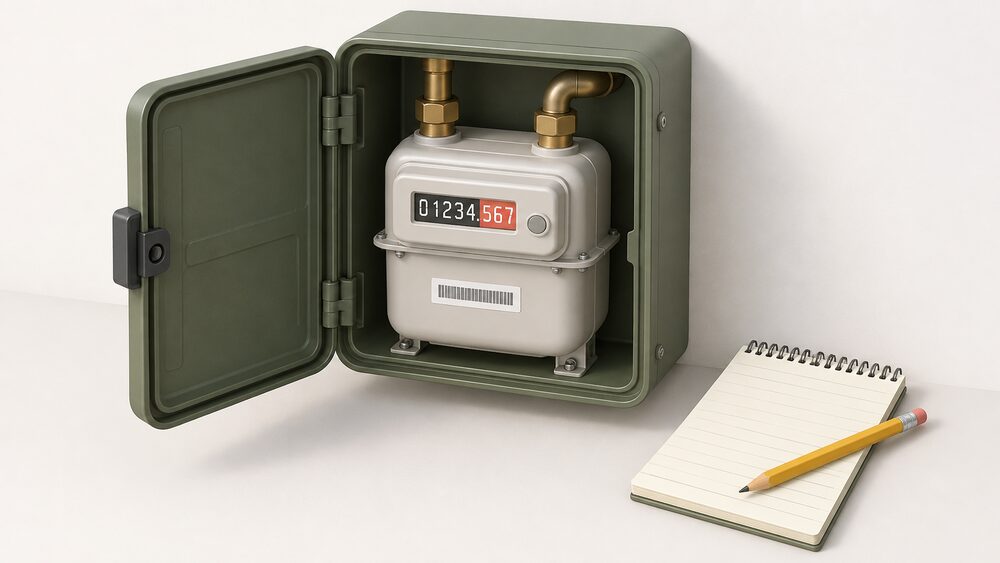
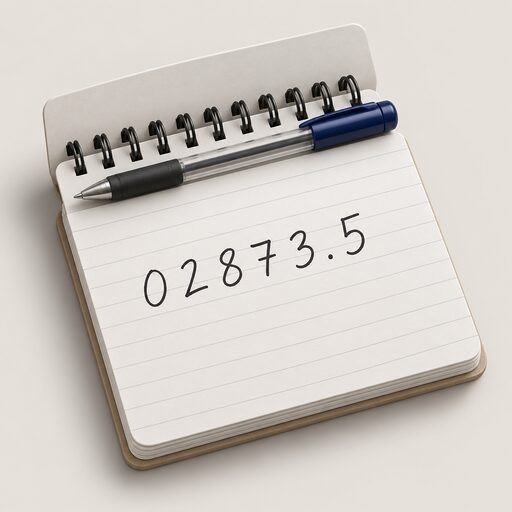
Most gas meters in Britain are metric. They show the reading in cubic metres (m³) and have five numbers to write down, read from left to right, including any leading zeros1. Anything after the decimal point, usually printed in red or on a red background, is ignored2. Older imperial meters measure in cubic feet (ft³) and have four numbers to record, again ignoring the red digits that follow1.
A dial meter is different again. A gas dial meter has four or more small dials, each with a pointer that travels round a face numbered 0 to 93. Only the first four dials from the left are read; large dials and red dials are ignored3. Where a pointer sits between two numbers, the lower number is recorded, which is the number the pointer has just gone past4. Where a pointer sits directly over a number, the dial to its right decides: if that next dial reads 9, the number is reduced by one3.
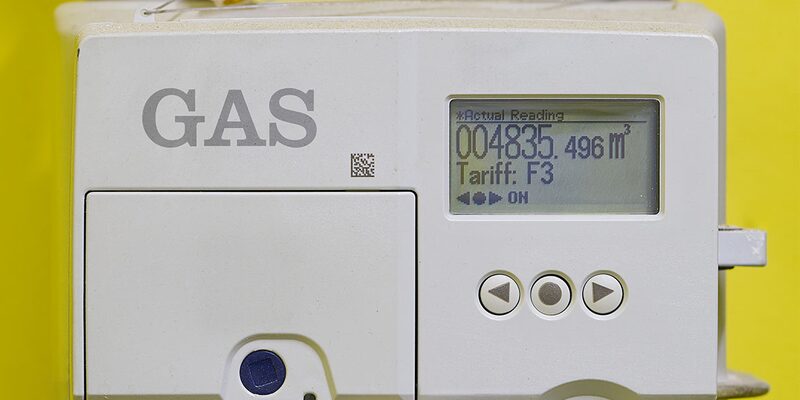
On a gas smart meter, the screen shows the word VOLUME or METER INDEX followed by a number and M34. Reaching that display means pressing a button, and which button depends on the meter: 9 on a keypad model, A on a model with A and B buttons, the orange button on a model with orange and blue arrows6.
Why reading your own meter still matters
A meter reading is the only number that ties a household's actual gas use to the money it is billed. A supplier needs regular readings from a gas or electricity meter to work out bills, and will estimate usage where no readings are sent3. An estimate is a guess built on past consumption, and it can run high or low for months before a real reading corrects it.
A smart meter is supposed to remove the chore. It automatically sends gas and electricity readings to the supplier, so bills should be more accurate and manual submissions are not required8. In practice there are still occasions when a reading has to be taken by hand: when switching supplier, when checking usage, or when resolving an account issue6. Some older smart meters cannot send automatic readings after a switch of supplier4. Where first-generation meters have lost their smart function, households should be able to provide readings manually instead.
There is also a practical point about what a reading is for. A meter reading is the only direct record a household holds of the gas it has actually taken from the network, and it is the figure against which an estimated bill can be checked. Where a smart meter's readings stop arriving, whether through the meter, the screen or the supplier's systems, a manual reading remains the fallback.
Two moments make a manual reading close to essential. When a supplier goes out of business, Ofgem advises taking a meter reading as soon as possible and keeping a record of it, so the new supplier bills correctly10. And where a meter's accuracy is disputed and an independent test is arranged, it is best to note the meter reading and serial number on the day of the visit11. The serial number is printed on the meter itself and is what identifies it in any dispute.
For independence, the point is blunt: knowing how to read the meter is the one part of the billing chain a household controls without a supplier, an app or a network connection. Everything else, the data flow, the tariff, the bill, depends on somebody else's system working.
Digital metric meters: the five digits to write down
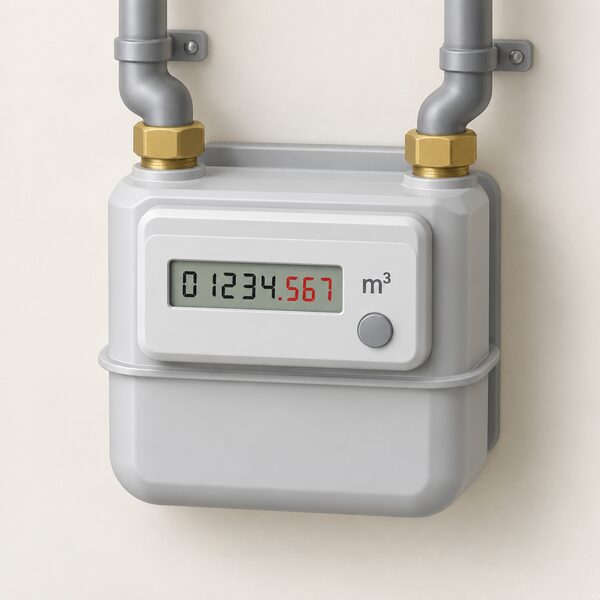
A digital metric gas meter has an electronic or digital display showing five numbers, then a decimal point, followed by some more numbers3. The unit is cubic metres, and the meter usually shows "m" or "m³" somewhere on the faceplate12.
The method is short:
- Read the five numbers from left to right, including any zeros at the start2.
- Stop at the decimal point. Do not include the numbers after it, which are often shown in red2.
- Note the date the reading was taken.
Those trailing digits are fractions of a cubic metre. Including them by mistake inflates a reading by thousands of units and is one of the commonest causes of a wildly wrong bill. Some guidance simplifies the rule to "the first four or five numbers" on a gas meter, which covers both metric and imperial faces5.
Because the reading is in cubic metres and the bill is in kilowatt hours, the supplier applies a conversion before charging. That step is covered separately in converting gas meter units to kWh.
Digital imperial meters
A digital imperial meter has an electronic or digital display showing four black or white numbers followed by two numbers in red3. Write down the first four numbers from left to right and ignore the rest shown in red3. The unit of measurement is cubic feet2. Imperial meters are older stock, and their units are converted to kilowatt hours using a different multiplier from metric ones, so the meter's unit matters as much as the digits.
| Meter type | Unit | Digits to record | What to ignore |
|---|---|---|---|
| Digital metric | cubic metres (m³) | first 5, left to right1 | everything after the decimal point, often red2 |
| Digital imperial | cubic feet (ft³) | first 4, left to right2 | the 2 red numbers that follow3 |
| Dial (imperial) | cubic feet (ft³) | first 4 dials, left to right1 | large dials and red dials3 |
Dial meters: reading the four main dials
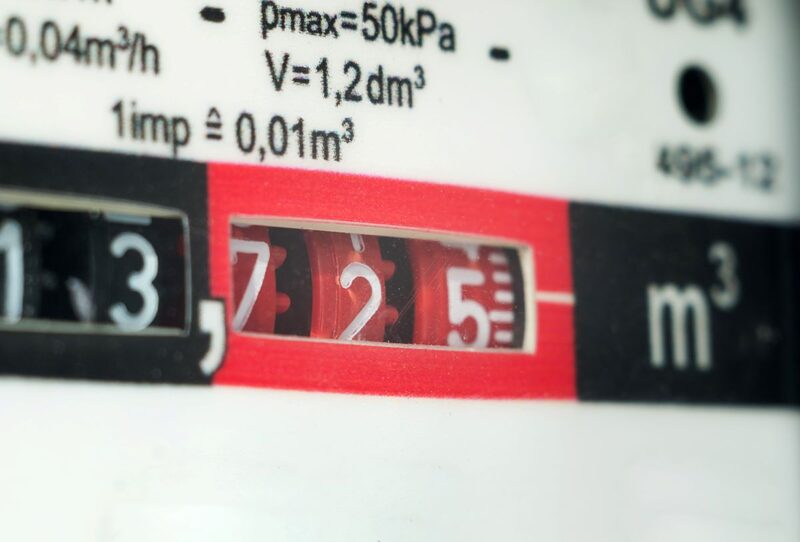
Dial meters, sometimes called clock-type meters, are the hardest to read correctly and the easiest to get a unit out. A gas dial meter has four or more dials side by side, each turning to point to a number between 0 and 93. Only the first four are part of the reading; dials without numbers or hands are disregarded, as are large dials and any dial marked in red3.
Start with the dial on the left and work right. Write down the number that the pointer has just gone past4. Where a pointer sits between two numbers, that means the lower of the two, and where a dial appears to sit between 9 and 0, the number recorded is 93. Adjacent dials turn in opposite directions on many meters, which is why the position of the pointer, rather than any assumption about direction, decides the digit.
The correction rule is what catches people out. Where a pointer sits directly over a number, underline that number and then check the dial immediately to its right: if that next dial reads 9, reduce the underlined number by one3. A worked example from the Centre for Sustainable Energy gives a full dial reading of 71204. Age UK puts the general rule simply: note the numbers each dial is pointing towards, but ignore any red numbers13.
"Read the first 4 dials from left to right - ignore the large dials or red dials."
A gas dial meter carries four digits where an electricity dial meter carries five15. Where a gas reading comes out as four or five numbers, red numbers are excluded from the count in either case4. The borderline case of a pointer hovering on the join between 9 and 0 is covered in more detail in what to do when a gas meter dial is between 9 and 0.
Smart meters: getting a reading from the screen
A smart meter records gas use and sends readings to the supplier automatically, so the display is usually consulted only to confirm a figure8. Most gas smart meters in Great Britain show the reading as numbers followed by "m3"6. The key discipline is the same as on a digital meter: record only the numbers before the decimal point, ignoring leading zeros where the meter shows them6.
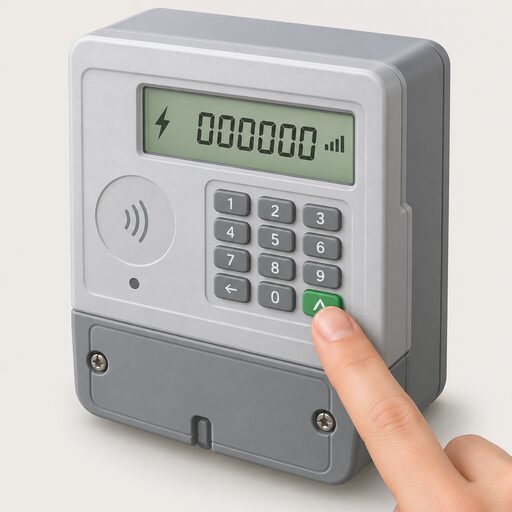
What varies is the button. Smart Energy GB sets out a route for each common faceplate6:
| What the meter looks like | How to bring up the reading |
|---|---|
| Keypad | Press 9, wait for VOLUME, then numbers followed by M3 |
| A and B buttons | Press A until METER INDEX appears; the numbers next to m3 are the reading |
| Orange and blue arrow buttons | Press the orange button |
| Three square red buttons | Press the left button, which might say A |
| A circle button and two arrow buttons | Press the middle circle button |
| One button either side of the screen | Press either, wait until 01 appears with numbers followed by M3 |
| Two white buttons to the right of the screen | Press the right button, which might be labelled OK or have an arrow |
All citations for that table:6.
A gas smart meter's screen is battery-driven and normally blank, which is why a button press is needed at all. The screen will flash or show VOLUME or METER INDEX, then a number followed by M34. Smart meters also have an in-home display that shows gas and electricity use in near real time, though the meter face, not the display, carries the figure a supplier needs17.
One recurring problem is physical rather than technical. The Energy Ombudsman has published a case in which, because of the position of the meter screen on a newly installed gas meter, the consumer was unable to check the reading at all18. Moving a gas meter is not a household job: attempting it is illegal and very dangerous19. The route is a complaint to the supplier, covered in how to get a meter moved, exchanged or removed and how to complain about an energy supplier.
A gas smart meter shows its reading on a screen rather than on a mechanical dial: the display flashes or shows the word VOLUME or METER INDEX, followed by a number and M316. On meters with A and B buttons, pressing button A until the screen shows 'Meter Index' and waiting a few seconds brings up the reading in metres cubed20. Only the digits before the decimal point should be recorded21. A smart meter therefore adds visibility but also a dependence: the readings go automatically to the supplier, and the household relies on the supplier's systems to receive and use them correctly18.
Gas safety around the meter: what to watch for
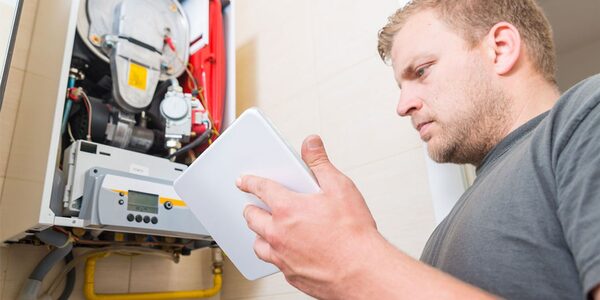
Reading the meter puts a householder in front of the gas installation several times a year, which makes it the natural moment to look at the meter and the appliances around it.
The Health and Safety Executive strongly advises that all gas appliances, flues and pipework are installed, regularly maintained and serviced at least annually by a Gas Safe registered engineer15. Cadent's advice is the same, and adds installing and regularly testing a carbon monoxide alarm, checking flues and sweeping chimneys every year21. About 14 people a year die from carbon monoxide poisoning caused by gas appliances and flues that have not been properly installed or maintained22.
Warning signs on an appliance:
- Lazy yellow or orange flames where the flame should be crisp and blue, except on fuel-effect fires which show that colour by design22
- Black marks, soot or staining on or around the appliance23
- A pilot light that keeps going out or blowing out21
- Too much condensation in the room23
The meter itself should look untouched. Cadent lists signs of gas theft to look for when examining a meter: a meter turned around, a meter bypassed or bridged, a substitute meter, a smell of gas, dials not moving or a display that has disappeared, rubber or hose piping, evidence of poor workmanship, pipework installed by an unregistered person, gas still working without credit, or no meter present at all24. Every gas appliance must have, at its inlet, a means of shutting off the gas supply unless that is not reasonably practicable25.
Two related points. Poorly maintained, badly installed or faulty gas appliances can cause gas leaks, fire, explosions and carbon monoxide poisoning, and only a Gas Safe registered engineer should fit, fix or check them26; how to verify registration is set out in checking an engineer is Gas Safe registered. And where a smart gas meter is installed, the installer also performs a visual safety check on the gas appliances as part of the installation, typically a visual inspection of the boiler and other appliances, final meter readings, a gas supply check with pilot lights relit, and a plug socket test27.
Rented homes
Landlords carry a separate duty. A gas safety check must be done every year on each gas appliance and flue the landlord owns, carried out within 12 months by a Gas Safe registered engineer28. The same 12-month interval applies to LPG appliances owned and provided by the landlord15. Tenants are not covered for appliances they own themselves: those should be safety checked once a year by a Gas Safe registered engineer arranged by the tenant23. Guidance in Northern Ireland states the same 12-month check interval for a tenant's own appliances29. Who arranges a boiler service if you rent covers the split in more detail.
When to take a reading and what to do with it
A monthly reading is the working standard. Uswitch suggests submitting a reading at least once a month and ideally on the same day of the month, the first for example, so each bill covers a comparable period7. That regularity matters more than the exact date: readings taken at uneven intervals make consumption look erratic and are harder to check against a bill.
There is a floor in regulation for one case: where a supplier is recovering ongoing gas consumption through a prepayment arrangement, it must make reasonable endeavours to obtain gas meter readings at least every six months30.
Moments that call for a reading whatever the routine:
- The day a supplier goes out of business, recorded and kept so the new supplier bills correctly10
- On moving into or out of a property, covered in do I need to take meter readings when moving home
- When switching supplier, set out in how to switch energy supplier
- On the day an independent meter accuracy test is carried out, alongside the serial number11
- Where a bill looks wrong, before raising it, as in how to report a faulty or inaccurate meter
Submitting the reading follows the same process for gas as for electricity7. The practical steps are covered in how to submit meter readings to a supplier, and the reading itself is explained on the bill, alongside the conversion from meter units to kilowatt hours.
Where a reading cannot be taken
Where a consumer is unable to read the meter because of age, disability or terminal or chronic illness, the supplier can arrange to read the meter on their behalf, free of charge, at least once every three months31. That provision is set out for Northern Ireland consumers in the Utility Regulator's code of practice for consumers in vulnerable circumstances31. Priority Services Register support in Great Britain runs on similar lines: E.ON Next lists quarterly meter readings as a minimum and annual gas safety checks among the services offered to registered customers17. Smart meters can also be paired with an accessible in-home display where sight loss makes a meter face unreadable17.
What reading a meter does, and does not, do for independence
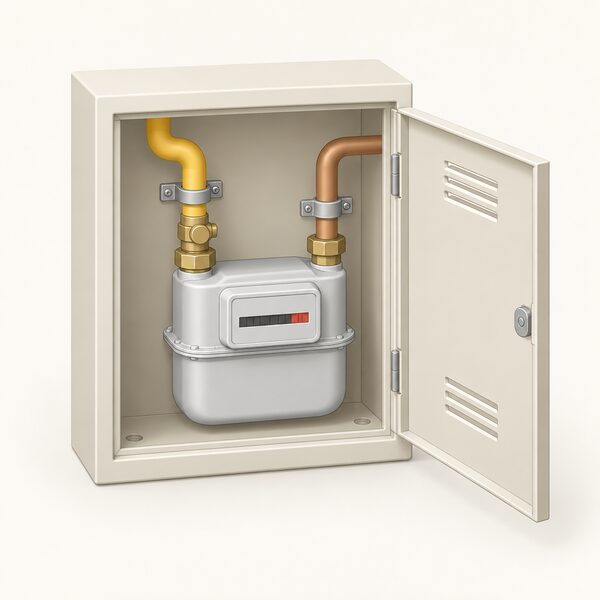
A meter reading is a check on a supplier, not a substitute for one. Taking it yourself means the bill can be verified against a number you have seen with your own eyes, that a supplier's estimate can be challenged with evidence, and that a change of supplier or a supplier failure does not leave the account resting on someone else's guess10.
The dependence that remains is complete on the gas side. The meter measures gas arriving from the network; nothing about reading it reduces the volume used or the exposure to the price. The meter is the property of the network and supply chain, not the household: moving it is illegal for a householder to attempt19, and the appliances behind it may lawfully be worked on only by a Gas Safe registered engineer26, who must also fit them, as the law requires27. A smart meter adds a further layer of dependence, on the supplier's systems that receive the automatic readings18, and on a screen that is readable from where the meter happens to sit.
What a household does control is the frequency and accuracy of the record it keeps. That, and the annual safety check, are the two habits the meter cupboard rewards. Broader steps are set out in the home energy how-to guide and in taking more control of your home's energy.
Sources31 cited
- How to read your gas meter, National Energy Action, 2026-07-13
- Energy meters explained, Energyhelpline, 2026-09-20
- How to read your energy meter, Citizens Advice, 2026-09-17
- Reading your gas or electricity meter, Centre for Sustainable Energy, 2026-08
- How to read your gas and electricity meter, Confused.com, 2025-12-15
- How can I read a smart gas meter, Smart Energy GB, 2026-08-17
- How to submit a meter reading, Uswitch, 2026-04-23
- Gas and electricity meter reading, Uswitch, 2026-04-23
- Get help with your smart meter, Ofgem, 2026-09-17
- What happens if your energy supplier goes out of business, Ofgem, 2026
- Electricity meter accuracy disputes, GOV.UK, 2014-03-13
- Gas meters and electricity meters: what you need to know, Which?, 2026-01-16
- Energy meters advice, Age UK, 2026-09-10
- How to read your meter, NIE Networks, 2026-09-19
- Gas safety: domestic FAQs, Health and Safety Executive, 2026
- What is a smart meter, Smart Energy GB, 2026-08-10
- Energy for those with sight loss, Uswitch, 2026-04-09
- Installation of smart meters case studies, Energy Ombudsman, 2026-09-20
- Moving your gas meter, Cadent Gas, 2026-09-20
- Getting a smart meter installed, Citizens Advice, 2026-09-17
- Cooking safely with gas, Cadent Gas, 2025-11-12
- Gas appliances: get them checked, keep them safe, Health and Safety Executive, 2011-09
- Gas safety advice, Cadent Gas, 2026-09-20
- Theft of gas, Cadent Gas, 2026-09-20
- Gas Safety (Installation and Use) Regulations 1998, legislation.gov.uk, 1998-10-03
- Gas Safe Register, nidirect, 2025-10-29
- Gas safety: owner-occupier FAQs, Health and Safety Executive, 2026
- Landlords: what safety checks are needed, Health and Safety Executive, 2026
- Domestic gas installation and health and safety, nidirect, 2025-10-28
- The Electricity (Prepayment Meter) Regulations 2006, legislation.gov.uk, 2006-07-23
- Code of Practice for Consumers in Vulnerable Circumstances, Utility Regulator Northern Ireland, 2025
 Take a Meter ReadingWhich numbers do you actually read on a gas or electricity meter, and which ones do you ignore?
 Get a Reading From a Smart MeterHow to bring up a meter reading on a smart electricity or gas meter when a manual reading is still needed, and the difference between the meter itself and the in-home display.
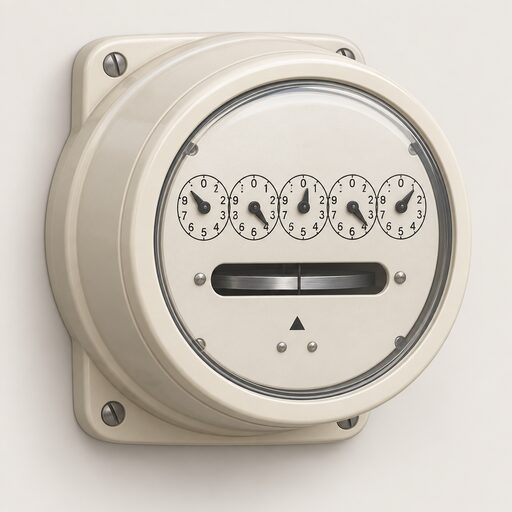 Read an Electricity MeterHow to read single-rate, two-rate and dial electricity meters and which register is the night rate on a restricted meter.
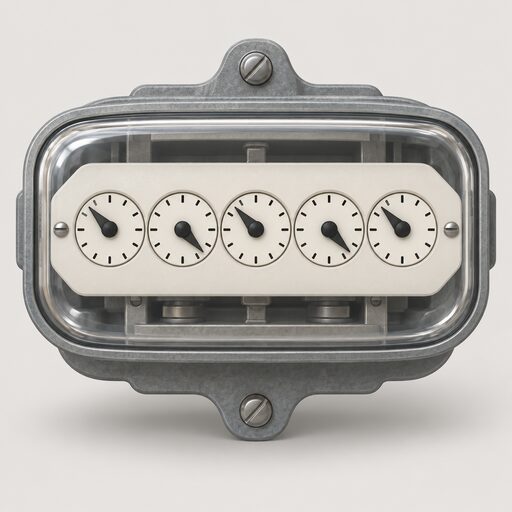 Meter Readings and EstimatesWhy is my energy bill estimated, and how often should my meter be read?
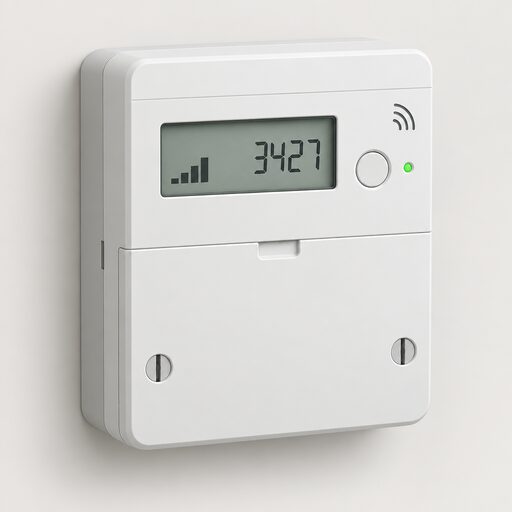 How a Smart Meter WorksHow a British smart meter measures gas and electricity, how the in-home display and the DCC's secure network fit together, what data leaves the house, what it costs, and where smart mode goes wrong.
 Submit Meter ReadingsThe routes for sending readings, by app, online account, phone and automated line, and the timing that gets them onto the right bill.