
In this answer
Short answer
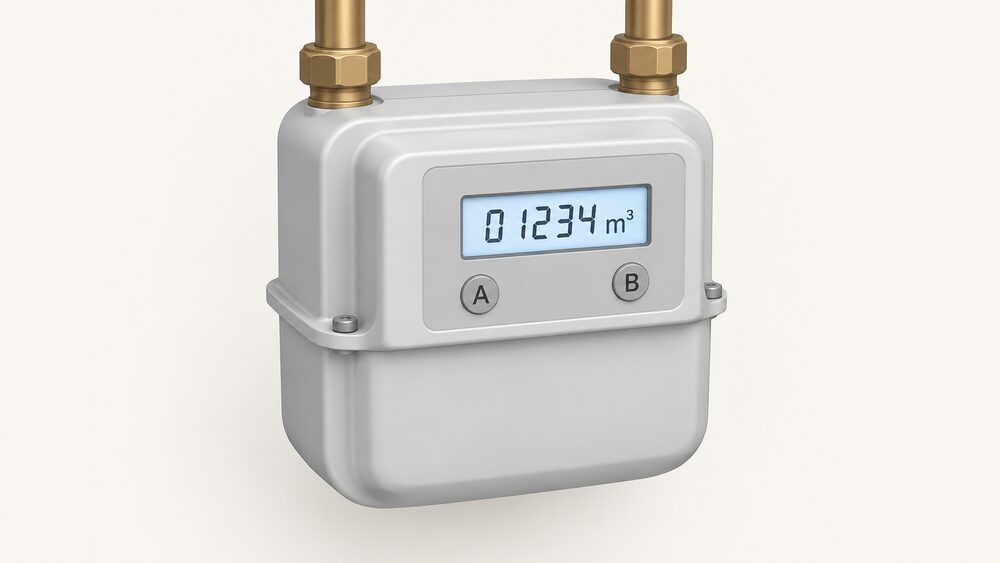
A gas smart meter shows its reading as a number followed by m3, and on the most common button layout you press the A button until the words METER INDEX appear. The figure beside m3 is the reading. Most gas smart meters in Great Britain display in cubic metres, so the number on screen is a volume, not the kilowatt hours that appear on a bill1.
The reason a household ever needs to do this is that the meter is already doing it. A smart meter automatically sends your electricity and gas meter readings to your supplier, and gas readings are typically sent once a month by default2. Reading the screen yourself is a check, not a duty: it is useful when a bill looks wrong, when the in-home display has lost the gas signal, or when a supplier asks for a confirmed figure.
What follows covers the button layouts you are most likely to meet, what the screen shows on each, how often readings travel to the supplier, and what to do with the number once you have it. Gas smart meters are battery powered and asleep for most of the time, waking every half hour to take a reading, so a dark screen is normal rather than a fault4.
What the gas reading looks like: a number followed by m3
Most gas smart meters show the reading as numbers followed by m3, and that unit is the key to reading the screen correctly1. The screen may flash, or show the word VOLUME or METER INDEX, before the number appears; on a gas smart meter the figure that follows is in cubic metres6. Independent guidance for the same point puts it plainly: the reading is a number followed by m3, so note the unit when you check7.
The unit matters because gas is sold in kilowatt hours and measured in volume. Gas meters measure in cubic metres or cubic feet, and the supplier converts that volume to kWh when working out the bill6. Electricity is different: electricity meters measure in kWh directly8. A household comparing the two screens should not expect the same unit on both.
Most gas meters are metric, show readings in cubic metres and have five numbers to read9. Imperial gas meters, which are dial and some analogue types, show readings in cubic feet and have four numbers9. A smart meter in a UK home is almost always the metric type, so five digits before the decimal point is the usual shape of the answer.
"Most gas smart meters show your reading as numbers followed by 'm3'."
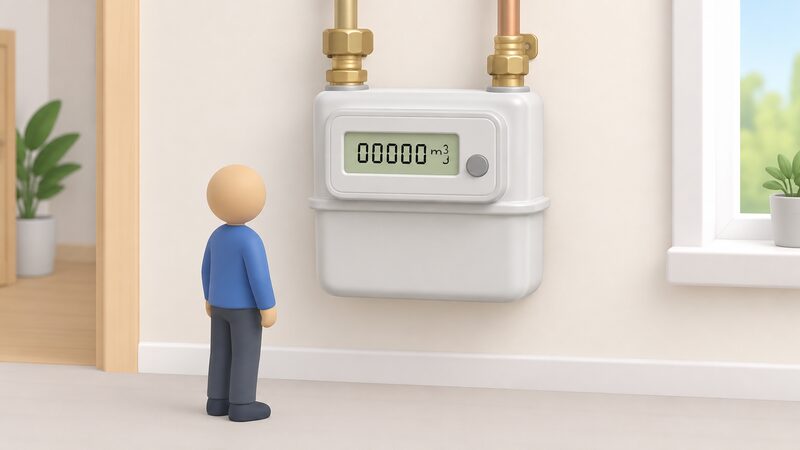
Meter with A and B buttons: press A until 'Meter Index' appears
The A and B layout is the one most householders meet. To read this type of meter, press the A button until METER INDEX appears on the screen; the numbers next to m3 are the reading1. On a variant with a button to the left and right of the screen, press either button and wait until you see 01 with numbers followed by M31.
Some meters in this family use colour rather than letters. Where there are orange and blue arrow buttons, press the orange button1. Where there is a circle button with two arrow buttons, press the middle circle button1. Where there are two white buttons to the right of the screen, press the right button, which may be labelled OK or carry an arrow1.
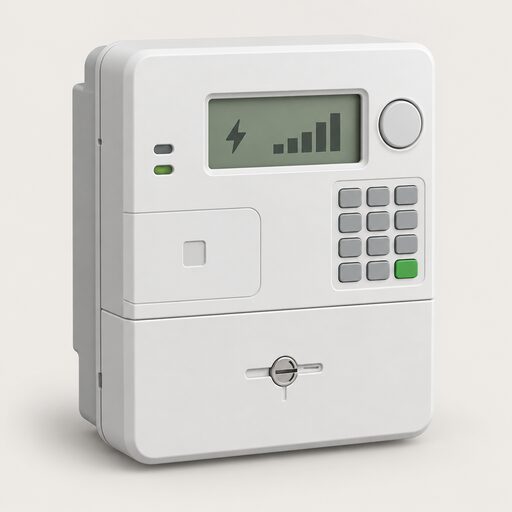
The same physical layout appears on electricity meters with a different sequence, which is where confusion starts. On an electricity smart meter with a green A button to the right of the screen and a white B button below, the procedure is to press the white B button to light the screen, wait for meter boost, press A to select no, and the reading then appears followed by KWH10. On a meter with A and B buttons under the screen, pressing A repeatedly reaches TOTAL ACT IMPORT and numbers followed by KWH10. The letters on the casing are similar; the unit on the screen is what tells you which fuel you are looking at.
A gas meter with A and B buttons will not show KWH. If the screen offers KWH, the meter in front of you is the electricity meter, and the gas reading is on the other unit.
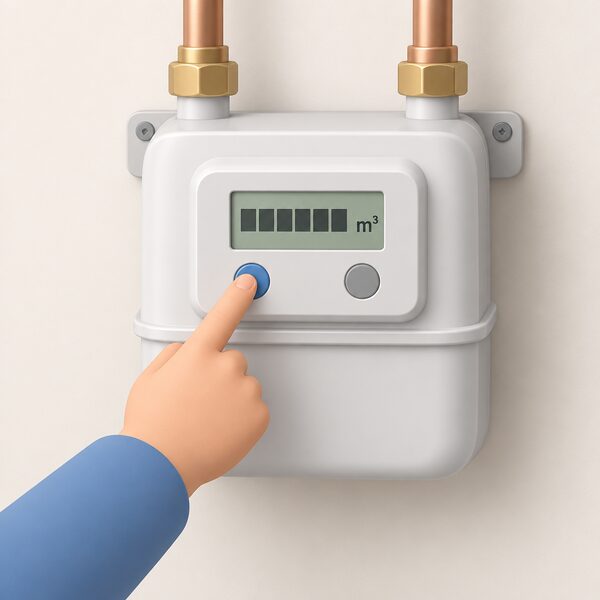
Keypad meters: press 9 and wait for 'Volume'
Keypad gas meters are read with a number rather than a letter. Press 9 and you will see VOLUME on the screen; wait until it changes to numbers followed by M31. The same instruction appears in Northern Ireland Networks guidance, which says to press 9 on the meter or freedom unit to display the reading11.
Secure smart gas meters follow this pattern. Press number nine on the keypad, the word volume appears followed by the gas reading in cubic metres, and the first five digits are the reading12. That is maker guidance for a specific brand, and it matches the general keypad procedure.
Keypad electricity meters use the same key for a different result. Pressing 9 on an electricity keypad meter brings up IMP KWH, and the numbers followed by KWH are written down from left to right, ignoring leading zeroes and digits after the decimal point10. Export meters, which record what a home sends to the grid, use a different sequence again: press number 9 three times, and the reading displayed after Exp Units is the export meter reading13.
The pattern to hold on to is that 9 is the keypad's reading key, and the word that appears next tells you which register you have reached. VOLUME or METER INDEX means gas in cubic metres. IMP KWH means imported electricity in kilowatt hours. Exp Units means exported electricity.
Other button layouts: arrows, circle, red and white buttons
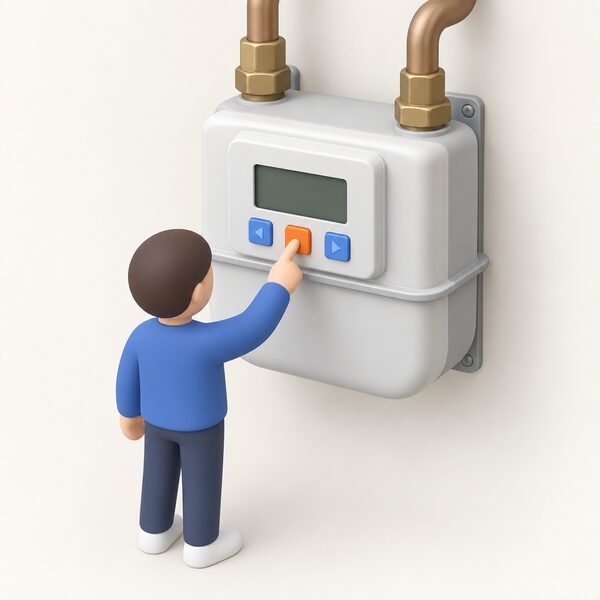
Beyond A and B and the keypad, several layouts appear in UK homes, and the common thread is that one press cycles the display.
On a gas smart meter with three square red buttons, press the left button, which may say A1. On a meter with two white buttons to the right of the screen, press the right button, which may be labelled OK or carry an arrow1. On a meter with one orange button and two blue buttons, press the orange button and write the number down from left to right10.
Dual and multi rate meters, which record more than one register, are scrolled with a single push button. Rate 1 or R1 gives the first read, Rate 2 or R2 the second, and TOTAL B gives heating units on a multirate meter11. These are more common on older installations and on supplies with a separate heating register.
Some meters cycle on their own. Where a meter changes between screens automatically, wait for the screen showing numbers followed by KWH, and contact the supplier if it does not cycle10. That instruction is written for electricity meters, but the behaviour is the same idea: the display moves through its registers without a press.
How often to take a gas reading
A gas smart meter takes its own reading every half hour. Your smart meter records electricity use in near-real time, and every half hour for gas16. Welsh Government guidance gives the same interval for the household view: updates on gas usage arrive every half hour17.
What reaches the supplier is a separate setting. Smart meters share meter readings with the energy supplier at least once a month18, and the same monthly minimum appears in Smart Energy GB's comparison of smart meters with home energy monitors19. Readings are usually sent every 30 minutes or so on the communications side20, and the Data Communications Company describes automatic meter readings as monthly, weekly, daily or even half-hourly21.
The gap between the two figures is the point. The meter measures every half hour, but the supplier's default for gas is a monthly read, and the frequency is configurable. Citizens Advice states that the default is every month for gas, with every day or every half hour available as alternatives3. A household that wants finer data can ask the supplier to change the schedule, or read the meter directly.
Gas smart meters also depend on the electricity meter to communicate. A gas smart meter usually sends readings via the electricity smart meter in the home, rather than directly to the national smart meter network5. That is why a gas reading can go missing while the electricity reading still arrives, and why the fix for a missing gas figure on an in-home display often involves the display rather than the meter.
What to do with the reading once you have it
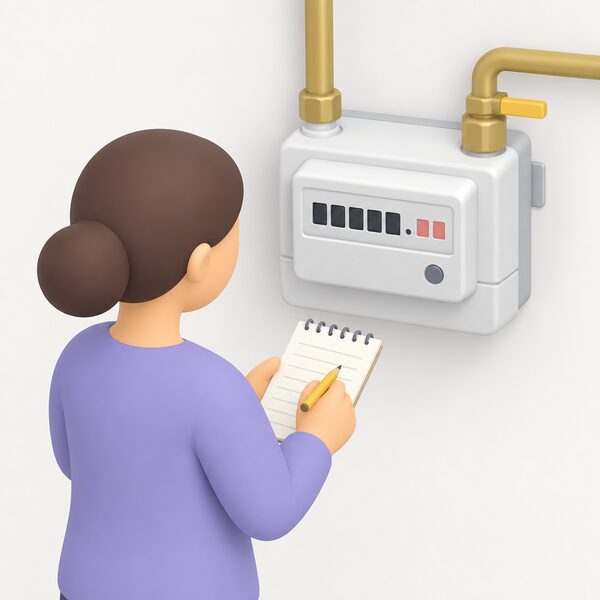
In most cases, nothing. Smart meters record exactly how much gas or electricity you use and automatically send regular readings to the energy company22, and they measure usage and send the data directly to the supplier17. A smart prepayment meter can send readings automatically too23. The reading on the screen is there so a household can see it, not because it needs submitting.
Where a figure is needed, the rules on digits are specific. Record only the numbers before the decimal point, ignoring leading zeros1. On a metric gas meter that is the five numbers before the point9. Digits after the decimal point, and any figures shown in red, are not part of the reading.
If the in-home display shows electricity but no gas, the display is the place to start. Press the on/off switch and unplug the charger, then hold the on/off switch down for a few seconds while plugging the charger back in; the display should reconnect to both meters after a few minutes24. That is a display fix, not a meter fix, and it addresses the most common version of the problem.
For a household thinking about independence, the position is straightforward. The meter measures and reports on its own, so no manual reading is required for billing, and the data belongs to the household as much as the supplier. What remains dependent is the communication path: the gas meter relies on the electricity meter, the pair rely on the national network, and the supplier sets how often readings travel. A household that wants its own copy of the data at higher resolution can read the meter directly or use a consumer access device, which is covered in Consumer Access Devices: Getting Your Own Smart Meter Data. For the wider picture of what the meter does and does not do for a home, see Smart Meters, Monitoring and Energy Independence.
Sources24 cited
- How can I read a smart gas meter, Smart Energy GB, 2026-08-17
- Get help with your smart meter, Ofgem, 2026-09-17
- Getting a smart meter installed, Citizens Advice, 2026-09-17
- What is a smart meter, Which?, 2026-04-07
- How do smart meters work, Smart Energy GB, 2026-08-27
- Reading your gas or electricity meter, Centre for Sustainable Energy, 2026-08
- Energy meters, Energy Helpline, 2026-09-20
- How to read your gas and electricity meter, Confused.com, 2025-12-15
- How to read your gas meter, National Energy Action, 2026-07-13
- How can I read a smart meter, Smart Energy GB, 2026-08-17
- Meter guide, Northern Ireland Networks, 2026-09-20
- How to read a smart meter, Good Energy, 2025-08-20
- Import and export meters, Northern Ireland Networks, 2026-09-20
- How to read your electric meter, Northern Ireland Networks, 2026-09-19
- Power cuts and gas leaks, Ecotricity, 2026
- What is a smart meter, Smart Energy GB, 2026-08-10
- Smart meters, Welsh Government, 2026
- Smart energy explained, Smart Energy GB, 2026-04-24
- Smart meters vs home energy monitors, Smart Energy GB, 2026-08-17
- Smart meters explained, Uswitch, 2026-07-29
- How to get a smart meter, Smart DCC, 2026
- Meters, Age UK, 2026-09-10
- Benefits for prepay customers, Smart Energy GB, 2026-08-19
- Troubleshooting smart meter issues, Smart Energy GB, 2026-04-01
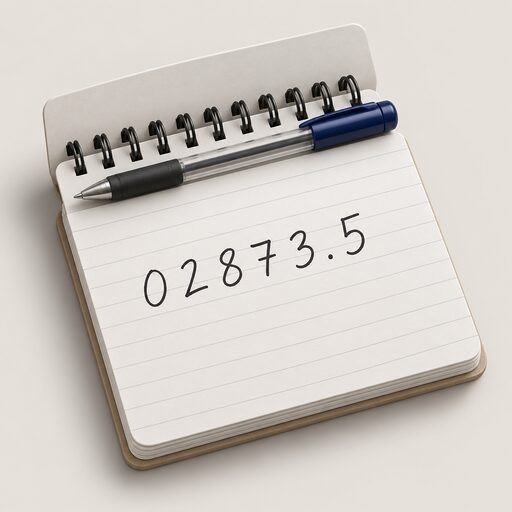 Take a Meter ReadingWhich numbers do you actually read on a gas or electricity meter, and which ones do you ignore?
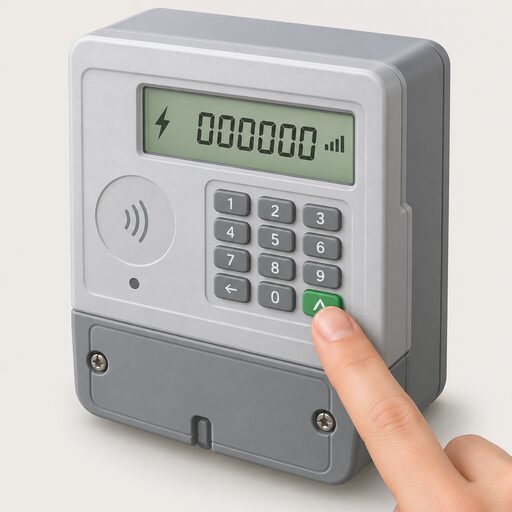 Get a Reading From a Smart MeterHow to bring up a meter reading on a smart electricity or gas meter when a manual reading is still needed, and the difference between the meter itself and the in-home display.
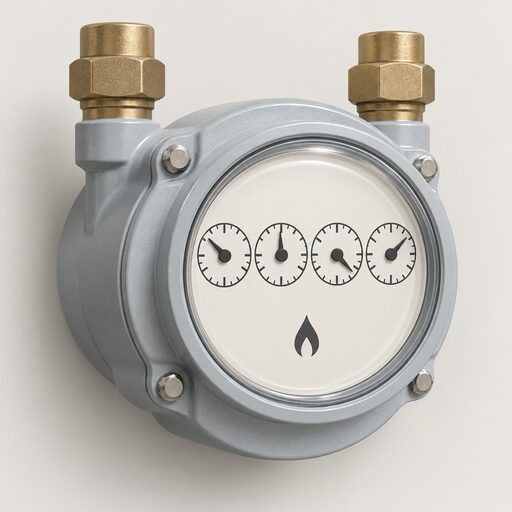 Read a Gas MeterHow to read dial, digital metric and older imperial gas meters, including which dials to ignore and what to record when a pointer sits between two numbers.
 Who Owns Your Home Energy DataYour smart meter records how much gas and electricity you use, and that information belongs to you, not your supplier.
 Reading an Energy BillA line-by-line walk through a domestic gas and electricity bill: unit rate, standing charge, kWh consumption, meter readings, tariff name and balance, plus the 12-month back billing limit and the guaranteed standards payments that apply when a supplier or network operator gets it wrong.
 Meter Readings and EstimatesWhy is my energy bill estimated, and how often should my meter be read?