
In this guide
Most UK electricity meters are read the same way: write down the first five numbers from left to right and ignore anything in red, anything after the decimal point or comma, and any dial marked one tenth or one hundredth1. An electricity meter usually has five numbers before the decimal point, and the reading is in kilowatt hours, so on a digital or smart display the figure to record is the one followed by kWh2.
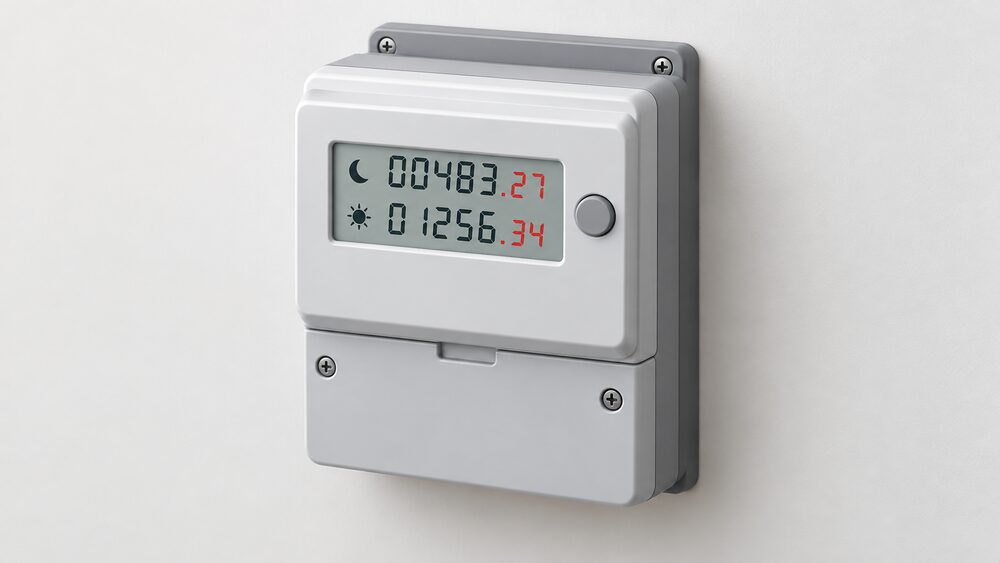
A two-rate meter, also called a dual-rate meter, is different only in that it holds two registers instead of one, and both must be read. A household gets cheaper electricity at certain times if it has one1. The registers are commonly labelled low or night and normal or day, or Rate 1 and Rate 2 (sometimes R1 and R2)2. Some two-rate meters show two rows of numbers at once; others have a single display that either cycles between the rates automatically or moves on when a button is pressed1. A worked example from one guide gives two-row readings of 34319 and 18802, and single-display readings of 81927 and 558494.
The second rate exists because of Economy 7, a time-of-use tariff charging two different prices for electricity depending on when it is used5. The cheaper off-peak rate applies for seven hours out of every 24, usually at night, with the more expensive rate for the other 17 hours of the day6. Reading both registers accurately is what keeps the cheap hours worth having: if only one is sent, the bill is guesswork.
What the numbers on a meter actually record
An electricity meter counts cumulative kilowatt hours since it was installed or last reset. It is a running total, not a measure of current use, which is why a supplier works out a bill from the difference between two readings and will estimate usage if none are sent1. Digital metric displays put the whole-number kWh before the decimal point, with tenths or hundredths after it, often in red4.
Two identifiers sit alongside the digits and matter as much as the reading. The Meter Point Administration Number, also known as the S number, identifies the electricity supply point and appears on the electricity bill and on the meter10. The meter serial number identifies the physical meter, and can be used to confirm that the billing relates to the household's own energy and not a neighbour's3. In flats and converted properties where meters are grouped in a cupboard, that check is worth making before any reading is submitted.
Housing stock surveying recognises two basic arrangements: a dwelling usually uses either a single-reading meter or a multiple-reading meter arrangement12. Everything below follows from which of those is installed.
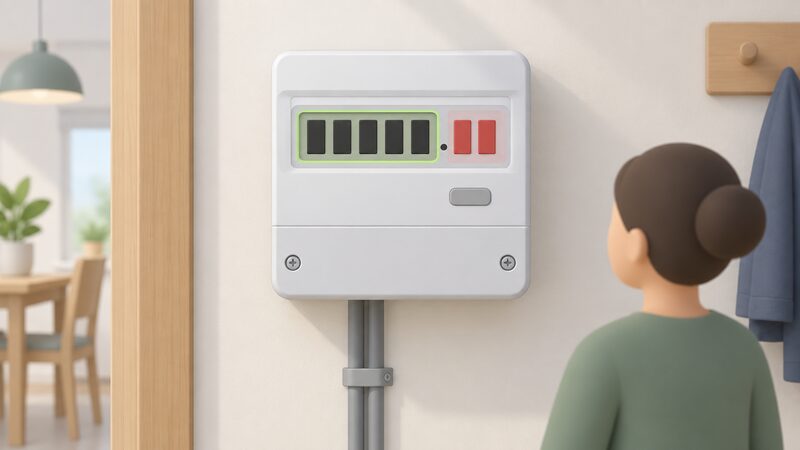
Standard digital meters: five digits, left to right, red ignored
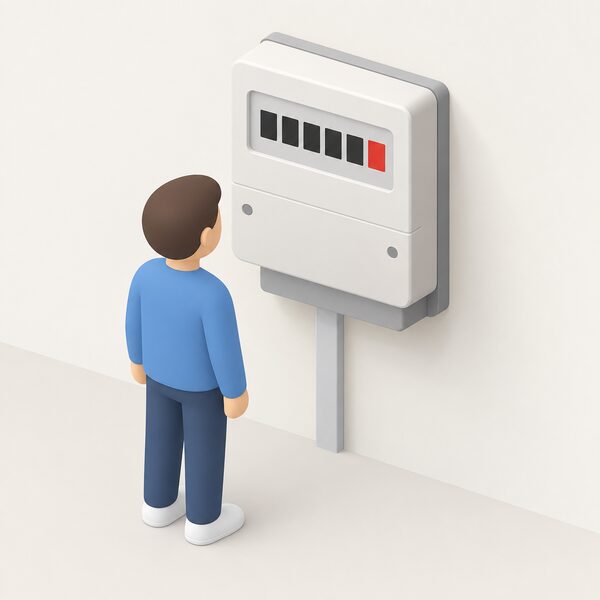
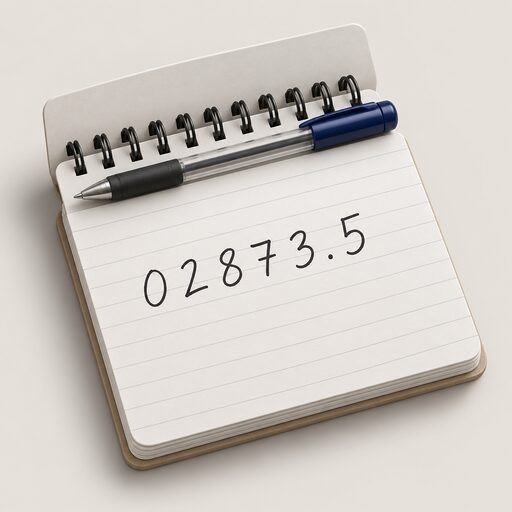
On a single-rate digital meter, write down the first five numbers shown from left to right and ignore any other numbers, including red ones1. The display may show five numbers followed by one or more in red: only the numbers before the red figure are needed4. Where a decimal point appears, record the figures before it and disregard everything after2. Leading zeros inside the five digits are part of the reading and should be included13.
The same rule is expressed in slightly different words across guidance, which is reassuring rather than confusing: record five black numbers from left to right and ignore red ones14; read the first five numbers and ignore any red numbers after the decimal point or comma3; ignore the last figure if it begins with 0.114. Northern Ireland's network operator gives the same instruction for digit meters, adding that any numbers marked 1/10 or 1/100 are disregarded15.
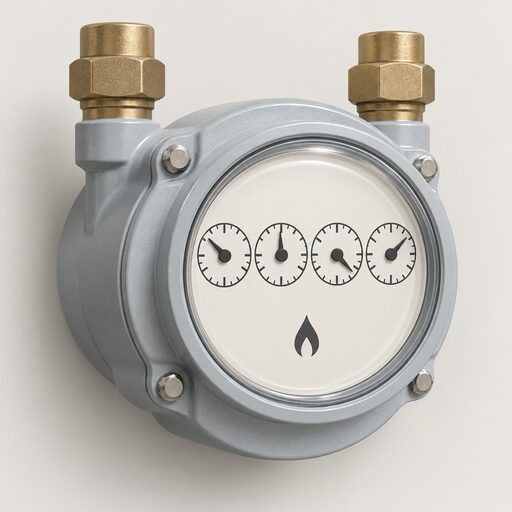
For contrast, gas meters follow a different digit count: an imperial gas meter is read as the first four numbers with the red figures ignored, which is one reason meter readings get transposed when a household submits both together1. There is separate detail on reading a gas meter and on converting gas units to kWh.
Dial meters: read left to right and watch the pointer
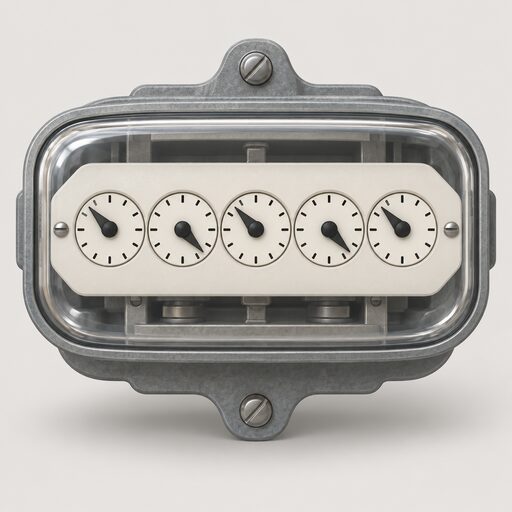
An electricity dial meter has five or more dials, each turning to point at a number between 0 and 9, and each turning in the opposite direction to the ones next to it1. Five digits are read on an electric dial meter, against four on a gas one16.
- Read the first five dials from left to right, ignoring red dials and any marked 1/101.
- Write down the number the pointer has just gone past3.
- Where the pointer sits between two numbers, record the lower one; where it sits between 9 and 0, record 91.
- Where a pointer is directly over a number, underline that number, then check the dial to its right: if that next dial reads between 9 and 0, reduce the underlined figure by one1.
Dials without numbers or hands are disregarded entirely2. Clock-type meters in Northern Ireland follow the same convention, reading left to right and taking the lower number when the pointer falls between two17.
Electronic meters: press the button and read the display
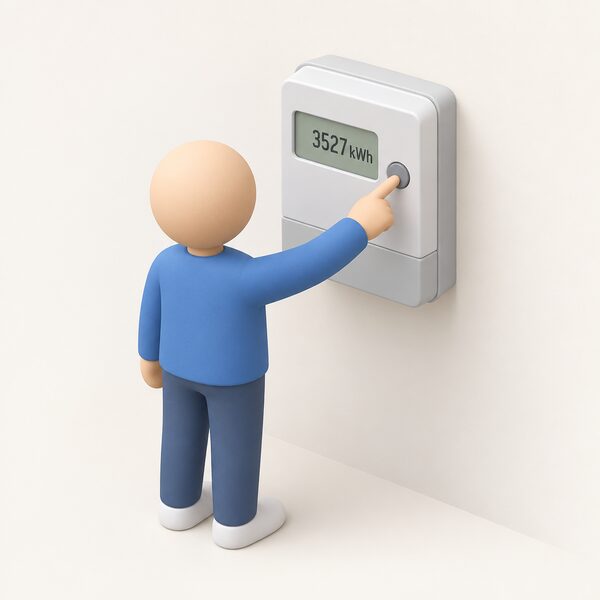
Electronic and smart meters hide the reading behind a display cycle, and the button varies by model. The consistent signal on an electricity meter is the word IMP or IMPORT, or a number followed by kWh: when the screen flashes or shows one of those, that is the register to record3.
| Meter layout | What to press | What appears |
|---|---|---|
| Two buttons right of screen, one marked reconnect | Display or display select, repeatedly | Numbers followed by KWH13 |
| Three buttons right of screen | The middle button | Number below IMP, read left to right13 |
| A and B buttons under the screen | A, then A again | TOTAL ACT IMPORT and numbers followed by KWH13 |
| Green A button, white B button below | B to light the screen, then A to answer no to meter boost | Reading followed by KWH13 |
| One orange button, two blue | The orange button | Number, read left to right13 |
| Green A and grey B to the right | Nothing | Number next to KWH13 |
| Two white buttons right of screen | Nothing; the screen cycles | Wait for numbers followed by KWH13 |
Where a screen that should cycle does not, the supplier should be contacted13. On keypad meters, pressing 9, or A on an A and B pair, brings up the import register3. The wider mechanics of smart displays are covered in how to get a reading from a smart meter.
Two-rate meters: both registers, every time
A two-rate digital meter shows two rows of numbers, the top row labelled low or night and the bottom row labelled normal or day1. It is used where two rates, one for daytime and one for night-time usage, both have to be submitted4. Both rows are read left to right, red numbers ignored1.
One label trips people up. Where there is an N on the label, it stands for normal, not night1. Reading the normal register as the night register and vice versa produces a bill that charges peak consumption at peak prices twice over until it is corrected.
Northern Ireland's guidance frames the same meter by what the reading system asks for: being prompted for one reading means a single rate meter with a flat rate all day, while being prompted for two or more means a dual rate meter with different rates through the day, for example a higher rate at breakfast and teatime and a lower rate overnight15. On those meters the button scrolls the display, showing Rate 1 or R1 for the first read, Rate 2 or R2 for the second, and TOTAL B for heating units on a multirate meter17.
Two-rate meters on a single display: getting both readings
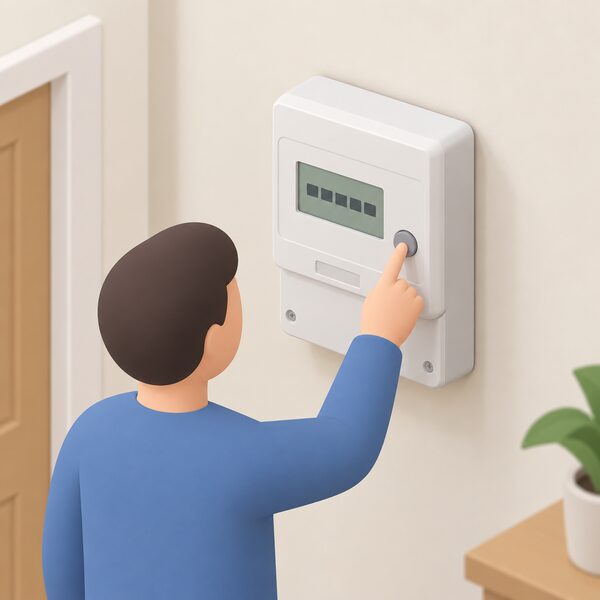
Many two-rate meters have only one digital display, which shows one rate at a time. It will either flash the different rate readings in a cycle, or have a button that must be pressed to make the display change1. Either way, both numbers are recorded, left to right, each with its label noted1.
On an Economy 7 meter with digital or prepayment metering, each reading is reached by pressing a button, sometimes marked Rate 1 and Rate 22. Some designs show a single number marked "day rate" with a red button pressed to bring up the night rate19. Smart Energy GB describes the same two variants: two sets of numbers typically marked low and normal, or one set marked Day Rate with a button to switch to the off-peak reading20.
Import and export meters, fitted where a household generates its own electricity, add further registers behind the same button. Pressing the blue button repeatedly brings up a small 2 in the corner of the display for the low or night rate reading, and a small 5 followed by five numbers for the export reading21. Two versions of the manufacturer's instruction disagree about whether the small 1 or the small 2 marks the day rate, so the register labels on the meter itself are the safer guide.
On keypad systems in Northern Ireland, pushing 3 on the meter or freedom unit gives the first read and pushing 3 again gives the second; those reads are passed to the electricity supplier, which issues the bill, and are used to keep pay-as-you-go accounts up to date17.
Economy 7: how to tell whether the meter has two rates
The clearest signs of an Economy 7 arrangement are two meter readings, a register described as low or off-peak, a register described as normal, high or on-peak, or a button on an electronic meter that reveals each rate in turn8. Economy 7 requires a special multi-rate meter to be installed at the property23, and a supplier will need to install one where the household does not already have it19.
The bill is the second test. Electricity unit rates are either a single unit rate or a dual rate, which provides two meter readings9. Being charged two different rates for day and night, or seeing a tariff type of Economy 7 or Economy 10 on the bill, confirms a two-rate supply24. Economy 7 is described as only available for electricity-heated homes and not those with a gas supply, and is mainly intended for homes that run electric heating and use storage heaters25. Households typically use the cheap hours to charge electric storage heaters with heat26.
Why the two rates differ: the seven-hour off-peak window
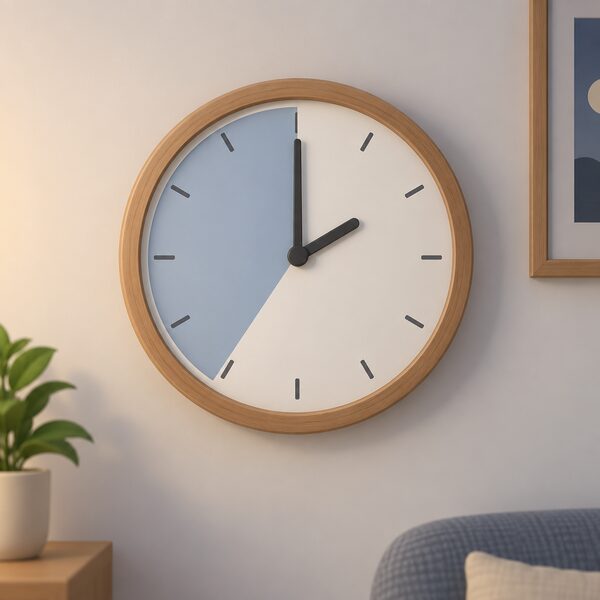
Economy 7 sets two prices: an on-peak rate and an off-peak rate, with the cheaper off-peak rate applying for seven hours out of every 24, usually at night6. Outside that window, electricity is charged at a more expensive peak rate8, described elsewhere as a premium rate during the day27, covering the other 17 hours7.
The window's timing is not fixed nationally. It usually runs between midnight and 7am, but varies across suppliers8. One guide places the seven-hour period at some point between 11pm and 8am, and notes that the regional network operator, the company physically supplying electricity to the property, defines it, with regional windows running between 7 and 9 hours28. Some energy companies offer extra hours during winter25, and some variations of the tariff run to 8.5 or 10 hours26. Because the cheap and expensive periods sit side by side, it matters that the on-peak and off-peak hours are known for the specific supply3.
Whether the arrangement pays depends on how much consumption lands inside the window, and the published thresholds differ:
| Source of guidance | Share of electricity needed at night | Date |
|---|---|---|
| National Energy Action | at least 40%8 | 2026-09-10 |
| energyhelpline | more than 40%19 | 2026-09-20 |
| Uswitch | more than 35%28 | 2026-09-08 |
| Which? | at least 30%25 | 2026-04-23 |
For comparison, one guide states that most suppliers charge around 26.3p per kWh on their single-rate standard variable tariffs in the South Wales region, as of 8 September 202628. Economy 7 remains on offer as a tariff from most energy suppliers28. Further detail sits on whether Economy 7 is worth it.
White meters in Scotland and the Northern Ireland position
In Scotland, Economy 7 meters are known as white meters, because the meters supplied by energy companies are white5. White meters are usually found in Scotland and are commonly known as Economy 7 meters in England30. A white meter uses two different meters showing two different readings, one for normal consumption and one for off-peak consumption30. One guide states that where Economy 7 meters offer seven hours of off-peak rates, white meters offer eight30. Economy 10 meters are also called Heatwise meters and in Scotland are often referred to as white meters10.
Northern Ireland runs its own network and its own meter reading conventions, including keypad meters and freedom units, described above. Import and export meters there follow the blue-button register sequence21.
Smart meters and Economy 7 mode
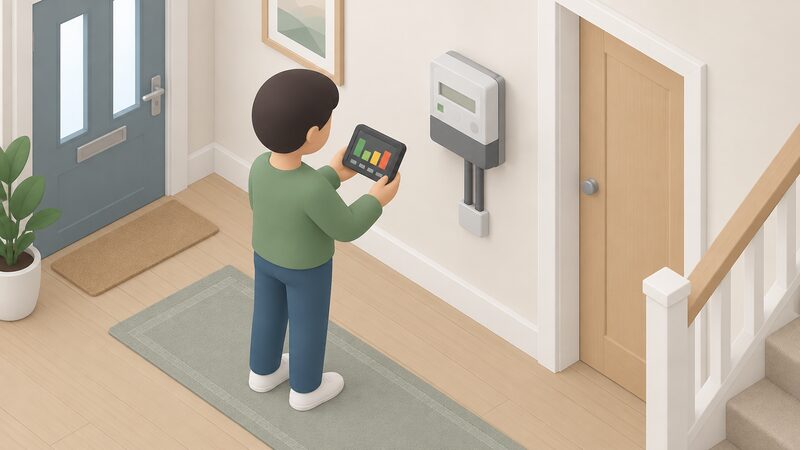
Smart meters record how much gas or electricity a home uses and send readings automatically to the supplier31, at monthly, weekly, daily or even half-hourly intervals. A household with a working smart meter does not need to submit meter readings itself32. Some electricity smart meters show separate readings for day and night tariffs, Economy 7 pricing, and peak and off-peak usage13. On one keypad arrangement, pressing 6 until IMP R01 appears followed by eight digits gives what is usually the night or off-peak reading, and continuing to press 6 until IMP R02 appears gives what is usually the peak or normal reading33.
Smart meters are compatible with Economy 7 tariffs and fixed rate tariffs and can enable newer time-of-use tariffs, allowing a tariff change without a meter change20. Availability is the constraint rather than capability: a household on Economy 7 or Economy 10 can get a smart meter as part of the national rollout, but it depends on which supplier is ready to install one, with meters of this type available at larger scale later in the rollout34, and not all suppliers can offer it28.
Manual submission is done in the usual ways: over the phone, through an online account or using the supplier's app38. Submitting meter readings and what to do when an in-home display stops working cover this in more detail.
Checking the readings against the bill
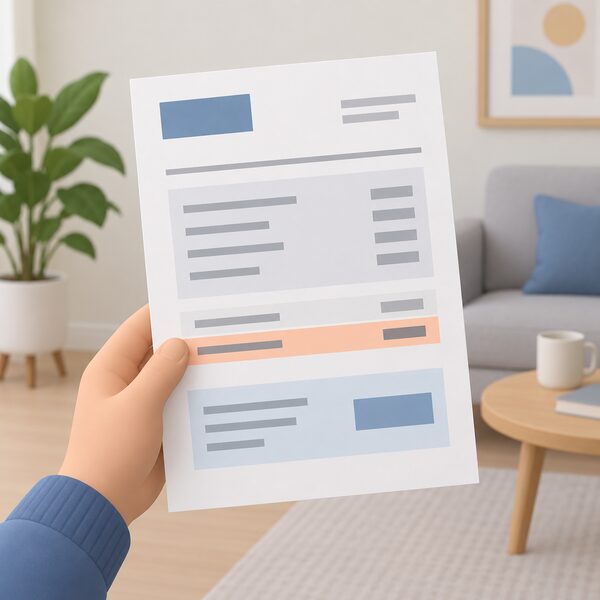
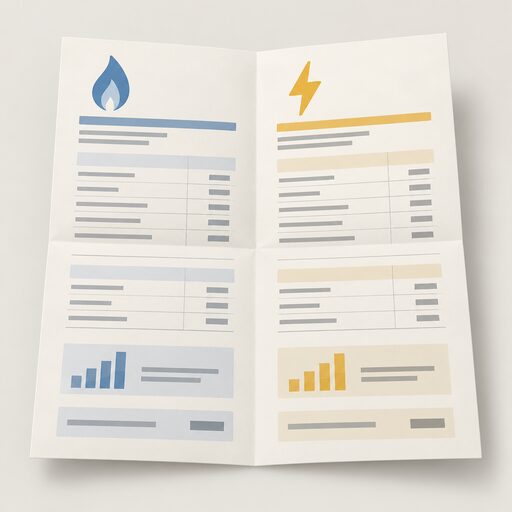
A supplier needs regular readings to work out bills and will estimate usage where none are sent1. On a bill or statement, an estimated read is generally shown as "estimated" or "e", while a customer-supplied or actual reading is marked "c" or "a"9. An E against a meter reading means the supplier has estimated it and it may not be accurate39. Where a smart meter has supplied the figure, an S may appear next to the reading36; one supplier's bill specifies whether a reading was a smart meter automatic send, a manual send or an estimate40, and another labels its latest figures "Smart actual read"41.
Ofgem's consultation on consumer outcomes describes testing regular energy bills to ensure actual meter readings match real consumption and that charges are applied correctly, with statistical sampling possible, and treats estimated meter reads as not accurate where they differ from actual consumption42. That is the standard against which an estimated bill can be judged.
In practice, the household actions that keep billing honest are narrow and specific:
- Take accurate readings and provide them to the supplier, which should then be able to send an accurate bill43.
- Submit a reading three working days before the bill is issued33.
- Where payment is by Direct Debit, submitting regular readings, or checking that a smart meter is sending readings correctly, helps keep bills accurate44.
- Where energy debt has built up, a recent meter reading is the first step to ensuring the account is billed correctly and up to date45.
A household paying without a meter has the right to know how the bill is calculated46. Where readings and bills do not reconcile, see reporting a faulty or inaccurate meter and making an energy complaint.
Leaving a two-rate tariff, and what the meter means for independence
A household no longer on an Economy 7 or Economy 10 tariff is under no pressure to change hardware: the meter will continue to function normally and, provided all the electricity is on one circuit, there should be no difference47. Where a different meter is wanted, the current supplier can arrange for a credit meter to be installed, which may carry a fee48. Options for physically changing metering are set out in moving or replacing a meter.
Reading a meter correctly is the smallest and most durable piece of energy control a household holds. It does not generate a kilowatt hour or cut a unit rate, and the dependence is unchanged: the supply, the tariff and the price all sit with the supplier and the regional network operator, which defines the off-peak window on a restricted meter. Except by switching, a household does not control the tariff its supplier sets, though it can change how much energy it uses49. What an accurate reading does is remove the estimate, so that shifting load into a seven-hour window, charging storage heaters overnight or exporting from generation all show up as real numbers rather than an assumption. The wider sequence is set out in how to take a meter reading and across the home energy how-to guide.
Sources49 cited
- How to read your energy meter, Citizens Advice, 2026-09-17
- How to read your gas and electricity meter, Confused.com, 2025-12-15
- Reading your gas or electricity meter, Centre for Sustainable Energy, 2026-08
- Gas and electricity meter reading guide, Uswitch, 2026-04-23
- What is Economy 7?, Confused.com, 2025-08-20
- Energy flexibility, Smart Energy GB, 2026-08-17
- Types of energy tariff, Confused.com, 2025-11-03
- Getting the most from Economy 7, National Energy Action, 2026-09-10
- Understanding your gas or electricity bill, Centre for Sustainable Energy, 2026-02
- Gas meters and electricity meters: what you need to know, Which?, 2026-01-16
- Energy back billing, Confused.com, 2026-07-06
- RdSAP conventions, version 12, BRE Group, 2025-05-15
- How can I read a smart meter, Smart Energy GB, 2026-08-17
- Energy meters advice, Age UK, 2026-09-10
- Meter guide, NIE Networks, 2026-09-20
- How to read your energy bills, National Energy Action, 2026-06-12
- How to read your electric meter, NIE Networks, 2026-09-19
- Electric storage heaters, Energy Saving Trust, 2026-05-20
- What is Economy 7, energyhelpline, 2026-09-20
- What is Economy 7, Smart Energy GB, 2026-04-07
- Import and export meters, NIE Networks, 2026-09-19
- Meter reading keypads, NIE Networks, 2026-09-19
- Energy: your questions answered, Confused.com, 2026-07-03
- RTS: what you need to know, Act on Energy, 2026
- Time of use tariffs explained, Which?, 2026-04-23
- Should I switch to a time of use tariff?, Energy Saving Trust, 2026-01-23
- Energy saving advice for renters, Centre for Sustainable Energy, 2026-08
- Economy 7 explained, Uswitch, 2026-09-08
- Electric central heating, Which?, 2025-09-22
- White meters, Uswitch, 2026-04-23
- Guide to smart meters, Energy Saving Trust, 2026-07-15
- Get help with your smart meter, Ofgem, 2026-09-17
- Energy meters, energyhelpline, 2026-09-20
- Can I get a smart meter?, Smart Energy GB, 2026-03-16
- Smart meter FAQs, Smart Energy GB, 2025-08-08
- Smart meters not working, Smart Energy GB, 2026-03-16
- Moving house energy checklist, Energy Saving Trust, 2026-05-01
- Energy supplier not getting readings from your smart meter?, Which?, 2023-02-16
- Your home energy checklist, National Energy Action, 2026-09-10
- How do I read my OVO Energy bill?, Uswitch, 2025-09-10
- How do I read my ScottishPower bill?, Uswitch, 2025-09-10
- Energy Consumer Outcomes proposed implementation, Ofgem, 2026-06-23
- How to understand your energy bill, Energy Saving Trust, 2024-11-08
- Energy bills support, British Gas Energy Trust, 2026-08-11
- Your home energy checklist, National Energy Action, 2026-05-20
- If you live in a home with a business energy contract, Ofgem, 2026
- Important reminder for Economy 7 and 10 meters, Centre for Sustainable Energy, 2026-06
- Energy tariffs explained, Uswitch, 2026-02-17
- How do smart meters save energy?, Smart DCC, 2026
 Meter Readings and EstimatesWhy is my energy bill estimated, and how often should my meter be read?
 Read a Gas MeterHow to read dial, digital metric and older imperial gas meters, including which dials to ignore and what to record when a pointer sits between two numbers.
 Take a Meter ReadingWhich numbers do you actually read on a gas or electricity meter, and which ones do you ignore?
 Reading an Energy BillA line-by-line walk through a domestic gas and electricity bill: unit rate, standing charge, kWh consumption, meter readings, tariff name and balance, plus the 12-month back billing limit and the guaranteed standards payments that apply when a supplier or network operator gets it wrong.
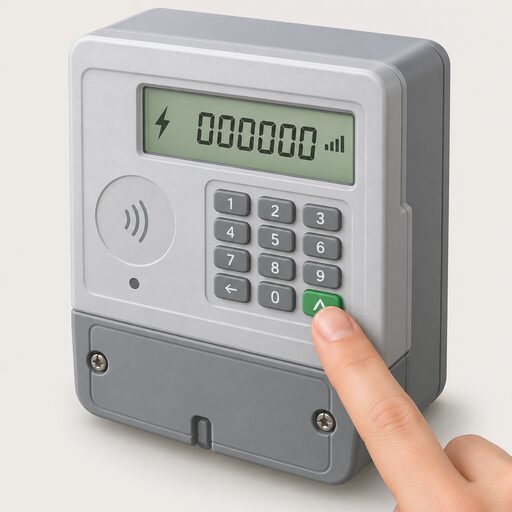 Get a Reading From a Smart MeterHow to bring up a meter reading on a smart electricity or gas meter when a manual reading is still needed, and the difference between the meter itself and the in-home display.
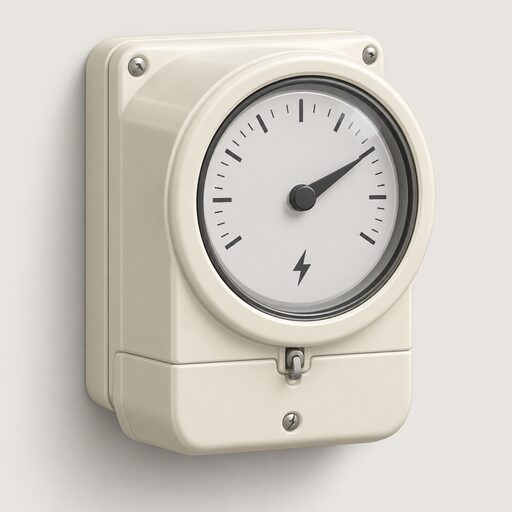 Which Tariffs Your Meter AllowsHow meter type decides which energy tariffs a household can access, from single-rate and two-rate meters to smart, prepay and restricted configurations, and the constraints faced by flats, rented homes and homes without a working smart connection.