
In this answer
Short answer
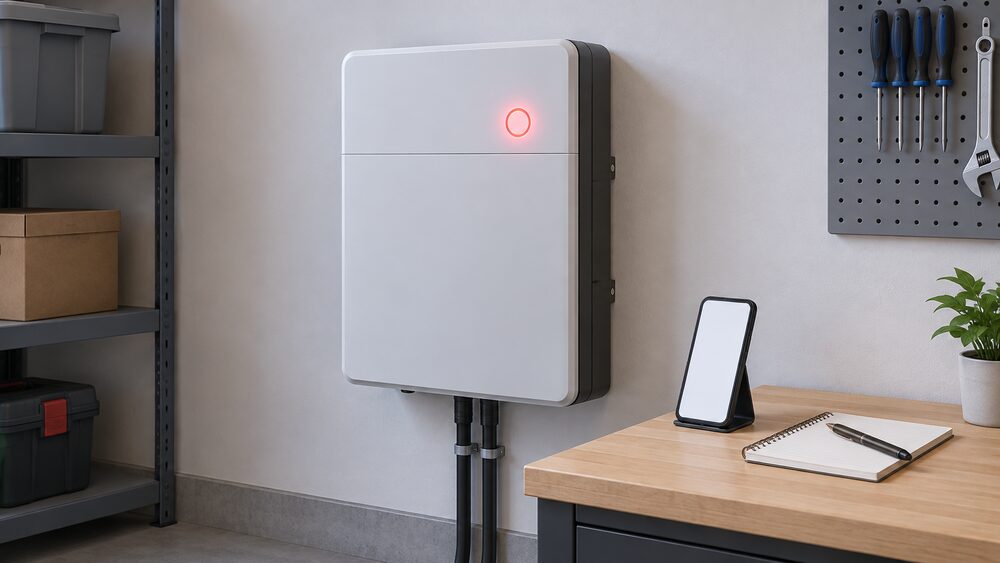
A home battery alarm is the system telling you it has stopped doing something, or is about to. The first move is not to reset it. It is to read what the alarm actually says, note it down, and decide whether the unit is safe to leave running. Most alarms fall into three groups: a warning that the battery has paused for a reason it can recover from, a fault that needs an engineer, and a shutdown where the unit has taken itself out of service.
What the alarm means for your household depends on which of those it is. A battery that has paused is still a battery you own; a battery that has shut down is a battery that is no longer storing your solar or shifting your cheap-rate electricity, and your home is back on grid supply for everything it was covering. That is the independence question in one line: while the alarm stands, the household is dependent on the grid and the supplier exactly as it was before the battery was fitted.
What a battery alarm means, and the first things to check
An alarm on a home battery is not a single event with a single meaning. It is the visible end of a chain that starts inside the battery management system, which watches cell voltage, temperature, current and state of charge, and escalates when something sits outside its limits. The alarm you see is the last link in that chain, which is why the same words on screen can mean a passing condition on one system and a genuine fault on another.
The first things to check are the ones you can check without touching the installation. Look at the alarm text or code exactly as it appears, and write it down. Note the time and date. Check whether the battery is still charging or discharging, or whether it has gone quiet. Check whether the house still has power, because a battery that has shut down does not take the lights with it: the grid supply continues, and only the battery's own contribution stops.
Safety guidance for lithium-ion batteries in the home is consistent on the surrounding precautions. Charge in a room with a working smoke alarm that does not compromise your escape route, keep the door closed while charging, and keep the unit away from heat sources6. Do not charge overnight when anyone is asleep, or leave a device on charge when the home is empty6. Those rules are written for household lithium-ion devices generally, and they set the standard of care that applies while any alarm is unresolved.
Alarms elsewhere in the home are a useful comparison, not a substitute. Smoke and heat alarm guidance calls for at least one alarm per floor and testing at least monthly1. Carbon monoxide alarms should be tested regularly, with batteries checked and replaced when the low warning appears7. The principle carries across: an alarm is only useful if it is working and if someone acts on it.
Alarm types: warnings, faults and shutdowns
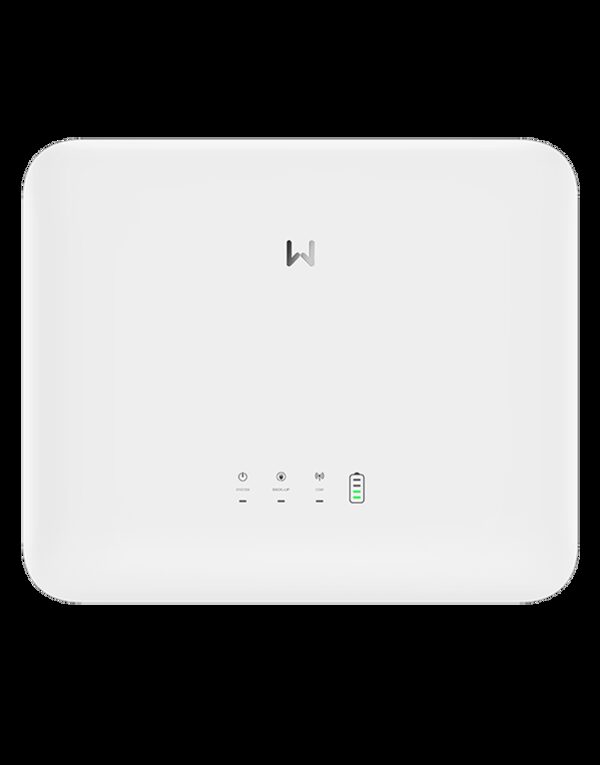
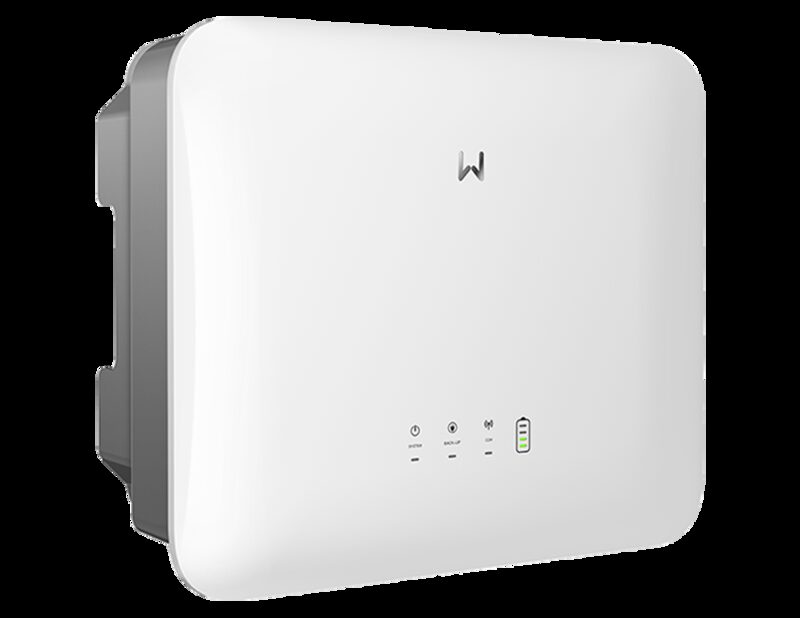
The three groups behave differently, and the difference matters more than the wording on screen.
A warning is the system flagging a condition it can manage. Temperature is the common one, and tariff logic is another: with a battery and no solar panels, charging stops when the battery is full and the battery discharges when the next cheap tariff period ends, automatically3. Nothing has failed. The system is doing what it was configured to do, and the alarm is informational.
A fault is the system reporting that something is outside its expected range and it cannot resolve it alone. This is the group that needs the installer or the maker, and it is the group where a fault code becomes useful.
A shutdown is the system taking itself out of service. This is the most consequential for the household, because the battery stops contributing entirely. Guidance on domestic battery systems notes that the more expensive systems can also provide electricity during a power cut, which means a shutdown can remove backup capability as well as routine cycling8. Whether your system keeps the lights on in an outage depends on whether it was specified with that capability in the first place.
The wider safety context is worth stating plainly. Independent research into lithium-ion battery fires examines the cause of these dangerous fires and recommends how safety can be improved, and that work covers the household devices and storage systems sold into UK homes9. A separate campaign sets out the same findings for consumers10. None of that means a home battery alarm is a fire risk. It means alarms deserve a proper response rather than a repeated reset.
Reading the alarm in the app or on the unit
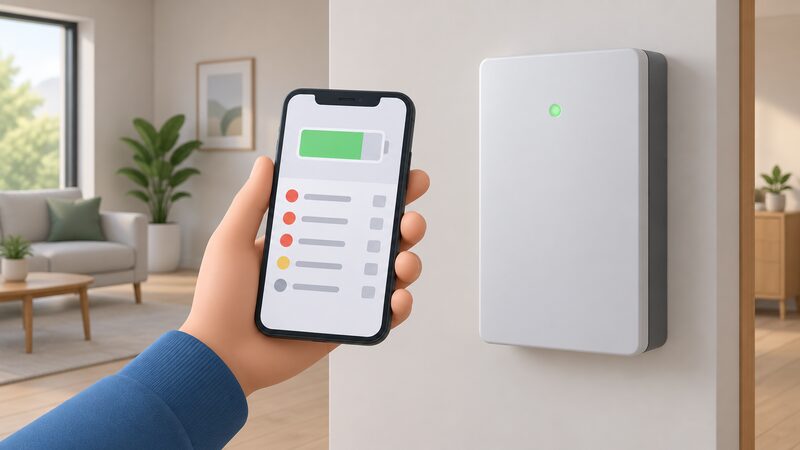
Most home batteries report through two channels: an indicator on the unit itself and an app or portal. The unit tells you that something is wrong; the app usually tells you what.
Monitoring is where the detail lives. The free ivie app connects to your home's smart meter to show how and where energy is used in the home, which is a different job from battery diagnostics but useful for confirming whether the house is drawing from the grid while the battery is quiet11. For the battery itself, the maker's own app is the record of state of charge, charge and discharge history, and any alarm log. If your system has a local access option as well as cloud access, that is worth knowing before an outage, because a cloud-only view disappears when the broadband does.
Two practical points about reading an alarm. First, capture it while it is on screen: photograph the unit's indicator and screenshot the app, because some alarms clear and the log may not show the same detail later. Second, note the state of charge at the time. A system that stops discharging at a set reserve floor is behaving as designed, and that floor is a common setting rather than a fault3.
Where the alarm relates to a power cut rather than the battery, the network operators' own preparation guidance is the right reference. It covers what to have ready before an outage, including learning how to manually operate electric gates and garage doors and turning off alarms13. That is about the alarms on gates and doors, not the battery, but it is the same principle: know how to operate your equipment before you need to.
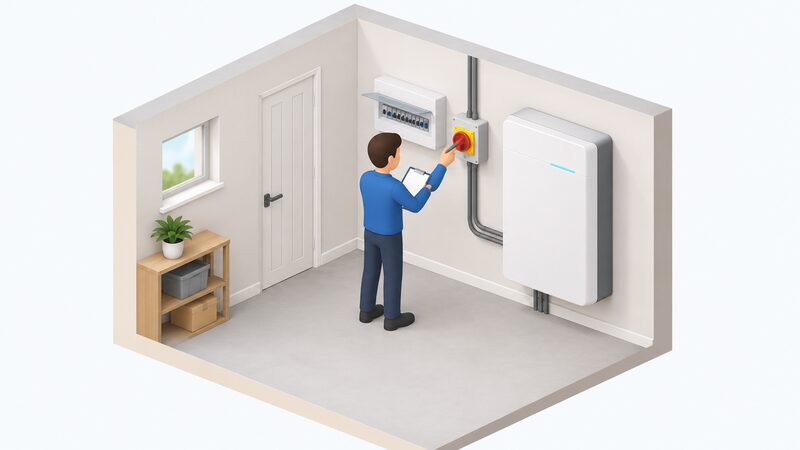
Safe shutdown and when to isolate the battery
Isolation is a decision with a clear trigger and a clear limit. The trigger is a stop-use instruction from the maker or a safety body. Where one has been issued, the instruction is unambiguous: stop using the unit immediately, disconnect it and keep the battery safely away from your living area2. That wording comes from guidance on a specific e-bike battery, and it is the clearest statement of what a stop-use instruction requires.
The limit is that isolation is not a householder task on a fixed home battery. Network operators describe a safe isolation service in which engineers disconnect power, remain while work is completed, and reconnect once safe14. That is the model: the person who isolates is competent to do it and stays until the system is safe to restore. For a fixed battery, that means the installer or the maker's engineer.
There is one situation where a householder may be told to act directly, and it comes with its own condition. In a flood, guidance is to turn off your supply by the isolator switch, but only if it is safe to do so15. The condition is doing the work in that sentence. If water is near electrical equipment, it is not safe to do so, and the instruction does not apply.
For a portable or plug-in unit, the position is different and the maker's instructions govern. Always use the correct battery and charger for the device, and charge as per the manufacturer's instructions6. If a portable unit is showing a fault, the stop-use instruction above applies to it directly.
When to contact your installer or manufacturer
The installer is normally the first call, because they hold the commissioning record, the registration and the design of your system. The maker is the second, and for a fault code the maker is often the only party who can interpret it.
Fault codes are model-specific. There is no shared register across home batteries, and the codes published by other trades do not transfer. Boiler makers, for example, publish code checkers: the Viessmann fault code checker explains that an OC fault code on the Vitodens 100-W boiler means there is insufficient power being supplied16. That is a gas appliance with its own code set, and it illustrates the point rather than answering a battery question. For a battery, quote the exact code to the maker's support team.
If the fault leads to a complaint, the escalation route is defined and time-bound. Contact the supplier first, who has up to 8 weeks to resolve a complaint, after which you can contact the Energy Ombudsman5. For Feed-in Tariff generators, the same 8-week period applies from the complaint being lodged where no mutually agreeable outcome has been reached17. Heat network customers follow the same shape: notify the heat supplier first, and the supplier has 8 weeks to resolve the complaint before the Ombudsman18.
Where the installer is the subject of the complaint rather than the maker, the Installation Assurance Authority handles complaints and can be reached on 03333 23904519. For wider consumer energy complaints, keeping a record is the foundation of any escalation20.
Keeping records: what to note before an engineer visit
A well-documented alarm is resolved faster than a vague one. The record you build before the visit is what lets the engineer arrive with the right parts, the right firmware and the right authority to act.
Start with the alarm itself: the exact text or code, the date and time it first appeared, whether it has recurred, and what the system was doing at the time. Add the state of charge, whether the house was on grid or battery, and whether anything changed in the home beforehand, such as a power cut or new appliance.
Then the paperwork. Keep a record of any calls, emails, letters or receipts; for phone calls, note the date and the time and the names of the people you spoke to; send photocopies and keep the originals20. That guidance comes from consumer energy complaints and applies directly to a battery fault case.
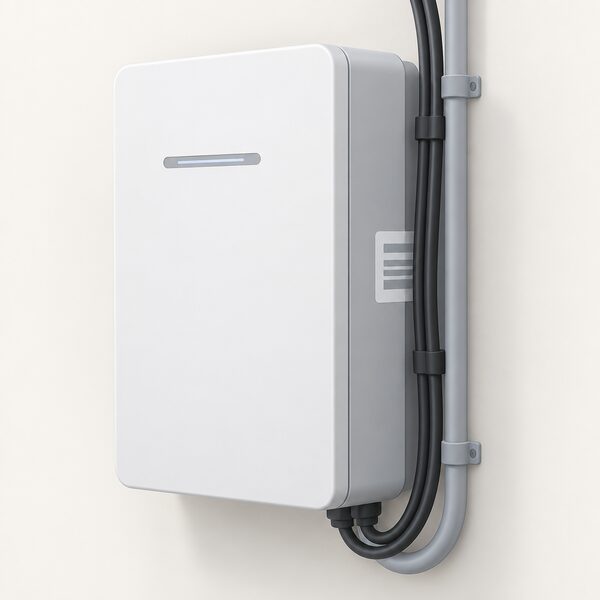
Two further records are worth having ready. The first is the warranty registration confirmation, because registration deadlines can be short: one official scheme specification requires inverter product registrations to activate guarantees and warranties to be completed within 48 hours of commissioning4. The second is the serial number, which identifies the exact unit. LG states that each affected ESS Home Battery is marked with a unique serial number that can be used to identify affected batteries, and for its RESU3.3, RESU6.5, RESU10 and RESU13 units the label is on the right-hand side of the battery, sometimes partly obscured by cables or conduit21.
"Each affected ESS Home Battery is marked with a unique serial number, which can be used to identify affected batteries."
If the visit involves any electrical work beyond like-for-like replacement, the notification rules matter. Where work falls under Building Regulations requirements, the local authority should be notified before the work is started, and using an electrician registered with a government-approved scheme means the scheme handles that notification22. For certain connection work, notification should be submitted within 28 days once the charger is installed23, and installations where the maximum demand of the premises including the new load is 60A per phase or less, with adequacy of the connection known, do not need a formal application24.
For a household, the independence picture at the end of all this is straightforward. A battery under an unresolved alarm is not delivering self-consumption, tariff shifting or backup. The grid, the supplier and the maker's support chain are all still in the picture, and the fastest route back to independence is an accurate record, the right contact and a competent engineer. For the wider context on what a working system delivers, see home battery storage and home battery maintenance, alarms and common faults.
Sources24 cited
- Smart homes safety advice, Electrical Safety First, 2026-09-19
- Is your e-bike battery safe, Electrical Safety First, 2026-09-17
- Battery storage advice, Energy Saving Trust, 2026-08-19
- Barcud Solar Panel Installation Scheme Specification, Sell2Wales, 2026-06-15
- Who is my gas and electricity supplier, Confused.com, 2026-07-03
- Lithium-ion batteries at home, North Wales Fire and Rescue Service, 2026
- Gas leaks safety, Uswitch, 2026-06-01
- Making the most of your solar PV panels, Centre for Sustainable Energy, 2026-08
- Battery Breakdown, Electrical Safety First, 2026-09-17
- Battery safety campaign, Electrical Safety First, 2026-09-17
- ivie points, ivie, 2026-09-20
- Battery storage advice, England, Energy Saving Trust, 2026-08-19
- Tips to prepare for a power cut, Electricity North West, 2026-09-19
- Safe isolation FAQs, NIE Networks, 2026-09-19
- Flooding advice, Electricity North West, 2026-09-19
- What to do if your boiler breaks down, Which?, 2025-12-12
- Feed-in Tariffs dispute resolution, Ofgem, 2026-09-17
- Heat networks consumer protection guidance, Ofgem, 2026-01-13
- Complaints procedure, The Installation Assurance Authority, 2026-09-20
- Energy complaints, Age UK, 2026-08-26
- LG ESS Home Battery serial check, LG Energy Solution, 2026
- Choosing a registered electrician, Electrical Safety First, 2026-09-19
- EV connections, SSEN, 2026-09-19
- Connecting to the networks FAQs, Energy Networks Association, 2026-09-17
 Maintenance and FaultsWhat does it mean when your home battery starts beeping or showing a warning, and can you fix it yourself?
 Solar and Battery MonitoringWhat does your solar and battery app actually show you, and can you trust it?
 Home Battery Fire SafetyHow likely is a home battery to catch fire, and what keeps it safe if it does?
 Monitoring and AppsIf the internet goes down, does the app still show what the battery is doing?
 Test Smoke and Heat AlarmsHow often alarms should be tested, what the different beeps mean and when a unit has reached the end of its life.
 Prepare Energy for StormsWhat to do before and during a storm or flood warning to protect meters, the consumer unit, heating equipment and fuel tanks.