
In this guide
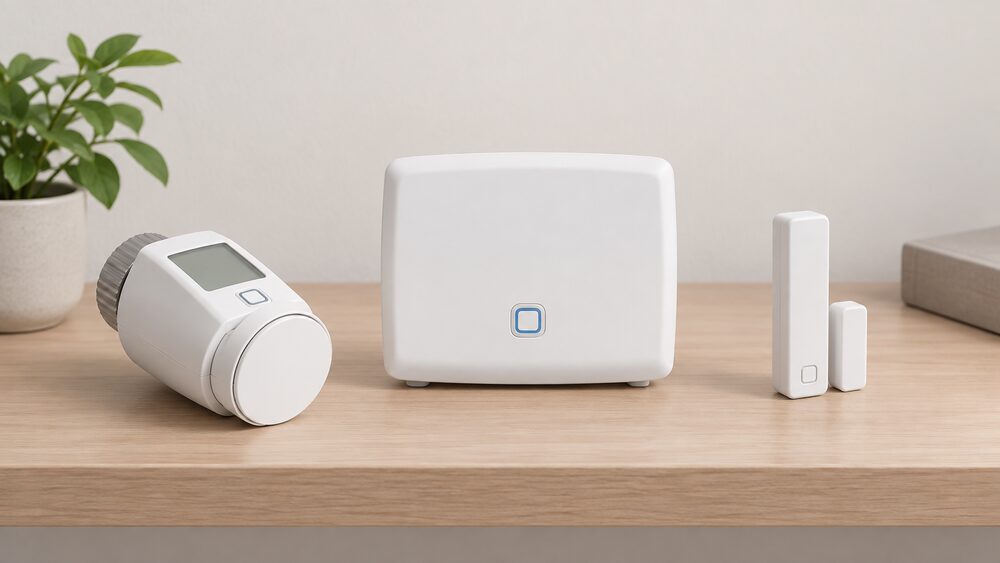
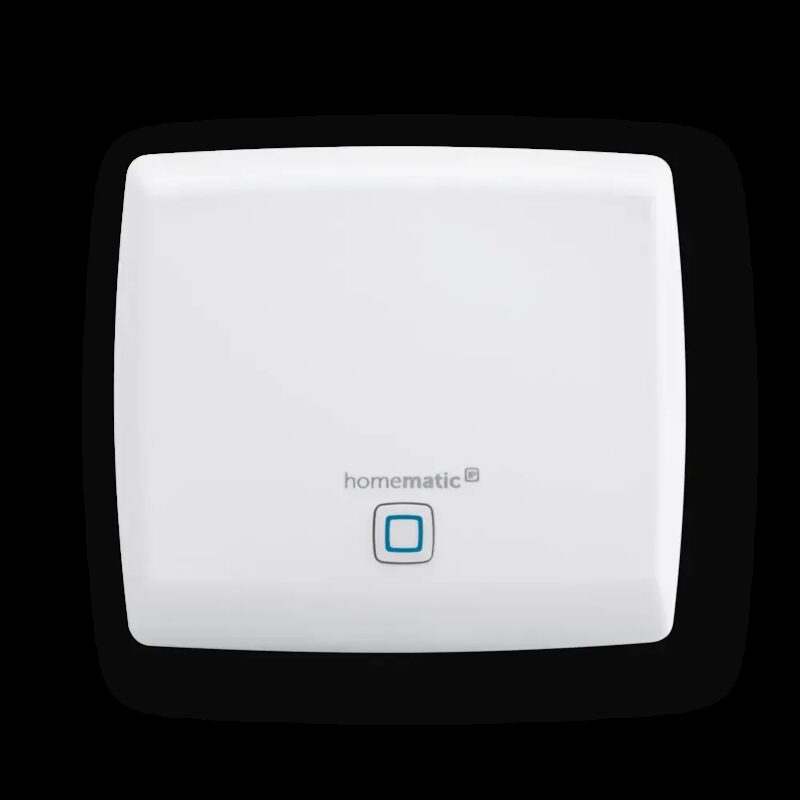
The Homematic IP CCU3 is the named central control unit for a Homematic IP smart home, and it is the option that keeps automation running inside the house rather than in a manufacturer's cloud. It sits alongside the Homematic IP Access Point and the newer Home Control Unit as one of three ways to run the same devices, and it is the one that supports both current Homematic IP products and older Homematic hardware1.
The choice matters because the controller decides what a household depends on. The Home Control Unit can run in an offline mode that works independently of the Homematic IP Cloud without an internet connection, storing and executing all control commands and automation routines locally, and it only needs to be briefly connected to the internet during initial commissioning before it can be permanently disconnected2. Homematic IP states that server locations are in Germany and that the system operates without collecting personal data3.
For a household, the CCU3 is the route to heating control that keeps working when broadband or a cloud service does not. It is also the route to a wider device list: more than 80 smart devices are sold in the range, and most of the heating and metering products name the Access Point or the CCU3 as the required controller4.
What the CCU3 is and where it sits in a Homematic IP setup
A Homematic IP system needs a controller to link wireless devices, hold the schedules and run the automations. Homematic IP sells three: the Access Point, the CCU3 central control unit, and the Home Control Unit. The CCU3 is the established named unit, and the Home Control Unit is the newer product that can be used together with it1.
The Home Control Unit carries a local web interface called HCUweb for network settings, backup and USB management, plugin management, update management and switching between online and offline mode1. That pattern, a local interface plus a cloud option, is what distinguishes this family from a cloud-only hub. The Home Control Unit supports up to 350 devices, including a maximum of 120 wireless products, and connects wirelessly on a 100-240 VAC, 50 Hz mains input2.
The CCU3's specific value is compatibility. Homematic IP states that in conjunction with the CCU3 and the Homematic IP Wired Access Point, Homematic and Homematic IP Wired devices can also be integrated1. The anthracite Home Control Unit page puts it more directly: the CCU3 ensures the connection to Homematic devices, while the Wired Access Point allows control of wired devices, and the unit supports both Homematic IP and older Homematic systems2.
For migration, existing devices from the CCU3 are automatically integrated into the Home Control Unit through a plugin for migration and control, while devices paired to the Access Point can currently only be connected by unlearning and relearning2. A household already running a CCU3 therefore has a defined upgrade path rather than a rebuild.
Which devices need the CCU3, and which work with either controller
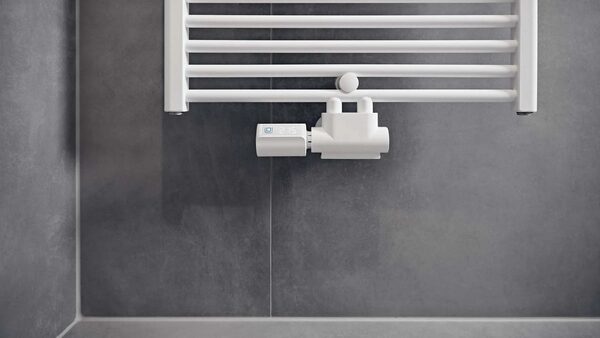
Most Homematic IP heating and metering products accept either the Access Point or the CCU3, so the CCU3 is rarely mandatory. What it changes is the local control path and the ability to mix in older Homematic hardware.
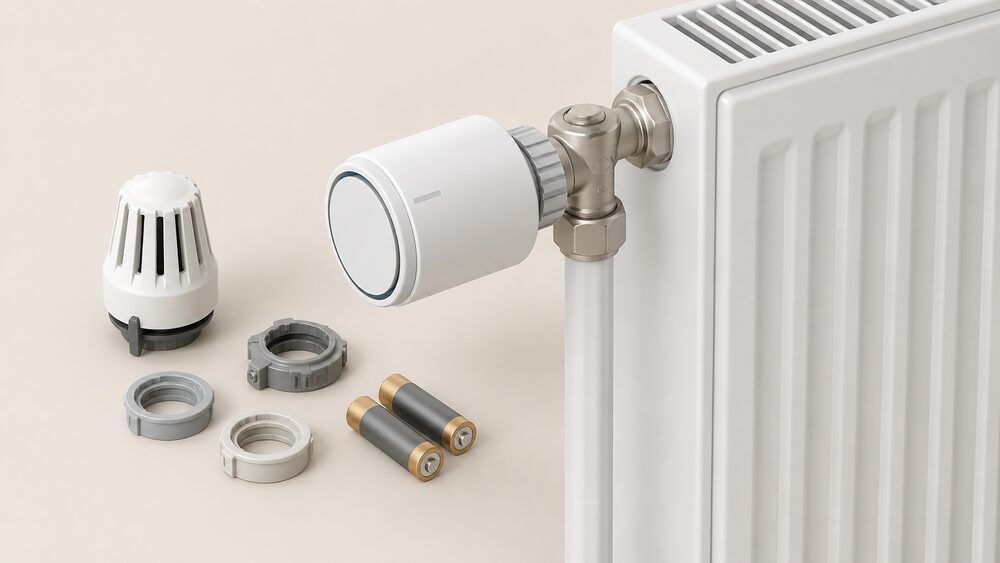
The radiator thermostat Evo states plainly that the Homematic IP Access Point or the CCU3 central control unit is required to use the product, and that it is no longer compatible with the central CCU25. The same requirement appears on the Evo in anthracite and silver, on the radiator thermostat compact plus, and on the radiator thermostat basic6. The smart meter interface lists the same three routes: the Access Point with the free app and cloud service, the CCU3 with the local WebUI interface, or partner solutions from third parties9.
Sensors follow the same pattern. The window and door contact optical must be connected to the Access Point, the CCU3 with WebUI, or a partner solution10. The wall thermostat with humidity sensor 3 is wireless, rated IP20, runs on 2x 1.5 V LR03/micro/AAA batteries or an optional 230 V supply, and operates between 0 and 35°C11. The window handle sensor lowers room temperature automatically during ventilation when connected to Homematic IP radiator thermostats, with a settable lowering temperature and automatic restoration of the comfort temperature on closing12.
| Product | Controller requirement | Notes |
|---|---|---|
| Radiator thermostat Evo | Access Point or CCU35 | Not compatible with CCU25 |
| Radiator thermostat compact plus | Access Point or CCU37 | Wireless |
| Radiator thermostat basic | Access Point, CCU3 or partner solution8 | Not compatible with CCU28 |
| Interface for smart meters | Access Point, CCU3 or partner solution9 | Wireless, IP209 |
| Window and door contact optical | Access Point, CCU3 or partner solution10 | Wireless |
| Switching and measuring cable outdoor | Access Point or central control unit13 | Outdoor use |
Wired products are the exception. The wired underfloor heating controllers state that in addition to the actuator and a wall thermostat, the Homematic IP access point is also needed, and the same wording appears on the 10-channel version14. The wired power supply unit carries the VDE mark guaranteeing compliance with national and international standards and statutory protection requirements16.
CCU3, Access Point or Home Control Unit: which hub fits which home
The three controllers differ in how much runs locally and how much runs in the cloud, and in what they can absorb from an existing installation.
The Access Point is the entry route: it pairs with the free Homematic IP app and the free cloud service, and it is the controller named on most product pages as the first option8. The CCU3 adds a local user interface, WebUI, and the ability to bring older Homematic devices into the same system1. The Home Control Unit is the newest and the most capable: up to 350 devices including a maximum of 120 wireless products, an EEBUS interface for integrating energy devices such as a heat pump, air conditioning and a wallbox, and plugins including support for Philips Hue and the CCU32.
Migration between them is defined. With the free Homematic IP app version 3.4.7 or later, the system transfer assistant transfers all devices, groups, automations and measurement data for the last 12 months from the Access Point to the Home Control Unit within minutes1. That is a cloud-to-cloud move; a CCU3 to Home Control Unit move runs through the migration plugin instead2.
Voice and third-party control sit on top rather than replacing the controller. The Home Control Unit allows gateways from other manufacturers such as Alexa, Google Assistant or Philips Hue to be integrated, and supports Amazon Alexa and Google Assistant in online mode1. Integrated developer mode allows users to create their own plugins2.
Data handling and security: AES-128, German servers and VDE certification
Homematic IP's security position rests on three claims: encryption, server location and independent certification.
Communication between the app, the cloud and devices is secured via AES-128 encryption3. The system operates without collecting personal data and uses server locations in Germany3. Product pages repeat the narrower version of that position, stating that no personal data is collected except for the IP address6. The Home Control Unit page adds that no registration or user account is necessary, and that in offline mode all settings, measurement data and automations are saved locally2. A support article confirms that the Homematic IP Cloud operates exclusively on German servers17.
The certification is the VDE mark. Homematic IP describes itself as developed in Germany and VDE-certified, with the certification confirming tested protection mechanisms against unauthorised access for IT security in residential and commercial properties3. The Home Control Unit pages state that the VDE has certified the smart home system for the seventh time in a row in the areas of protocol, IT and data security1.
"the VDE certification confirms tested protection mechanisms against unauthorized access, for reliable IT security in residential and commercial properties"
Two limits are worth stating. First, the encryption claim covers the path between app, cloud and devices; it says nothing about the security of a household's own router or broadband connection. Second, the data position is the maker's own statement about its own system, not an independent audit finding. The VDE certification is the independent element, and it covers protocol, IT and data security rather than energy performance.
How the CCU3 supports energy saving through heating profiles and window detection
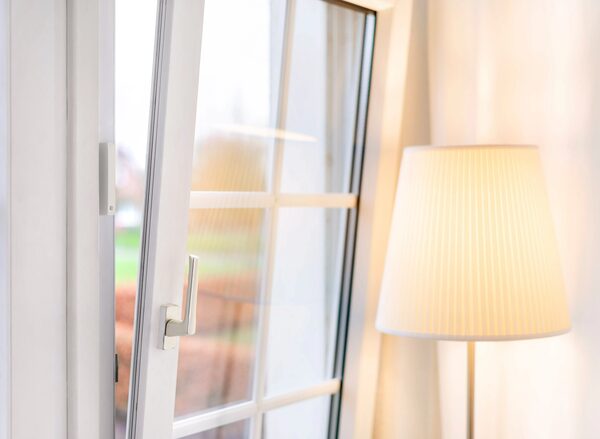
The energy case for a Homematic IP heating system rests on scheduling and on stopping heat going out of open windows. Homematic IP states that demand-based heating profiles and intelligent window-open detection can reduce heating costs immediately and noticeably3.
The saving figure the maker publishes is up to 33% of energy costs, in combination with window and door contacts and depending on user behaviour, structural conditions of the building and the existing heating system18. The same up to 33% figure appears across the heating pages, including the wall thermostat with humidity sensor 2 and the anthracite version, and the heating starter set basic19. The starter set climate control gives a lower figure of up to 30% energy through individual heating profiles of the radiator thermostat and intelligent ventilation with the window contact23.
The mechanism is straightforward. The door contact detects open windows and automatically turns down the heating19. The wall thermostat with humidity sensor 2 lowers the temperature during ventilation20. The window handle sensor lowers room temperature automatically during ventilation when connected to radiator thermostats, with a settable lowering temperature and automatic restoration of the comfort temperature on closing12. The wall thermostat with humidity sensor 3 supports three heating and three cooling schedules with up to 13 changes per day11.
Local operation is the part that matters for independence. Homematic IP states that saved heating profiles, temperature measurement and all automatic temperature reductions when windows are open continue to operate without an internet connection or access point11. The radiator thermostat Evo range performs dynamic and adaptive balancing at the individual radiators, confirmed by studies by Fraunhofer IEE for the eTRV-2, eTRV-C, eTRV-C-2 and eTRV-Evo models5.
Firmware updates and the cloud security certificate change
Homematic IP has announced a dated change that affects two camera products. An update to the cloud security certificate on or after 20 September 2026 will require a firmware update for the Homematic IP video doorbell and rechargeable outdoor camera25. The notice appears across the maker's product and guidance pages, and it applies to those two devices rather than to the CCU3 or to heating products.
The app side of the update is version-specific. The Homematic IP app version 2.4.0 on iOS or 2.4.3 on Android can be updated via the respective app store if automatic updates are switched off17.
For a household running a CCU3, the practical reading is that the controller and the heating devices are not the subject of this notice, but any camera or doorbell on the same system is. The wider point is structural: a cloud security certificate is a dependency that a local controller does not remove, because the camera functions run through the cloud even where heating automation does not.
Planned app features: alarm zones, doorbell groups, private mode and multi-view
Homematic IP has published a feature roadmap for its camera functions, split across two release windows.
Five features are due in a Q4/2026 app update: custom alarm zones, doorbell group integration, door opening from live view, room view access, and adjustable outdoor camera light brightness26. Three further features are due in a Q2/2027 app update: central private mode control, central alarm notification management, and a multi-view of up to four live feeds26.
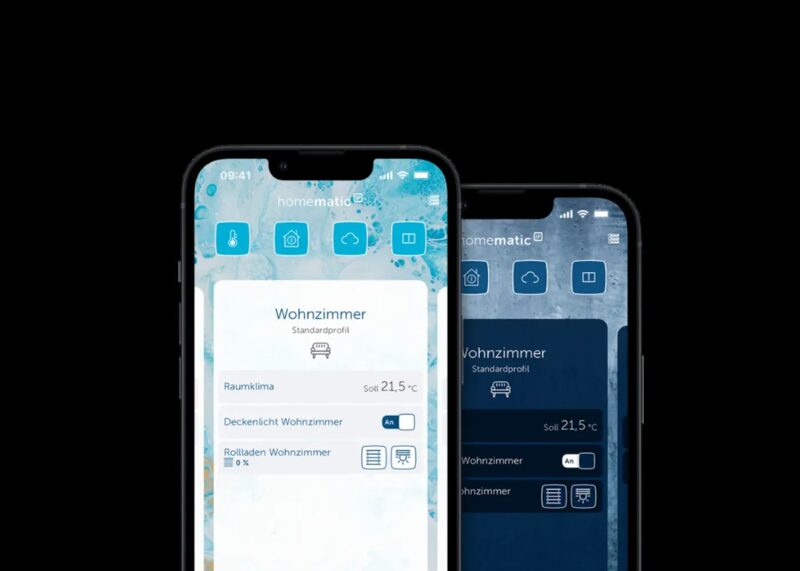
These are camera and doorbell features rather than heating features, and they are announced rather than shipped. The existing app already organises devices into rooms, groups and automations, with secure access while on the go, push notifications and display of measurements such as temperatures and status indicators3. Radiator thermostats can be adjusted manually at the thermostat, via the app and by voice command, with programmable heating profiles per room, remote access via smartphone, open-window detection, holiday mode and integration into smart home systems24.
What running a CCU3 means for household energy independence
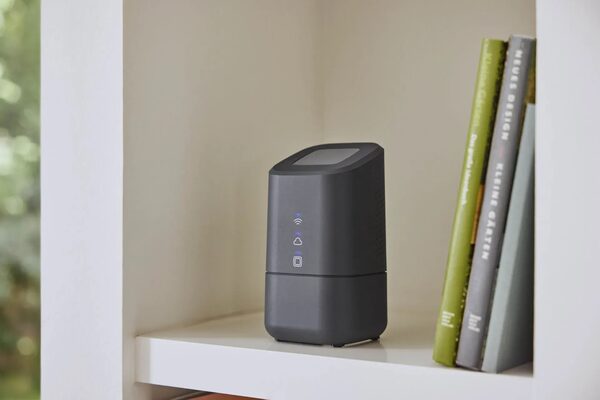
A CCU3 keeps the automation layer inside the house. The Home Control Unit's offline mode works independently of the Homematic IP Cloud without an internet connection, with all control commands and automation routines stored and executed locally, and the unit only needs to be briefly connected to the internet during initial commissioning before it can be permanently disconnected1. Heating profiles, temperature measurement and automatic window-open reductions continue without an internet connection or access point11.
What remains dependent is the rest of the chain. The heating system itself still runs on whatever fuel the house already uses, and the CCU3 controls radiators and underfloor zones rather than generating anything. The smart meter interface reads consumption but does not change the supply relationship9. Camera and doorbell functions run through the cloud, which is why the September 2026 certificate change reaches them and not the heating devices25. Voice control through Alexa or Google Assistant works in online mode2. And the app itself is the maker's app, on the maker's terms.
The honest summary is that a CCU3 moves scheduling, automation and measurement data into the home and removes the cloud from the heating control path, while leaving the fuel supply, the broadband connection and the camera services as external dependencies. For a household already running Homematic IP devices, it is the controller that makes the local option available; for one starting fresh, the Home Control Unit offers the same offline mode with a larger device ceiling and an EEBUS interface for energy devices2. A comparison of the two ecosystems is at Bosch Smart Home vs Homematic IP, and the wider picture of hubs and controllers is at Smart Home Hubs and Controllers for Energy Use.
Sources26 cited
- Home Control Unit, Homematic IP, 2026
- Home Control Unit, anthracite, Homematic IP, 2026
- What is Homematic IP, Homematic IP, 2026
- Wired underfloor heating controller, 10 channels, 24 V, Homematic IP, 2026
- Radiator thermostat Evo, Homematic IP, 2026
- Radiator thermostat Evo, anthracite, Homematic IP, 2026
- Radiator thermostat compact plus, Homematic IP, 2026
- Radiator thermostat basic, Homematic IP, 2026
- Interface for smart meters, Homematic IP, 2026
- Window and door contact optical, Homematic IP, 2026
- Wall thermostat with humidity sensor 3, Homematic IP, 2026
- Window handle sensor, Homematic IP, 2026
- Switching and measuring cable outdoor, Homematic IP, 2026
- Switching actuator and meter, flush mounted, Homematic IP, 2026
- Wired underfloor heating controller, 6 channels, 230 V, Homematic IP, 2026
- Wired power supply unit, Homematic IP, 2026
- FAQs, Homematic IP, 2026
- Save energy, Homematic IP, 2026
- Control heating, Homematic IP, 2026
- Wall thermostat with humidity sensor 2, Homematic IP, 2026
- Wall thermostat with humidity sensor, anthracite, Homematic IP, 2026
- Heating starter set basic, Homematic IP, 2026
- Starter set climate control, Homematic IP, 2026
- Hydraulic balancing, Homematic IP, 2026
- Save money, Homematic IP, 2026
- The most beautiful way to heat, Homematic IP, 2026
 Homematic IP Heating ControlsHomematic IP thermostats and radiator valves for UK homes: what the range covers, what runs without the internet, and where the cloud dependence sits.
 Home Assistant for Home Energy MonitoringCan Home Assistant show what your smart meter and solar panels are doing in one place?
 Homematic IPConsumer smart-home system with cameras, doorbells and central control units householders buy and own.