In this guide
A home charge point is a power device first and a connected device second, and the two are wired differently. The charging itself runs on mains electricity through the installer's circuit; the app, the Wi-Fi and the 4G module sit alongside that and carry data. A charger that loses its network connection does not lose its ability to charge, and a charger that loses its supply does not care what the app says.
What the connectivity buys is control and visibility. A smart charger uses wireless technology such as Wi-Fi, Zigbee or Bluetooth to connect, and it regulates voltage and current to protect the car battery and the home electrical system1. Some makers go further and offer one app for the whole system: Haier states that its charger supports one app control for PV, energy storage and the charger, with RFID cards and the app as control methods2. Smappee states that all its chargers connect with its Infinity energy management system3.
The practical questions are narrower than the marketing suggests. Which connection method suits the house, what the app can and cannot do, what happens during an outage, and how much of the charger's intelligence lives in the manufacturer's cloud rather than in the box on the wall. This page sets out what the evidence supports on each.
What the charger app actually controls, and what it does not
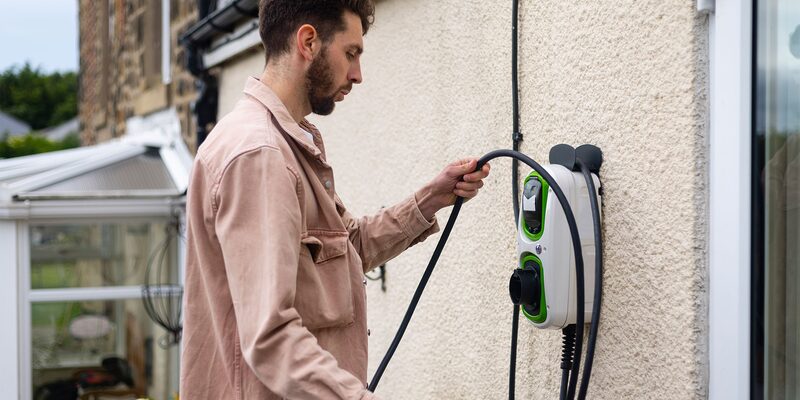
The app is a control and reporting layer. It schedules charging, shows sessions, applies tariff logic where the maker supports it, and reports energy use. Wondrwall describes its Dynamic EV Charger as connecting to the Wondrwall app to schedule charging and monitor sessions in real time, or simply plugging in and going7. That last clause is the important one: the charger works without the app, and the app adds timing and visibility rather than the charge itself.
What the app does not control is the electrical relationship between the charger and the house. That is set by the installer, by the supply capacity and by any load management device. The IET Code of Practice places responsibility on the installer to assess the adequacy of the supply capacity for the new EV load plus existing demand, to assess the adequacy of the earthing, and to notify the network operator once the installation is complete8. None of that is app-configurable, and no app can raise the capacity of the service cable.
There is also a measurement question that regulators have looked at directly. In its response to the Energy Smart Appliances Regulations consultation, BEAMA recommended that measured consumption focus on the electricity delivered to the vehicle, rather than including the charge point's own internal consumption9. That matters for any household reading an app's energy figures and comparing them with a meter: the app's number and the meter's number are measuring slightly different things.
Connectivity options: Wi-Fi, Ethernet, 4G and Bluetooth compared
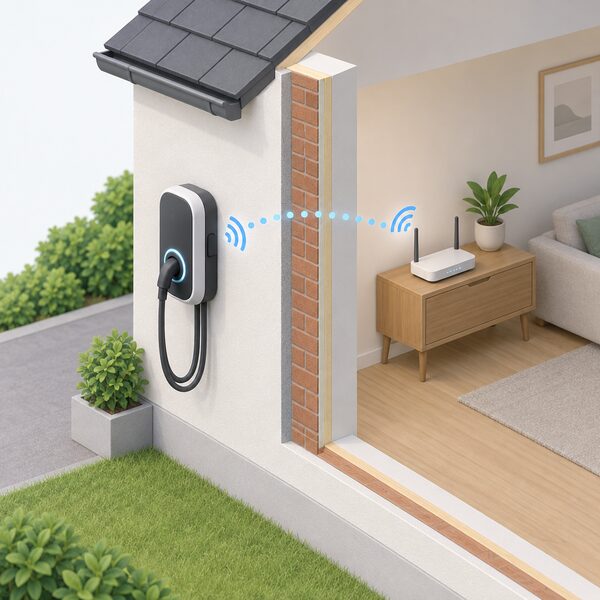
Four connection methods appear across the equipment in the UK market, and they are not interchangeable.
| Method | What it carries | Main strength | Main weakness |
|---|---|---|---|
| Wi-Fi | App traffic, firmware downloads | Already in the house, no extra running cost | Range and reliability; an outside wall at the far end of a house is often at the edge of coverage |
| Ethernet | App traffic, firmware downloads | Removes every wireless variable | Needs a cable run to the charger |
| 4G | App traffic, firmware downloads | Takes the household network out of the equation | Recurring subscription and dependence on mobile coverage at the charger |
| Bluetooth | Commissioning, local control | Direct control when standing at the charger | Short range; not a primary connection |
Wi-Fi is the commonest because it is already in the house. Its weakness is range and reliability: a dropped connection stops remote control and updates while leaving charging unaffected.
Ethernet is the most reliable and the least convenient. A cable run to the charger removes every wireless variable, and it is the option to consider where the charger is close to the router or where a cable route already exists. Smappee's EV Dual Wall specifies Ethernet 100BASE-T alongside 4G LTE-M10.
4G removes the household network from the equation entirely. Smappee's 4G Connect uses an embedded eSIM with a Smappee subscription, and data is transferred via 4G11. The ivie Gateway Connect features a 4G SIM, which allows it to send energy data to the ivie cloud13. The trade-off is a recurring subscription and a dependence on mobile coverage at the charger's location.
Bluetooth is a short-range setup and local-control channel rather than a primary connection. It is useful for commissioning and for direct control when standing at the charger.
Smappee Connect: Ethernet and Wi-Fi in a 55 mm module
The Smappee Connect is a small gateway module rather than a charge point. It measures 55 mm × 55 mm × 26.6 mm and weighs 45 g, and it connects by Ethernet 100BASE-T4. It couples through two Smappee Bus B connections and ships with a wall mounting plate and a Smappee Bus cable of 150 cm4.
Its environmental specification is wide. Operating temperature is -25 °C to 70 °C, storage temperature -25 °C to 90 °C, relative humidity 0 % to 95 % non-condensing, and operating altitude 0 to 2,000 m4. It carries CE, FCC and RCM certification, with EMC compliance to IEC 61326-1 and FCC 47 part 15, and safety compliance to IEC 60950-14.
The functional point that matters most is a limitation the maker states plainly. The Connect does not offer smart control, unlike the Genius, which does14. Used as a gateway in a Smappee EV Line charging station, however, it enables smart charging and load balancing functions4. So the module is a communications and metering bridge: it gives the charger a route to the energy management system, and the intelligence sits elsewhere in the chain.
| Smappee Connect specification | Figure |
|---|---|
| Dimensions | 55 mm × 55 mm × 26.6 mm4 |
| Weight | 45 g4 |
| Connection | Ethernet 100BASE-T4 |
| Coupling | 2 × Smappee Bus B4 |
| Included | wall mounting plate, Smappee Bus cable 150 cm4 |
| Smart control | not offered by the Connect itself14 |
Smappee 4G Connect: eSIM connectivity and where it works
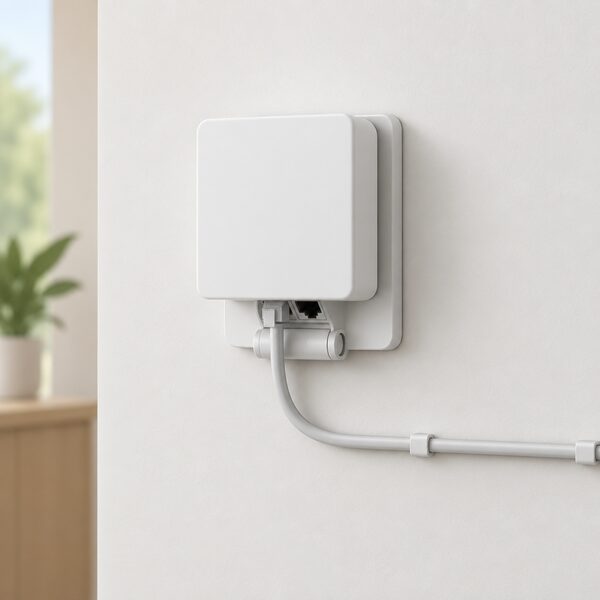
The Smappee 4G Connect is the same physical format as the Connect, at 55 mm × 55 mm × 26.6 mm and 50 g, but it carries an embedded eSIM with a Smappee subscription and transfers data over 4G11. It couples through two RJ10 sockets for the Smappee B-bus and ships with a wall mounting plate with a hinged connector and a Smappee Bus cable of 150 cm11.
Its operating temperature range is narrower than the Connect's at the top end: -25 °C to 60 °C, against -25 °C to 70 °C for the wired module4. Storage temperature, humidity and altitude figures match at -25 °C to 90 °C, 0 % to 95 % non-condensing, and 0 to 2,000 m11. Certification is CE, FCC and RCM11.
The 4G Connect is listed for the United Kingdom within the EMEA region, and separately for Canada, United States and Mexico12. That regional split matters for a UK buyer: the module is sold here, but the same product name covers different territorial variants, and the subscription that keeps the eSIM live is a continuing cost rather than a one-off.
Both modules share the same outage behaviour: one day of data storage in the event of a network outage4. That is the buffer between a dropped connection and a gap in the household's energy record.
Why a charger may need a separate energy manager
A charger draws more current than almost anything else in a house, and the supply was sized before it arrived. Which? states that the installer of an EV charger should assess the maximum load of the property, and that if charging would exceed the circuit breaker rating or service cable capacity, the installer should check with the energy network operator, who will need to upgrade the supply if it cannot cope15. Northern Ireland Networks puts the same point in terms of the connection: EV chargers and other low-carbon technologies can push a home's electricity demand above the available supply, which may require an upgrade16.
Where an upgrade is not wanted or not possible, the alternative is to manage the load rather than increase the supply. That is what a separate energy manager does. It measures the whole house's consumption and tells the charger how much current is left, so the charger never pushes the total past the service fuse.
The network operators' own connection rules set the threshold. Where the total demand of the property is more than 60 amps, or the property does not qualify against other criteria for the Connect and Notify process, the installer must apply and wait for permission before installing the EV charger17. That is a formal step, not a formality, and it is the point at which a load management device becomes the practical route to a charger without a supply upgrade.
Wireless Energy Manager: real-time load balancing without long cable runs
The Wireless Energy Manager exists to solve a wiring problem. A conventional load management installation needs a cable from the point of measurement, usually the consumer unit, to the charger, and in a finished house that run can be long, disruptive and expensive. A wireless unit measures at the supply and communicates the result without the cable.
The function is the same as any load balancer. Wondrwall describes its Dynamic EV Charger as automatically balancing EV charging with the rest of the home's energy use, dynamically adjusting output in real time7. The general principle is that the charger dynamically adjusts the charging current based on real-time household consumption, which is what prevents the main fuse from tripping1.
The consequence for the household is a slower charge at busy times. A charger held back by load management delivers less current than its nameplate rating, and the charge takes longer. That is the trade for not upgrading the supply, and it is a normal operating condition rather than a fault.
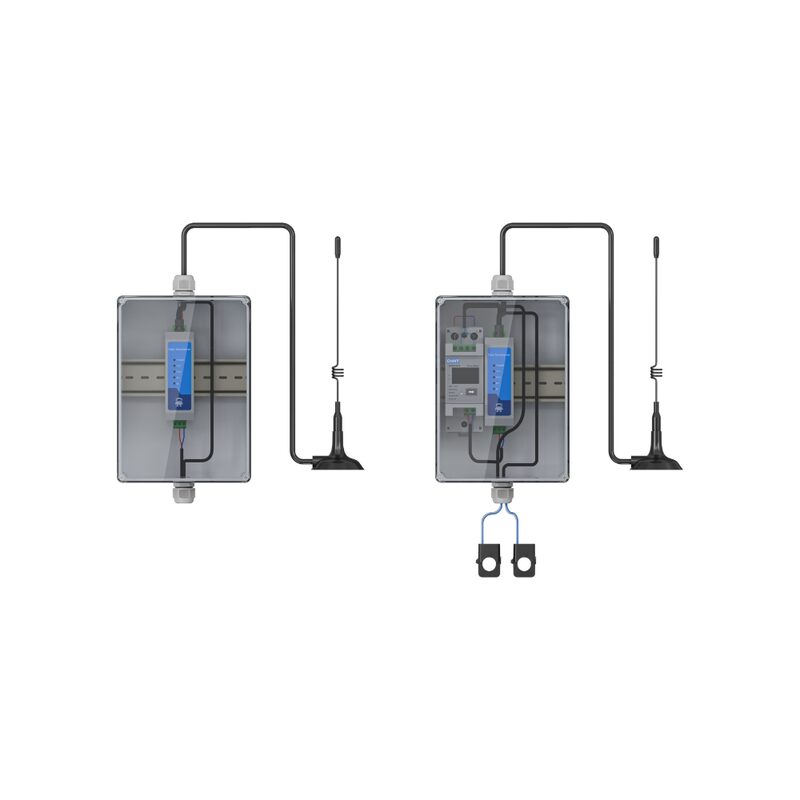
The unit itself needs occasional attention. The maker's guidance is to allow up to 10 hours to fully top up, and to expect that every 6 to 9 months it may need a manual top-up charge via USB5. The power check is simple: press the pair button on the back of the device, and a blue light means the device has power5.
What happens when the connection drops: 1-day data storage and manual checks
A dropped connection is a data problem, not a charging problem, and the equipment is built on that assumption. The Smappee Connect and 4G Connect both store data for one day during a network outage4. When the link returns, the record fills in. A household that loses broadband overnight loses the live view, not the history.
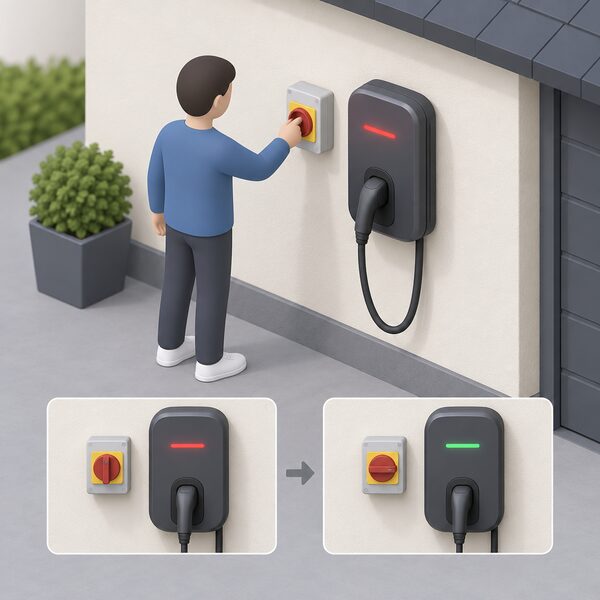
The failure that does stop charging is electrical. If the supply voltage goes outside the permitted range, the charger will stop working and show an error, a safety feature that protects both the charger and the vehicle18. Voltage drop or surge is listed among the causes of EV charger errors18. The recovery step is to switch the charger off and on at the isolator switch, and in the first instance to speak to the installer or electrician to check there is not a problem with the equipment19.
There is a network-level cause worth knowing about. When neighbouring homes all export solar energy simultaneously, local network voltage rises, and some EV chargers respond by shutting down20. That is a distribution network condition rather than a fault in the charger, and it becomes more likely on a street with heavy solar adoption.
For supply interruptions, the distribution network operators publish status through their own tools. SP Energy Networks' Power Track gives details of power cuts and restoration times, allows reporting of power cuts and network damage, tracks planned interruptions and finds the nearest EV charge point21. That is the way to distinguish a local outage from a charger fault.
Installation, environment and certifications: IP rating, temperature range and compliance
Connectivity hardware sits inside an electrical installation, and the installation rules apply to it as much as to the charger. An EV charger must be installed in line with the current edition of BS 7671, the national standard for electrical installations24. Installation requires competence in the IET Code of Practice for Electric Vehicle Charging6, and the Planning Portal recommends using a reputable company and ensuring the installer has the relevant qualifications25.
Outdoors, the enclosure rating is the first specification to check. Outdoor EV chargers must be rated at least IP54, and most commercial EV chargers are rated IP54 or IP65 as standard6. The BSI Kitemark scheme for EV chargers tests temperature, humidity, and dust and water exposure, covering both very hot and very cold conditions26. Certification under the scheme is intended to demonstrate the safety, security, quality and reliability of chargers and to meet legislative, market access, specifier and compliance requirements27.
For solar households, the compatibility question belongs at the design stage rather than after fitting. EV chargers should be installed by a qualified electrician with relevant experience, with compatibility between the charger, solar system and any battery storage considered from the outset28. A charger chosen before the solar and battery are specified can leave the household with three systems that do not talk to each other.
The brands and modules sold in the UK
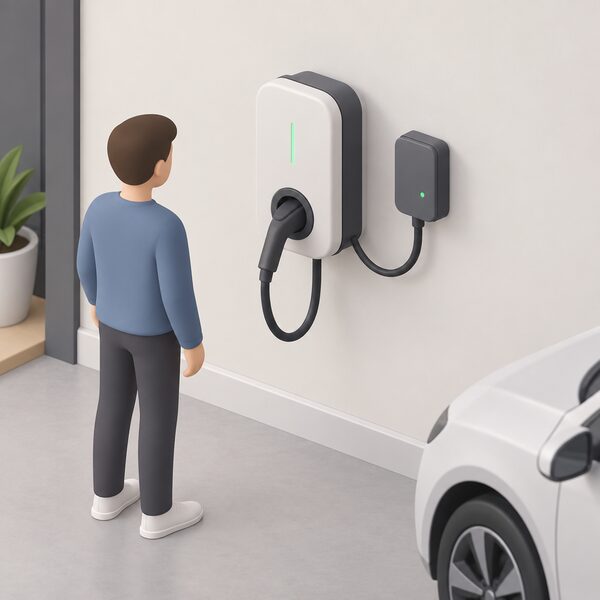
The connectivity layer in the UK market is dominated by modules that sit alongside a charger rather than inside it, and by chargers that carry their own radio.
Smappee sells the Connect and the 4G Connect as gateway modules, both in the same 55 mm × 55 mm × 26.6 mm format, one wired by Ethernet and one cellular by eSIM4. The company states that all its chargers connect with its Infinity energy management system, that its chargers support ISO 15118-2 for advanced vehicle and charger communication, and that integration is available through OCPP and API3. Its EV Dual Wall specifies Ethernet 100BASE-T and 4G LTE-M, and ships with two IEC 62196-2 Type 2 charging cables of 5 m in the standard cable version10.
Haier offers a charger with one app control for PV, energy storage and the charger, and multiple control methods through RFID cards and the app2. Wondrwall's Dynamic EV Charger connects to the Wondrwall app for scheduling and real-time session monitoring7. ivie's Gateway Connect carries a 4G SIM and sends energy data to the ivie cloud13.
| Maker | Connectivity product | Link type | What it does |
|---|---|---|---|
| Smappee | Connect | Ethernet 100BASE-T4 | Gateway and metering bridge; smart control comes from the paired charger14 |
| Smappee | 4G Connect | Embedded eSIM over 4G, Smappee subscription11 | Same gateway role, cellular data path |
| Smappee | EV Dual Wall | Ethernet 100BASE-T and 4G LTE-M10 | Charger with its own wired and cellular links |
| ivie | Gateway Connect | 4G SIM13 | Sends energy data to the ivie cloud |
| Haier | EV charger | App and RFID control2 | One app for PV, energy storage and charger |
| Wondrwall | Dynamic EV Charger | Wondrwall app7 | Scheduling and real-time session monitoring |
The pattern across all of them is the same: the charger is the hardware, the module or radio is the link, and the app is the interface. Which of those a household ends up depending on is a question about the maker's cloud, not about the car.
What connectivity means for a household's energy independence
A charger with a local load management function is more independent than one without. It can hold the household's total demand under the service fuse without asking the network operator for a bigger supply, and it keeps working when the broadband fails. The Wireless Energy Manager's whole purpose is to avoid a long cable run while still measuring at the supply5, and the charger's own dynamic adjustment of current against real-time household consumption is what prevents the main fuse from tripping1.
What remains dependent is the cloud. An app that schedules charging, reports sessions and applies tariff logic is a service running on someone else's servers, reached over a network the household does not control. The Smappee 4G Connect makes this explicit: the eSIM works with a Smappee subscription, and data moves over 4G11. Stop the subscription and the data path stops, even though the hardware is on the wall.
The one-day outage buffer is the honest measure of how much the system assumes connectivity4. It is enough to cover a router reboot or a brief mobile dropout. It is not a design for living off-grid, and it is not meant to be.
For a household weighing this up, the questions that decide the outcome are practical ones. Does the charger need the cloud to charge, or only to report? Does the load management run locally? Is there a wired option if the Wi-Fi proves unreliable? And if the maker's service ends, does the charger keep working as a charger? The evidence supports clear answers on the first three. On the fourth, the answer depends on the maker, and it is worth asking before the unit is fitted.
Sources28 cited
- What are EV chargers and how to optimize their energy usage in a smart home, Homey, 2026-09-20
- EV Charger, Haier, 2026-09-17
- Smappee charging solutions, Smappee, 2026-09-17
- Smappee Connect technical specifications, Smappee, 2026-09-17
- Wireless Energy Manager setup, Simpson & Partners, 2026-09-17
- Section 722 EV charging complete guide, Elec-Mate, 2026-07-02
- Wondrwall Dynamic EV Charger, Wondrwall, 2026-04-24
- Frequently asked questions about connecting to the networks, Energy Networks Association, 2026-09-17
- BEAMA response to Energy Smart Appliances Regulations Consultation, BEAMA, 2026-02-05
- Smappee EV Dual Wall technical specifications, Smappee, 2026-09-17
- Smappee 4G Connect technical specifications, Smappee, 2026-09-17
- Smappee Infinity 4G Connect technical specifications, Smappee, 2026-01-13
- ivie Bud vs Gateway Connect, ivie, 2026-09-20
- Smappee Infinity Connect technical specifications, Smappee, 2026-01-13
- Electric car charging at home, Which?, 2026-02-25
- If your electricity supply can't cope with the new equipment, Northern Ireland Networks
- EV connections, SSEN, 2026-09-19
- Managing voltage changes in your property, Electricity North West, 2026-09-19
- Voltage changes in your home or business, UK Power Networks, 2026-09-17
- Making home energy management work for consumers, Energy Systems Catapult, 2026-02-12
- Preparing for a power cut, SSEN, 2026-09-19
- We're preparing for Storm Bram, SSEN, 2025-12-08
- SSEN moves to Warning status for central southern England, SSEN, 2024-01-18
- Electric vehicle charger installation and maintenance, NICEIC, 2025-08
- Electric vehicle charging building regulations, Planning Portal, 2026-09-17
- What makes BSI Kitemark certified EV chargers a smarter choice, BSI, 2026-09-17
- Powering trust in electric vehicle charging with BSI Kitemark certification, BSI, 2026-09-17
- Can solar panels charge electric cars?, The CPA, 2026-04-15
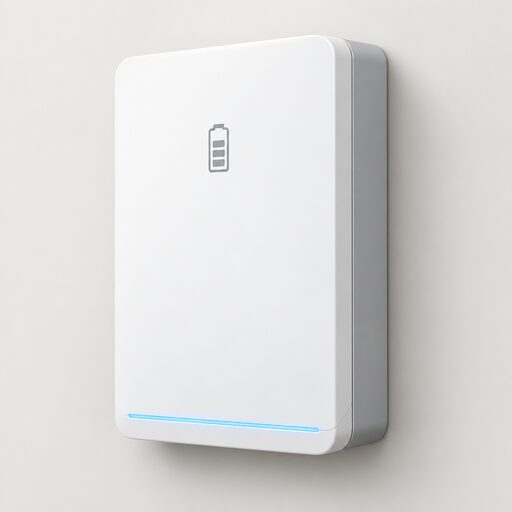 Charging With a Home BatteryHow a home battery and an EV charger share one supply, whether a battery can usefully charge a car, and how combined systems are controlled so the battery is not discharged into the vehicle at a loss.
 EV Tariffs and Home ChargingHow EV-specific import tariffs and charging bolt-ons work, including supplier-controlled charging where the energy company decides when the car draws power, which charge points each scheme supports, and what a household needs in place.
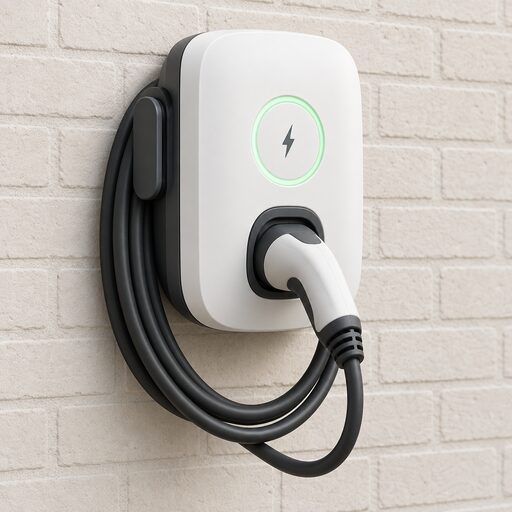 Home EV Charger ManufacturersWhich home EV charger brands are worth considering, and how do you choose between them?
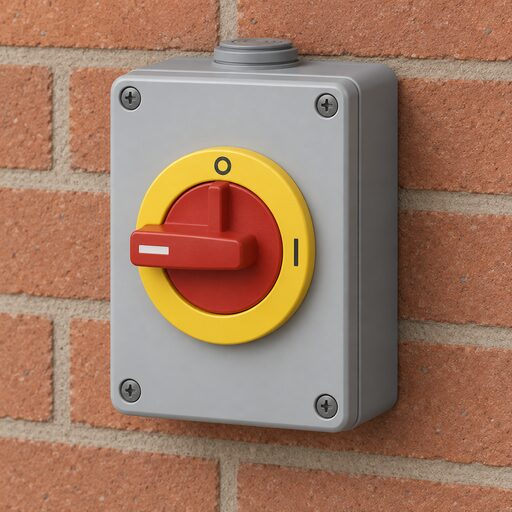 EV Charge Point Faults and FixesDescribes the common failure patterns on domestic charge points: tripped protective devices, lost connectivity, stuck cables and locks, error indications and charging that stops early.
 Home Charger InstallationWho can fit a home EV charger, and does it need building regulations approval?
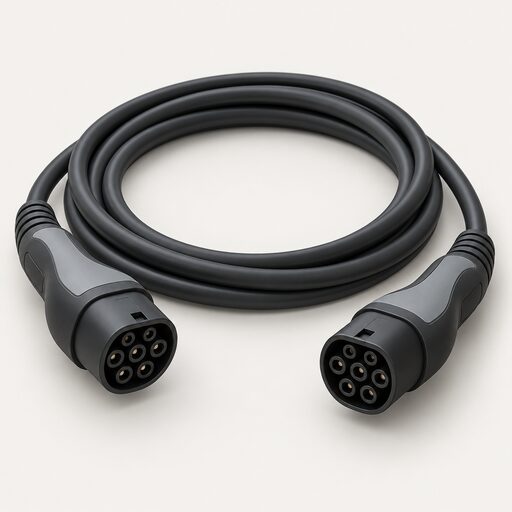 Types of Home EV ChargerWhich home charger suits your car and your driveway?