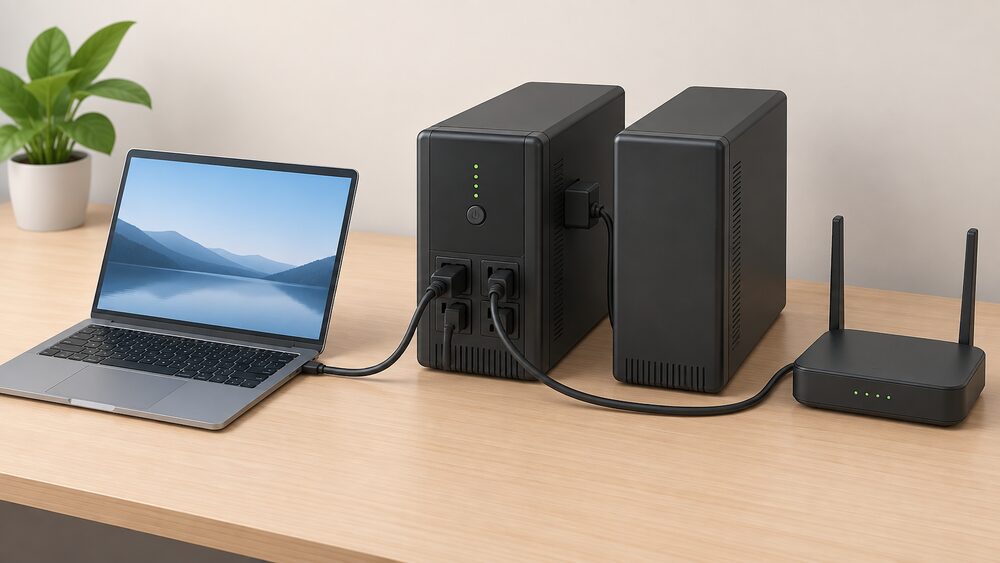
In this guide
A UPS is sold on a VA figure, but it protects a load measured in watts, and the two are not the same number. The VA rating is the apparent power the unit can deliver; the watt figure is the real power the load actually consumes. The gap between them is the power factor, and it is the single most common reason a UPS that looked big enough on the box trips out or shuts down under load.
The conversion is straightforward once the factor is known. NIE Networks converts load in kW to kVA by multiplying by 1.051. Which? takes a more cautious view for generators, stating that the usable power in kW will be less than the kVA figure, at about 80% of it, a power factor of 0.82. A household sizing a UPS should work with the lower figure unless the load is known to be near-unity, because the cost of overstating usable output is a unit that cannot carry the load it was bought for.
Runtime is a separate calculation again, and it does not follow the VA rating. It follows the battery. A 1000VA unit and a 1500VA unit with the same battery will run the same small load for broadly the same time. What the larger unit buys is more headroom for surge and for growth, not more minutes.
VA versus watts: what each figure actually measures
A watt is a unit of power, the rate at which energy is used or produced5. A kilowatt is 1,000 watts, and it measures how fast an appliance uses energy6. Those definitions are settled and consistent across sources: 1,000 watts is 1 kilowatt, 1,000,000 watts is 1 megawatt, and 1,000,000,000 watts is 1 gigawatt7.
The VA figure is not a different unit of the same thing. It is apparent power, the product of voltage and current without regard to whether the current and voltage are in step. A load that is purely resistive, such as a heater, draws current in step with the voltage and its VA and watt figures are the same. A load with a motor or a switched-mode power supply draws current out of step, so the VA figure is larger than the watt figure.
That distinction matters because the wiring, the transformer and the inverter inside a UPS all have to carry the current, which is set by the VA figure, while the battery has to supply the energy, which is set by the watt figure. A UPS rated at 1000VA with a 0.8 power factor can deliver about 800 W of real power. The same unit with a higher power factor can deliver more. The hardware is identical; the load determines which figure applies.
For a household, the practical consequence is that the VA number on the box is an upper bound on current, not a promise about watts. The watt figure is the one to compare against the load.
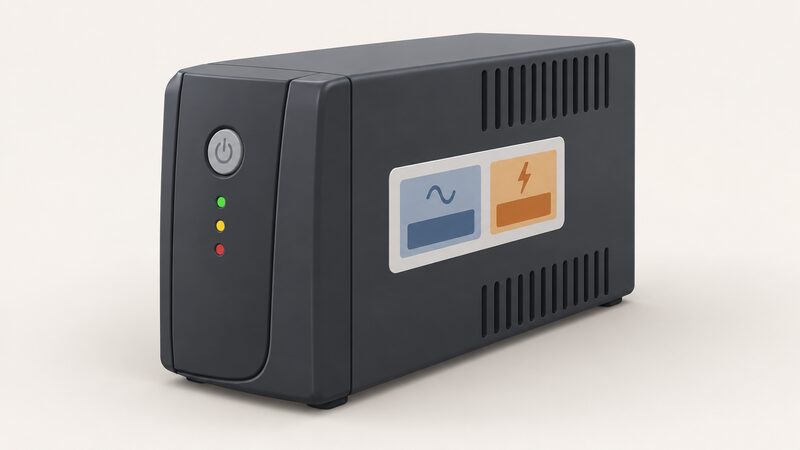
Power factor: converting VA to watts for real loads
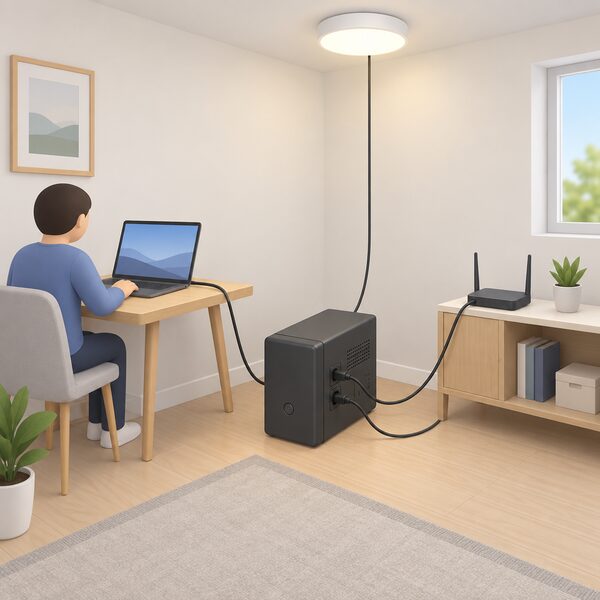
The conversion factor is not a constant, and the two published figures in UK guidance differ. NIE Networks, in its connection application guidance, converts a known load in kW to kVA by multiplying by 1.05, so kVA = kW × 1.051. That is a power factor close to unity, appropriate for a modern mixed domestic load dominated by electronic power supplies with power factor correction.
Which?, writing about generators, states that the kW figure, the usable power, will be less than the kVA figure, at about 80% of it2. That is a power factor of 0.8, and it is the more conservative assumption. Generators and UPS units are both rated in VA for the same reason: the manufacturer does not know what will be plugged in.
The two figures are not in conflict so much as aimed at different loads. A load of laptops, routers and LED lighting will sit closer to the NIE Networks figure. A load with an induction motor, such as a fridge compressor or a pump, will sit closer to 0.8 or below, and the starting current will be higher again.
How to add up the load you need to protect
The load is the sum of the running watts of everything that will be plugged into the UPS, not the sum of the VA figures on their labels. Electrical Safety First publishes typical ratings that make the arithmetic concrete3:
| Device | Typical power |
|---|---|
| Desktop computer | Up to 700 W |
| Laptop | Up to 100 W |
| Wi-Fi router | 15 W |
| Broadband router | 5 to 15 W |
| Games console | 100 to 200 W |
| Battery chargers for tools | Up to 350 W |
A home office of a laptop, a router and a monitor sits well under 200 W. A desktop workstation with a large screen can approach 700 W on its own. The difference between those two households is the difference between a small standby unit and a line-interactive unit with a much larger battery.
Two cautions apply to the total. First, devices with motors draw a surge at start-up that is several times their running figure, so a fridge or a pump cannot be sized on its running watts alone. Second, the total should be the load that will actually be connected at once, not every device in the house. A UPS protects what is plugged into it.
For a household thinking about which circuits to keep running, the same arithmetic applies at the consumer unit rather than the socket, and the essential loads and backup circuits page covers how to decide what stays on.
Runtime: what a given VA rating buys you and for how long
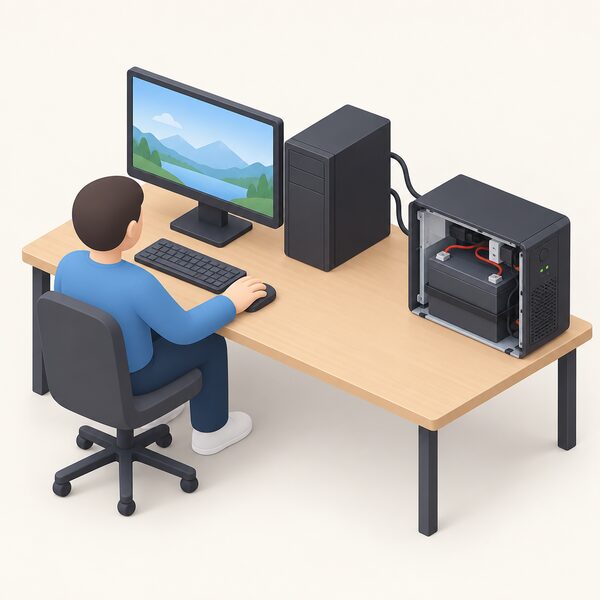
Runtime is set by the battery, and the VA rating does not describe the battery. Two units with the same VA rating can have very different runtimes if one has a larger battery or an expansion port for extra modules.
The arithmetic is energy divided by load. A battery storing 1.2 kWh, the capacity Which? lists for an Enphase AC Battery, would run a 100 W load for a theoretical twelve hours and a 700 W load for under two, before allowing for inverter losses and the depth of discharge the unit permits9. Those are illustrative figures from a solar battery rather than a UPS, but the relationship is the same in any battery-backed system.
Manufacturers publish runtime curves rather than a single number for this reason. The curve slopes: doubling the load roughly halves the runtime, and the relationship is not perfectly linear because the inverter's own consumption becomes a larger share of a small load.
Extended battery modules change the picture more than a larger VA rating does. Adding capacity extends runtime at the same load; adding VA extends the size of load that can be carried at the same runtime. A household that wants a computer to ride through a two-hour outage needs battery capacity, not a bigger inverter.
Sizing headroom: why the rating should exceed your load
A UPS run at its full rating has nothing left for surge, and surge is where loads actually fail. A desktop computer is listed at up to 700 W, a games console at 100 to 200 W, and a tool charger at up to 350 W3. Any of those can draw more than its running figure in the moment it starts.
Two headroom figures are quoted for battery-backed systems, and they are close but not identical. One is roughly 10 to 20% headroom when sizing for essential loads. The other is around 15 to 20% headroom for inverter losses, standby consumption and real-world variation4. Both point the same way: the rating should exceed the load, and the margin should cover losses as well as surge.
Headroom also covers growth. A household that adds a second monitor, a network switch or a small NAS to the protected load has changed the load without changing the UPS. The margin absorbs that.
The same principle appears in other parts of the energy system. Ofgem's metering guidance for the Domestic RHI distinguishes heat and electricity meters in kilowatt hours from gas and oil meters in cubic metres or litres, a reminder that the unit on the label has to match the quantity being measured11. A UPS rating in VA and a load in watts are two different quantities, and the headroom is what reconciles them.
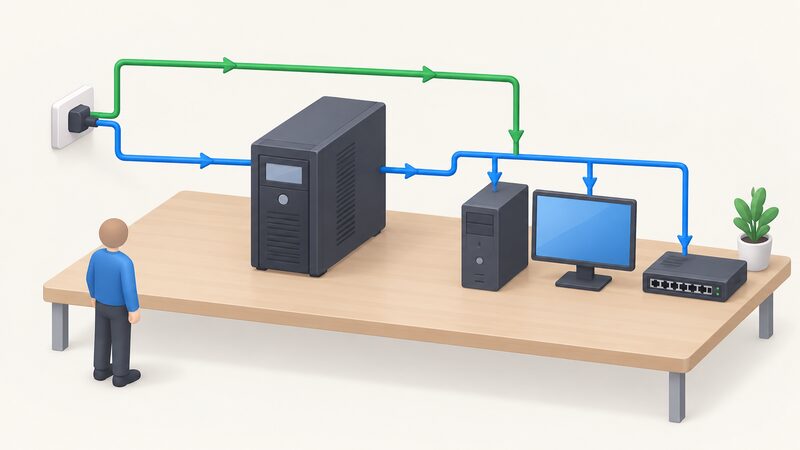
Line-interactive versus double-conversion: does topology change sizing?
Topology changes the sizing arithmetic less than it changes the quality of the output, but it does change it. The UPS types explained page sets out the three families in detail; the sizing question is narrower.
A standby or offline unit passes mains power straight through and switches to the inverter when the supply fails. Its inverter runs only during an outage, so its losses are low and its efficiency in normal operation is high. A line-interactive unit adds automatic voltage regulation, which corrects brownouts and overvoltage without draining the battery, and it is the common choice for home and small office use.
A double-conversion or online unit runs the load from the inverter continuously, regenerating a clean sine wave from rectified mains. That costs efficiency continuously, because the conversion losses are always present, and it produces more heat. The benefit is a transfer with no measurable break and an output isolated from mains disturbance.
For sizing, the practical difference is that an online unit's continuous losses have to be added to the load when working out what the battery will carry. A line-interactive unit's losses appear mainly during the outage. Neither changes the VA-to-watts conversion, which is set by the load.
Battery replacement and runtime degradation over ownership
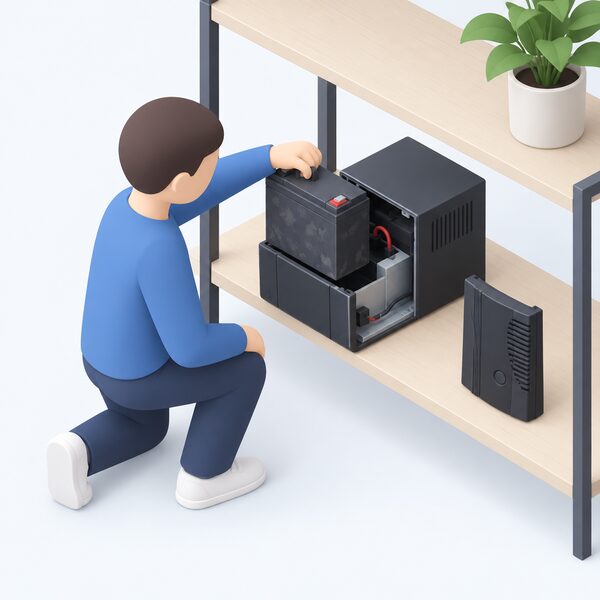
A UPS is a battery with electronics around it, and the battery is the part that wears. Runtime falls over the life of the unit, and the fall is not linear: capacity holds reasonably well and then declines more steeply towards the end of life.
The causes of premature failure are documented. Electrical Safety First's battery safety campaign lists poor quality and substandard components, flawed design, physical abuse and improper charging or discharging as causes of thermal instability12. Heat is the common thread. A UPS in a warm cupboard or with poor ventilation will age faster than one in a cool, airy position.
The wider evidence on battery degradation in home energy systems points the same way. Vehicle-to-grid trials note that frequent charging and discharging could shorten battery life, though the impact should be relatively minimal within recommended guidelines13. A UPS cycles far less often than a vehicle battery, so the dominant factor is age and temperature rather than cycle count.
Replacement is a maintenance cost, not a fault. A household should expect to replace the battery at least once over a long ownership period, and the runtime figure quoted at purchase is a new-battery figure.
Standby UPS, portable power stations and home battery backup: how they compare
These three do different jobs, and the sizing arithmetic differs for each.
A standby UPS is sized in VA and watts, protects a small load for minutes, and exists to bridge the gap between a power cut and either the supply returning or a generator starting. UK Power Networks states that UPS systems will provide backup power to your computer until your electricity supply is restored, which is the role: continuity, not endurance14.
A portable power station is sized in watt hours and watts. It is built for longer runtime at lower output, and the portable power station sizing page covers that arithmetic. The comparison between the two is set out on the UPS vs portable power station page.
A home battery is sized in kilowatt hours and kilowatts, and it is the only one of the three that also shifts energy day to day. The Centre for Sustainable Energy states that domestic battery systems can store as much electricity as a household typically uses in a day, enabling a PV system to provide up to 70% of a household's annual electricity demand15. That is a different scale of investment and a different purpose.
| System | Rated in | Typical role | Independence gained |
|---|---|---|---|
| Standby UPS | VA and watts | Minutes of continuity for a small load | Bridges a cut; does not extend it |
| Portable power station | Watt hours and watts | Hours of runtime for selected devices | Runs chosen devices off-grid |
| Home battery | Kilowatt hours and kilowatts | Whole-home backup and daily shifting | Reduces grid dependence, not removes it |
The National Energy System Operator notes that you would need hundreds of batteries to create the same power as pumped storage, which is a reminder that household storage is small in system terms even when it is large in household terms16.
What UPS sizing does for a household's energy independence

A UPS buys continuity, not independence. It keeps a router, a laptop and a light running through the seconds or minutes it takes for a supply to return or a generator to take over, and it does so without any fuel, any notification and any intervention. That is a real gain for a household that works from home or depends on a broadband connection, and UK Power Networks recommends considering one for exactly that case14.
What remains is dependence. The UPS is charged from the grid, so it is only as useful as the last charge it received. Its runtime is measured in minutes for a meaningful load. Its battery degrades and needs replacing. And the manufacturer's continued support matters: some APC references have been discontinued, including the Smart-UPS RT 2000VA 230V, for which Schneider Electric stopped accepting offers on 25 August 2023, and the Easy UPS BV1000I, which is to be discontinued on 31 December 2026 and end-of-service on 31 December 2028. A household buying into a platform should check that the model is current and that spares will be available.
For longer outages the options are a portable power station, a generator or a home battery, and the backup power costs compared page sets out how they differ. For the wider picture, including the Priority Services Register and network operator support, the backup power pillar is the starting point.
Sources16 cited
- Single house connection application help, NIE Networks, 2026-09-19
- How to buy the best generator, Which?, 2026-01-20
- Ratings of electrical appliances, Electrical Safety First, 2026-09-19
- Dynamic Demand Challenge Prize finalists and winner, Nesta, 2026-09-17
- Energy glossary, Low Carbon Hub, 2026-08-05
- Energy jargon buster, Energy Saving Trust, 2026-03-20
- Energy generation in Wales 2023, Welsh Government, 2025-03
- Multiple houses connection application help, NIE Networks, 2026-09-19
- Solar panel battery storage, Which?, 2026-05-14
- NI electrical items cost, National Energy Action, 2025-04
- Domestic RHI: guide to metering, Ofgem, 2026
- Battery safety campaign, Electrical Safety First, 2026-09-17
- Vehicle-to-grid charging, Uswitch, 2025-07-02
- Compensation: a power cut damaged something in my home, UK Power Networks, 2026-09-17
- Making the most of your solar PV panels, Centre for Sustainable Energy, 2026-08
- How does storage help us balance the grid, National Energy System Operator, 2026-09-17
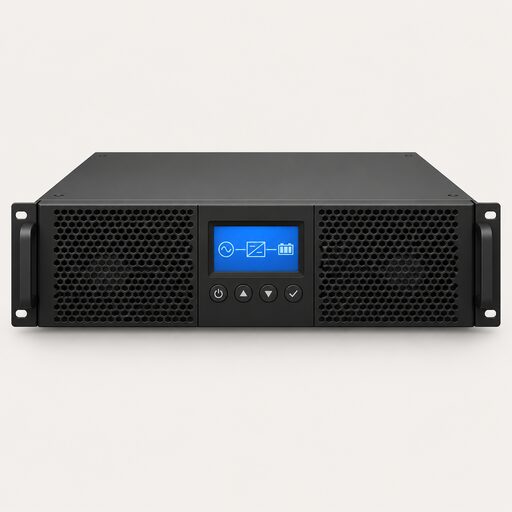 UPS Types ExplainedWhich kind of uninterruptible power supply do you actually need?
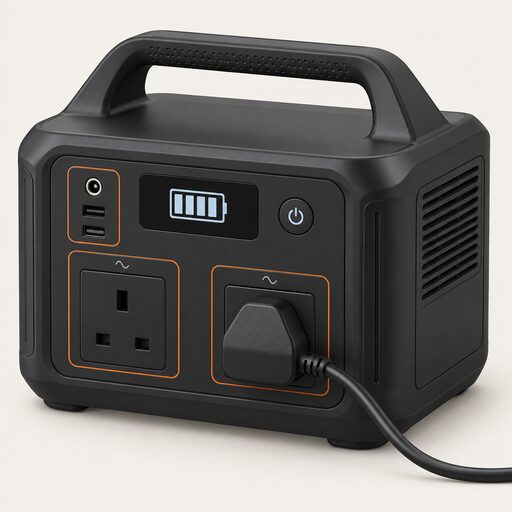 Backup Power for HeatingWhy gas boilers, heat pumps and storage heaters stop in a power cut, what a portable power station can and cannot carry, how to size one, and what home battery systems do when the mains fails.
 Portable Power Station SizeHow big a portable power station does a home actually need, and how long will it keep things running in a power cut?
 Backup Power and EPSWill your lights stay on when the power goes out?
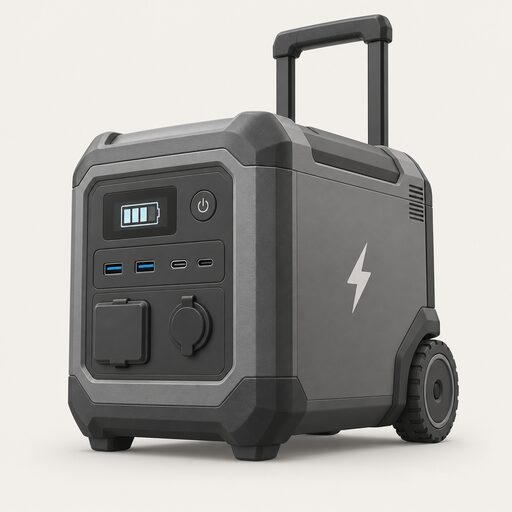 Portable Power StationsWhat can a portable power station actually keep going in a power cut, and for how long?
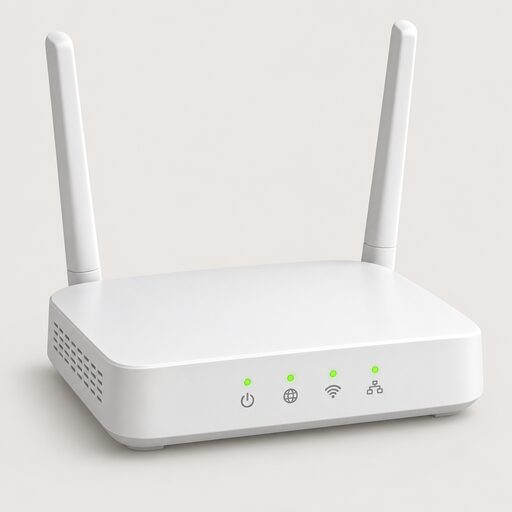 Home UPS SystemsA home UPS keeps your broadband, computer or boiler running through short power cuts and flickers, switching over instantly rather than after a second or two.