

In this guide
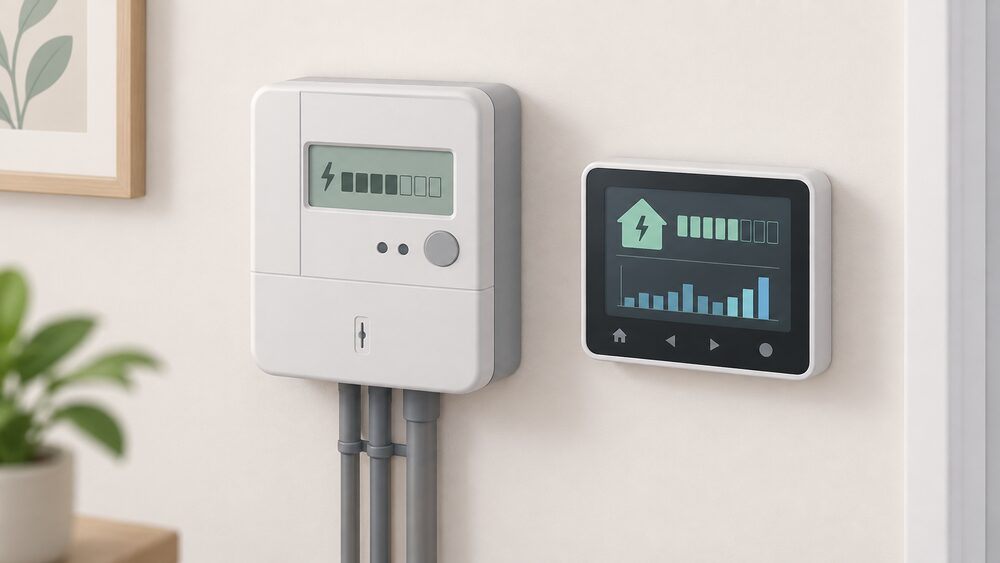
An EDF smart meter can run in two modes: credit, where the household is billed after use, or prepayment, sold as Pay As You Go, where energy is paid for in advance. The meter itself is the same piece of equipment. What changes is the account behind it, and on a smart meter that change is largely a settings and billing change rather than a new box on the wall1.
For a household on Pay As You Go, the practical difference from an old prepayment meter is how money gets in. A traditional prepayment meter is fed by a key, card or token, or sometimes coins2. A smart prepayment meter is a smart meter set to prepayment mode, so energy is paid for in advance, and it can send readings to the supplier automatically3. That removes the trip to the shop to charge a key, and it is why prepayment customers are often described as having more flexible payment options than before4.
The upgrade itself is free. Suppliers install smart meters at no extra cost, and where an older smart meter needs replacing to meet new technical standards that is usually done at no extra cost either5. What a household does pay is the energy, the standing charge, and any debt being recovered through the meter.
What Smart Pay As You Go is: a smart meter in prepayment mode
Pay As You Go is the name EDF and other suppliers use for prepayment. The underlying arrangement is unchanged from the old system: energy is paid for before it is used, on a pay-as-you-go basis7. What has changed is the meter. A prepayment smart meter is a smart meter set to prepayment mode, so the household pays in advance, and the meter measures gas and electricity use and can send readings automatically to the supplier3.
That automatic reading matters more than it sounds. On a traditional prepayment meter the supplier only knows what has been used when the key or card is next presented, so the account and the meter can drift apart. On a smart prepayment meter the two stay in step, which is what makes remote top-up, remote balance checks and remote tariff changes possible at all4.
Smart meters work in both credit and prepayment form, and prepayment customers may have more flexible payment options available to them, including remote top-up facilities4. The meter is not a different product line; it is the same device configured for a different payment model. That is why a household that already has a smart meter in credit mode can often move to Pay As You Go without new hardware, and why the reverse move is described as straightforward for customers switching from an existing gas or electricity prepay meter to a smart credit meter5.
For energy independence, the position is mixed and worth stating plainly. A smart prepayment meter gives the household direct, near real-time visibility of what it is spending, and it removes the dependence on a shop, a key and a card. It does not remove the dependence on the grid, on a supplier, or on the smart meter network that carries the top-up. A household that stops topping up is disconnected from supply, not merely from billing.
Pay As You Go with or without a smart meter: the difference
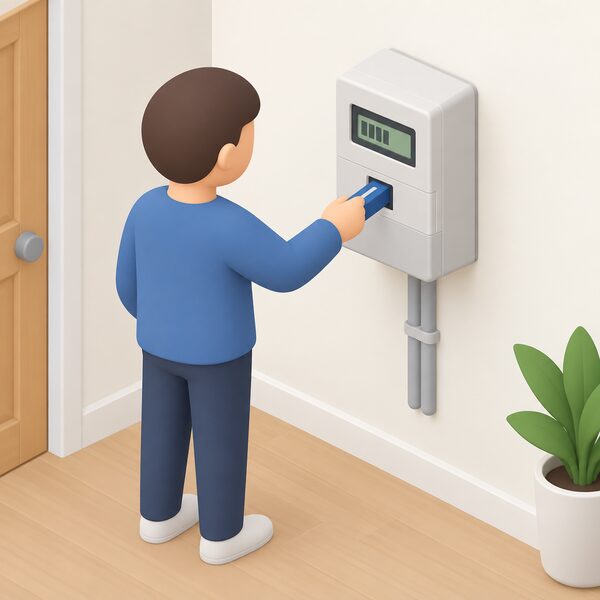
The two systems look similar from the outside and behave quite differently in practice. A traditional prepayment meter is topped up with a smart card, key or token, or sometimes coins, and the credit is carried to the meter physically2. A smart prepayment meter can be topped up online or through a supplier's mobile app, and prepay customers can top up via an app, online or in the local shop9.
The difference shows up in four places:
- How credit arrives. Physical on a key or card, remote on a smart meter.
- How readings reach the supplier. Manually or not at all on a traditional meter, automatically on a smart one3.
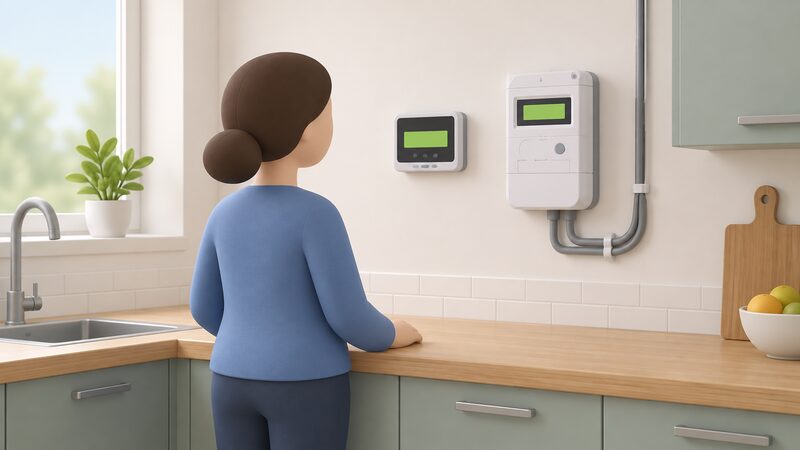
- What the household can see. A traditional meter shows a balance; a smart meter adds an in-home display with near real-time usage11.
- What tariffs are available. A smart meter opens access to more flexible tariffs, including dual-rate tariffs and tariffs charging a different rate depending on time of day12.
One point is worth correcting because it is widely assumed. A pay as you go gas and electric smart meter will not automatically lower bills, but the information it provides can help a household make smarter energy choices15. Similarly, smart prepayment meters are not automatically more expensive; what is paid depends on the tariff and supplier, not on the meter type16. The meter changes how energy is paid for and how much is visible, not the underlying unit rate.
Where a household has an older smart meter, an upgrade may be needed to meet new technical standards, and that is usually done at no extra cost6. The SMETS1 and SMETS2 distinction is the usual reason: older first-generation meters did not always keep their smart functions when a household switched supplier, while later ones do.
Cost: the meter upgrade is free
There is no charge for the meter. Suppliers install smart meters at no extra cost, and the installation is described as completely free with no upfront charge5. Energy suppliers must install smart meters at no extra cost, so a household should not be asked to pay to have one installed18. Where an older smart meter needs an upgrade to meet new technical standards, that too is usually done at no extra cost6.
The same applies to the Radio Teleswitch Service switch-off, which is driving a wave of meter replacements. Suppliers should upgrade affected households to a smart meter for free, and all electricity suppliers have been contacting impacted customers to offer a smart meter upgrade at no extra cost19. The RTS switch-off is a deadline rather than a choice for the households affected.
What is not free is the energy. The standing charge and any fuel debt still apply even if the meter runs completely out of credit and no further top-ups are made, a situation known as self-disconnection7. A household that goes away for a fortnight and leaves the meter at zero will return to a meter further in arrears, not a meter that has stood still. That is the single most important cost fact on this page, and it applies whether or not any energy was used.
Tariffs and payment flexibility on smart PAYG
A smart meter is the entry ticket to a wider set of tariffs. Ofgem's consumer guidance states that smart meter customers can access more flexible tariffs, including dual-rate tariffs12. Independent guidance puts it in terms of time: with a smart meter a household can access tariffs that charge a different rate depending on the time of day14. The time-of-use tariffs page covers how those are structured.
EDF's own tariff range reflects this. EDF Essentials is described as a fixed unit price tariff with a smart meter required, available in multiple contract lengths20. The GoElectric 35 and GoElectric 98 tariffs both require a smart meter to be installed21. Historically, EDF also charged an exit fee of £35 per fuel to leave a tariff where smart meters had not been fitted, a figure reported in 201922. That is an old term and should be read as historical rather than current.
On payment flexibility more broadly, EDF is listed as offering online billing, direct debit, smart meters, a mobile app, flexible payment options and monthly billing20. For a prepayment household the practical question is whether the tariff available on Pay As You Go is the same as the one available on credit. The evidence here is that the meter type does not by itself determine the price: what is paid depends on the tariff and supplier16.
The independence point is that a smart meter widens the tariff menu but does not by itself change the fuel. A household on EDF smart Pay As You Go remains on the gas grid and the electricity grid, buying from a supplier, with the meter as the interface. What the smart meter adds is the ability to respond to a price signal, which is the mechanism behind household flexibility schemes.
Topping up: channels, the 20-digit UTRN and how long credit takes
Top-up on a smart prepayment meter can be done online or through a supplier's mobile app, and prepay customers can also top up in the local shop9. The shop route has not disappeared; it has been joined by remote channels rather than replaced by them.
Every top-up generates a unique transaction reference number, the UTRN. It is the reference that ties a payment to a meter, and it is what a supplier needs to trace a payment that has not arrived. The number appears on the receipt or confirmation from whichever channel was used, and it is the first thing to have to hand if credit does not show up.
On timing, credit should appear on the meter within 1 hour of topping up7. In practice most remote top-ups land in minutes because the payment travels over the smart meter network rather than waiting for a key or card to be physically inserted. The one-hour figure is the outer bound to work to before treating a top-up as missing.
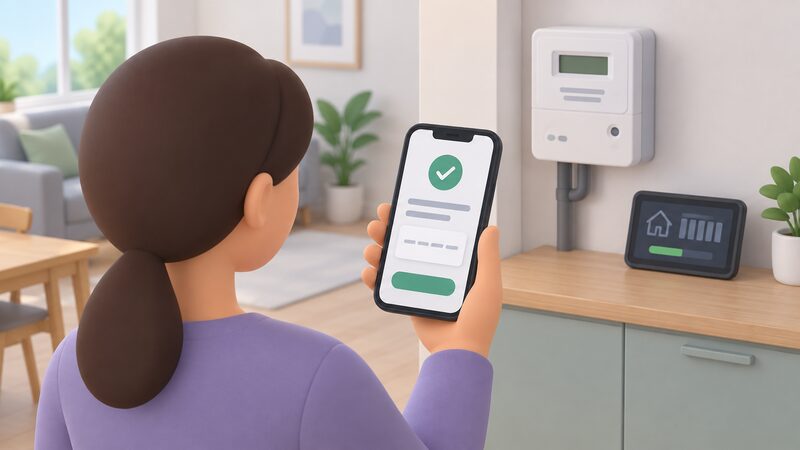
If credit has not appeared, the sequence is: check the meter and the in-home display, check the confirmation for the UTRN, then contact the supplier with that reference. Ofgem publishes guidance for households getting help with a smart meter, and the Energy Ombudsman handles disputes that a supplier has not resolved23. The check credit on a smart prepayment meter page covers the meter-level checks.
Emergency credit, friendly hours and low-balance alerts
Most pay as you go smart meter systems include emergency credit if the balance reaches zero, and it can usually be activated directly through the meter or the in-home display15. Emergency credit is a short-term buffer, not a payment: it is recovered from the next top-up, so a household using it starts the following top-up already in deficit.
The smart meter also makes low-balance warnings possible in a way a traditional meter cannot. Because the meter reports to the supplier automatically, a low balance can trigger an alert before the credit runs out, and the in-home display shows the balance continuously3. That is the practical value of the display: it turns a balance that would otherwise be discovered at the point of running out into something visible in advance.
The standing charge continues through any period of zero credit, and any fuel debt being recovered continues to be recovered7. That combination is what makes a prolonged zero balance expensive: the meter is not paused, it is running up arrears. Households in Northern Ireland should note that the utility bill arrears guidance there is published separately by nidirect, and the Northern Ireland page covers how the arrangements differ2.
The in-home display and the Energy Hub app
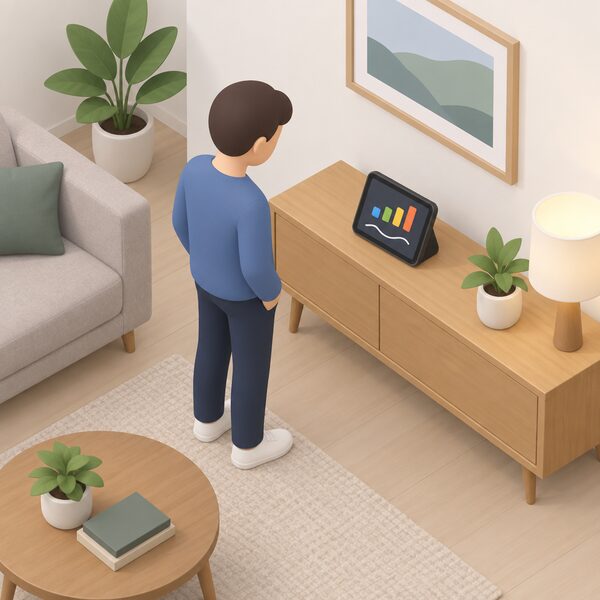
Every smart meter installation comes with an in-home display, a portable touchscreen device that shows near real-time energy usage data25. Government guidance is explicit that smart meters come with an in-home display so consumers can see and manage energy use, and that the display should be offered and demonstrated during the installation appointment11. The meter's in-home display also shows how much energy is being used during the day24.
The display is not the only route. Energy monitoring can be through an in-home display, an accessible in-home display, a mobile app, other linked devices, or a combination of those methods11. That matters for households that find a small screen difficult: the in-home displays page covers the accessible variants, and there is separate guidance for households with sight loss26.
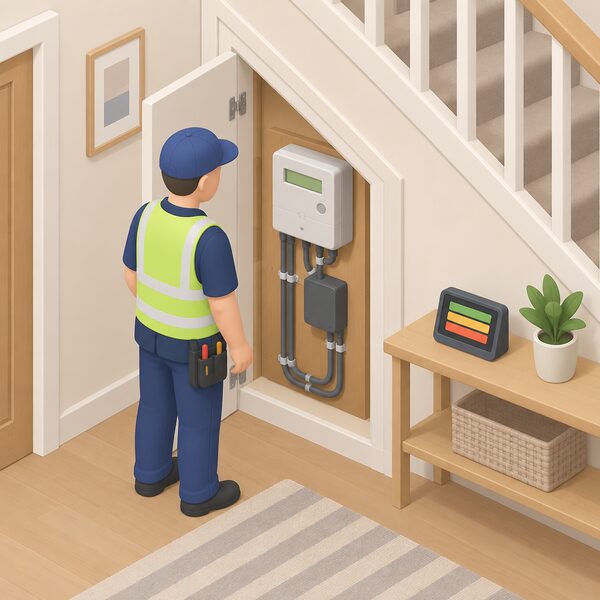
Behind the display sits the communications hub, which allows the smart electricity and gas meters and the in-home display to connect to each other and to the smart meter home area network14. That hub is why a smart meter does not need the household's broadband to work: it uses its own network, and the do smart meters need WiFi page explains the distinction14.
EDF is listed among the suppliers that have adopted the voluntary replacement principles for smart meter in-home displays, added to the list in May 202427. Those principles cover what happens when a display fails. The broken in-home display replacement page sets out the position.
The dependence to be clear about is the app. Balance checks and top-ups through a supplier's app depend on the supplier's systems and on a working smart meter connection. The meter and the display keep working locally; the app does not work without the back end behind it. That is the same pattern described on the app subscriptions and cloud dependence page.
Switching to EDF on smart PAYG: balances, debts and instalment plans
EDF's own support guidance sets out what happens to money when a household moves to its smart Pay As You Go. The starting balance is £0 when switching to EDF from another supplier8. That is a clean start on the meter, but it does not wipe out an existing debt.
Where a debt exists, EDF will ask the old supplier to transfer it over, up to £5008. If the old supplier agrees, EDF takes a small weekly payment from the meter towards paying off that debt when the switch happens8. The debt therefore follows the household rather than being left behind, and it is recovered through the meter rather than through a separate bill.
Instalment plans are handled differently. If there is an instalment plan on the old prepayment meter, EDF transfers it over too8. For a household already with EDF, moving from an EDF prepayment meter to Pay As You Go involves transferring credit or debt, and EDF states this should take about four days8. That four-day window is the supplier's own estimate and is the point at which the account is set up and the confirmation follows.
Renting is not a barrier. Official guidance states that whether on a pre-payment plan or renting, a household can benefit from a smart meter6. Private renters can choose a smart meter where the energy bills are in their name or they prepay for energy, after checking the tenancy agreement and letting the landlord know23. Applications are also accepted where the household is renting, is a prepay customer, or where the meter is located outside the property, such as in a communal meter box in a block of flats5. Independent guidance confirms that renters can have a smart meter installed17, and any household that pays for energy, whether owning or renting, should be able to book an installation where it is expected to work in the property11. The flats and rented homes page covers the practical constraints.
Sources27 cited
- Understanding smart meters, National Energy Action, 2026
- Overdue utility bills, nidirect, 2026
- Benefits for prepay customers, Smart Energy GB, 19 August 2026
- Smart meters explained, Uswitch, 29 July 2026
- How to get a smart meter, Smart DCC, 2026
- Smart meters, Welsh Government, 2026
- Prepayment meters, Centre for Sustainable Energy, August 2025
- What happens to credit or debt on my old prepayment meter when I switch to PAYG, EDF Energy, 17 September 2026
- Prepayment meters consumer guidance, Ofgem, 2026
- Understanding smart meters, National Energy Action, 12 June 2026
- Smart meters: your rights and expectations, Department for Energy Security and Net Zero, 8 August 2025
- Get help with your smart meter, Ofgem, 2026
- Get help with your smart meter, Ofgem, 17 September 2026
- Does a smart meter need Wi-Fi?, Smart DCC, 2026
- How to use a smart meter in prepay mode to save money, Smart Energy GB, 17 August 2026
- Smart meters, SSEN, 19 September 2026
- Guide to smart meters, Energy Saving Trust, 15 July 2026
- A guide to smart meters, Age UK, 24 August 2026
- RTS meter switch off, Energy Saving Trust, 8 May 2026
- EDF Energy, Energy Helpline, 20 September 2026
- Best energy providers for EV owners, Carwow, 23 April 2021
- Can you get a cheaper energy deal with a smart meter?, Which?, 28 November 2019
- Smart meters, Energy Ombudsman, 20 September 2026
- Get help with your smart meter, Ofgem, 2026
- How do smart meters help the environment?, Smart DCC, 2026
- Energy for those with sight loss, Uswitch, 9 April 2026
- Smart meter in-home display: voluntary replacement principles, Department for Energy Security and Net Zero, 20 May 2024
 EDFEDF is one of the big six energy suppliers in the UK, owned by the French government.
 EDF TariffsEDF's fixed, variable, EV and export tariffs for UK households, with exit fee rules, off-peak rates and deemed tariff terms.
 EDFEDF is one of the Big Six suppliers, serving around 5 million UK households.