In this guide
The Bosch EasyControl is a smart, internet-connected thermostat made by Worcester Bosch for controlling heating and hot water. It connects directly to Worcester Bosch boilers, and to other manufacturers' boilers through the EasyControl Adapter1. It is sold in black and white, and can be bought on its own or in a set with three Smart TRVs2.
For a household, the control does two things at once. It replaces a conventional programmer and room thermostat with app-based scheduling, gas consumption graphs and service booking, and it opens the door to room-by-room control through Bosch Smart TRVs. Worcester Bosch states that the EasyControl supports 19 Smart TRVs split into 20 different zones, with the wall unit itself counting as one of those zones2.
The independence picture is mixed. Local control continues when the internet is down, and Worcester Bosch states that all data is stored on the EasyControl itself, ensuring no information is shared with other parties2. But remote programming, energy monitoring and service booking run through the app, Bosch's servers and a home broadband connection, and automatic updates cannot be switched off2.
What the EasyControl is and what it controls
Worcester Bosch describes the EasyControl as "a smart connected thermostat which makes it easy to control your heating and hot water whilst saving energy"1. It is a programmable control rather than a simple thermostat: Worcester Bosch lists it as a "smart, internet connected programmable control"3. Both central heating and domestic hot water can be programmed, monitored and controlled through the app, and hot water times are set by choosing the periods the boiler should provide hot water4.
The unit is available in black and white, and in wired or wireless form, the wireless option using the EasyControl RF Key2. Worcester Bosch positions it as the only smart internet-connected thermostat designed specifically for its own boilers, with future updates intended to allow compatibility with Bosch Smart Home Solutions2.
That specificity matters for how the control behaves. On a Worcester Bosch boiler it can modulate the boiler directly rather than simply switching it on and off, which is the difference between a control that sets a target flow temperature and one that only interrupts the call for heat. Independent buying guidance from Which? lists the Worcester Bosch EasyControl Smart Thermostat as requiring professional installation, and as offering hot water control, modulating operation, GPS tracking, motion sensing, weather responsiveness and programme modes5.
For a household, the practical effect is that the EasyControl is a control layer over an existing gas boiler, not a change of fuel or a step away from the gas grid. It reduces waste by matching run times and room temperatures to occupancy, and it adds a dependence on an app, a broadband connection and a manufacturer's servers for its remote functions. The local control remains, and the boiler continues to run without the cloud.
Boiler compatibility: Worcester Bosch direct, other brands via the adapter
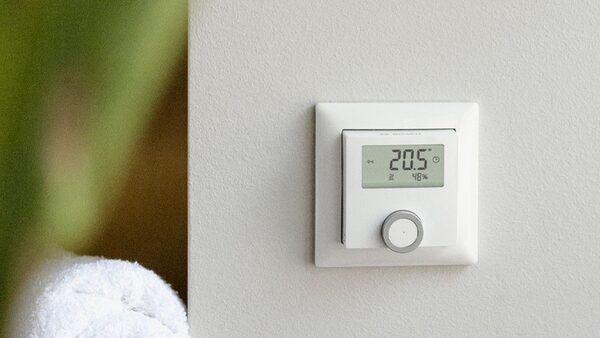
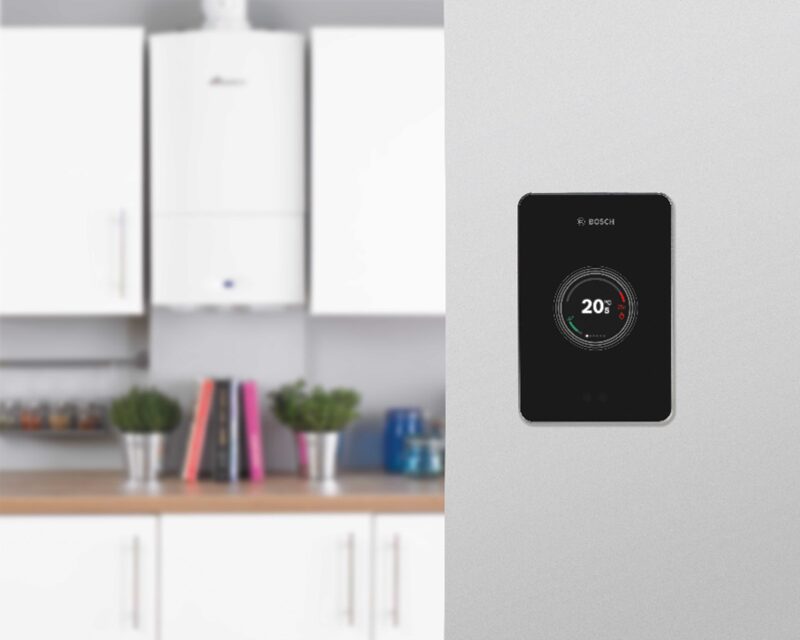
The EasyControl connects directly to Worcester Bosch boilers, and Worcester Bosch states this in both its product pages and its support answers1. For other manufacturers' boilers, the EasyControl Adapter provides compatibility, and Worcester Bosch describes it as increasing compatibility with any combi boiler with an OpenTherm or on/off connection2.
The adapter also covers system arrangements. Worcester Bosch lists it as compatible with an S-Plan system, controlling the central heating channel, and as providing an EMS converter to OpenTherm, IRT or a single channel 230V on/off8. A 2018 brochure states that the adapter allows compatibility with OpenTherm protocols and boilers with a 230V room thermostat connection9.
There is one Worcester Bosch exception worth knowing. The EasyControl Adapter is required for the EasyControl to work with Greenstar regular boilers, which is stated on the regular boiler pages themselves10. A household with a regular boiler and a hot water cylinder therefore needs the adapter even though the boiler carries the same brand.
Where the EasyControl is installed with a Worcester Bosch boiler, the guarantee matches the boiler's own term. Worcester Bosch states that the guarantee of its EasyControl, CR11, Comfort and Sense range will match the Worcester Bosch boiler it is installed with10. The EasyControl page puts the ceiling at up to a 12 year guarantee when installed with one of its boilers1.
| Boiler type | Connection route | Adapter needed |
|---|---|---|
| Worcester Bosch combi | Direct, 2-core cable or RF Key1 | No |
| Worcester Bosch Greenstar regular | Direct plus adapter10 | Yes |
| Other brand, OpenTherm | Via adapter2 | Yes |
| Other brand, 230V room thermostat | Via adapter8 | Yes |
| S-Plan system | Via adapter, CH channel8 | Yes |
A compatibility search on the Worcester Bosch controls pages allows a household to check which controls suit a given boiler before buying3. For the wider question of whether a smart thermostat will work with a particular boiler, smart thermostat boiler compatibility sets out the general position, and OpenTherm explains the modulating protocol the adapter uses.
Room-by-room control with Smart TRVs: 19 TRVs across 20 zones
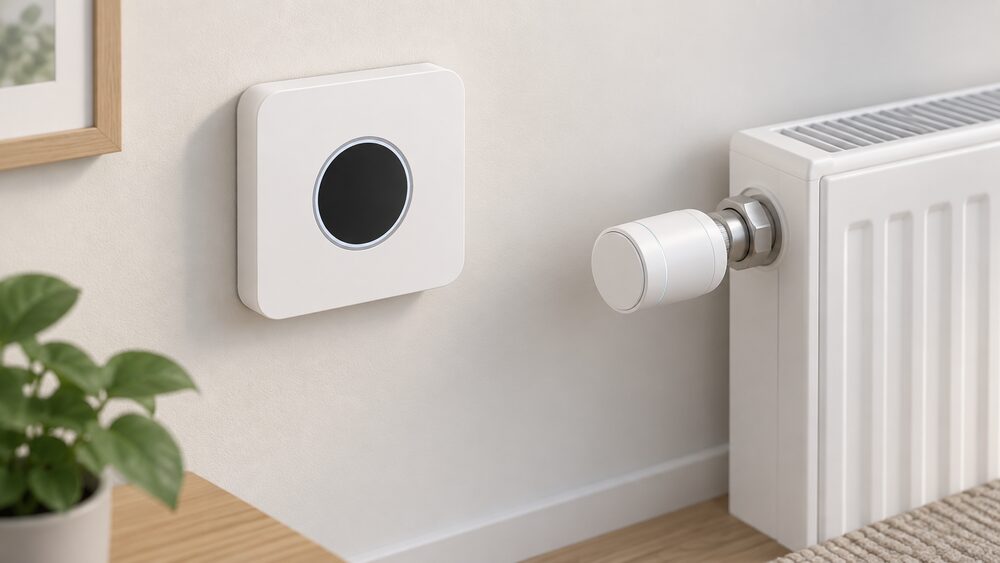
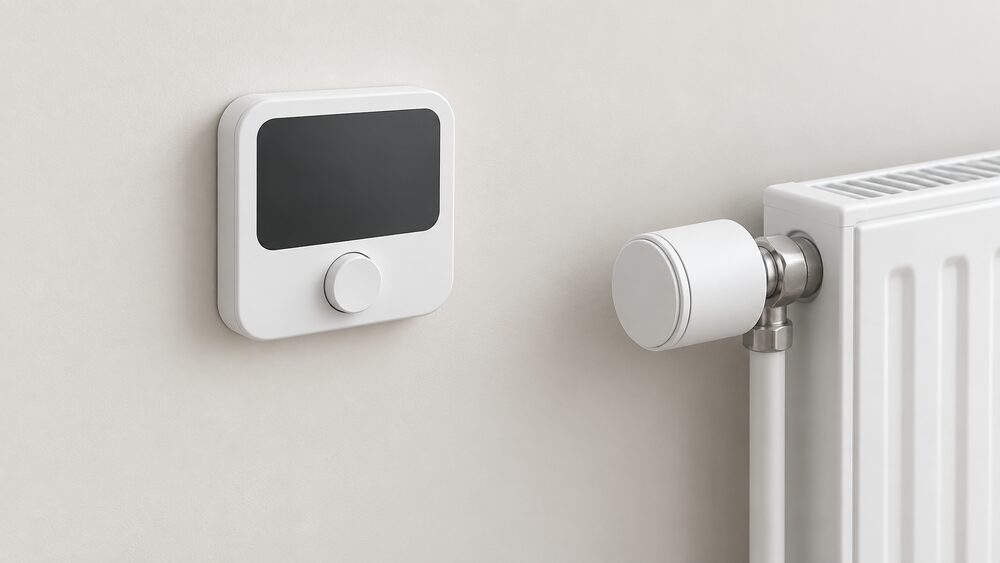
Room-by-room control is where the EasyControl moves beyond a single thermostat. Worcester Bosch states that the EasyControl can support 19 Smart TRVs split into 20 different zones, with the EasyControl wall unit being one of the zones1. Bosch Smart TRVs are thermostatic radiator valves that, in combination with the EasyControl, allow the temperature in each room to be set individually1.
The TRVs carry their own sensing and scheduling. Worcester Bosch states that an integrated sensor continuously monitors room temperature, and that each TRV offers several time-controlled settings per day with different times for every day of the week, plus a child-lock setting controlled through the EasyControl1. The EasyControl app and the TRV itself can both be used to set a room's temperature13.
Two installation rules shape how a system is laid out:
- Worcester Bosch recommends a Smart TRV on every radiator in the home for optimum comfort2.
- Smart TRVs should not be fitted to radiators in the same room as the EasyControl2.
- In all instances a Smart TRV must be installed in the same zone as the EasyControl itself1.
The device limit is the constraint to watch. The EasyControl supports a maximum of 10 devices at once, which sits alongside the 19 TRV and 20 zone figures rather than replacing them1. A household planning a large zoned system should read those two limits together.
For homes with radiators or water-based underfloor heating, Bosch smart individual room thermostats in 230V and 24V versions offer multi-zone control in combination with the EasyControl, controlling individual rooms or multiple heating zones14. The EasyControl can be bought on its own or in a set with three Smart TRVs, with individual Smart TRVs available to expand the system2. More on the wider category is at smart TRVs and heating zoning.
Learning, presence detection and weather compensation
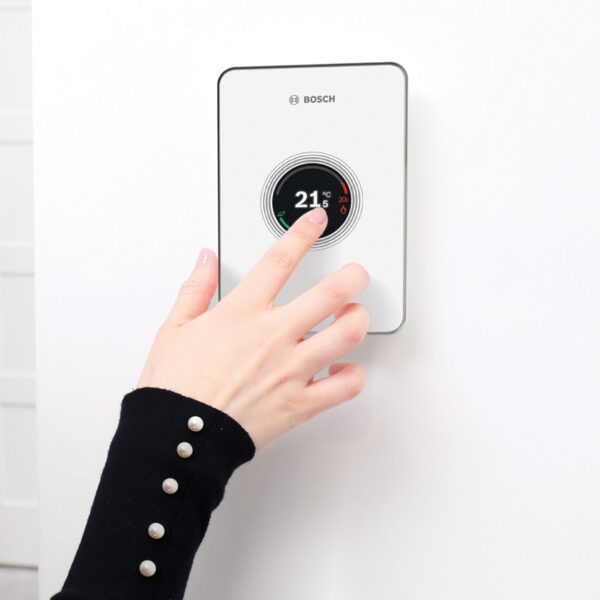
The EasyControl adapts to the household rather than only following a fixed schedule. Worcester Bosch states that it learns and adapts to homeowners' behaviour, and that presence detection turns the heating down automatically when nobody is in the house and detects when someone is returning home4. The presence detection feature can be switched off in the app settings1. Worcester Bosch describes the combination as making for maximum efficiency, with the heating adapting to the daily routine13.
Weather compensation is the other adaptive element. Worcester Bosch states that the ErP uplift applies when the EasyControl is installed with a compatible boiler and weather compensation is enabled4. Weather compensation works by adjusting the flow temperature to the outdoor conditions rather than running a fixed temperature regardless of the weather. Ofgem's ECO4 guidance describes the measure as including a means for automatically measuring local outdoor temperature17, and Approved Document L lists boiler interlock and ErP Class V controls among the notional dwelling's heating system controls18.
The EasyControl needs no external wired sensor for this, which Worcester Bosch states on its professional page4. Bosch's smart individual room thermostat also lists weather compensation among its features19.
What this means in practice is that the control is doing two different jobs: reacting to occupancy, and trimming flow temperature to the weather. The first saves energy by not heating an empty house. The second improves the boiler's condensing performance by keeping return water cooler. Both depend on the control being installed with a compatible boiler and configured properly, and neither changes the fact that the heat still comes from gas. The general mechanics are covered at weather compensation and load compensation and modulation.
Efficiency: a 5% ErP uplift with three Smart TRVs
Worcester Bosch states that the EasyControl boosts the heating system's ErP rating by 5% with a minimum of three Smart TRVs, or 4% without Bosch TRVs1. The uplift is conditional: it applies when the control is installed with a compatible boiler and weather compensation is enabled4.
The ErP rating is a system label rather than a measure of the boiler alone, which is why a control can raise it. Approved Document L's notional dwelling includes boiler interlock and ErP Class V controls18, and the classes themselves are explained at ErP control classes.
Boiler Plus compliance is the other regulatory point. Worcester Bosch states that the EasyControl complies with Boiler Plus legislation, and that it does not just meet one of the four minimum requirements, unlike most controls, but in fact complies with three of them4. Boiler Plus applies in England; the requirements differ across the four nations, and heating controls building regulations sets out where they diverge.
The 5% figure should be read as a manufacturer's stated uplift on a system rating, not as a promised reduction in a household's gas bill. The size of any real saving depends on the boiler, the building, the radiators and how the household uses the system. Bosch's own general position on smart home control is that adjusting a home for comfort only when it is in use can reduce energy consumption, depending on usage, the building and connected devices20. Independent work on controls and savings is at do heating controls save money.
App functions: programming, gas consumption graphs and service booking
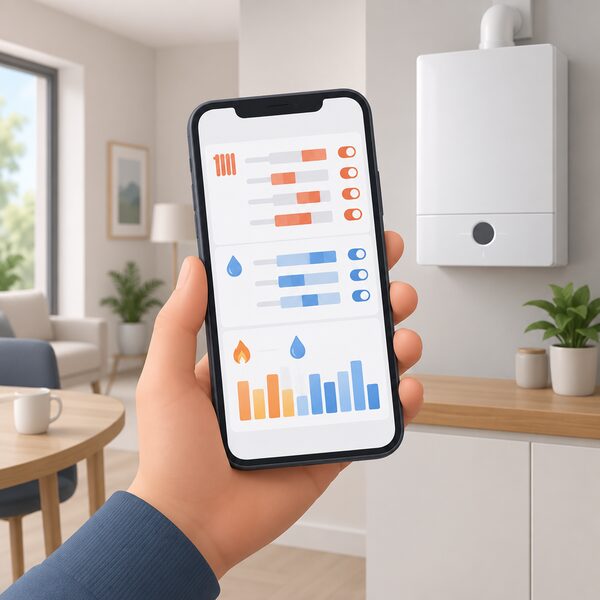
The EasyControl app carries the day-to-day operation. Worcester Bosch states that the app provides easy-to-understand graphs on gas consumption for heating and hot water, and that it has the ability to include current gas prices to give accurate readings1. Central heating and domestic hot water can be programmed, monitored and controlled through the app4.
Service booking is built in. Worcester Bosch states that the annual boiler service can be booked via the app, and that the installer is notified that a service has been requested1. That removes a phone call, but it also ties the servicing route to the app and to the installer relationship.
The app is free. Worcester Bosch states that the EasyControl is sold including the free EasyControl app, that the app contains all the features needed, and that it is completely free to download and use2. It is available only on iOS and Android devices2. There is no subscription, which places the EasyControl apart from controls that charge for advanced features; the wider market position is at smart thermostat subscriptions.
Integration extends to voice assistants. Worcester Bosch lists software integration with Amazon Alexa and IFTTT devices4. Bosch's separate HomeCom Easy app covers Bosch heat pumps and air conditioners rather than the EasyControl, and allows remote management and mode or time programme selection for those products22.
The dependence here is worth stating plainly. The graphs, the remote programming and the service request all run through Bosch's app and servers. A household that wants the consumption data is relying on a manufacturer's platform continuing to operate and to support the hardware, which is why the published support end date matters.
Installation: wired or wireless, and upgrading from the Wave
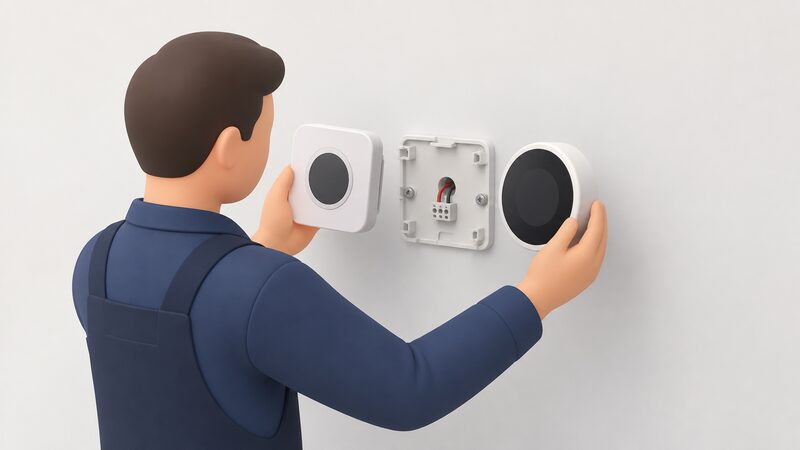
The EasyControl is available wired or wireless, the wireless option using the EasyControl RF Key4. Wired installation requires only a 2-core wire connection between the control and the boiler, and the control can be connected to the boiler using a 2-core cable or the RF Key4.
Independent buying guidance from Which? lists the Worcester Bosch EasyControl Smart Thermostat as requiring professional installation5. That is consistent with Worcester Bosch's own framing of the product as a boiler control rather than a plug-in device, and with the adapter requirement on non-Worcester Bosch boilers8.
Upgrading from a Worcester Wave is straightforward. Worcester Bosch states that the EasyControl uses the same back plate and connections as the Wave, so the Wave control can be unclipped and the new EasyControl clipped in1. The existing wiring and mounting position are reused, which keeps the change to a control swap rather than a rewire.
Relocation is also covered. Worcester Bosch states that the EasyControl can be installed in a new property by updating the location in the app, or reset to factory settings using the reset button, which loses the current clock programme2. A household moving house can therefore take the control with them, subject to the boiler at the new property being compatible.
For the general process, installing and replacing heating controls covers wiring and replacement, wired vs wireless room thermostats compares the two mounting options, and heating control wiring explains S-Plan and the other arrangements the adapter supports.
Support, updates and how long Bosch will keep it secure
Worcester Bosch publishes a security support end date for the EasyControl family. All smart controls of the EasyControl product family, along with related sets, are listed with a support end of 31 December 20321. That is the date to weigh when buying: it is the point at which security support for the product family is stated to end, not a guarantee of feature updates until then.
Automatic updates are mandatory. Worcester Bosch states that automatic updates cannot be switched off, and that the thermostat checks the server and installs updates automatically2. A household therefore cannot freeze the firmware at a preferred version.
On data, Worcester Bosch states that all data is stored on the EasyControl, ensuring no information is shared with other parties and minimising cloud storage security risks2. It also states separately that data is never shared with anyone else3. The two statements point the same way: the control holds its own data rather than relying on cloud storage for it.
Offline operation is supported. Worcester Bosch states that the control can continue to work even when offline2. Independent guidance on Zigbee, the protocol family used by much local smart home equipment, notes that local connectivity still works if the internet is down and does not require connection with or communication to the cloud23. Bosch's Smart Home Controller II requires an active internet connection for initial setup to download software updates, which is a setup-time dependence rather than a running one24.
Support is available seven days a week. Worcester Bosch lists its team as available Monday to Friday 7.00am to 6.00pm, Saturday 8.00am to 5.00pm, Sunday 9.00am to 12.00pm, and Bank Holidays 8.00am to 4.30pm2. For context on how long other makers support their controls, Which? reports that Honeywell said it will offer two years of support from when the product is last available to buy25. The wider subject is at smart heating control security and data and heating controls and energy independence.
Sources25 cited
- Bosch EasyControl product page, Worcester Bosch, 2026-09-17
- Bosch EasyControl, Worcester Bosch, 2026-09-17
- Boiler controls, Worcester Bosch, 2026-09-17
- Bosch EasyControl professional page, Worcester Bosch, 2026-09-17
- How to buy the best smart thermostat, Which?, 2026-09-17
- Smart thermostat buying guide, Hive brand filter, Which?, 2026-09-17
- Can I install a Bosch EasyControl without a Worcester Bosch boiler, Worcester Bosch, 2026-09-17
- EasyControl Adapter, Worcester Bosch, 2026-09-17
- Bosch EasyControl brochure, Worcester Bosch, 2018-04
- Greenstar Comfort range, Worcester Bosch, 2026-09-17
- Greenstar Ri 12kW to 24kW, Worcester Bosch, 2026-09-17
- Boiler controls directory, Worcester Bosch, 2026-09-17
- Benefits of controls and accessories, Worcester Bosch, 2026-09-20
- Bosch Smart Individual Room Thermostat 230V, Worcester Bosch, 2026-09-17
- Bosch Smart Individual Room Thermostat 24V, Worcester Bosch, 2026-09-17
- Bosch Smart Individual Room Thermostat, Worcester Bosch, 2026-09-17
- ECO4 New Measures and Products Guidance v3.0, Ofgem, 2026-03
- Approved Document L, Conservation of Fuel and Power, Volume 1 Dwellings, HM Government, 2023
- Bosch Smart Individual Room Thermostat directory page, Worcester Bosch, 2026-09-17
- Bosch Smart Home compatibility, Bosch Smart Home, 2026-09-20
- Smart meters, Worcester Bosch, 2026-09-20
- Bosch HomeCom Easy App, Worcester Bosch, 2026-09-17
- Zigbee FAQ, Connectivity Standards Alliance, 2026
- Smart Home Controller II help, Bosch Smart Home, 2026-09-20
- Best smart radiator valves, Which?, 2026-09
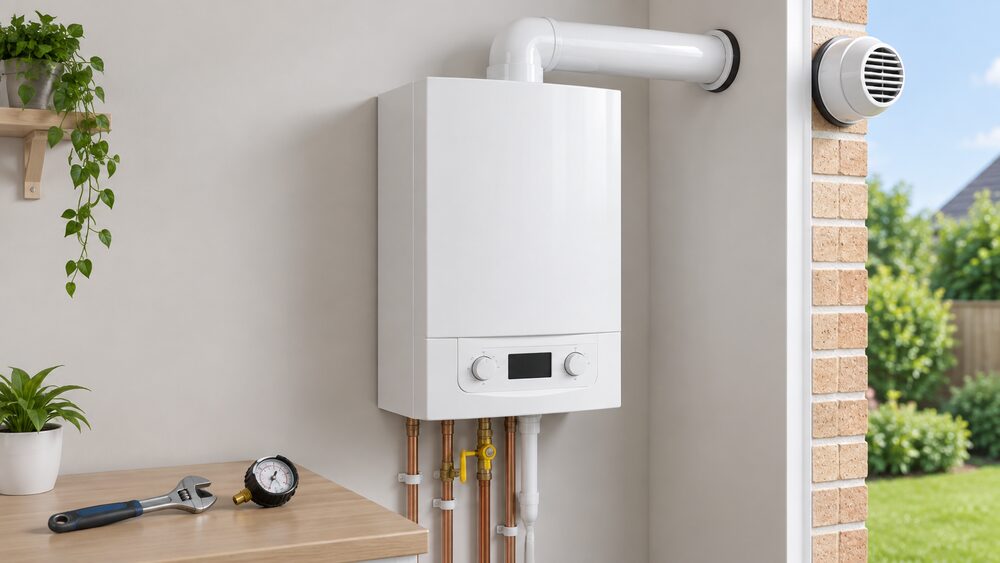 Worcester Bosch boilers and Greenstar range explainedWorcester Bosch is a Worcester-based maker, part of the Bosch Group, selling Greenstar gas, LPG and oil boilers with 5-year guarantees as standard and up to 12 years through accredited installers.
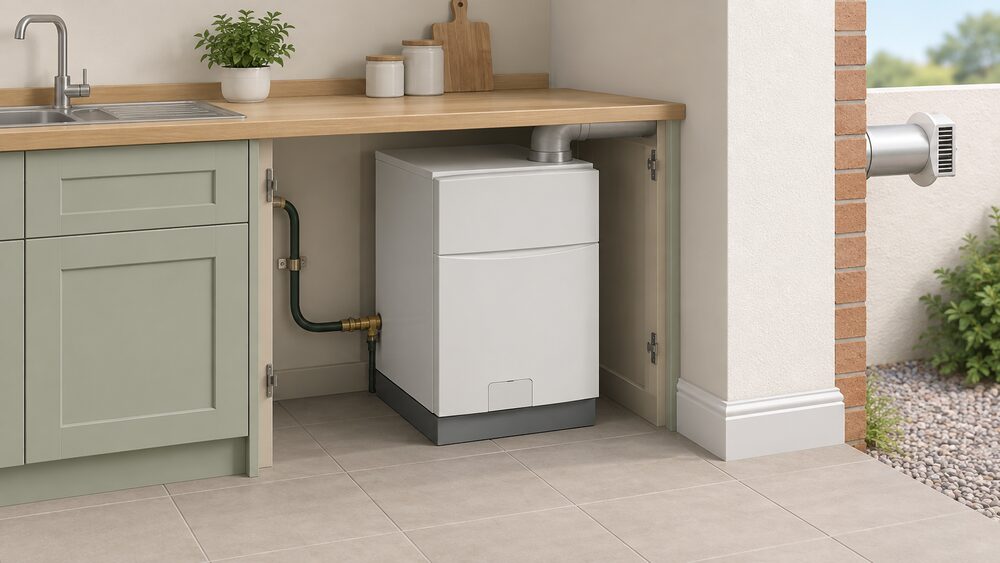 Worcester Bosch Greenstar Heatslave II oil combiOff the gas grid, an oil combi could be the answer for your home.
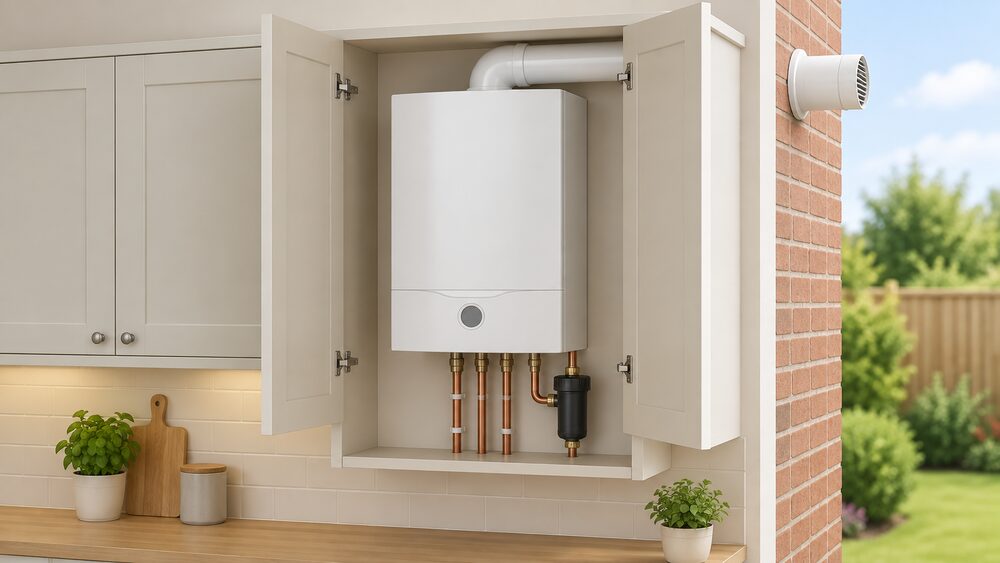 Worcester Greenstar CDi CompactSpecifications, efficiency, guarantee terms and costs for the Worcester Bosch Greenstar CDi Compact combi range, including the 28, 32 and 36kW models.
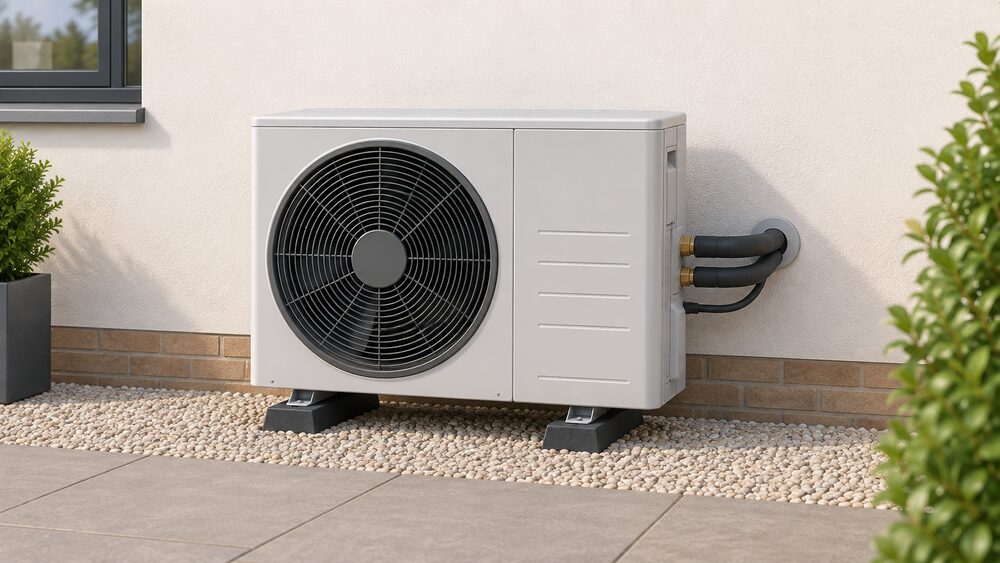 Bosch heat pumpsBosch sells its own Compress air source heat pump line in the UK alongside its Worcester Bosch brand, with a two-year appliance guarantee and installer-quoted prices.
 Worcester Bosch heat pumps and hybrid systemsWorcester Bosch is best known for boilers, so what does its heat pump range actually offer?
 Bosch Smart Home Heating ControlsBosch's consumer smart heating range including EasyControl.
 Worcester Bosch Heating Controls and ThermostatsWorcester Bosch sells mechanical, digital and smart controls, led by the Bosch EasyControl, with guarantees that match the boiler they are fitted to.
 Worcester Bosch boilers and heat pumpsWorcester Bosch is the UK's best-known boiler brand, part of the Bosch Group, making gas and oil boilers at Warndon in Worcestershire, plus a growing heat pump and hybrid range.