In this guide
The ev.energy app is smart charging software for electric vehicles, made by ev.energy, a company that describes itself as an equipment and energy company agnostic platform1. It is free to download on iPhone and Android, and it needs no extra hardware beyond a compatible vehicle or a compatible home charger2. The app works by taking control of when a plugged-in car charges, moving the bulk of the energy into the cheapest and greenest hours rather than the hours the driver happens to plug in.
The mechanism is a ready-by time. The driver sets the time the car must be ready, and the service manages the rest, choosing charging windows from a combination of the driver's deadline, local energy production, the household tariff, solar forecasting and local energy demand2. The company states that its algorithm looks ahead 24 hours and selects the best times to charge based on the energy tariff and the estimated carbon intensity of the grid5. Independent guidance describes the same idea in plain terms: letting a car charge when electricity is cheapest and greenest, often overnight, without changing the routine6.
The commercial model matters as much as the algorithm. ev.energy is paid by energy networks to shift consumption from peak to off-peak windows, and gives that back to drivers as reward points7. That funding route explains both the free Core tier and the limits of the savings: the value comes from moving load, not from generating electricity, and the app remains dependent on a home broadband connection, a compatible charger or vehicle, and the manufacturer's servers.
What the ev.energy app is and who makes it
ev.energy is a software company rather than a charger manufacturer or an electricity supplier. Its platform is deliberately neutral between hardware and energy companies, which is why the same app appears under other brands: waEV-charge states that it partnered with ev.energy, described as a leader in smart charging software, to handle the app experience for its chargers11. The company holds Certified B Corporation status and reports a driver base of over 300,00010.
That neutrality is the app's main structural advantage for a household. Because the software is not tied to one charger brand or one tariff, it can be carried across a change of car or a change of supplier, and it can sit on top of a charger that was bought for other reasons. The app is positioned as one app for charging at home, at work and on the go, and the paid tier extends that to public charging at over 2,900 locations12.
The dependence it creates is different in kind from a hardware lock-in. The intelligence lives on ev.energy's servers, not in the charger, so the scheduling, the tariff modelling and the reward accounting all run through the company's cloud platform, hosted by Amazon Web Services10. A household that stops using the service keeps a working charger but loses the optimisation.
Smart Charging: how the app decides when your car charges
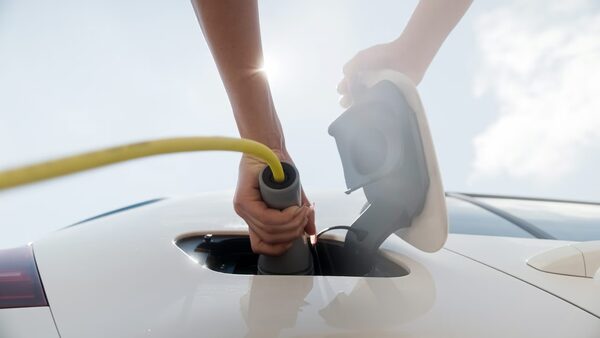
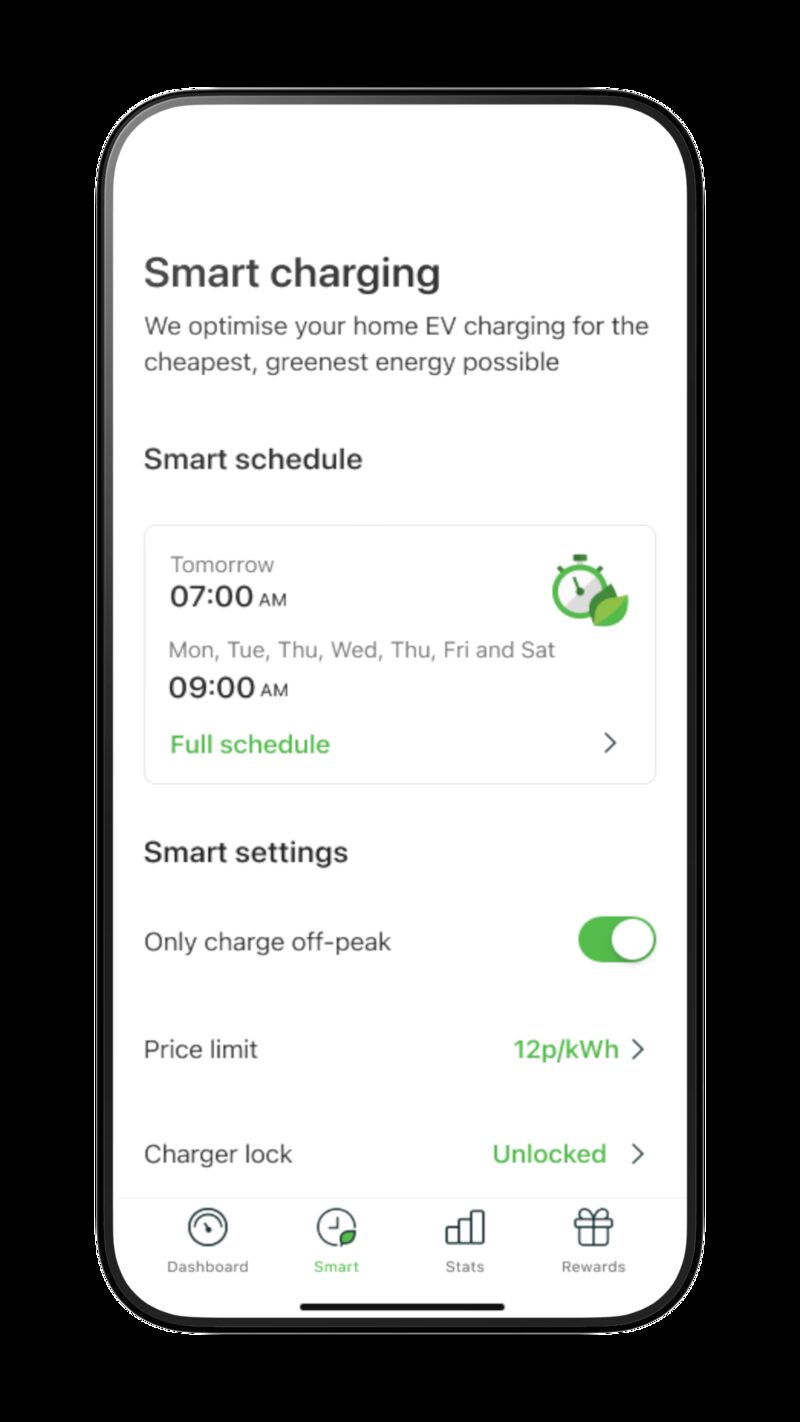
Smart Charging is the Core feature: the app automatically charges the vehicle when it is cheapest and greenest1. The driver turns it on and sets a ready-by time, and the service takes over from there2. The inputs are not just price. ev.energy states that it uses when the vehicle is needed, energy production in the local area, the household energy tariff, solar forecasting and local energy demand4. The 24-hour lookahead against tariff and estimated grid carbon intensity is the published description of the algorithm5.
The practical consequence is that a car plugged in at six in the evening may not draw power until the early hours, and the driver does not choose those hours. Independent guidance frames this as the point of flexibility: letting the car charge when electricity is cheapest and greenest, often overnight, without changing routine6. A charger manufacturer's support material describes the same outcome, that charging can be scheduled to align with off-peak electricity rates to save money and reduce carbon13.
Two conditions change the behaviour. If no energy tariff is selected in the app, no prices or savings are shown, but smart charging still works using the ready-by time and regional grid carbon intensity3. And if a manual schedule is active instead, the charger only starts charging inside the specified window, which is a fixed timer rather than an optimised one14.
"Our algorithm looks ahead 24 hours and selects the best times to charge based on your energy tariff and the estimated carbon intensity of the grid."
Setup and what you need to get started
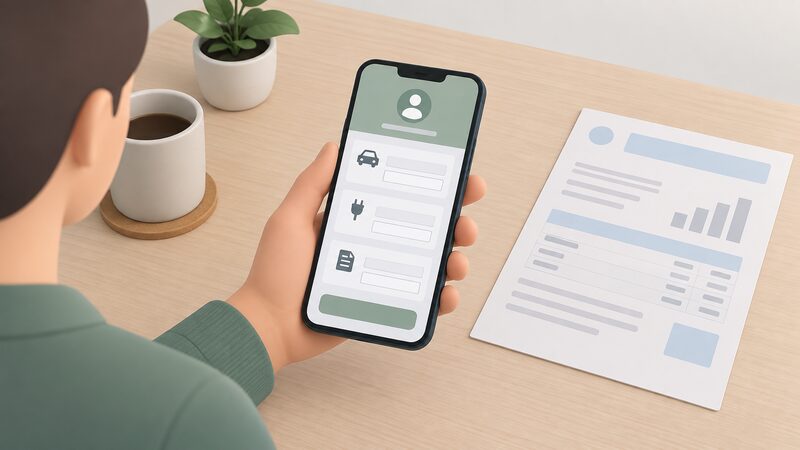
Setup runs in three published steps: download the app, create an account and add the vehicle, charger, address and energy tariff details, then turn on Smart Charging and set the ready-by time2. The app asks about the vehicle, equipment, energy tariff and where the household lives, which is how it collects the energy price from the supplier and predicts the cheapest and greenest times13. No extra hardware is required1.
The tariff step is the one that decides how much the app can do. Tariff details are entered under Account, then Your energy supply3. The details needed are the kind that appear on a recent bill or in a supplier's app or online account: the tariff name, its end date, the payment method and the estimated annual consumption15. Independent guidance on switching notes that the current tariff and annual usage or cost are the two things a household needs to hand, and both are on the latest bill17.
Where a household has no smart meter, the app still functions. Without a selected tariff the app shows no prices or savings, but smart charging continues on the ready-by time and regional carbon intensity3. That is a meaningful limit: the optimisation still shifts load, but the household cannot see what it saved, and the reward accounting is what remains visible.
Vehicle and charger compatibility: which brands work
The eligibility rule is deliberately loose: a household only needs a compatible vehicle or a compatible home charger to get started18. That means the app can be used either by taking control of the car through its manufacturer connection, or by taking control of the charger, so a driver with a supported car and an unsupported charger, or the reverse, is not excluded.
Tesla is the most searched pairing and has the most specific instructions. The Tesla app must be installed and the driver logged in, and after starting the pairing process in the Tesla app the driver must return to the ev.energy app and click Successfully Paired if the key has been paired19. Model S, Model X and Model Y are listed as compatible19. On Android devices, ev.energy advises trying a different browser or using an iPhone if available, which points to the pairing flow rather than the charging itself being the fragile part19.
Land Rover is listed separately, with the Defender, Discovery and Range Rover named as compatible vehicles18. The pattern across both is that compatibility is published per model rather than per brand, so a household checking a specific car should look for that model rather than the marque.
| Integration | Requirement | Listed models |
|---|---|---|
| Tesla | Tesla app installed and logged in, then confirm pairing in ev.energy19 | Model S, Model X, Model Y19 |
| Land Rover | Compatible vehicle listed by model18 | Defender, Discovery, Range Rover18 |
| Home charger | Compatible charger, no extra hardware1 | Charger-dependent1 |
Core, Solar and ev.energy+: what each tier costs and includes
The app has three tiers. Core is free and includes Smart Charging, Rewards, Charge History and Summary, Statistics, Charger Lock and access to the support team1. Charger Lock lets a compatible home charger be locked directly from the app1. Charge History and Summary gives the details of each session including energy, cost and carbon, and Statistics presents the wider pattern1.
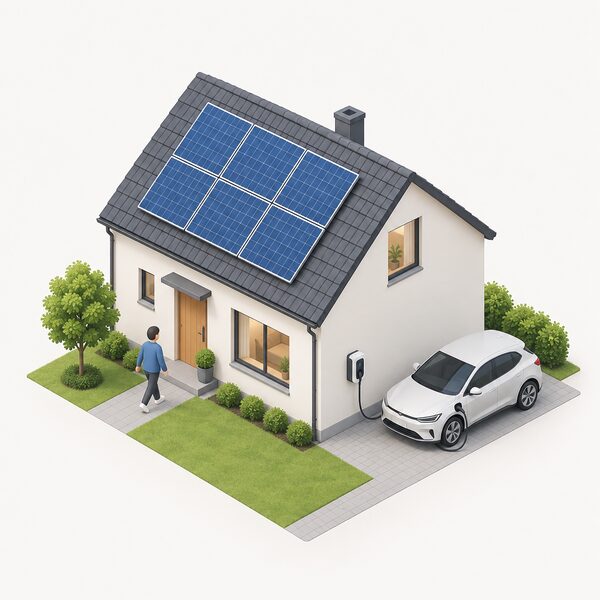
Solar sits above Core at £5 a month or £50 a year, and includes everything in Core plus Solar Only Mode, Solar Smart and a Solar Saving Guarantee8. Solar Only Mode matches the charge rate of the vehicle to the amount of solar power being exported to the grid, so the household self-consumes its own generation1. Solar Smart combines zero-carbon solar energy with the energy tariff to ensure the car is charged for when it is needed using the cheapest and greenest energy available1. ev.energy describes solar charging as zero-cost, zero-carbon, solar-powered charging without costly hardware upgrades8.
ev.energy+ includes everything in Solar plus Public Charging, Double Rewards and Premium Rewards including John Lewis, M&S and Costa Coffee8. Public charging covers over 2,900 locations12. Double Rewards doubles the value of reward points1.
| Tier | Price | Includes |
|---|---|---|
| Core | Free8 | Smart Charging, Rewards, Charge History and Summary, Statistics, Charger Lock, support1 |
| Solar | £5/month or £50/year8 | All Core features plus Solar Only Mode, Solar Smart, Solar Saving Guarantee1 |
| ev.energy+ | Not stated separately8 | All Solar features plus Public Charging, Double Rewards, Premium Rewards8 |
Rewards and savings: what the app claims and how it's funded
Rewards are the visible half of the business model. Users generate 1 reward point for every charge over 7kWh1. Redemption depends on tier: a regular ev.energy user needs 30 points to earn £5 in rewards, while an ev.energy+ user needs 15 points for the same £57. On a flat rate tariff, where there is no cheap window to exploit, the app states that smart rewards points are worth up to £30, claimable as gift cards for Amazon and other retailers9. The company also describes reward points as Amazon vouchers for putting the car on charge8.
The funding is explicit. ev.energy states that it is paid by energy networks to shift energy consumption from peak to off-peak windows, and that it gives this back to drivers7. That is the same mechanism independent guidance describes as flexibility: letting a car charge when electricity is cheapest and greenest, often overnight, without changing routine6. The money comes from the value of moving load away from peak, not from the household's own generation.
This is where the savings claim needs reading carefully. The reward is a share of a network payment, so it scales with how much load the app can shift and how often the car is charged, not with the size of the household's bill. A driver who charges rarely earns little. A driver on a flat tariff has no cheap window to shift into, which is why the flat tariff ceiling is expressed as a fixed reward value rather than a percentage saving9.
Data, security and what the app collects
The data position is set out in the scheme rules for a community trial that ev.energy ran, which is the most detailed published account of what the platform collects. Drivers consent to ev.energy collecting vehicle make, model, trim and year, VIN, battery size, battery state of charge, plug-in and unplug times, start and stop times of charging sessions, kWh consumed and vehicle charging location10. That is a detailed picture of when and where a car is charged.
On credentials, the company states that it does not store the EV username and password. Instead the credentials are exchanged with the vehicle manufacturer for a secure token, stored encrypted in ev.energy's cloud platform hosted by Amazon Web Services10. The same document records that data is stored on ev.energy's secure servers, hosted by Amazon Web Services10.
The app also monitors energy consumption and provides real-time updates, and the Core tier's charge history and statistics features are built on the same session data1. For a household, the practical point is that the useful features and the data collection are the same thing: charge history, cost reporting and expense exports all depend on the app knowing when, where and how much the car charged. The shared charging product adds timely charge notifications, carbon reporting and charge history for simple expensing21.
Where smart charging falls short: outages, roaming and manual control
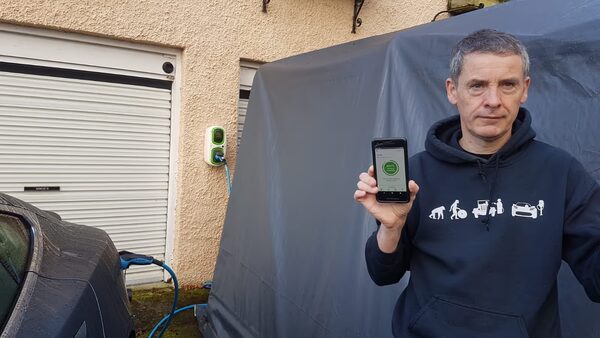
The clearest limit is a power cut. ev.energy states that if smart charging is turned on in the app, it will not work while the household is experiencing a power outage22. The app provides a workaround: the driver can override the smart schedule by pressing boost on the Dashboard tab to charge as soon as power is resumed22. A separate support article describes a Charge Now button that overrides the schedule for immediate charging14.
Manual control therefore exists at two levels. A fixed schedule can be created in the Schedules tab, where the charger only starts charging inside the specified window14. Smart Charging can be turned on or off in the Smart tab, with ready-by times set per day3. The app is not a substitute for the charger's own controls, and it is not a substitute for the vehicle's.
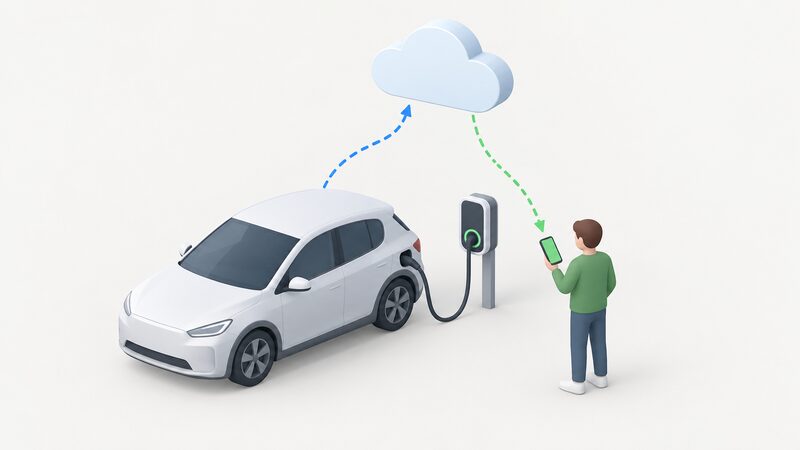
The dependence that remains is worth stating plainly. The optimisation runs on ev.energy's servers, so scheduling, tariff modelling and reward accounting all require the service to be reachable. The app needs a phone, and the household needs a broadband connection for the cloud side to work. The car still charges without any of it, but it charges on whatever schedule the charger or vehicle defaults to, which is usually the moment it is plugged in. For a household weighing energy independence, the app shifts when electricity is bought rather than how much or from whom: the car remains on the grid, on a supplier and on a tariff, and the savings depend on a network payment continuing.
Sources22 cited
- App features, ev.energy, 2026-09-17
- Get started, ev.energy, 2026-09-17
- Take charge without a smart meter, ev.energy, 2026-09-17
- Smart charging, ev.energy, 2026-09-17
- Flat rate blog, ev.energy, 2022-11-10
- What is flexibility, FlexAssure, 2026-09-19
- Calculating savings with ev.energy, ev.energy, 2026-09-17
- Drivers, ev.energy, 2026
- Solar EV charging, ev.energy, 2026-09-17
- Knaresborough community energy sharing trial, ev.energy, 2026-09-17
- ev.energy software, waEV-charge, 2026-09-17
- Drivers app features, ev.energy, 2026
- Smart charging for less, ev.energy, 2022-01-27
- How to set up scheduled charging on ev.energy, waEV-charge, 2026-09-17
- How to read your EDF energy bill, Uswitch, 2025-11-21
- How to check your energy tariff, British Gas Energy Trust, 2026-07-30
- How to read your energy bill, Confused.com, 2025-12-15
- Land Rover integration, ev.energy, 2026-09-17
- Tesla integration, ev.energy, 2026-09-17
- Tesla integration, ev.energy, 2026
- Shared charging, ev.energy, 2026-09-17
- Powercast unplanned, ev.energy, 2026