In this guide
equiwatt is a consumer flexibility app that pays households for shifting electricity use away from peak times. It works through a smart meter rather than a tariff: the app reads half-hourly consumption, tells the household when the grid wants demand reduced, and awards points when usage during an event beats the household's own forecast. The app itself is free1.
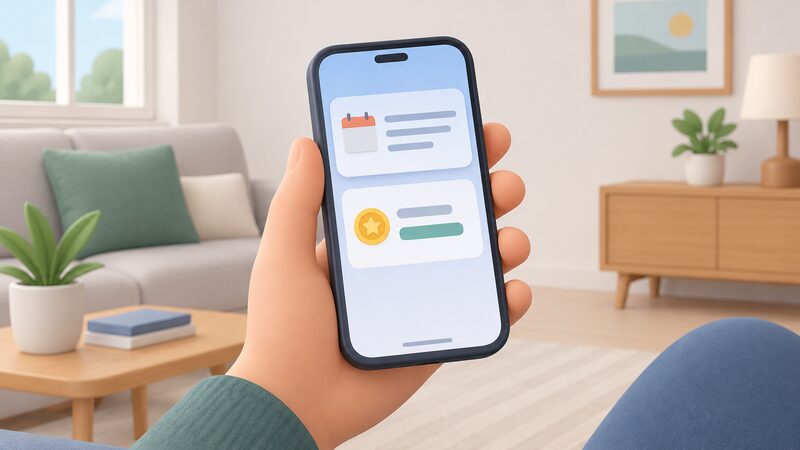
The rewards are modest but real. equiwatt's own guidance puts event participation at 37 to 112 points per event, worth £3 to £9 a month, with leaderboard positions adding £5 to £15 and spot prizes £1 to £202. The company describes the app as using electricity smart meters and smart technology to let users earn rewards as part of a community-powered Virtual Power Plant1.
What the app does not do is change who supplies the electricity. There is no tariff switch, no special contract and no requirement to move supplier. The household stays on its existing tariff and keeps its existing supplier, and the reward arrives separately as points redeemable in an in-app gift store1. That is the central trade-off: a small, low-commitment payment in exchange for allowing a third party to see half-hourly consumption data and to prompt changes in when appliances run.
What equiwatt is and what the app does
equiwatt sits in the same category as other household flexibility services: it aggregates small changes in domestic electricity use and sells the resulting demand reduction into grid flexibility markets. The app's own description is that it uses electricity smart meters and smart technology to enable users to earn rewards for being part of a community-powered Virtual Power Plant1. The company has also worked with Energy Systems Catapult on a trial of automated services within the app for connected systems including smart thermostats, heat pumps, electric vehicle charging and smart appliances5.
In practice the household sees three things. First, a forecast of what it would normally use in a given half hour. Second, a notification that an event is coming, sent in advance or sometimes at very short notice1. Third, a points balance that grows when the household beats its forecast. The app also pauses electric vehicle charging during peak times automatically, to help avoid charging when the grid is under strain6.
The dependence this creates is worth stating plainly. equiwatt is a third party sitting between the household and its meter data. Participation depends on the company continuing to operate, on its app continuing to work, and on the household's broadband and phone. The household's supply itself is unaffected: if the app stopped working tomorrow, the lights would stay on and the tariff would not change. What would be lost is the reward stream and the automation.
Cost and eligibility: a free app, but a smart meter with half-hourly data is essential
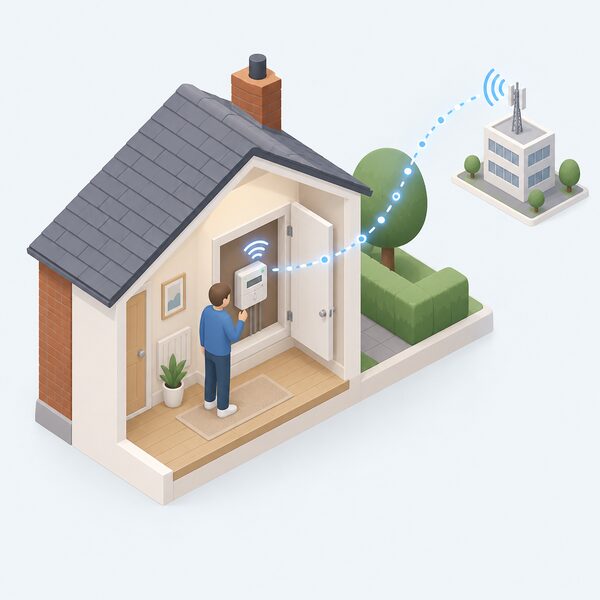
The app costs nothing to download or use1. The real entry requirement is metering. equiwatt states that a compatible smart meter must be connected to the app before points can be earned with it3, and that a meter installed in the last few years will likely be compatible, while one installed before 2018 may not be3.
That requirement is not unique to equiwatt. Independent guidance on time-of-use tariffs is that a household needs a smart meter recording half-hourly consumption to sign up for one, or for any other time-of-use tariff7. Smart Energy GB puts it the same way: accessing new flexible time-of-use tariffs requires a smart meter set to send readings every half an hour8. The Energy Saving Trust adds that smart time-of-use tariffs need a meter that communicates with the supplier every half hour7.
For the Demand Flexibility Service specifically, the requirement is a smart meter capable of sending half-hourly readings, plus a baseline measure of the last 60 days of electricity usage and marketing consent9. FlexAssure, the flexibility industry's consumer standards body, notes that a smart meter is needed in most cases and that suppliers can arrange free installation10.
powerDOWN, powerUP and powerSmart: the event types explained
equiwatt's events have changed names and multiplied since the service began, and the current set is best understood as three families.
powerDOWN events are the original model. They occur when demand on the energy grid is high and usually last around an hour1. The household is notified through the app, in advance or at short notice, and reduces usage by powering down appliances and shifting consumption to another time of day, or by letting connected smart devices and electric vehicles do it automatically1. Points are awarded based on how much energy and carbon dioxide the household helped to save, and are redeemable in the in-app gift store1.
powerUP events work in the opposite direction, rewarding higher electricity use at times when the grid has surplus generation. These were introduced alongside a renaming of the original events, with advanced-notice equivents becoming powerDOWN and no-notice equivents becoming instant powerDOWN1.
powerSmart is the route into the National Energy System Operator's Demand Flexibility Service. equiwatt launched PowerSmart events for NESO's DFS in December 2024, alongside multi-event notifications, expanded eGift rewards, a spot prize competition and smart device automations for all users9.
The DFS itself is the national scheme that pays households for reducing demand during specified events. Customers take part through participating energy suppliers, aggregators and apps8. equiwatt is one of the aggregator routes, and the scheme is open to domestic and non-domestic participants12.
Earnings: over £150 a year and how points are calculated
equiwatt's published figures give a range rather than a single number. Event participation is guided at 37 to 112 points per event, worth £3 to £9 a month2. Leaderboard positions add 500 to 1,500 points a month, worth £5 to £152. Spot prizes run from £1 to £202.
Taken together, a household that takes part regularly and places well on the leaderboard is looking at a reward stream in the low hundreds of pounds a year at best, and considerably less if participation is occasional. The points are not cash: they are redeemed in the in-app gift store1.
For scale, a 150W electric blanket run for eight hours a night at maximum setting costs £114.36 a year at the July 2026 price cap13. That is the kind of household cost the reward is competing against, and it shows why flexibility payments are best understood as a modest offset rather than a meaningful income.
The wider context is that suppliers are expected to make an additional £140m in profit on the nation's energy bills over the next 12 months from price cap changes14. Flexibility payments to households are small relative to the value the same demand reduction carries in wholesale and balancing markets, which is the commercial reason aggregators exist.
"earning between 37 - 112 points per event"
Smart plugs, EVs, batteries and chargers: what you can connect
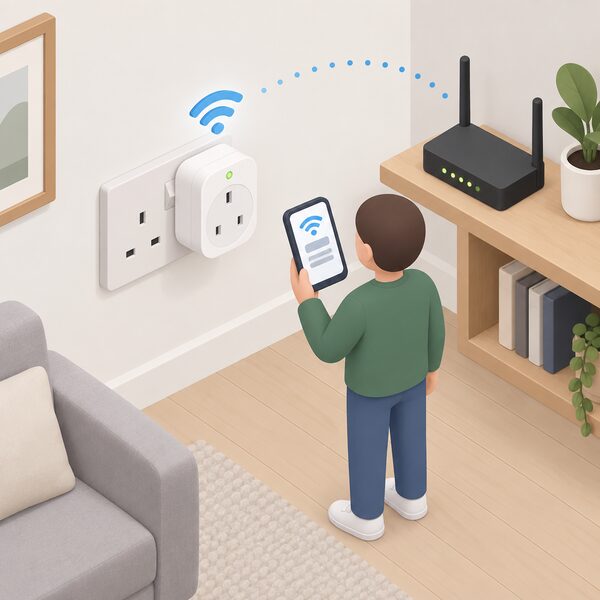
Automation is what turns equiwatt from a manual habit into something that runs itself, and the supported hardware list is short.
Only the TP-Link HS110 and KP115 energy monitoring smart plugs are compatible with the app for automated event participation15. The plug must be set up in the Kasa Smart app, plugged in and connected to the home WiFi network before it is added to equiwatt15. Other makes or models of TP-Link smart plug cannot currently be connected to automate participation through a Kasa account15.
Electric vehicles are handled differently. The app pauses EV charging during peak times automatically6. Where a vehicle is not on the supported list, it can be added manually: open the Manage tab, select Add Electric Vehicle, scroll to the bottom of the list and choose Can't find your EV?, then enter the brand, model and year and select Continue16.
Battery owners have a route too. equiwatt added beta energy tariff integration in June 2025, letting users view rates, contract details and time-of-use rates, and allowing AlphaESS battery owners with an export MPAN to earn export rewards1.
There is a known limitation for homes with their own generation. equiwatt has acknowledged that the app cannot track non-grid energy use, so solar and battery users may earn no points because their imported consumption is already low, and the company announced a planned trial of turn up events to address it1. A household with solar and a battery should expect a low forecast and, on the current design, little or nothing to beat.
DFS participation and the one-provider rule
The Demand Flexibility Service is the largest single source of flexibility payments to UK households, and it comes with a rule that catches people out: a household can only be signed up to one DFS provider at a time17.
That exclusivity is enforced across the market. Being signed up to a provider scheme such as British Gas PeakSave Winter, E.ON Next #PowerSwitch or Octopus Energy Saving Sessions prevents signing up with ivie17. The same applies in reverse. When a household signs up to one provider's Power Hours product, it is automatically enrolled in Reduce & Earn sessions too, and can only be registered with one NESO DFS scheme at a time18.
Some schemes sit outside the DFS entirely. The Uswitch App Free Electricity Scheme states that NESO DFS events, including Reduce & Earn and Increase & Earn, do not form part of that scheme19. That distinction matters because it determines whether a household is free to join an aggregator as well.
For an equiwatt household, the practical consequence is a choice. Joining equiwatt's powerSmart route into DFS means not joining a supplier's own saving sessions at the same time. The reward rates differ between providers, and equiwatt has previously confirmed that DFS events pay two to three times more points than non-DFS events because the rewards are subsidised1.
Supplier independence: no tariff change or special contract needed
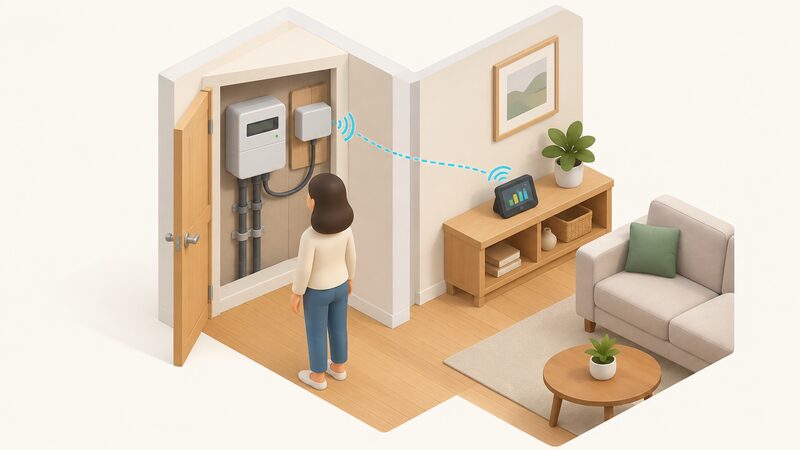
The clearest advantage of the equiwatt model is that it does not touch the supply contract. Flexibility services are explicit that a household does not need to switch supplier to sign up with companies offering apps20. The household keeps its tariff, its supplier and its exit terms.
That is a meaningful difference from the alternatives. A time-of-use tariff requires moving onto a new product with new rates and, often, new contract terms. A standard variable tariff carries no contract and no exit fees if the supplier changes21, but a fixed tariff usually does. An app-based flexibility service sits outside all of it.
The pattern is common to other services that attach to a home without changing the supply relationship. Cadent provides its locking cooker valve service regardless of the household's gas supplier, with no need to change supplier or inform them22. Liquid fuel heating customers are not tied to one supplier and can shop around23. Zapmap's smart charging product states there is no need to change energy provider24.
What the household does give up is data and a degree of control. Half-hourly consumption is shared with equiwatt and, through it, with the scheme operator. The reward is paid for that visibility and for the willingness to move load. For a household already on a time-of-use tariff, the two can work together: the tariff rewards shifting, and the app pays again for the same shift. More on how those tariffs are structured is at time-of-use electricity tariffs and flexibility payments for households.
Smart meter connection, consent and the 24-month revalidation cycle
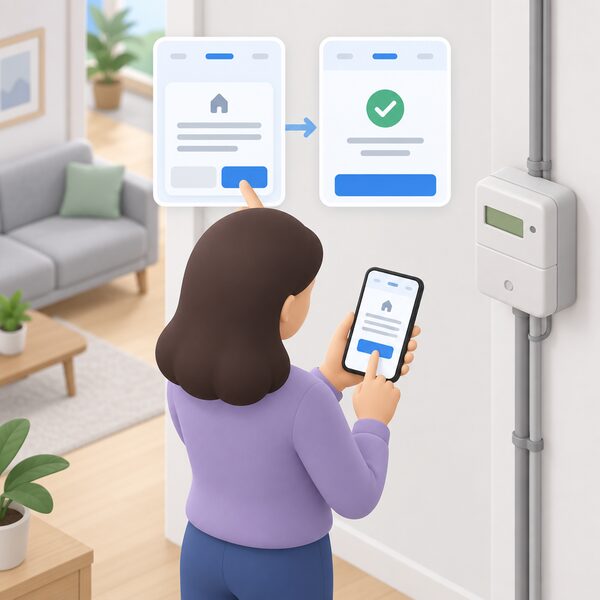
Connecting a meter runs through the app's Manage tab. The sequence is: select Smart Meter, select the cog icon in the top right-hand corner, select Reconnect smart meter, and confirm with Continue4. The app then reports the meter as reconnected4.
Consent does not last forever. The app prompts households with the message "Please click here to start re-consent process to continue using equiwatt app" when the existing consent needs renewing25. Where a household tries to remove the meter and add it again, some report hitting an error stating that consent cannot be withdrawn, which blocks the re-consent route25. The maker advises waiting 48 hours for a reconnection confirmation to take effect25.
Points timing is worth knowing before chasing a missing balance. Points for manual participation appear within 24 to 48 hours as pending after the event ends3. They are pending, not settled, during that window.
On identity checks, equiwatt's own published requirements are not set out in the material available here. Comparable energy schemes ask domestic installation owners for proof of address in the form of utility bills, bank statements, council tax bills or equivalent documents26. Energy Performance Certificates, by contrast, record the address of the building rather than verifying the occupant27. Where a dispute arises, the Energy Ombudsman requires the complainant to verify their email address before a case proceeds28, and cases against a named supplier require sufficient evidence including the date the complaint was raised29.
The independence picture is therefore mixed. The household keeps its supplier and its tariff, which is genuine independence on price and contract. What it adds is a dependence on a smart meter, a broadband connection, a manufacturer's app and a third party's continued operation, in exchange for a reward stream in the low hundreds of pounds a year at most. Households weighing that against tariff-based routes can compare the alternatives at free electricity hours and reward tariffs and smart charging tariffs.
Sources29 cited
- What is equiwatt?, equiwatt, 2026
- How to earn points, equiwatt, 2026
- How can I earn points with my smart meter?, equiwatt, 2026
- How do I reconnect my smart meter?, equiwatt, 2026
- equiwatt partners with Energy Systems Catapult, Energy Systems Catapult, 2023-09-25
- How much can I reduce my EV's charging carbon footprint using the equiwatt EV app?, equiwatt, 2026
- Should I switch to a time of use tariff, Energy Saving Trust, 2026-01-23
- Energy flexibility, Smart Energy GB, 2026-08-17
- Understanding the Demand Flexibility Service scheme, Smart Energy GB, 2026-03-16
- For homes, FlexAssure, 2026-09-19
- Getting a smart meter installed, Citizens Advice, 2026-09-17
- How does the Demand Flexibility Service work?, Uswitch, 2026-04-01
- How much does it cost to use an electric blanket?, Uswitch, 2026
- Tariff Watch, End Fuel Poverty Coalition, 2026-09-20
- How do I add my TP-Link smart plug to my equiwatt account?, equiwatt, 2026
- How can I add my EV manually?, equiwatt, 2026
- 9 ways to flex your energy around peak times, ivie, 2026-09-20
- Free electricity, Uswitch, 2026-09-20
- Power Hours terms, Uswitch, 2026-09-14
- Flexibility services, UK Power Networks, 2026-09-20
- Switching your energy supplier, Energy Saving Trust, 2026-06-26
- Locking cooker valves, Cadent, 2026-09-20
- What heating options are available off the grid?, OFTEC, 2026-09-20
- Smart charging, Zapmap, 2026
- Your meter connection is expired, equiwatt community, 2026-09-20
- FIT Guidance for Licensed Electricity Suppliers V17.1, Ofgem, 2024-09-06
- The Energy Performance of Buildings (England and Wales) Regulations 2012, regulation 9, legislation.gov.uk, 2026-09-17
- Creating a case with the Energy Ombudsman, Energy Ombudsman, 2026-09-20
- Raise a dispute: Connekt Energy, Energy Ombudsman, 2026-09-19
 EquiwattCan you really earn money by using less electricity at peak times?