
In this guide
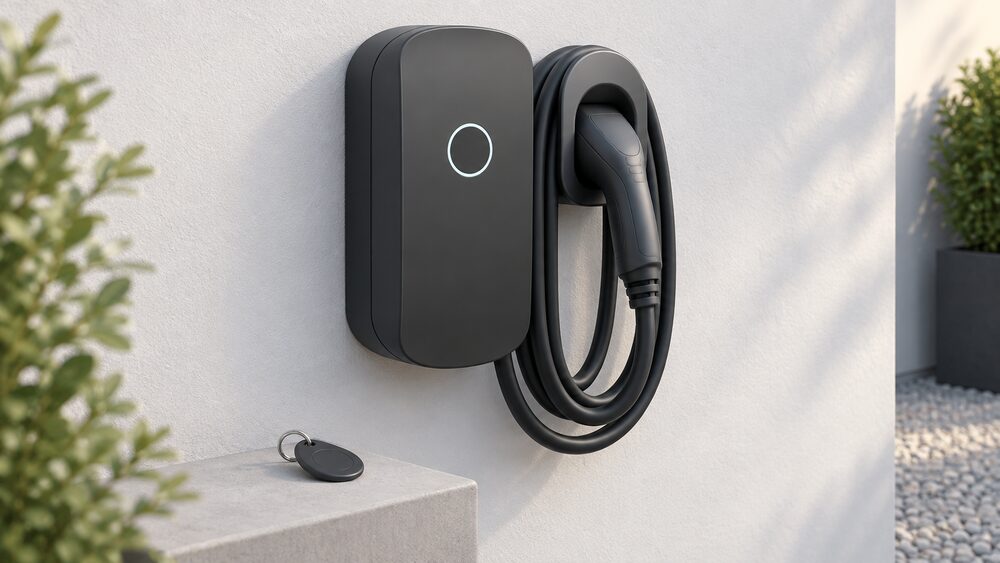
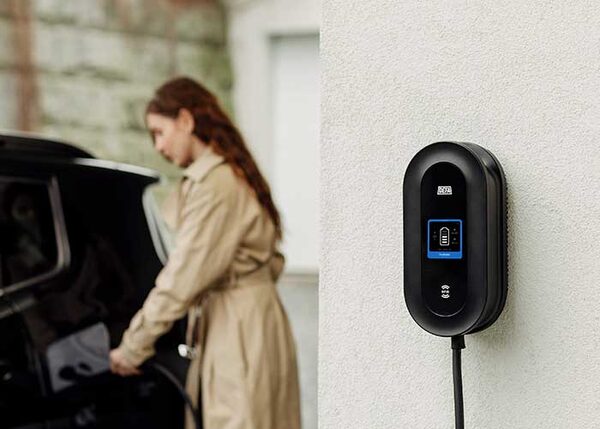
DEFA Power is a Norwegian-designed home charge point sold in the UK with a fixed Type 2 cable and a charging power of up to 22 kW1. DEFA's own support pages put the same ceiling on the unit while noting that the actual maximum charging power depends on several factors, so the 22 kW figure is a capability rather than a promise for any given house3. The charger is Mode 3, the standard AC charging mode for a dedicated wall unit, and it carries an integrated cable rather than a socket1.
The commercial case for DEFA in the UK rests less on the box than on what sits behind it. The charger speaks OCPP 2.0.1, the current version of the Open Charge Point Protocol, and DEFA states it can connect to any Charge Station Management System with a documented implementation of that protocol4. It is prepared for ISO 15118, which DEFA describes as making it capable of handling bidirectional power flow, and it acts as a slave device in Modbus TCP/IP communication4. Those are the features that decide whether a charger can be managed, balanced and eventually run in reverse.
What follows sets out the specifications, the connectivity, the access control, the load management options and the installation route, and is honest about where the evidence is thin. DEFA publishes detailed technical support material but no UK installed price, and the UK dealer and installer network is not documented in the material available here.
DEFA Power at a glance: 22 kW with an integrated Type 2 cable
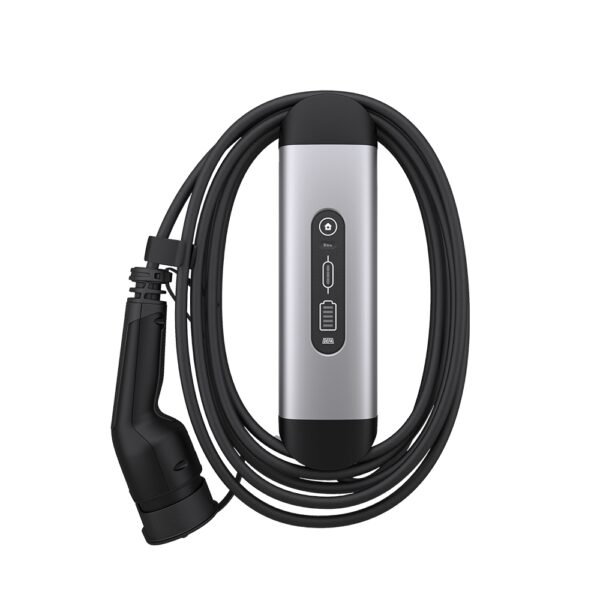
The DEFA Power range is sold in variants that differ mainly in cable length and mounting. The DEFA Power Up with a docking arrangement is rated at up to 22 kW, uses Mode 3 charging, and is set up through the app1. The 6m cable version carries the same 22 kW rating and the same Mode 3 designation, and adds Ethernet 100Base-T as a communications option2. Both list access control as RFID, NFC and the DEFA Power app1.
DEFA's own product pages for its recommended home charging solution describe a 6m fixed Type 2 cable, installation by an authorised installer, and a positioning of maximum power at the lowest possible cost6. Those pages are marketing copy rather than specification, and the claim about cost is not backed by a published price anywhere in the material available here.
The 22 kW headline needs context. Independent guidance from Which? describes 22 kW chargers as the most expensive, requiring a three-phase connection10. That is the practical constraint: a 22 kW AC charge point needs a three-phase supply to deliver its rated power, and most UK homes have a single-phase supply. On a single-phase connection the charger will still work, but it cannot reach 22 kW. The DEFA Power is therefore a three-phase-capable unit that will often run well below its ceiling in a British house.
| Variant | Charging power | Cable | Communications | Access control |
|---|---|---|---|---|
| DEFA Power Up, docking | Up to 22 kW1 | Fixed Type 21 | Not stated | RFID, NFC, app1 |
| DEFA Power Up, 6m cable | Up to 22 kW2 | 6m fixed Type 22 | Ethernet 100Base-T2 | RFID, NFC, app2 |
| DEFA Power (general) | Up to 22 kW3 | Not stated | LAN, Wi-Fi or cellular11 | Not stated |
Smart connectivity: Wi-Fi, LAN, 4G and the app
DEFA Power can be connected to the internet by LAN cable, Wi-Fi network or cellular connection, and the LAN cable is prepared by the installer11. DEFA's network requirements guide lists eight network connection options, running from Ethernet to Ethernet through to no local network at all but a 4G internet connection13. That breadth matters because it means the charger does not depend on a single route to the internet.
The Wi-Fi setup runs through the app: go to Charger Settings, select Network and tap on Wi-Fi network to start the Wi-Fi wizard12. The access point can use either the 2.4 GHz or the 5 GHz band13. Where a firewall is installed it must allow outgoing connections to defa.com on ports 80, 443 and 5182013. The network must give the chargers an IP address via DHCP, and static IP addresses are not supported13.
Cellular connectivity is not uniform across the range. DEFA states that the DEFA Power model 715000 requires activation of the integrated mobile network connection, while for DEFA Power S (715003) and DEFA Power Up (715001 and 715002) mobile connectivity is included as part of the charging system solution11. DEFA also describes the DEFA Power S as intended for smart charging systems and more advanced setups, with integrated 4G connectivity suited to cloud-based monitoring and load balancing across units3.
There is a limit worth stating plainly. DEFA notes that chargers do not communicate with each other via the cellular connection, and that this is by design; load balancing via cloud is available if the CSMS supports it13. So a group of chargers relying only on 4G cannot coordinate locally. Where several units need to share a supply, the local network is doing the work.
Access control and sharing: RFID keys, app access and lending your charger
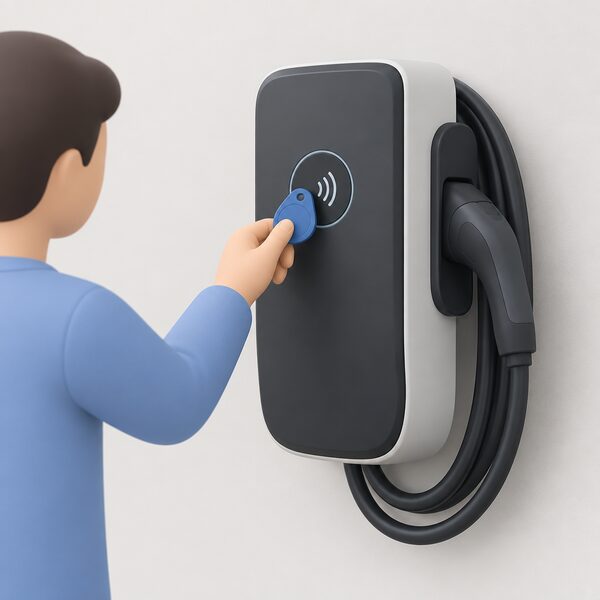
The RFID function on DEFA Power exists to limit access to the charger to authorised individuals, preventing unauthorised charging and misuse14. When authentication is enabled, charging can be started through the app or with an RFID key14. The reader can read most RFID keys available, including credit or entrance cards with an RFID chip14.
The important detail for sharing is how the key is bound. DEFA states that the RFID key is linked to the user in the app and not to the individual charging station14. That means the credential follows the person rather than the box, which is a different model from chargers where each fob is paired to one unit. It also means that managing who can charge is largely a matter of managing app users.
Independent guidance notes that chargers can have security systems to limit access and payment systems15. Access control is not unique to DEFA, and third-party fobs exist for other brands: one maker's fob is described as suitable for specific wall charger and pro charger models, with the purpose of allowing authorised persons to activate the charger and preventing unauthorised usage, misuse or accidental use16. That is a different product for a different brand, and it is not stated to work with DEFA.
Load balancing and energy management: DEFA Balancer, Modbus and EcoMode
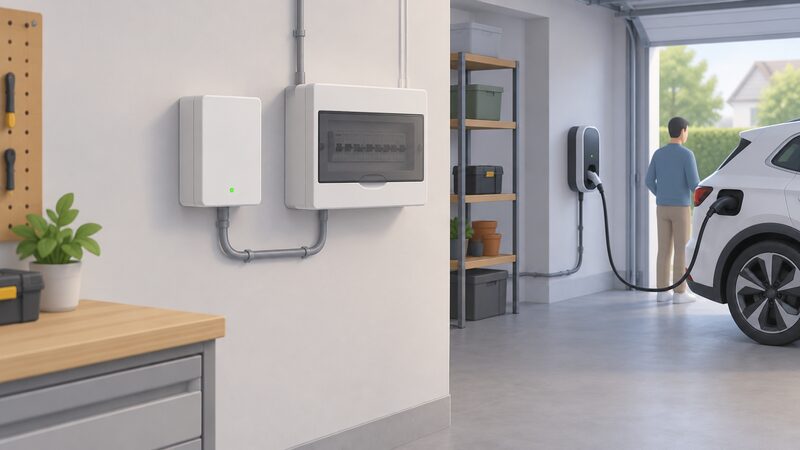
The DEFA Balancer is a separate unit, compatible with the DEFA Power charging station, and it is the local load management device in the range5. Its role is to keep the total draw of the installation within the supply's capacity, which is the difference between a charger that can be installed on an existing supply and one that forces an upgrade.
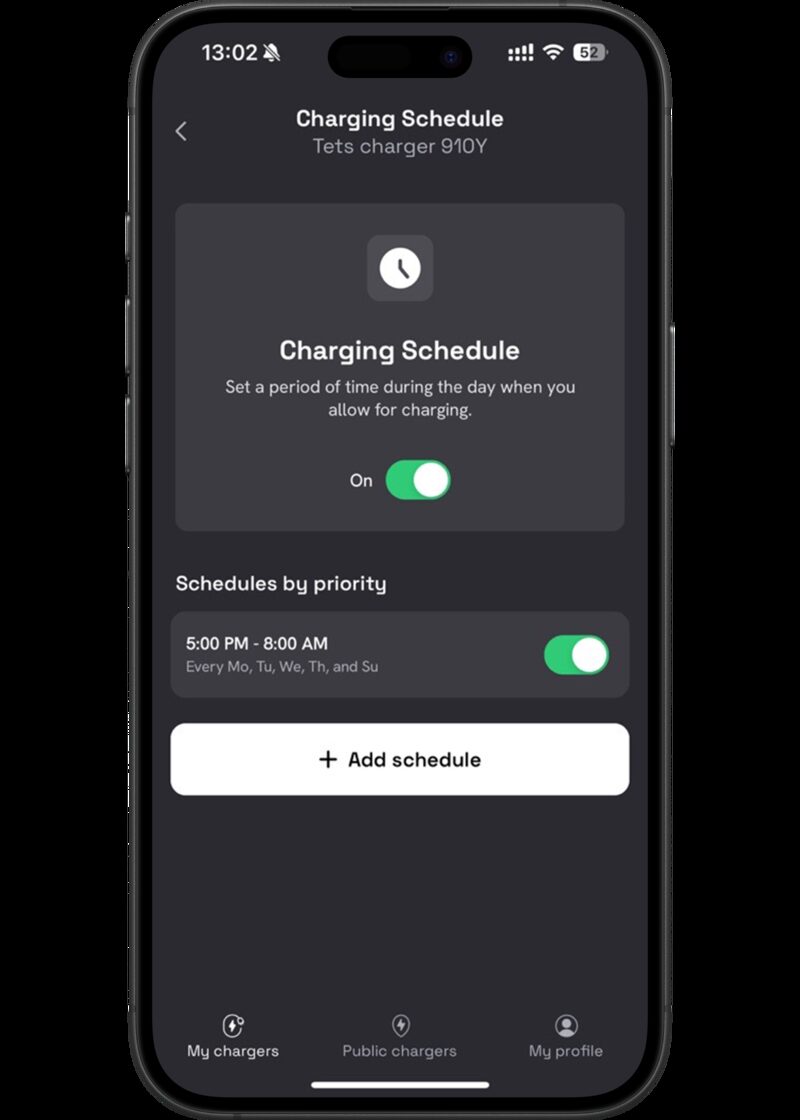
DEFA's app includes three cost-saving features grouped under PowerSmart: EcoMode, Charging Schedule and Max Power3. EcoMode is the one that most often causes confusion, because it depends on the balancer being reachable. DEFA explains that the charger may still appear online because it is connected via 4G, while the DEFA Balancer relies on a Wi-Fi or LAN connection3. The charger looks healthy in the app while the balancer is not, and EcoMode is unavailable as a result.
There is a second reason EcoMode can be missing. DEFA states that if a DEFA Power is part of a charging system, such as in a housing cooperative or a company, access to some features including EcoMode may be limited3. In a shared or commercial setup the system operator controls the settings, not the individual household.
Modbus is the route for integrating the charger with a wider energy management system. DEFA Power acts as a slave device in Modbus TCP/IP communication, and the charging station should be connected to the same network as the master device, or proper routing applied between sub networks4. Only one active Modbus master connection is allowed at any time, and the charger needs firmware 4.3.12 or newer4. For a household with solar, a battery or a home energy management system, Modbus is the interface that lets the charger be told when to draw power.
Open standards: OCPP 2.0.1, ISO 15118 and the road to V2G and V2H
DEFA Power comes with OCPP 2.0.1, which DEFA describes as the latest version of the Open Charge Point Protocol4. The practical consequence is portability: DEFA states it is possible to connect the DEFA Power to any Charge Station Management System with a documented implementation of OCPP 2.0.1, and approved systems are listed in the DEFA Power Setup app4. A charger that speaks an open protocol can be moved between back-end platforms, which reduces the risk of being locked to one provider's software.
On bidirectional charging, DEFA's position is carefully worded. The company states that its charging box is prepared for ISO 15118, meaning it is capable of handling bidirectional power flow4. It then sets the condition: with the ISO 15118-20 standard implemented in both vehicles and charging boxes, Vehicle-to-Grid and Vehicle-to-Home become possible4. Both halves of that sentence matter. The charger being ready is necessary but not sufficient; the car must be ready too, and the standard must be implemented at both ends.
This is the honest position on V2G and V2H for any charger today. The hardware can be capable while the ecosystem is not yet in place, and no household should read "prepared for ISO 15118" as a working vehicle-to-home system. The wider picture on bidirectional charging, including what it requires of the car and the installation, is set out in vehicle-to-grid and vehicle-to-home.
Installation and commissioning: what the installer does and what you do
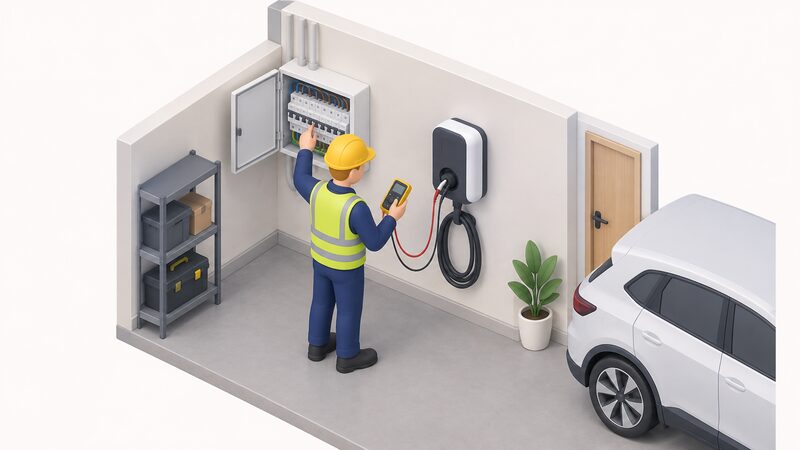
DEFA describes installation by an authorised installer as part of the product's proposition6. Independent guidance is firmer: EV charger installation should always be done by a qualified and certified electrician17, and chargers should be installed by a registered electrician with experience in this type of installation18.
The installer's responsibilities are set out in the IET Code of Practice for EV Charging Equipment Installation. They include assessing the adequacy of the supply capacity for the new EV load plus any existing demand, assessing the adequacy of the earthing, and notifying the electricity Distribution Network Operator once the charge point has been installed19. Building regulations approval is always required when installing an EV home charger, and a competent and reputable installer should be used, with specific processes for notifying the local building control authority21.
The charger itself must be installed in line with the current edition of BS 7671, the national standard for electrical installations22. Section 722 of that standard covers Mode 2, Mode 3 and Mode 4 charging modes, and notes that Mode 2, a portable charger plugged into a domestic socket, is not recommended for regular use23. DEFA Power is a Mode 3 unit, which is the mode intended for a fixed installation1.
Where solar or battery storage is part of the picture, compatibility between the charger, the solar system and any battery storage should be considered from the outset rather than after the charger is on the wall24. The DEFA Power's Modbus interface is the mechanism that would carry that integration4.
Firmware, certification and ongoing support
DEFA maintains a published release history for DEFA Power firmware. Version 4.3.3 added ISO 15118-20 protocol support and support for simple hybrid installations combining CLU with eRange chargers and DEFA Power. Version 4.3.11 improved Wi-Fi and network handling, kept the QR code visible after the EV is connected, and fixed connection loss issues. Version 4.13.1 added support for AutoCharge and ISO 15118-2 Plug and Charge, an installation password, and improved 4G connectivity handling. Version 4.13.15 extended the component test for ISO 15118-2 Plug and Charge and included bug fixes for the user interface, phase reporting, OCPP time stamp parsing and load balancer calculation of uncontrollable loads.
That cadence is a reasonable indicator of active development, and it also means the feature set of a given unit depends on which firmware it is running. Modbus integration, for instance, requires firmware 4.3.12 or newer4, so a charger that has not been updated will not support it.
On certification, BSI describes Kitemark certification for EV chargers as demonstrating the safety, security, quality and reliability of the equipment and meeting legislative, market access, specifier and compliance requirements25. DEFA Power is not stated in the material available here to hold that certification, so no claim is made about it. What DEFA does publish is the protocol and standards position: OCPP 2.0.1, ISO 15118 readiness and Modbus TCP/IP4.
Where DEFA Power sits for a UK household
The DEFA Power is a well-specified three-phase-capable AC charger with an open protocol, a separate load balancer and a documented firmware history. For a household with a three-phase supply, or one planning for a larger EV, the 22 kW ceiling is a genuine capability. For a typical single-phase UK home, the practical charging rate will be set by the supply rather than by the charger, and the 22 kW figure will not be reached.
The dependence picture is mixed. On the positive side, OCPP 2.0.1 means the charger is not tied to one back-end platform, and Modbus allows it to be driven by a local energy management system rather than only by a cloud service4. On the other side, the app-based setup, the firmware updates and the EcoMode feature all run through DEFA's software and, in most configurations, an internet connection. The DEFA Balancer needs a Wi-Fi or LAN link to work, and a charger on 4G alone will not coordinate with other chargers locally3.
There is no published UK installed price for a DEFA Power in the material available here, so cost is installer-quoted. The UK installer and dealer network is likewise not documented, and DEFA's published installer testimonials come from Sweden, Norway and Finland rather than the UK. A household considering the range should establish local installer availability and support arrangements before committing, and should treat the 22 kW rating as conditional on the supply.
Sources25 cited
- DEFA Power Up 4m cable and docking, DEFA, 2026-04-13
- DEFA Power Up 6m cable, DEFA, 2026-03-27
- DEFA Power owners support, DEFA, 2026-08-28
- DEFA Power OCPP and V2G guidance, DEFA, 2025-12-18
- DEFA Balancer, DEFA, 2024-06-20
- DEFA recommended charging solution, EV4 Fastback, DEFA, 2026-09-17
- DEFA recommended charging solution, CX-6e, DEFA, 2026-09-17
- DEFA recommended home charger, ID Polo, DEFA, 2026-09-17
- DEFA recommended charging solution, Epiq 55, DEFA, 2026-09-17
- Electric car charging at home, Which?, 2026-02-25
- DEFA Power mobile network guide, DEFA, 2023-07-25
- DEFA Power Wi-Fi guide, DEFA, 2023-07-25
- DEFA Power network requirements, DEFA, 2025-06-03
- DEFA Power supported RFID, DEFA, 2024-02-28
- Clean energy boost, Low Carbon Hub, 2024-06-25
- EVXRFIDFOB-01, Sync Energy, 2026-09-17
- EV charging, Uswitch, 2026-09-19
- EV charger installation and maintenance, NICEIC, 2026-08-19
- Connecting to the networks: frequently asked questions, Energy Networks Association, 2026-09-20
- Single EV connection, Electricity North West, 2026-09-17
- Building regulations for electric vehicle charging, Planning Portal, 2026
- EV charger regulations in England, NICEIC, 2025-08
- Section 722 EV charging complete guide, Elec-Mate, 2026-07-02
- Can solar panels charge electric cars?, CPA, 2026-04-15
- Powering trust in EV charging with BSI Kitemark certification, BSI, 2026-09-17