In this guide
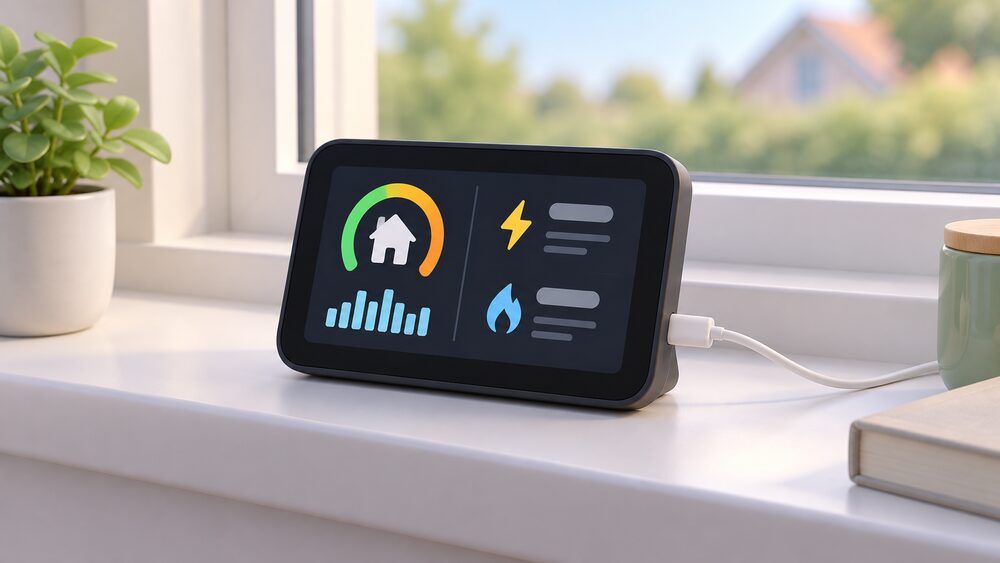
A Chameleon in-home display is the small touchscreen unit that sits on a shelf or windowsill and shows what a household is spending on gas and electricity as it uses them. It is not the meter. The meter is fixed, usually in a cupboard inside or outside the home, and the display is the part you can pick up, move and interact with1. Chameleon Technology is the maker behind the displays issued by many major energy suppliers, and the company states it has delivered over 10 million in-home displays through those suppliers2.
The display is provided, not sold. Everyone who gets a smart meter installed is provided with an in-home display, and the meter and display together are installed by the energy supplier at no extra cost3. The display shows energy use in pounds and pence and should take standing charges into account, though it may not show discounts or ad hoc charges5. That gap between the screen and the bill is the single most common source of confusion, and it is a display limitation rather than a metering error.
For a household, the display is the visible end of a system that runs without any action: the meter sends readings to the supplier automatically, so nobody has to read a meter or submit a figure7. What the display adds is immediacy, and what it costs is a dependence on the meter's connection, the supplier's systems and, for the app features, a home broadband link.
What a Chameleon in-home display is and what it shows
The display is best understood as a window onto the meter rather than a measuring device in its own right. Chameleon describes it as displaying the internal workings of the smart meter that you can interact with2. It shows how much gas and electricity is being used and what that costs, with updates about electricity use arriving as the electricity is used1. The meter itself will not show spending; only the in-home display shows standing charges6.
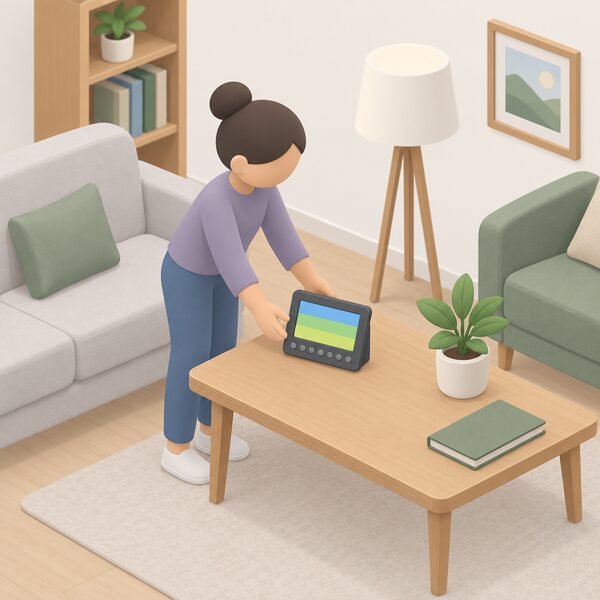
A smart meter setup has two parts: the meter and the display screen13. The display is portable, so it can be carried to whichever room is being discussed, and it is paired specifically with the smart meter installed at that property14. That pairing is why a display from one home will not report another home's usage, and why a replacement has to be matched to the existing meter rather than simply swapped in.
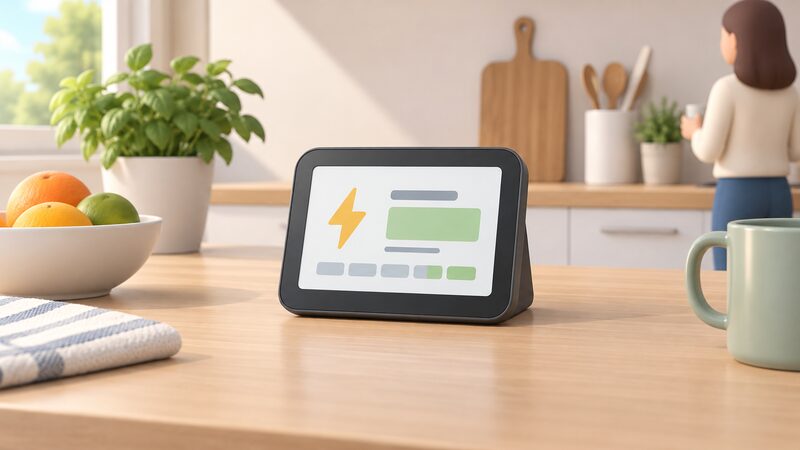
What the screen typically carries is current usage in pounds and pence, a running total of cost, and a breakdown between electricity and gas where both are metered. Standing charges should be reflected in the costs shown5. The practical value is feedback: the display turns an invisible trickle of consumption into a number that changes when a shower runs or an oven goes on. That is the whole point of the device, and it is also its limit, since it reports what has already been used rather than controlling anything.
The range: which Chameleon displays UK suppliers issue
Chameleon does not sell displays to householders in the way a retailer sells a gadget. The units reach homes through energy suppliers, and the model a household receives depends on which supplier is installing and which meter is being fitted. Most suppliers are now offering second-generation smart meters to their customers7. All smart meter displays must meet minimum technical standards, although the design and layout may differ between suppliers14.
That means two neighbours on different suppliers can have visibly different Chameleon units with the same underlying job. The IHD3 is one widely issued model, with seven buttons on the front that make it easier to use the display, and Chameleon publishes model-specific help at chameleontechnology.co.uk/inhomedisplayhelp15. Newer units have moved towards colour screens and simpler navigation.
| Display route | What it is | Where it comes from |
|---|---|---|
| Standard in-home display | The unit issued with the meter, design varies by supplier14 | Energy supplier, at no extra cost3 |
| IHD3 | Widely issued model with seven front buttons15 | Energy supplier |
| Accessible In-Home Energy Display | Text-to-speech, vibrating buttons, three coloured LEDs, large typeface, high contrast screen13 | Requested from suppliers including Bristol Energy, EDF Energy and E.ON Next13 |
| ivie Bud | Replacement and live-data device, paired remotely16 | Chameleon replacement service |
There is also an accessible variant. An Accessible In-Home Energy Display can be requested from various suppliers, including Bristol Energy, EDF Energy and E.ON Next13. Its accessibility features include text-to-speech with adjustable volume, vibrating buttons, three coloured LEDs for electricity usage, an LED button to replay speech, a large typeface, and a TFT screen with a high contrast colour scheme optimised for visual impairment and colour blindness13. For households where a standard display is hard to read, that is a materially different device rather than a cosmetic variation.
Availability is not uniform across the UK. Smart meter performance reporting covers suppliers with over 150,000 customers in England, Scotland and Wales17. Northern Ireland runs a separate metering arrangement, so the supplier-issued display model and the replacement route there should be confirmed with the supplier rather than assumed from Great Britain practice.
Screen and features: what the colour display tells you
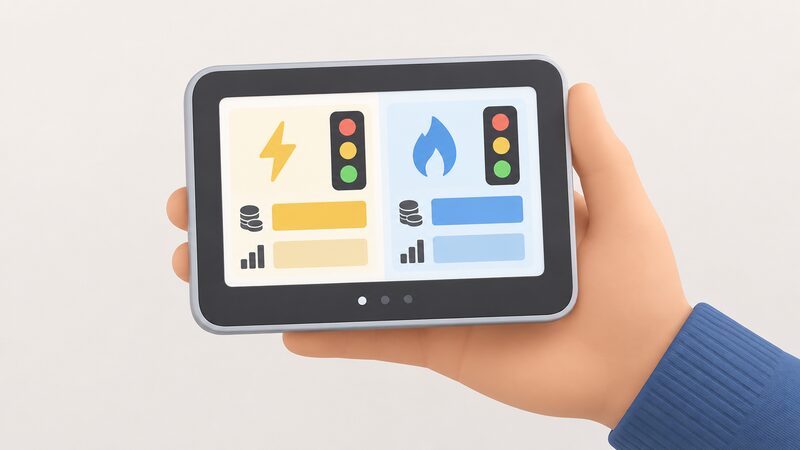
The colour screen is the part most householders notice first, and it changes what the display can communicate. A colour unit can separate electricity from gas visually, show a traffic-light style indication of whether usage is high or low for the time of day, and present cost and consumption side by side rather than in a single scrolling figure. The accessible variant goes further, using three coloured LEDs for electricity usage alongside speech output13.
What the display does not do is control anything. It reports. Scheduling, remote operation and energy monitoring from outside the home are app functions, not display functions, and they depend on a separate chain of hardware and connectivity. The display works on its own, from its pairing with the meter, and continues to work when the broadband is down.
The screen also carries a limitation worth knowing before trusting it as a billing record. The in-home display may not show any discounts or ad hoc charges5. A household on a tariff with a credit, a discount or a one-off charge will see a screen figure that differs from the eventual bill, and the difference is expected rather than a fault. The display is a usage and cost indicator, not a statement.
Pairing with your smart meter: why a display can go blank
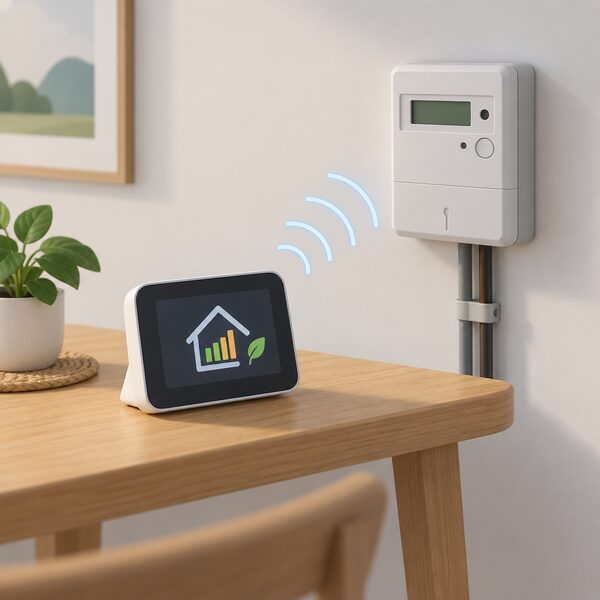
A blank or frozen display is usually a connectivity problem, not a broken meter. The first check is power: it could be that the display has run out of battery, in which case plugging it in and letting it charge for a few moments before turning it back on is the starting point8. If power is not the issue, the standard fix is to turn the display off, move it closer to where the electricity meter is located, turn it back on, and allow up to 24 hours for connectivity to restore and data to reappear8.
The reason location matters is that the display talks to the meter over a local link, and distance, walls and metal meter cupboards all weaken it. Moving the display nearer the meter is a diagnostic as much as a fix: if data returns, the link was the problem.
Where the meter itself has lost its smart connection, the display will not recover on its own. A smart meter may stop recording the energy you use, or may no longer send readings to your supplier11. Ofgem lists the causes of a meter not operating in smart mode as losing connection with the supplier, losing connection after a supplier change, or having been installed without being connected to the national communication system17. Older first-generation meters are the common case: a SMETS1 meter may not be working in smart mode if the household switched supplier following installation4. A supplier going bust can also interrupt it18.
If the meter has genuinely stopped, the supplier is responsible. If your smart meter stops working, contact your supplier, who is responsible for maintenance and will fix or replace the meter as needed19. The smart meter faults and troubleshooting page covers the wider diagnostic sequence, and why a smart meter stops sending readings deals with the communications side.
Replacing a lost or faulty IHD: the replacement service
The display has a proper name, and using it helps when contacting a supplier: the correct terms are in-home display (IHD), smart meter display or smart meter monitor4. Replacement runs through the energy supplier, and it should not involve replacing the meters; the new in-home display is paired with the existing smart meter4.
The free replacement window is the first 12 months. If the current smart meter display breaks or goes missing in the first 12 months, a free replacement is available from the energy supplier9. After that period, the position is less automatic. Voluntary replacement principles were developed with industry and the support of consumer groups to ensure that consumers can access a replacement IHD after the 12-month obligation period has elapsed20. Those principles are voluntary, which is the word that matters: they describe an expectation of access rather than an enforceable free-of-charge entitlement in perpetuity.
Chameleon has run its own replacement service, launched in April 2022, offering the ivie Bud with direct fulfilment and remote pairing, avoiding an engineer's home visit. That route exists precisely because a display fault does not require anyone to touch the meter.
For the general replacement position, including what suppliers are obliged to do, see can I get a broken in-home display replaced.
The ivie app and SmartThings Energy: beyond the standalone display
Chameleon's software side extends the display's job to a phone. The ivie app is free to download and available on iOS and Android11. It connects to your home's smart meter and can help you understand how your household is using energy16. Its prediction technology uses smart meter data to learn and forecast patterns in energy usage, with daily, weekly and monthly expected cost reports12. It dives into usage data, helps predict the next bill, and gives tailored tips based on the home and routine21.
Live data is a separate step. Pairing the app with the ivie Bud gives live energy data and a clearer picture of the energy story21. Chameleon has also built a home energy Gateway device designed to unlock even more live energy data than an ivie Bud16. The distinction matters: the app alone works from smart meter data, while live, second-by-second figures need additional hardware.
Samsung's SmartThings Energy launched in the UK in October 2021, powered by Chameleon Technology, as a free service letting households manage energy use from any UK provider through the SmartThings app. That is a third route to the same underlying meter data, and it points to the wider pattern: the display is one of several ways to see the data, alongside an In-Home Display, an Accessible In-Home Display, a mobile app, other linked devices, or a combination of those methods22.
The dependence this creates is worth stating plainly. The standalone display works from its pairing with the meter and needs no internet connection. The app features depend on a home broadband connection, Chameleon's servers and a manufacturer's app continuing to exist and be supported. The app subscriptions and cloud dependence page sets out how that pattern plays out across energy devices, and in-home display vs smart meter app compares the two directly.
Accuracy of the energy data on screen
The data behind the display is meter data, and meter data is the basis for billing. Bills are based on accurate meter readings and not estimates11. The display shows near real-time energy usage data, with nearly real-time updates for electricity23. That is a different standard from a certified meter register, and the two are not meant to be identical.
The gap shows up in the comparison householders actually make, between the screen and the bill. In a July 2024 survey, the proportion who reported that their smart meter display did not match their bill reduced from 20% in January and February to 12%10. That is a meaningful improvement and still a substantial minority. The known causes are structural: the display may not show discounts or ad hoc charges5, and standing charges should be taken into account and included in the costs shown on the display, which not every screen does perfectly6.
For a household, the practical reading is that the display is reliable for direction and rough magnitude, and the bill is the authoritative figure. A screen figure that differs slightly from the bill is not evidence of a faulty meter. The smart meter standards and accuracy page covers how meter accuracy is regulated, and do smart meters give more accurate bills deals with the billing question.
What owning a Chameleon IHD means for household energy independence
The display is a monitoring device, and monitoring is the first rung of energy independence rather than independence itself. Smart meters come with an In-Home Display so consumers can see and manage energy use22. Most people who have a smart meter installed will also be offered an in-home display15. What that buys a household is knowledge: which appliances drive the standing load, what a shower costs, whether the evening peak is as expensive as it feels.
What it does not buy is any reduction in dependence. The display is paired to a meter that reports to a supplier over a national communications network, and the household remains on the grid and on a supply contract. The meter sends readings automatically to the energy supplier, so the household does not have to do it7. That is convenience purchased with a data flow, and the smart meter data page sets out what is collected and who can see it.
The dependence is layered:
- The meter depends on the national communications network.
- The display depends on its local pairing with the meter.
- The app depends on broadband and on a manufacturer continuing to run servers and support the software.
- The replacement route depends on a supplier honouring a voluntary principle after the first 12 months.
None of these is a reason to refuse a display, and all of them are worth knowing before treating the screen as a permanent fixture.
Where the display genuinely helps independence is in sizing decisions. A household with a year of usage data visible on screen and in the app is in a better position to judge what a solar array, a battery or a heat pump would need to cover. The using energy data to size a system page covers that process, and consumer access devices looks at routes to the data that do not depend on a supplier-issued screen. For the wider picture, the pillar guide covers the whole system.
Sources24 cited
- Easy read: what is a smart meter, Smart Energy GB, 2026
- The best way to start saving energy and money, ivie, 2026
- How do smart meters send readings, Smart DCC, 2026
- Do I already have one, Smart Energy GB, 2026
- Are smart meters accurate, Smart Energy GB, 2026
- Do smart meters cost more, Smart Energy GB, 2026
- Switching supplier with a smart meter, Smart Energy GB, 2026
- Troubleshooting smart meter issues, Smart Energy GB, 2026
- The in-home display, Smart Energy GB, 2026
- Energy Consumer Satisfaction Survey findings, Ofgem, July 2024
- Get help with your smart meter, Ofgem, 2026
- ivie smart meter app benefits, ivie, 2024
- Smart meters explained, Uswitch, 2026
- Using a smart meter in-home display: instructional videos, Smart Energy GB, 2026
- Fixing problems with your smart meter's in-home display, Citizens Advice, 2026
- Something new is coming, ivie, 2026
- Smart meter performance, Ofgem, 2026
- Smart meters, Energy Ombudsman, 2026
- Smart meters in Wales, Welsh Government, 2026
- Smart meter in-home display voluntary replacement principles, GOV.UK, 2024
- See it, save it, sorted: how to save energy this winter, ivie, 2026
- Smart meters: your rights and expectations, GOV.UK, 2025
- How accurate are smart meters, Smart DCC, 2026
- Smart meters and decarbonisation, Smart DCC, 2026