
In this answer
Short answer
A Sunsynk firmware upgrade is requested, not downloaded. Sunsynk's own support material states that firmware updates are occasionally required to ensure an inverter or battery is running the latest features, improvements and compatibility updates, and the route it publishes is a support ticket: "Raise a Ticket for a Firmware Upgrade"1. The same support page points owners to live chat through the Connect app1.
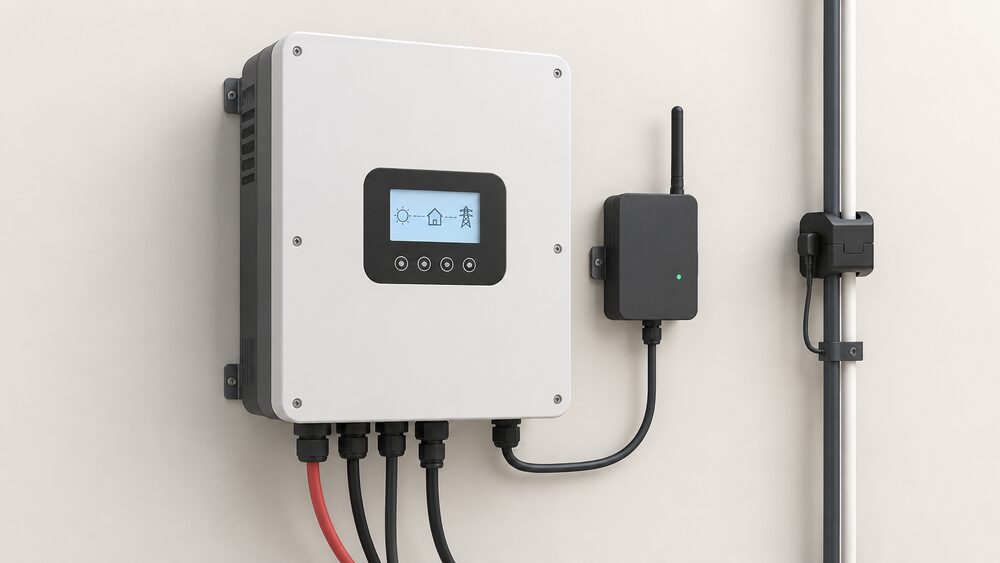
That matters for a household's energy independence because the inverter is the box that decides when a battery charges, when it discharges and whether the system keeps running through a grid outage. A firmware pairing that has drifted can leave the system working but not working well. Sunsynk notes that some firmware updates can resolve issues with current transformers not reading properly where the inverter is running incompatible firmware pairings, and that refreshing the firmware can start the CT reading properly again2.
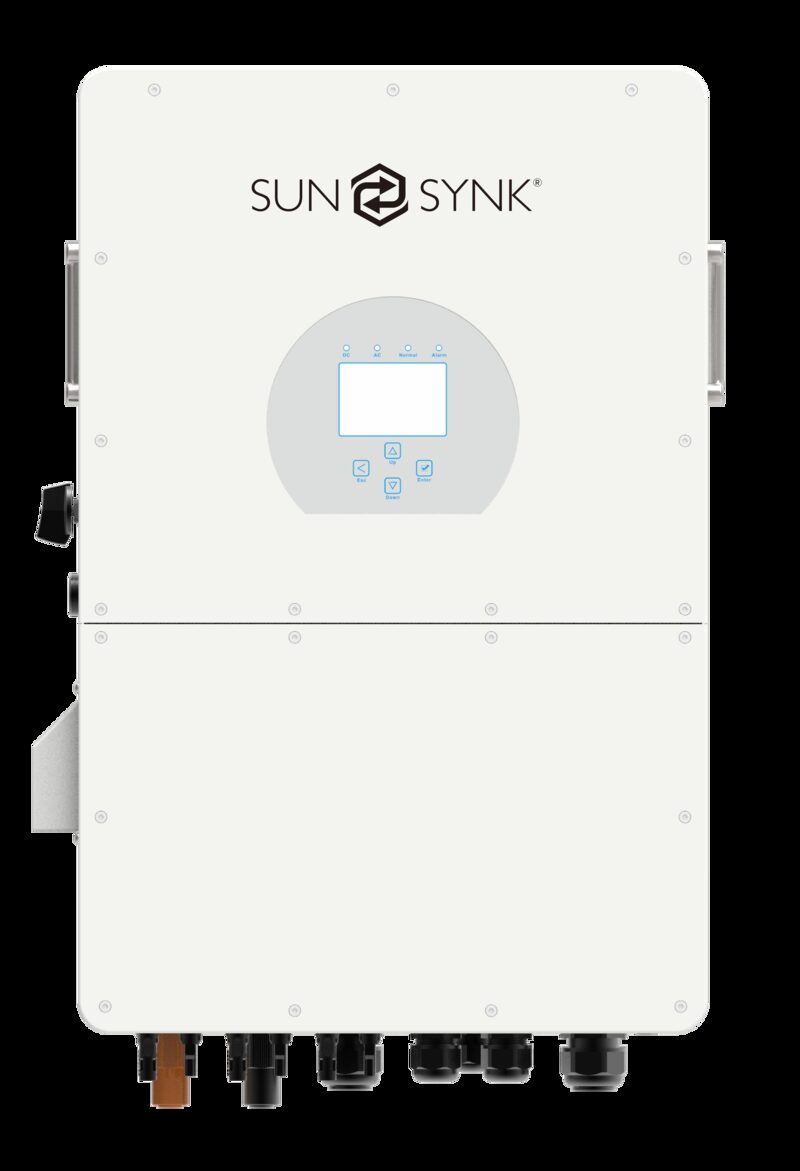
Sunsynk inverters generally carry two firmware sets to keep updated, one for the LCD and communications and one for the MCU3. That is the practical reason a single "update" is not always a single action, and why the maker's own support channel sits in the middle of the process rather than an owner-facing download page.
Why a Sunsynk inverter occasionally needs a firmware update
Sunsynk's support article is direct about frequency: "Occasionally, firmware updates are required"1. The stated purpose is to ensure the inverter or battery is running the latest features, improvements and compatibility updates1. That wording covers three different situations a household might meet.
The first is a feature or improvement the owner wants. The second is compatibility, which matters most where a battery has been added or changed. The third is fault resolution. Sunsynk's article on PV not generating records that some firmware updates can resolve issues with CTs not reading properly if the inverter is running firmware pairings which are incompatible, and that refreshing the firmware can also start the CT reading properly again2. A CT that reads wrongly does not stop the panels generating, but it does distort the readings the inverter uses to decide where power goes, which is exactly the kind of fault a household notices as odd behaviour rather than a hard failure.
The two firmware sets are the structural point. Sunsynk inverters generally have two firmware sets to keep updated, one for the LCD and communications and one for the MCU3. The LCD and communications set governs what the display and the monitoring link do; the MCU set governs the control side. A mismatch between the two is what the maker describes as an incompatible pairing2.
Accessories sit alongside this. Sunsynk states that most accessories require professional installation to maintain system warranty and comply with Part P of the Building Regulations4. That is a warranty condition as much as a safety rule, and it shapes who should be touching the system when a firmware change is being arranged.
How to request an upgrade: raising a support ticket
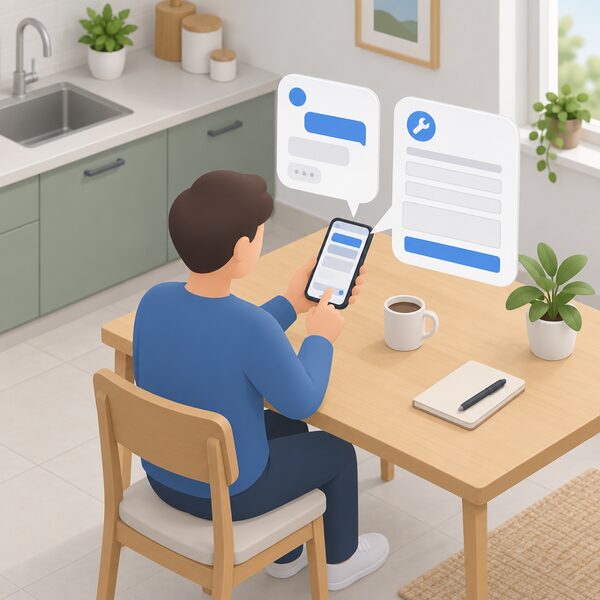
The published method is a support ticket. Sunsynk's support page carries the instruction "Raise a Ticket for a Firmware Upgrade"1. The same page gives a second contact route, live chat "through your Connect app"1. For UK owners, the accessories page names the UK technical support team on +44 151 832 43004, and the same number appears as the telephone for the Sunsynk United Kingdom office5.
A request of this kind works best when it carries the information the support team needs to identify the unit and its current state. The published material does not set out a required list, so the practical content is whatever identifies the inverter, its current firmware pairing and the symptom being addressed. Where the fault is a CT reading problem, the maker's own article already links that symptom to incompatible firmware pairings2, which gives the ticket a clear subject line.
For installers, the picture is wider. Sunsynk Connect Pro is described as giving installers remote commissioning, adjustments and troubleshooting, reducing site visits and downtime, alongside fleet management with multi-site monitoring, user permissions and remote firmware updates7. That is a commercial and installer-facing tool rather than a homeowner one, but it explains why an installer can often resolve a firmware question without attending site.
The sequence a household can expect is therefore short: identify the symptom, raise the ticket or open live chat through the Connect app, and let the support team or the installer carry out the change. The published material does not describe an owner-performed manual flashing procedure, and the warranty condition on accessories points the other way1.
Over-the-air updates and what data loggers do
Sunsynk data loggers are listed with "Over-the-air firmware updates"6, and the monitoring gateways are described as carrying over-the-air firmware updates and remote diagnostics capabilities that reduce truck-roll costs for installers managing large fleets of installations8. The data logger's job is to take data from connected inverters and pass it securely to the Sunsynk cloud platform6.
The logger is also the communications hub. Sunsynk lists support for RS485, Ethernet and Wi-Fi on the data logger6, and describes the logger as connecting the inverter to the SolarmanV5 cloud platform, accessible via the mobile app on iOS and Android and a web portal4. That is the chain a household depends on: inverter to logger, logger to cloud, cloud to app.
| Item | What Sunsynk states | Source |
|---|---|---|
| Data logger firmware | Over-the-air firmware updates | 6 |
| Monitoring gateway firmware | Over-the-air firmware updates and remote diagnostics | 8 |
| Logger connections | RS485, Ethernet and Wi-Fi | 6 |
| Logger data route | Connected inverters to the Sunsynk cloud platform | 6 |
| App and portal platform | SolarmanV5 cloud platform, iOS and Android app plus web portal | 4 |
The dependence this creates is worth stating plainly. An over-the-air update path runs through a manufacturer's cloud platform and a third-party monitoring platform, so the household's control over when and whether an update lands is limited. The benefit is that faults can be diagnosed and firmware refreshed without a site visit. The cost is that the system's software lifecycle is tied to a company and a cloud service rather than to the hardware on the wall.
Sunsynk's support page directs owners to the data logger manual on the support portal for full setup instructions1, which is where the pairing and connection detail sits.
Remote monitoring and diagnostics on Sunsynk Elite
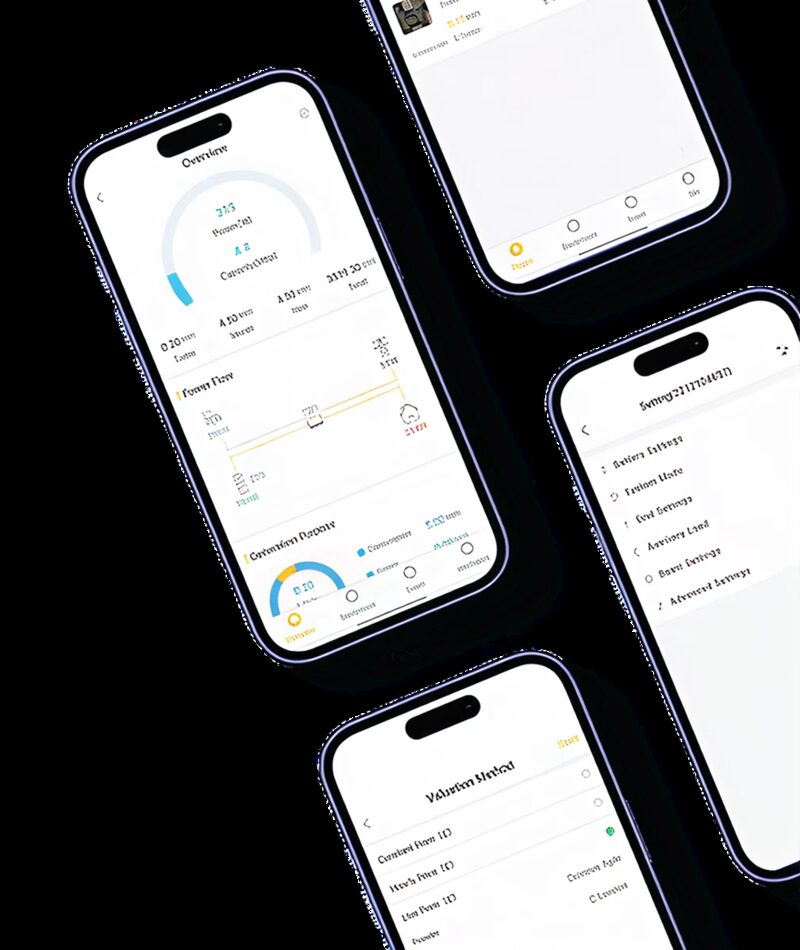
The Sunsynk Elite range is listed with remote monitoring and diagnostics9. Across the wider range, Sunsynk describes live data, fault alerts and remote installer access10, and the data loggers are described as enabling real-time remote monitoring for both homeowners and installers6.
The installer side is the part that changes outcomes. Sunsynk states that the platform supports installer-level access so an engineer can remotely diagnose issues without a site visit4. For a household, that means a fault can sometimes be identified and a firmware question resolved before anyone books a van.
The independence question here is real but partial. Remote diagnostics reduce the friction of getting a problem fixed, and they reduce the number of visits needed. They do not remove the need for a manufacturer, a cloud platform and, where the fault is physical, an installer. A household running a Sunsynk system is self-sustaining in generation and storage terms, but not in software or support terms.
Sunsynk in the UK: who makes the inverters and where to find support
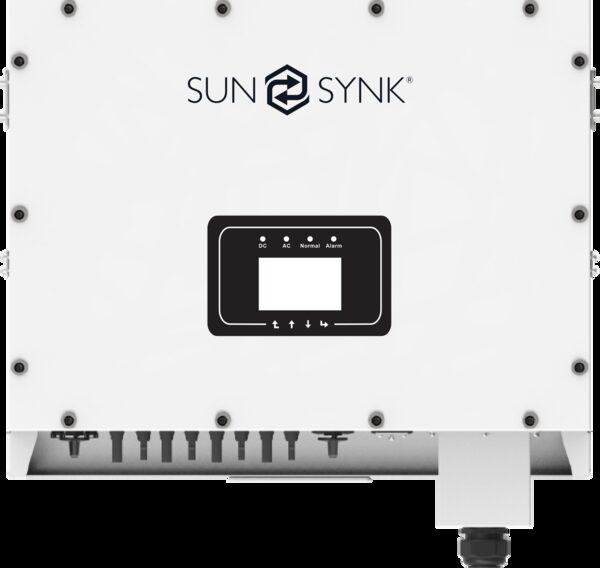
Sunsynk describes its inverter range as covering single-phase systems from 3.6kW to 8kW for residential use, three-phase systems from 8kW to 12kW for larger homes and light commercial premises, and high-voltage commercial inverters from 20kW to 50kW10. The company states it is trusted by installers in over 40 countries11, and lists offices in Australia, the Canary Islands, Hong Kong, Poland, South Africa, the United Kingdom and the USA8.
The UK presence is a Widnes address: Unit 8, Total Park, Bennetts Lane, Shell Green, Widnes WA8 0GW5, with +44 151 832 4300 as the telephone5. The same number is given for the UK technical support team4.
| Product line | What Sunsynk states | Source |
|---|---|---|
| Single-phase hybrid | 3.6kW to 8kW, residential | 10 |
| Three-phase | 8kW to 12kW, larger homes and light commercial | 10 |
| High-voltage commercial | 20kW to 50kW | 10 |
| Micro inverters | 600W and 1000W listed | 13 |
| String inverters | Optimised for grid-tied systems | 14 |
| GM Series | Extends monitoring and control of hybrid installations | 15 |
| Maximus | Easy installation options available | 16 |
| AR Series | Easy installation options available | 17 |
Accessories are sold through Sunsynk-approved distributors and installers throughout the UK4. The Sunsynk inverter range covers single-phase systems from 3.6kW to 8kW for residential use, three-phase systems from 8kW to 12kW for larger homes and light commercial premises, and high-voltage commercial inverters from 20kW to 50kW18, and the Elite battery module is listed with remote monitoring and diagnostics9.
For households weighing the brand against others, the wider picture sits in the Sunsynk hybrid inverter and battery guide and in the solar inverter and microinverter manufacturers overview. Firmware and app support life across brands is covered in firmware updates and product support life, and warranty terms in manufacturer warranties.
Secondhand cells and DC bus voltage faults: a related support issue
A DC bus voltage fault is a direct current side fault, and on a Sunsynk installation the DC side is where the battery and its connections sit. Sunsynk lists its X Series and its L Series 3.0kWh battery as low voltage19, and the high-voltage collection is listed with intelligent air cooling21. The published support material does not give a step-by-step remedy for a DC bus voltage too low report, so the fault belongs with the installer or Sunsynk technical support rather than with an owner working through a checklist.
Secondhand cells are the related issue. Where a battery has been assembled or extended from used modules, the inverter's assumptions about the battery can be wrong, and compatibility becomes the first thing to establish. Sunsynk states that its inverters are optimised for use with Sunsynk LiFePO4 batteries and are guaranteed compatible across the entire Sunsynk battery range10. It also states that many models support third-party batteries via CAN bus or RS485, with the specific inverter datasheet to be checked for confirmation10. All models in the single-phase hybrid range include Wi-Fi monitoring and are compatible with Sunsynk LV batteries22.
The protocol layer is where this is settled. Pylontech Protocol appears on a compatibility list as supported by SunSynk equipment23, and the All-In-One Elite lists RS232, RS485 and CAN communication18. A battery that speaks a protocol the inverter recognises can be integrated; one that does not, or one whose cells are of unknown history, is a support question rather than a configuration choice.
"Sunsynk inverters are optimised for use with Sunsynk LiFePO4 batteries and are guaranteed compatible across the entire Sunsynk battery range"
The accessories range is described as selected to work seamlessly with Sunsynk inverters and batteries, removing the guesswork from component selection4. That is the maker's own framing, and it points the same way as the warranty condition: matched components, professionally installed, with the maker's support channel in the loop.
Sources23 cited
- Sunsynk support, Sunsynk, 2026-09-17
- No grid side load readings, Sunsynk, 2026-09-17
- PV not generating, Sunsynk, 2026-09-17
- Sunsynk accessories, Sunsynk, 2026-09-17
- Sunsynk Terra, Sunsynk, 2026-09-17
- Sunsynk data logger, Sunsynk, 2026-09-17
- Introducing the Sunsynk Acure, Sunsynk, 2025-10-06
- Sunsynk data loggers, Sunsynk, 2026-09-17
- Sunsynk All-In-One Elite 5.12kWh battery module, Alternergy, 2026-09-17
- Sunsynk inverters, Sunsynk, 2026-09-17
- Sunsynk, Sunsynk, 2026-09-17
- Sunsynk 8kW hybrid inverter, Sunsynk, 2026-09-17
- Sunsynk micro inverters, Sunsynk, 2026-09-17
- Sunsynk string inverters, Sunsynk, 2026-09-17
- Sunsynk GM Series, Sunsynk, 2026-09-17
- Sunsynk Maximus, Sunsynk, 2026-09-17
- Sunsynk AR Series, Sunsynk, 2026-09-17
- Sunsynk 5kW All-In-One Elite 1Ph hybrid inverter, Alternergy, 2026-09-17
- Sunsynk X Series 5.12kWh, Sunsynk, 2026-09-17
- Sunsynk L Series 3.0kWh, Sunsynk, 2026-09-17
- Sunsynk high voltage collection, Sunsynk, 2026-09-17
- Sunsynk single-phase hybrid inverters, Sunsynk, 2026-09-17
- Fogstar Energy ESR51.2 supported inverters, Fogstar, 2026-09-19
 Firmware and Support LifeYour inverter or battery may stop getting updates at some point.
 Monitoring a Solar PV SystemHow do you keep an eye on what your solar panels are actually generating?
 Support and Spare PartsYour solar inverter or heat pump has broken down.
 When a Manufacturer FailsWhat happens to warranties, spare parts, monitoring apps and cloud services when a manufacturer enters administration, exits the UK or discontinues a platform, and the practical options for owners left without support.
 Product RecallsHow recalls and safety notices work for energy equipment in UK homes, who issues them, how to check a product, and what replacement, repair and refund routes exist.
 Finding an Insulation InstallerHow to find, verify and check an insulation, glazing or ventilation installer in the UK: the registration schemes, trade bodies and guarantee arrangements that cover the work, how to compare quotes, what a written specification should state, and how complaints and disputes are handled.